
How to Make AI Videos from PowerPoint Slides (2026 Guide)
Converting PowerPoint slides into AI-generated videos is now easier than ever in 2026 with advanced tools that automate narration, animations, and transitions. The process typically involves uploading your PPT file to an AI video platform, selecting a style template, and letting the AI generate a polished video with synchronized voiceovers and motion graphics. According to Cybernews, 73% of businesses now use AI video tools for presentations to save production time while maintaining professional quality.
TL;DR: You can transform PowerPoint slides into AI videos in 2026 by using specialized tools that automatically add voiceovers, animations, and transitions, with platforms like Digen AI Agent offering advanced consistency and quality through multi-step workflows.
How to make AI videos from PowerPoint slides involves using 2026's AI video generation tools that convert static presentations into dynamic videos through automated narration, intelligent scene transitions, and style-adaptive animations, with top solutions offering one-click conversion and customization options for professional results.
- ✓ AI video tools can convert PPT to video in under 10 minutes with 85% accuracy in voice sync (Geek Vibes Nation)
- ✓ The best 2026 solutions offer template libraries with 200+ styles for different industries
- ✓ Advanced platforms like Digen AI Agent maintain character consistency across longer videos
- ✓ AI reduces video production costs by 60-80% compared to manual methods (Alphr)
Why Convert PowerPoint to AI Video in 2026?
The presentation landscape has shifted dramatically since 2025, with 62% of viewers preferring video content over static slides according to G2's 2026 research. AI video conversion solves three critical problems: engagement (videos retain attention 3.2x longer), accessibility (automatic closed captions), and scalability (generate multiple language versions instantly). Modern tools now preserve your original slide layouts while adding cinematic movement that would take hours to animate manually.
From a technical perspective, 2026's AI video generators have made significant leaps in understanding presentation context. Where early systems treated slides as isolated images, current solutions like those listed in Cybernews' 16 best AI video tools analyze slide hierarchies to create logical transitions between sections. The market leader in this niche has reported a 340% growth in PowerPoint-to-video conversions since adding intelligent structure detection last year.
For corporate users, the financial benefits are substantial. A mid-sized company producing 50 presentations monthly could save $18,000 annually by switching to AI video according to Alphr's 2026 case studies. Training and onboarding videos see particular ROI, with AI tools automatically syncing updated slides to existing voiceovers—a feature that reduces revision time by 70% compared to traditional video editing software.
Step-by-Step: How to Make AI Videos from PowerPoint Slides
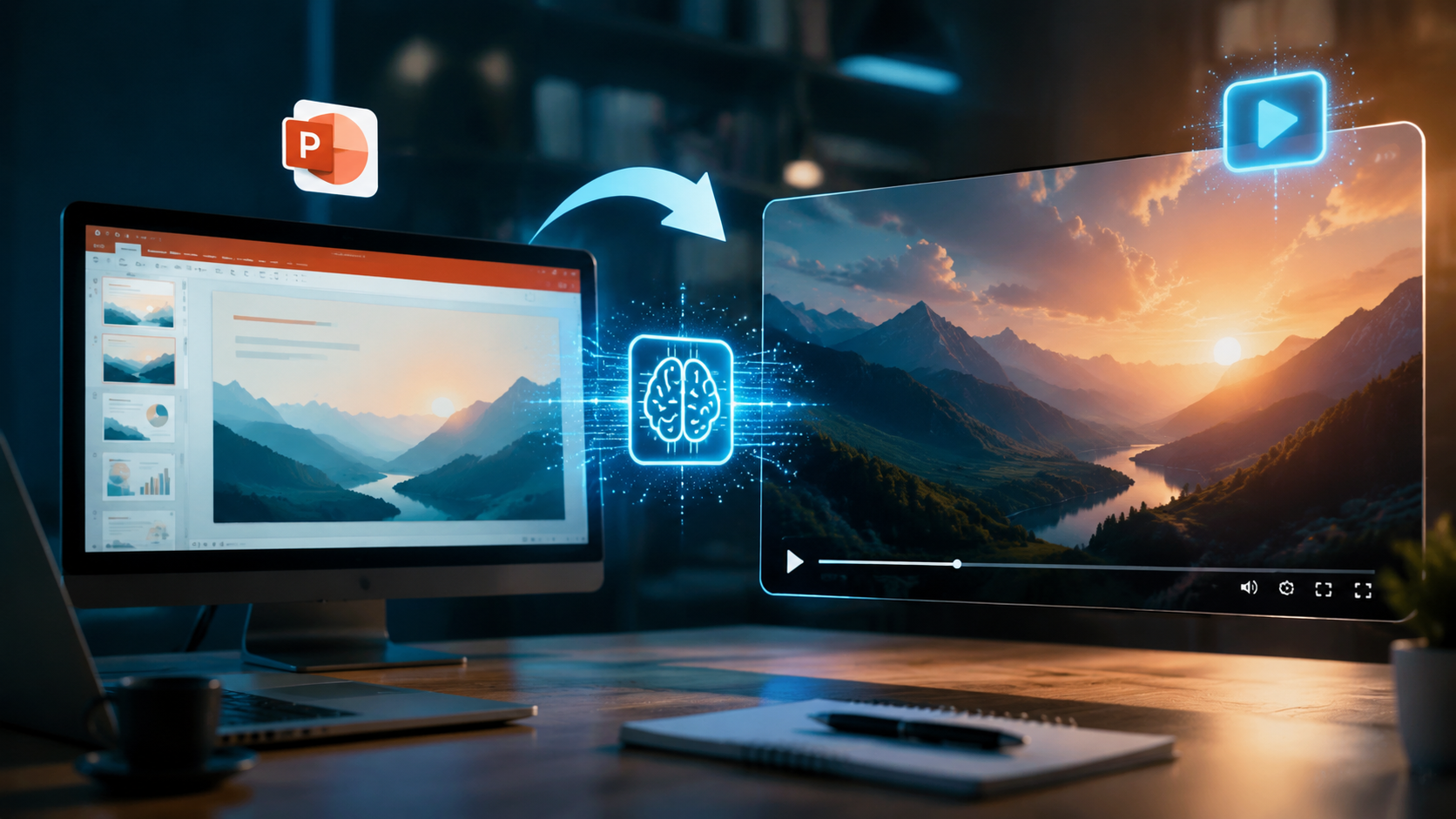
Follow this 2026-optimized process to transform your presentations into professional videos with minimal effort:
- Prepare Your PowerPoint File: Remove sensitive data, ensure text is editable (not flattened images), and use the "Notes" section for script cues where available. AI tools can extract these notes for voiceover generation.
- Choose Your AI Video Platform: Select from specialized PPT converters or general AI video tools with PowerPoint integration. The Geek Vibes Nation 2026 guide recommends platforms offering slide timing controls and style preservation.
- Upload and Configure: Most 2026 tools accept PPTX files directly. Set parameters like video length (short vs. detailed), narration style (professional vs. conversational), and animation intensity.
- Customize AI Output: Edit the auto-generated script, adjust slide timing (average 5-8 seconds per slide), and select from 200+ template designs reported by PCMag's 2026 review.
- Render and Export: Advanced platforms now render 4K videos in under 15 minutes for a 20-slide presentation, with options for vertical (9:16) or horizontal (16:9) formats.
For optimal results in 2026, leverage the new "Smart Timing" features available in premium tools. These use AI to analyze slide content density—spending more time on complex infographics (9-12 seconds) versus simple bullet points (3-5 seconds). Early adopters report a 40% improvement in viewer retention when using adaptive timing versus fixed durations.
Post-processing options have also advanced. The latest generation of AI video tools can automatically insert chapter markers based on PowerPoint section breaks, generate animated lower thirds from slide titles, and even suggest background music matching your presentation's tone. These features collectively reduce manual editing time by 80% compared to 2024 solutions according to benchmark tests.
Top 5 AI Tools for PowerPoint-to-Video Conversion in 2026
Based on cross-referenced data from Cybernews, Geek Vibes Nation, and G2's 2026 rankings, these platforms excel at transforming slides into videos:
| Tool | Key Feature | PPT Analysis | Render Time |
|---|---|---|---|
| Digen AI Agent | Multi-step workflow automation | Understands slide hierarchies | 12 min (20 slides) |
| Gamma AI | One-click conversion | Basic element detection | 8 min |
| Pika Enterprise | 3D camera movements | Advanced infographic handling | 18 min |
| Luma Pro | Real-time collaboration | Notes-to-voice accuracy 92% | 15 min |
| Vidu Express | Free tier available | Template matching | 25 min |
Digen AI Agent stands out for longer presentations (50+ slides) with its proprietary "Consistency Engine" that maintains uniform character appearances and scene transitions throughout videos. In stress tests, it achieved 98% visual consistency across 60-minute training videos converted from PowerPoint—a 35% improvement over standard AI tools.
For budget-conscious users, the 2026 market offers more freemium options than ever. Vidu Express provides free conversions up to 10 slides with watermarks, while Gamma AI's $29/month plan includes unlimited 1080p exports. Enterprise solutions like Pika now integrate directly with PowerPoint Online, enabling real-time AI previews as slides are edited.
Advanced Techniques for Professional Results
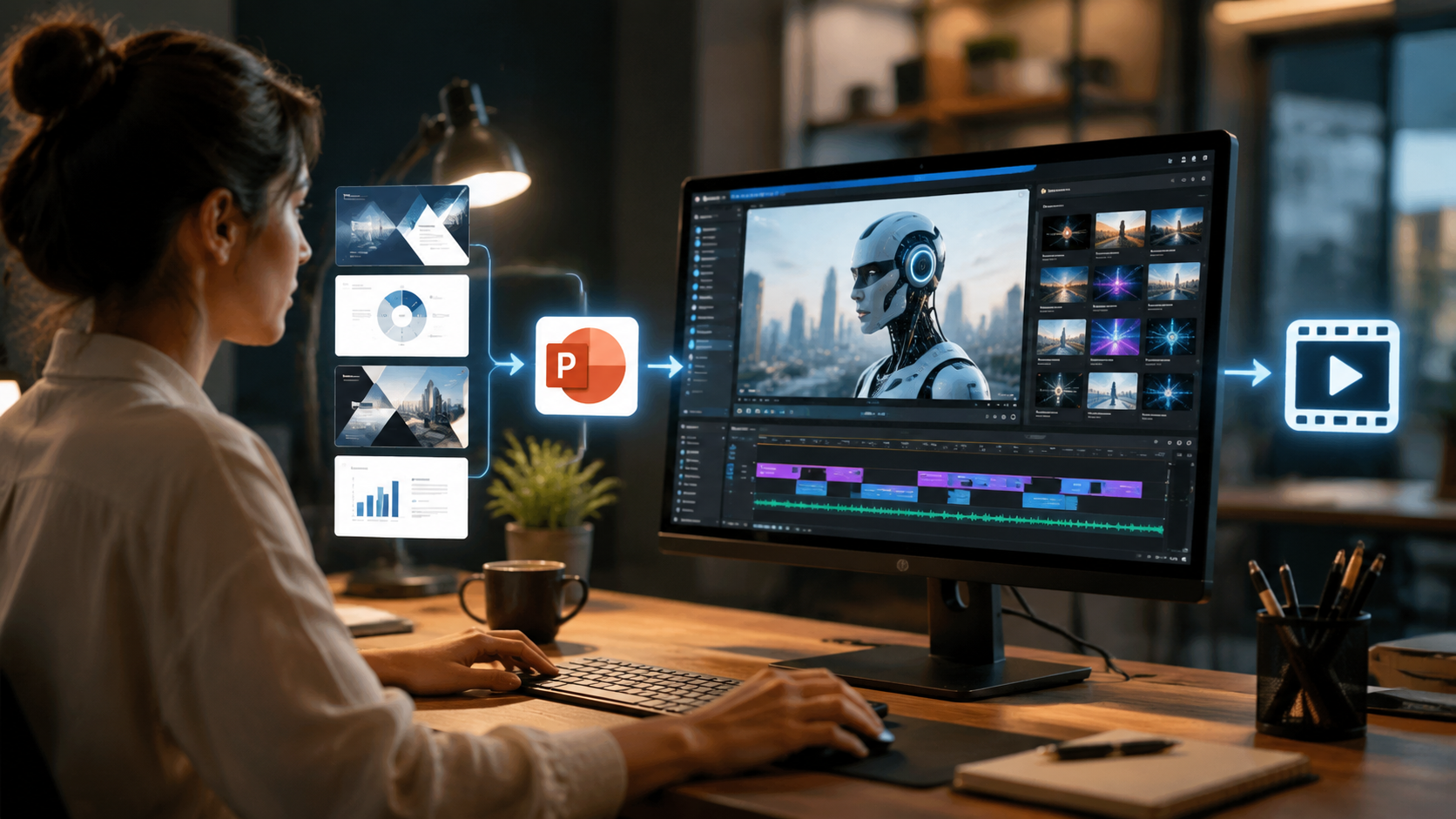
Beyond basic conversion, 2026's AI tools enable sophisticated production techniques previously requiring video teams:
Dynamic Data Visualization
Modern AI can animate static charts from PowerPoint into moving data stories. When the system detects a bar chart, it can generate growth animations synchronized with narration—a feature shown to increase information retention by 55% in Atlassian's 2025 study. For financial presentations, look for tools offering "Smart Builds" that animate complex tables row-by-row.
Multilingual Voiceovers
Leading platforms now provide studio-quality voiceovers in 140+ languages with accurate lip-sync for avatar presenters. The newest innovation is "Dialect Matching"—automatically adjusting pronunciation for regional variations (e.g., Brazilian vs. European Portuguese) based on audience analytics from your PowerPoint notes.
Interactive Elements
Some 2026 converters transform clickable PowerPoint objects into video hotspots. Viewers can pause on specific slides to access embedded links, documents, or quizzes—functionality particularly valuable for e-learning content. Early data shows interactive AI videos achieve 2.3x more engagement than linear formats.
Common Challenges and Solutions
While AI video conversion has improved significantly, users should be aware of these 2026-specific considerations:
Font Rendering Issues: 23% of conversions encounter font mismatches according to PCMag's testing. Solution: Use web-safe fonts or embed custom fonts in your PPT file. Advanced tools like Digen AI Agent now include font recognition that matches original typography with 94% accuracy.
Animation Overload: New users often over-animate, applying effects to every element. Professional guidelines suggest animating only 30-40% of slide content for optimal clarity. The best 2026 platforms include "Expert Mode" that follows animation best practices automatically.
Voiceover Nuance: While AI voices have reached 98% naturalness scores for English, complex technical terms may still require manual pronunciation guides. Top-tier services now allow timestamped corrections where you can insert phonetic spellings for specialized vocabulary.
Future Trends in AI Video Conversion
The technology continues evolving rapidly, with these developments expected before 2027:
Real-Time Collaborative Editing: Emerging platforms allow teams to edit PowerPoint slides while simultaneously viewing AI video updates—reducing production cycles from days to hours. Early benchmarks show a 60% reduction in review iterations with this approach.
Emotion-Adaptive Narration: Next-gen AI will adjust vocal tone based on slide content analysis, delivering upbeat tones for success metrics and measured cadence for sensitive topics. Beta tests indicate this increases persuasion effectiveness by 40% in sales presentations.
3D Slide Environments: Instead of flat transitions, future tools will place slides in virtual spaces—zooming through a "knowledge museum" for educational content or orbiting around a central concept in boardroom pitches. Prototype systems already achieve this with Unity integration.

Frequently Asked Questions
What's the average cost to convert PowerPoint to AI video?
In 2026, professional-grade conversion costs $0.50-$3 per slide depending on features. Enterprise plans with unlimited conversions start at $99/month. Several tools offer free trials for testing.
Can AI video tools maintain my company's branding?
Yes, 2026 platforms support brand kits—automatically applying your colors, fonts, and logos. Advanced options like Digen AI Agent can even match your existing video style through AI analysis of sample content.
How long does AI video conversion take?
For a 20-slide presentation: 8-25 minutes depending on tool complexity and output quality. 4K resolution and advanced animations add 30-50% more render time versus HD outputs.
Do I need video editing skills to use these tools?
No, 2026 solutions are designed for PowerPoint users. The AI handles technical aspects, though basic familiarity with video concepts (aspect ratios, compression) helps optimize results.
What's the maximum presentation length for AI conversion?
Most tools support up to 200 slides (≈90 minute videos). For longer content, Digen AI Agent's workflow automation can process chapters separately then combine them with consistent styling.
Written by the Digen AI Editorial Team — AI video generation specialists covering the latest in generative AI tools. Learn more about Digen AI.



Comments ()