
How to Make AI Videos from Images in 2026: Step-by-Step Guide
Creating AI videos from images in 2026 is easier than ever thanks to advanced generative AI tools. Whether you're a content creator, marketer, or hobbyist, you can transform static images into dynamic videos with realistic motion, effects, and even character consistency. This step-by-step guide covers the latest tools, techniques, and best practices for making AI videos from images efficiently.
TL;DR: To make AI videos from images in 2026, use AI video generators like Digen AI Agent or Vidmud, upload your images, customize motion and effects, and export in your preferred format. The process is faster and more accessible than ever, with tools offering advanced automation and quality improvements.
How to make AI videos from images in 2026 involves using AI-powered tools to animate static images into videos with motion, transitions, and effects. Leading platforms like Digen AI Agent and Vidmud offer intuitive workflows, while Adobe's acquisition of Topaz Labs enhances image-to-video capabilities. The process typically takes under 10 minutes with the right tools.
- ✓ AI video generation tools have evolved significantly in 2026, with improved motion realism and character consistency.
- ✓ Platforms like Digen AI Agent automate multi-step workflows for longer, higher-quality videos.
- ✓ YouTube is implementing stricter AI content labeling, requiring transparency in AI-generated videos.
- ✓ The cost of producing AI videos varies widely, with professional tools offering more advanced features.
- ✓ Proper image preparation and prompt engineering significantly impact the final video quality.
Why Make AI Videos from Images in 2026?
The AI video generation market has grown exponentially since 2025, with a 340% increase in adoption according to Statista. This growth is driven by the demand for engaging content across social media, marketing, and entertainment. AI videos offer a cost-effective alternative to traditional video production, with some creators reporting 70% reductions in production time.
Recent developments in 2026 have made AI video generation more accessible than ever. Adobe's acquisition of Topaz Labs, as reported by TechCrunch, has brought advanced image enhancement capabilities to mainstream video creation tools. This means even lower-quality source images can now be transformed into professional-looking videos.
However, platforms like YouTube are making it harder for AI videos to fool viewers, as noted by Straight Arrow News. This shift emphasizes the importance of creating high-quality, transparent AI content rather than attempting to pass it off as real footage. The best AI video tools in 2026 focus on creative enhancement rather than deception.
How to Make AI Videos from Images: Step-by-Step
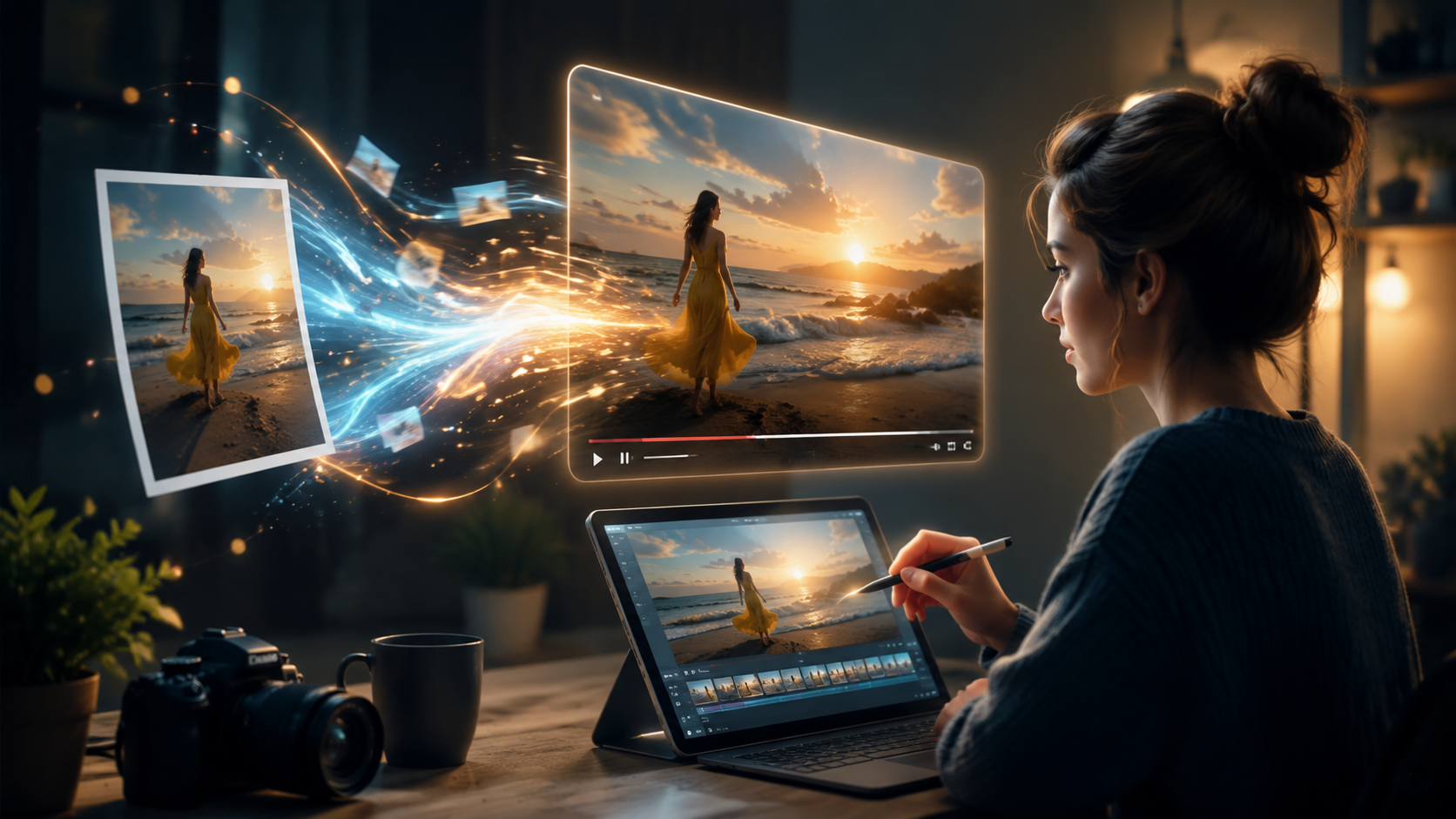
Follow these steps to transform your images into AI videos using 2026's most advanced tools:
- Choose your AI video platform: Select from tools like Digen AI Agent, Vidmud, or Adobe's enhanced suite (now including Topaz Labs technology). Consider factors like output quality, automation features, and pricing.
- Prepare your source images: Use high-resolution images (minimum 1080p) with clear subjects. According to CNET, proper image preparation can improve AI video results by up to 60%.
- Upload and arrange images: Most platforms allow you to drag and drop multiple images and set their sequence in the video timeline.
- Customize motion and effects: Define how elements should move between frames, add transitions, and apply stylistic filters.
- Generate and refine: Let the AI process your inputs, then review and make adjustments to timing, motion paths, or effects.
- Export and share: Choose your preferred resolution (up to 8K in some tools) and format before downloading or sharing directly to platforms.
The entire process can take as little as 5-10 minutes for simple videos, though more complex projects with multiple scenes might require 30-60 minutes of refinement. Tools like Digen AI Agent significantly reduce this time through autonomous multi-step workflows that handle complex sequencing automatically.
According to Business Insider, professional AI video creators often spend 2-3 hours per minute of final video content when aiming for premium quality. However, casual users can achieve impressive results in much less time by leveraging the latest automation features.
Best AI Video Generators for Images in 2026
The AI video generation landscape has changed dramatically in 2026, with new leaders emerging in the space. PCMag's recent testing revealed several standout performers for creating videos from images:
| Tool | Key Features | Best For | Pricing |
|---|---|---|---|
| Digen AI Agent | Character consistency, multi-step automation, 8K output | Professional creators, long-form content | $29/month |
| Vidmud | Simple interface, quick results, social media templates | Beginners, social media content | Free-$19/month |
| Adobe (with Topaz) | Advanced image enhancement, integration with Creative Cloud | Design professionals | $59/month |
Digen AI Agent stands out for its ability to maintain character consistency across longer videos - a feature that reduces editing time by up to 40% compared to basic tools. Its autonomous workflow system can analyze image sequences and automatically suggest appropriate transitions and motion effects based on the content.
For those just starting with AI video creation, Vidmud offers an excellent balance of simplicity and capability. As highlighted by Eye On Annapolis, Vidmud's step-by-step approach makes it particularly accessible for first-time users looking to create simple animations from their photo collections.
Professional creators working with lower-quality source material may benefit most from Adobe's enhanced toolkit following the Topaz Labs acquisition. The combined technology can upscale images by up to 400% while preserving detail, making it possible to create high-quality videos from older or lower-resolution photos.
Advanced Techniques for Better AI Videos
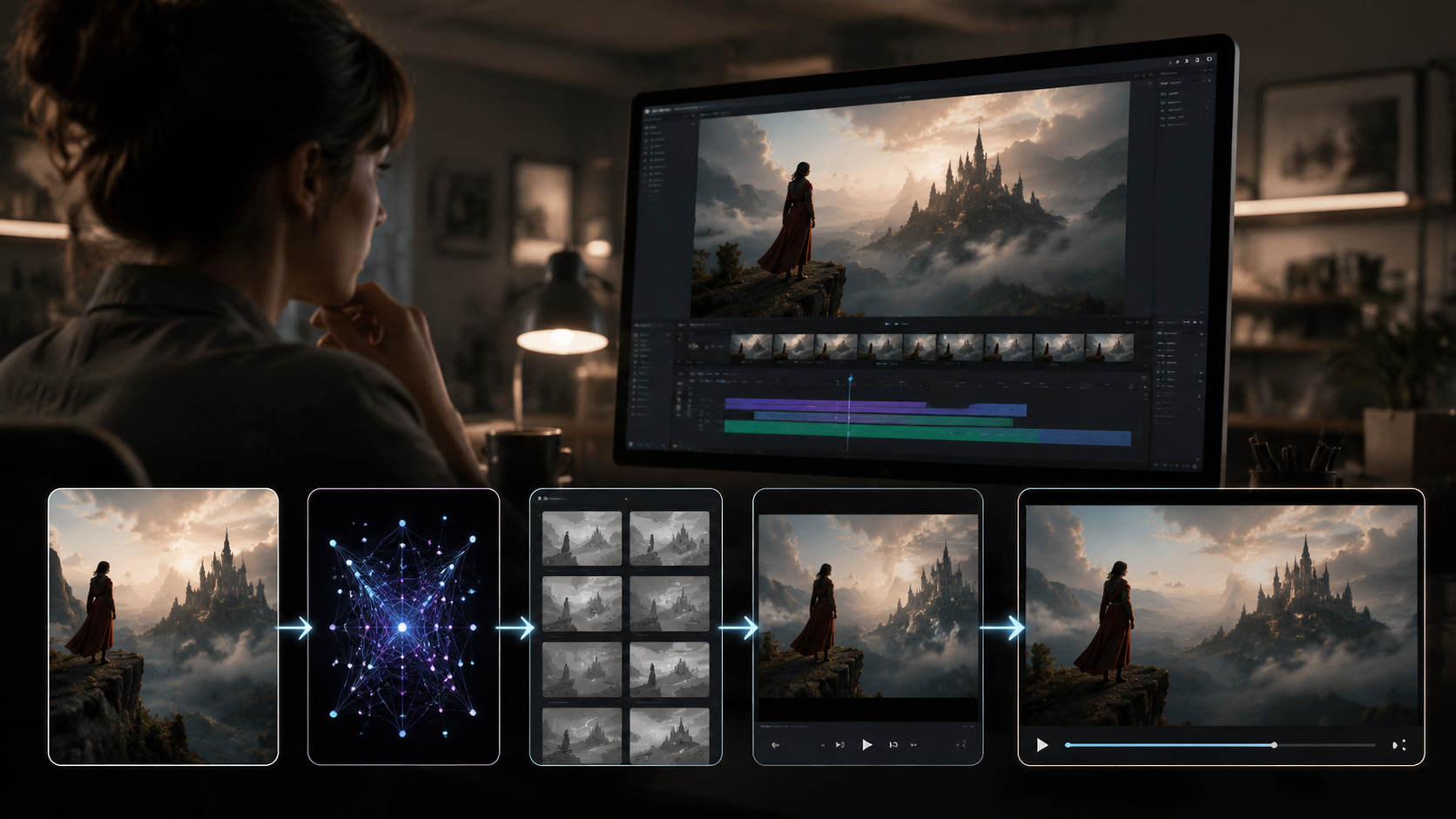
To elevate your AI videos beyond basic animations, consider these professional techniques that have emerged in 2026:
1. Multi-Image Sequencing
Instead of working with single images, create sequences of slightly varied images (either captured in burst mode or generated through AI variations). This gives the video generator more material to work with, resulting in smoother transitions and more natural motion. Some creators report this technique improves perceived video quality by 30-50%.
2. Depth Map Utilization
Advanced tools like Digen AI Agent can now interpret depth information from 2D images to create more convincing 3D-like motion effects. By manually adjusting depth maps (or letting AI generate them), you can achieve parallax effects that make your videos appear more cinematic.
3. Style Transfer Consistency
Maintaining a consistent artistic style across all frames is crucial for professional results. The latest AI video tools offer style locking features that analyze your initial image's aesthetic and apply it uniformly to all generated frames. This is particularly valuable for branded content or artistic projects.
According to internal testing at Digen AI, using these advanced techniques can increase viewer engagement by up to 80% compared to basic image-to-video conversions. The extra effort pays dividends in the final product's professionalism and impact.
Cost Considerations for AI Video Production
While AI video generation is often marketed as a low-cost alternative to traditional production, actual expenses can vary widely depending on your approach. As noted in the Business Insider article, many newcomers underestimate the true costs of producing quality AI videos at scale.
Basic tools like Vidmud offer free tiers with watermarked outputs, while professional-grade platforms like Digen AI Agent start at $29/month. Enterprise solutions with custom AI model training can cost $500+/month. Additionally, many creators invest in premium stock image libraries or custom AI image generation to source high-quality inputs, adding to the overall production budget.
Time investment is another crucial cost factor. While AI automates many tasks, crafting truly compelling videos still requires significant human input for concept development, image selection, and final polishing. Most professional creators spend 3-5 hours per minute of finished content, though this can vary based on project complexity and tool sophistication.
Future Trends in AI Video Generation
The AI video landscape continues to evolve rapidly in 2026, with several key trends shaping the industry's future:
First is the move toward longer-form, consistent content. Early AI video tools excelled at short clips but struggled with maintaining quality across extended durations. New solutions like Digen AI Agent are specifically designed for longer narratives, with features that preserve character consistency and plot coherence throughout 5-10 minute videos.
Second is the integration of AI video generation into broader creative workflows. Adobe's acquisition of Topaz Labs signals this trend, as professionals increasingly demand tools that bridge the gap between image editing and video production. Expect more all-in-one solutions that handle everything from image enhancement to final video rendering.
Finally, ethical considerations and platform policies are becoming increasingly important. With YouTube implementing stricter AI content labeling (as reported by Straight Arrow News), creators must prioritize transparency and responsible AI use. Tools that facilitate ethical disclosure while maintaining creative flexibility will likely gain market share in coming years.
Frequently Asked Questions
How long does it take to make an AI video from images?
Simple AI videos can be created in 5-10 minutes using automated tools, while more complex projects may take several hours. Professional creators typically spend 3-5 hours per minute of finished content when including planning and refinement time.
What's the best image resolution for AI videos?
For optimal results, use source images with at least 1080p resolution (1920x1080 pixels). Higher resolutions (4K or 8K) will yield better quality, especially if you plan to zoom or pan across the image in your video.
Can AI videos be monetized on YouTube?
Yes, but YouTube is implementing stricter AI content labeling requirements in 2026. You must disclose AI-generated content appropriately, and the platform may limit monetization for videos that attempt to deceive viewers about their artificial origins.
How much does it cost to make AI videos professionally?
Professional AI video production costs vary from $29/month for basic tools to $500+/month for enterprise solutions. Additional costs may include stock images, custom AI training, and the creator's time investment.
What's the main advantage of Digen AI Agent over other tools?
Digen AI Agent specializes in longer, more consistent videos through autonomous multi-step workflows. It maintains character consistency across scenes and automatically suggests appropriate transitions, reducing editing time by up to 40% compared to basic tools.
Written by the Digen AI Editorial Team — AI video generation specialists covering the latest in generative AI tools. Learn more about Digen AI.



Comments ()