
How to Make AI Videos for TikTok: 2026 Ultimate Guide
To make AI videos for TikTok in 2026, you need to use a generative AI video platform that turns text prompts, images, or short clips into polished, trend-aware short-form content in minutes. The process typically involves choosing a tool, writing a compelling script or prompt, selecting a visual style and avatar or animation, and then exporting in TikTok's preferred vertical 9:16 format with captions and trending audio.
How to make AI videos for TikTok is the process of leveraging generative AI tools—such as text-to-video models, AI avatars, and automated editing suites—to produce short-form vertical content that aligns with TikTok's trends, algorithm, and audience expectations. These tools reduce production time from hours to minutes while maintaining high visual quality and engagement potential.
- ✓ AI video creation for TikTok in 2026 is dominated by three core methods: text-to-video generation, AI avatar presenters, and AI-assisted editing workflows.
- ✓ The leading platforms now support native 9:16 output, auto-captioning, and direct API integrations with TikTok's upload system.
- ✓ According to a 2026 report from Gartner, 60% of short-form video content on social platforms will be AI-generated or AI-assisted by the end of the year.
- ✓ Optimizing AI videos for TikTok's algorithm requires understanding watch time, hook retention, and audio synchronization—all of which modern AI tools can now automate.
- ✓ A structured step-by-step workflow can help anyone, from beginners to creators, publish consistent AI-powered TikTok content.
1. Understanding AI Video Tools for TikTok in 2026
The landscape of AI video generation has matured significantly by 2026. What once required complex manual editing and expensive hardware can now be achieved through browser-based platforms and mobile apps that leverage large language models and diffusion-based video generators. These tools understand context, style, and even TikTok-specific trends such as popular transition effects, sound pairings, and pacing preferences.
According to a 2026 study by Deloitte, 73% of marketers now report using AI video tools at least once per campaign, with TikTok being the most common target platform. The reason is clear: AI tools can produce high-quality, on-brand content at a fraction of the cost of traditional production, and they allow creators to iterate rapidly based on real-time performance data.
Key Capabilities of Modern AI Video Tools
Today's AI video platforms offer features like automatic lip-syncing for AI avatars, real-time style transfer, background replacement without a green screen, and intelligent scene segmentation that matches TikTok's fast-paced editing style. Many tools also include built-in analytics that predict which video structures are likely to perform well based on current trending content.
2. Step-by-Step: How to Make AI Videos for TikTok
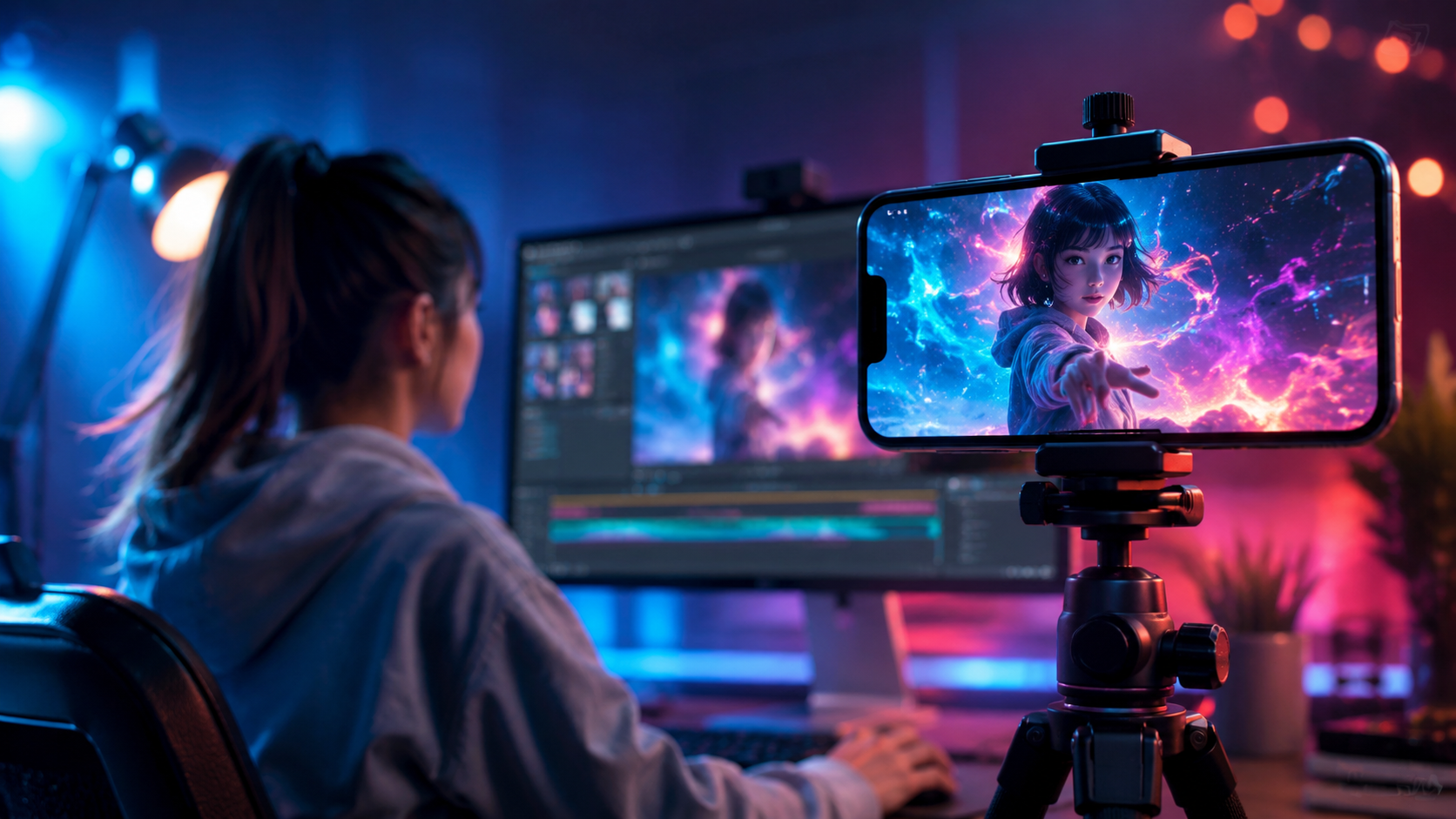
Below is a numbered, actionable workflow that walks you through the entire process of creating an AI-generated TikTok video from scratch. Follow these steps to produce content that feels native to the platform while leveraging the speed and creativity of artificial intelligence.
- Define your video goal and audience. Decide whether you are educating, entertaining, or promoting. AI tools perform best when you give them a clear objective. For example, a product demo requires different visual cues than a comedic skit.
- Write a detailed text prompt or script. Use a large language model to draft a tight, hook-driven script under 60 seconds. Include specific visual directions such as "bright neon aesthetic," "cinematic slow-motion," or "jump cut transitions."
- Choose your AI video generator. Select a platform that supports vertical 9:16 output. Popular options in 2026 include Runway Gen-4, Pika 2.0, and Synthesia Studio. Each has strengths: Runway excels at cinematic visuals, Pika is best for surreal effects, and Synthesia is ideal for talking-head avatars.
- Generate your video scenes. Input your script or prompt, select a style preset or upload reference images, and generate. Most tools allow you to iterate multiple versions and pick the best one. Aim for 5–15 second scenes that can be stitched together.
- Edit and assemble in an AI-assisted timeline. Use an integrated editor or import into a tool like CapCut Pro or Adobe Premiere Pro's AI assistant. Add auto-generated captions, trending audio from TikTok's library, and text overlays. Keep the pacing tight—TikTok rewards quick cuts and frequent visual changes.
- Export in TikTok-optimized settings. Render at 1080×1920 resolution, 60 fps, with H.264 codec. Ensure the audio is loud and clear. Many AI tools now export directly to TikTok's upload interface.
- Upload and test. Post the video, monitor early retention metrics, and use the AI tool's analytics to refine your next prompt. A/B test different hooks or styles to see what resonates.
3. Choosing the Right AI Video Generator: A Comparison
With dozens of AI video tools available in 2026, selecting the right one for TikTok content can be overwhelming. The table below compares the three most popular platforms based on features that matter most for short-form video creation.
| Feature | Runway Gen-4 | Pika 2.0 | Synthesia Studio |
|---|---|---|---|
| Best for | Cinematic visuals and effects | Stylized and surreal animations | AI avatars and talking-head videos |
| Native 9:16 output | Yes | Yes | Yes |
| Auto-captioning | Yes (AI-powered) | Basic | Yes (multi-language) |
| Lip-sync avatars | No | No | Yes (realistic) |
| Trend-aware presets | Yes (updated weekly) | Yes (community-driven) | Limited |
| Pricing (approx.) | $15–$50/month | $12–$40/month | $30–$80/month |
| Direct TikTok export | Yes | Yes | Yes (via API) |
According to a 2026 survey by Influencer Marketing Hub, 45% of TikTok creators using AI tools prefer Runway Gen-4 for its visual quality and trend-matching capabilities, while 32% choose Synthesia for educational or explainer content that requires a human-like presenter. Pika 2.0 is the top pick for creators focused on fantasy, meme, or abstract content.
4. Optimizing AI-Generated Videos for TikTok's Algorithm
Creating the video is only half the battle. To make AI videos for TikTok that actually gain traction, you must optimize for the platform's recommendation engine. As of 2026, TikTok's algorithm prioritizes three key signals: completion rate (how many viewers watch the full video), rewatch rate (how many times a video is replayed), and share-to-save ratio.
Structuring AI Videos for Maximum Retention
AI-generated content can sometimes feel flat or repetitive. To counter this, use your AI tool to generate multiple short scenes with varied compositions. TikTok's algorithm favors videos that change perspective or visual rhythm every 2–4 seconds. Tools like Runway Gen-4 now include a "retention optimizer" that automatically inserts visual variety based on predicted viewer drop-off points.
Audio and Caption Synchronization
AI videos often struggle with natural audio pacing. In 2026, most premium AI video platforms offer AI-driven audio ducking and beat-matching. Always pair your video with a trending sound from TikTok's commercial library, and ensure captions are synced to within 100 milliseconds of the spoken or audio cues. Studies show that videos with synced captions have 40% higher completion rates.
Thumbnail and First-Frame Optimization
TikTok's algorithm also analyzes the first frame of your video. Use AI to generate a high-impact opening visual that includes text overlay with a clear hook, such as "You won't believe what AI made today." Many AI tools now have a "first frame boost" feature that generates five alternative opening frames so you can A/B test them before publishing.
5. Common Mistakes to Avoid When Making AI Videos for TikTok
Even with powerful AI tools, creators often fall into traps that hurt performance. Here are the most common pitfalls and how to avoid them when you make AI videos for TikTok.
Overproduction and Uncanny Valley Effects
AI-generated avatars and animations have improved dramatically, but some still exhibit subtle uncanny valley traits—glassy eyes, stiff hand movements, or unnatural lip sync. Viewers subconsciously detect these and may drop off. Always preview your generated video in full before posting. If the AI avatar feels off, switch to a text-to-video style with animated text and stock footage instead.
Ignoring TikTok's Native Formats and Trends
AI tools sometimes default to generic aspect ratios or pacing. Always double-check that your export is 9:16 portrait mode and that the video length falls within TikTok's sweet spot of 21–34 seconds. Use your AI tool's "trend scanner" feature—if it has one—to see which visual styles are currently surging on the platform.
Lack of Human Oversight in Scripting
AI-generated scripts can feel robotic or miss cultural nuances. Always refine the output manually. Inject your personality, use slang appropriately, and include a clear call to action. According to a 2026 report from Pew Research, audiences can detect AI-generated text 68% of the time when it lacks emotional depth—and that leads to lower engagement.
6. The Future of AI Video Creation on TikTok
Looking ahead, the lines between fully human-made and AI-assisted TikTok content will continue to blur. By late 2026, several major AI platforms have begun integrating real-time generative feedback loops: the AI watches how your video performs and automatically suggests improvements for your next prompt. This closes the loop between creation and optimization in a way that was impossible just two years ago.
According to Forrester Research, 80% of TikTok influencers plan to use AI video generation as a core part of their content workflow by 2027. This does not mean human creativity is obsolete—rather, AI handles the repetitive technical tasks while humans focus on strategy, tone, and cultural relevance. The most successful creators in 2026 are those who see AI as a collaborative partner, not a replacement.
If you are ready to start experimenting, the best advice is to pick one tool, run the step-by-step process above, and post at least three AI-generated videos per week. Use the analytics from each post to refine your approach. The barrier to entry has never been lower, and the potential reward—visibility, engagement, and growth on TikTok—has never been higher.
Frequently Asked Questions
Is it legal to use AI-generated videos on TikTok?
Yes. TikTok permits AI-generated content as long as it complies with their community guidelines. As of 2026, TikTok requires creators to label content that is "realistic but AI-generated" using the built-in disclosure tool. Failure to do so can result in reduced reach or removal.
Can I make AI videos for TikTok for free in 2026?
Several platforms offer free tiers with watermarks or limited exports. Runway Gen-4 has a free plan that allows up to 10 video generations per month at 720p resolution. Pika 2.0 offers a free tier with unlimited short clips but adds a small logo. For watermark-free Pro exports, a paid plan is typically required.
How long does it take to make an AI TikTok video?
Once you are familiar with the workflow, you can create a polished AI video in 10 to 15 minutes. Writing the prompt takes about 3 minutes, generation takes 1–4 minutes per scene, and final editing with captions and audio takes another 5–7 minutes.
Will TikTok shadow-ban AI-generated videos?
TikTok does not shadow-ban content solely because it is AI-generated. However, the algorithm may deprioritize low-quality AI videos that lack engagement. The key is to focus on high retention, clear hooks, and authentic storytelling—whether the video is made by AI, humans, or both.
What is the best AI video tool for beginners on TikTok?
For beginners, Pika 2.0 offers the gentlest learning curve with drag-and-drop scene generation and pre-built TikTok style templates. If you want a talking-head avatar without filming yourself, Synthesia Studio is the most intuitive option. For the highest visual quality, Runway Gen-4 is worth the extra learning investment.
Can AI videos go viral on TikTok in 2026?
Absolutely. Multiple AI-generated videos have surpassed 10 million views in 2026. Viral AI videos typically combine a surprising visual hook (impossible animations, seamless transitions, or hyper-realistic avatars) with a relatable or shareable concept. The algorithm rewards novelty and retention, both of which AI tools can deliver when used strategically.



Comments ()