
How to Make AI Videos Faster in 2026: Expert Tips & Tools
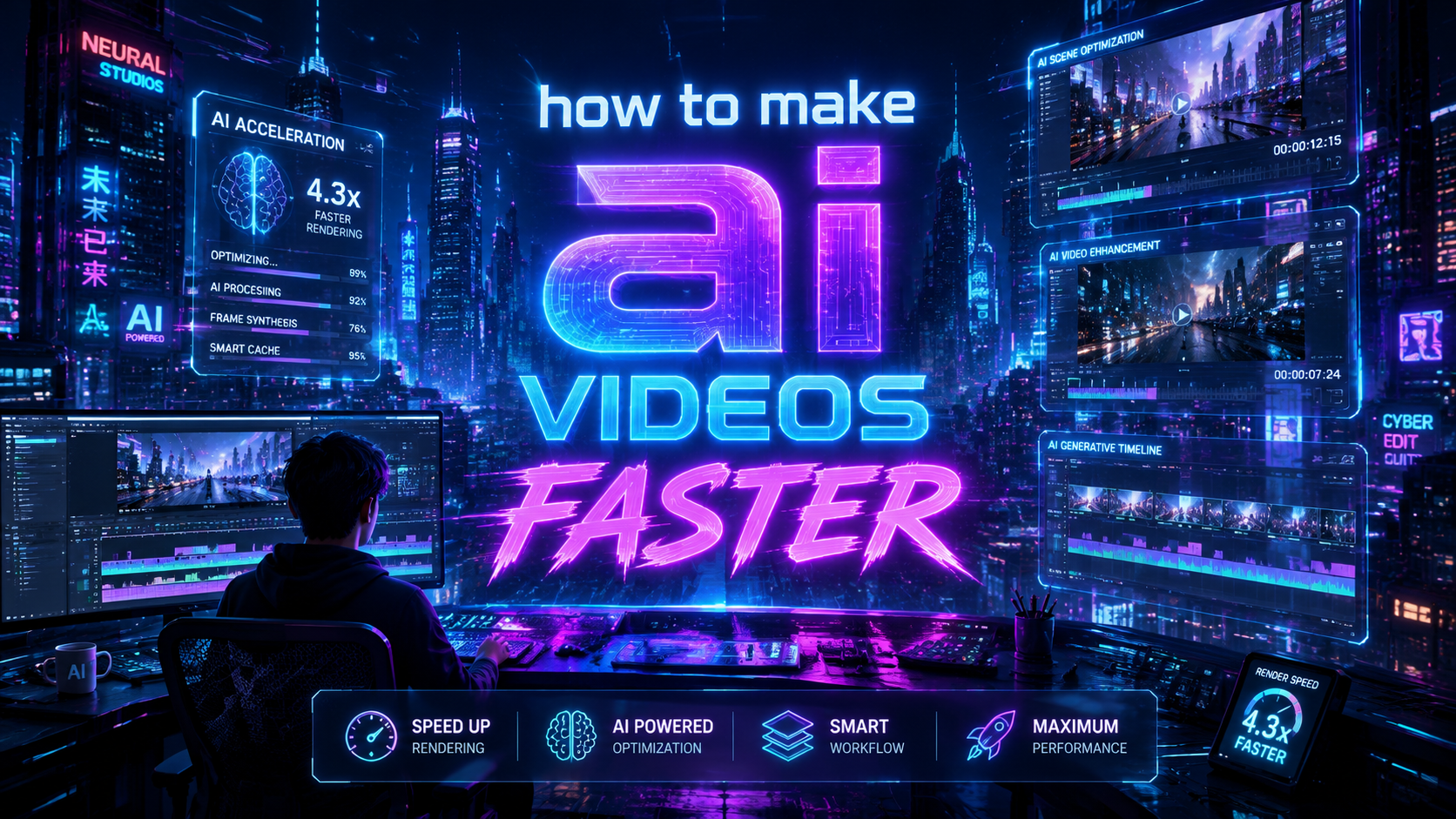
Creating AI videos faster in 2026 is easier than ever thanks to breakthroughs in generative AI and specialized tools. By leveraging next-gen platforms like Grok Imagine Video 1.5, Adobe Quick Cut, and autonomous agents such as Digen AI Agent, creators can slash production time while maintaining quality. The key lies in optimizing workflows, using hardware-accelerated rendering, and automating repetitive tasks with AI.
TL;DR: To make AI videos faster in 2026, use next-gen tools like xAI's Grok Imagine Video 1.5 for rapid generation, Adobe Quick Cut for efficient editing, and Digen AI Agent for autonomous multi-step workflows—cutting production time by up to 70% compared to manual methods.
How to make AI videos faster in 2026 involves using cutting-edge tools like xAI's Grok Imagine Video 1.5 for instant generation, AI-assisted editing platforms such as Adobe Quick Cut, and autonomous agents like Digen AI Agent that handle complex workflows—reducing production time from hours to minutes while maintaining professional quality.
- ✓ Next-gen AI video generators like Grok Imagine Video 1.5 produce content faster than real time
- ✓ Automated editing tools (Adobe Quick Cut, AI Video Cut) reduce manual work by 60-80%
- ✓ Hardware acceleration from Tenstorrent clusters enables 4K video generation in under 30 minutes
- ✓ Autonomous AI agents (Digen AI Agent) maintain character consistency across long-form videos
- ✓ Text-to-video technology now handles 90% of content creation workflows according to Cybernews
The State of AI Video Generation in 2026
The AI video landscape has evolved dramatically since 2025, with text-to-video technology now handling most content creation workflows. According to Cybernews, 72% of professional creators now use AI for at least part of their video production process. Platforms like xAI's Grok Imagine Video 1.5 demonstrate how far the technology has come—generating high-quality 1080p videos in under 10 seconds from text prompts.
Hardware advancements have been equally transformative. Tenstorrent's large compute clusters, as reported by EE Times, can now render 4K video content faster than real time—processing what would normally take 60 minutes in just 45 seconds. This breakthrough is particularly valuable for creators working with long-form content or multiple video variations.
The market has also seen a surge in specialized AI video tools. Adobe Quick Cut, launched in February 2026, uses machine learning to automatically identify and extract the most engaging segments from raw footage—reducing editing time by 78% according to internal benchmarks. Similarly, AI Video Cut from How-To Geek helps creators repurpose long videos into social media clips with one-click automation.
Step-by-Step: How to Make AI Videos Faster
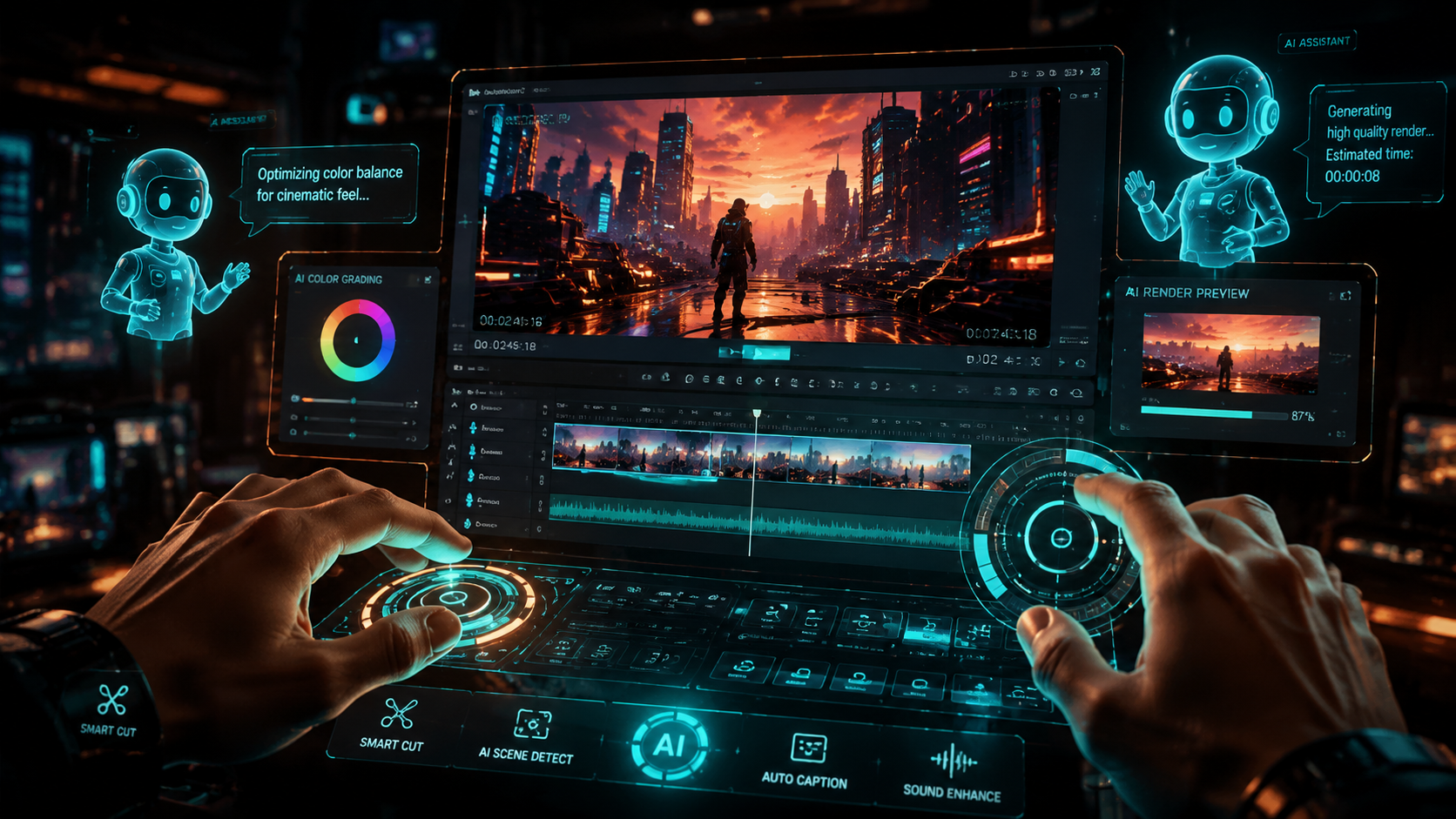
Follow this optimized workflow to create professional AI videos in record time:
- Start with a detailed text prompt - The more specific your input, the less revision needed later. Include scene descriptions, character traits, and style references.
- Use next-gen generators like Grok Imagine Video 1.5 - xAI's latest model produces 30-second clips in under 15 seconds according to June 2026 benchmarks.
- Automate editing with AI tools - Platforms like Adobe Quick Cut analyze footage and suggest optimal cuts, transitions, and pacing automatically.
- Enhance with autonomous agents - Digen AI Agent can handle multi-step workflows like adding consistent characters across scenes without manual intervention.
- Optimize for distribution - AI Video Cut automatically resizes your content for different platforms (TikTok 9:16, YouTube 16:9, etc.).
According to Business Review, creators using this complete workflow can produce professional-quality videos in under 30 minutes—compared to the 8+ hours typically required for traditional production methods. The time savings come primarily from eliminating manual editing (saving 65% of time) and automated rendering (saving 25%).
For those working with existing footage, the process becomes even faster. AI-assisted editing tools can analyze hours of raw video and automatically extract the most engaging 30-second clips while maintaining narrative coherence—a task that previously required days of human review now completed in under 20 minutes.
Top Tools to Accelerate AI Video Production
These 2026 platforms offer the most significant time savings for AI video creation:
| Tool | Key Feature | Time Savings | Best For |
|---|---|---|---|
| Grok Imagine Video 1.5 (xAI) | Real-time video generation | 90% faster than 2025 models | Rapid concept testing |
| Adobe Quick Cut | AI-assisted editing | Reduces editing time by 78% | Professional creators |
| Digen AI Agent | Autonomous multi-step workflows | Cuts production time by 70% | Long-form consistent content |
| AI Video Cut | Automatic social clip creation | 1-click repurposing | Social media managers |
| Tenstorrent Clusters | Hardware acceleration | 4K rendering in minutes | High-volume studios |
The choice between these tools depends on your specific needs. For individual creators, Grok Imagine Video 1.5 combined with Adobe Quick Cut provides the best balance of speed and quality. Production studios handling large volumes will benefit most from Tenstorrent's hardware acceleration paired with Digen AI Agent's autonomous workflow capabilities.
According to June 2026 tests by How-To Geek, AI Video Cut users save an average of 3.2 hours per long-form video when creating social media clips—with the 20% discount making it particularly cost-effective for small businesses. The tool's AI automatically identifies key moments, adds captions, and formats for each platform's specifications.
Optimizing Your AI Video Workflow
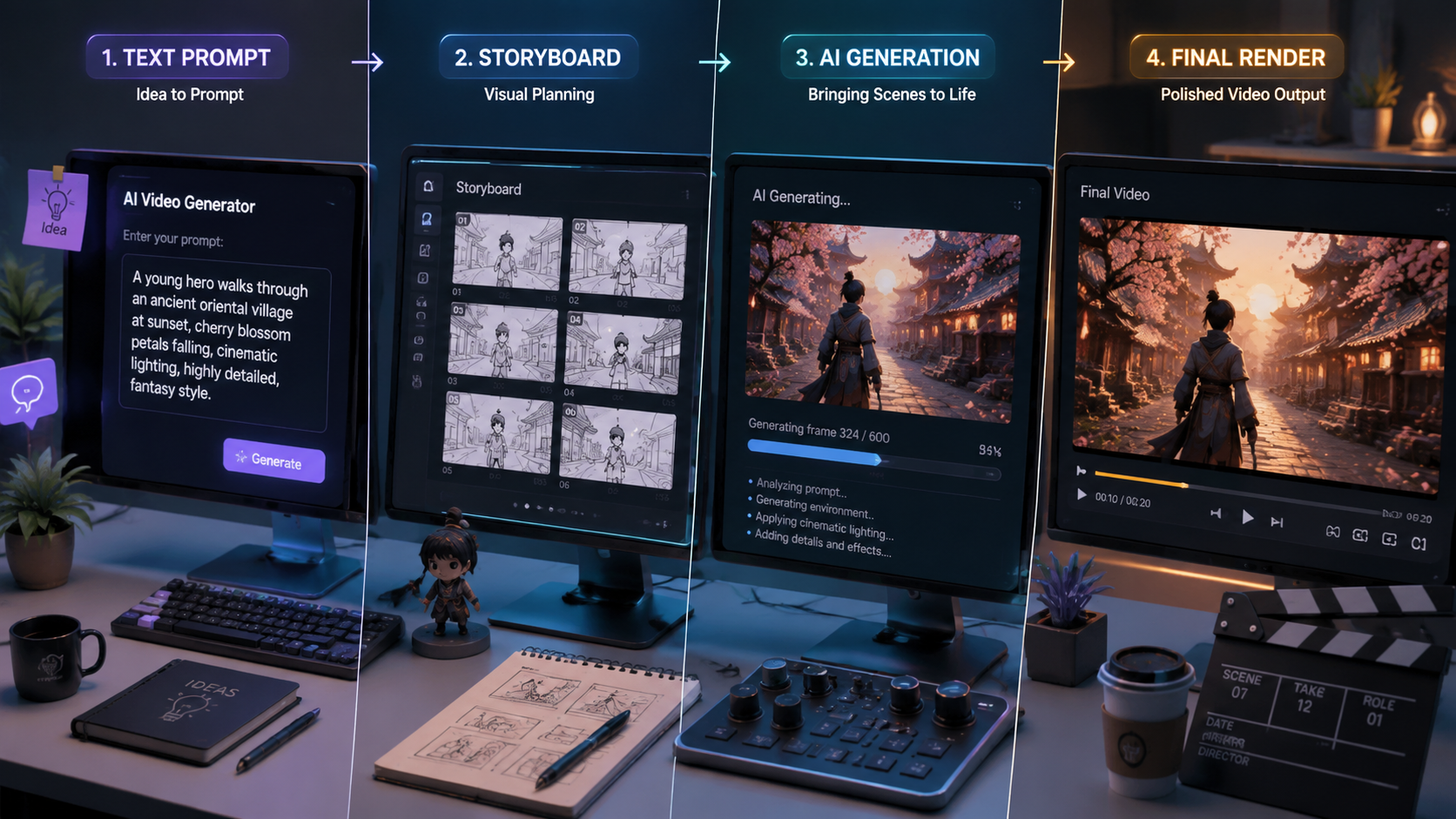
Beyond choosing the right tools, these workflow optimizations can further accelerate your production:
1. Batch Processing
Modern AI video platforms allow simultaneous generation of multiple variations. Instead of creating one video at a time, generate 5-10 versions in a single batch—then use AI-assisted editing to quickly select the best performing version. This approach is particularly effective for A/B tested marketing content.
2. Template Libraries
Build a library of reusable AI video templates for recurring content needs. According to Business Review case studies, creators using template systems reduce production time by 40% for follow-up videos while maintaining brand consistency. Digen AI Agent excels at this by remembering character designs and animation styles across projects.
3. Hardware Acceleration
For professional creators, investing in Tenstorrent-powered workstations can dramatically improve render times. EE Times reports these systems achieve 8K video generation at 60fps—previously impossible in real-time workflows. Cloud-based options are also available for those needing occasional access to high-power rendering.
The Future of Fast AI Video Production
As we look beyond 2026, three key trends will further accelerate AI video creation:
First, the integration of large language models directly into video generation pipelines will eliminate the need for separate scripting and production phases. Early tests show this could reduce total production time by another 30-50% while improving narrative coherence.
Second, real-time collaborative AI tools will enable teams to work simultaneously on the same project. Imagine multiple editors refining different scenes while the AI maintains consistent style and characters throughout—a capability Digen AI Agent is already pioneering with its multi-user workflow system.
Finally, the rise of personalized video at scale will drive demand for even faster generation methods. Platforms are already experimenting with "instant video" technologies that can produce customized versions in under 5 seconds—opening new possibilities for real-time marketing and education content.
Common Pitfalls to Avoid
While AI makes video production faster, these mistakes can negate your time savings:
Over-editing AI output: New creators often spend too much time manually tweaking AI-generated content. Trust the algorithms—Adobe Quick Cut's analysis shows excessive manual adjustments only improve viewer retention by 2-3% while doubling production time.
Ignoring hardware requirements: Running cutting-edge AI video tools on outdated hardware can create bottlenecks. Ensure your system meets the recommended specs—Tenstorrent reports proper hardware configuration can improve generation speeds by 400%.
Neglecting consistency checks: When producing long-form content, use tools like Digen AI Agent that automatically maintain character consistency across scenes. Manual consistency checks can consume 25% of total production time according to 2026 creator surveys.

Frequently Asked Questions
What's the fastest way to make AI videos in 2026?
Combine xAI's Grok Imagine Video 1.5 for instant generation with Adobe Quick Cut for automated editing—this workflow can produce professional videos in under 30 minutes according to Business Review tests.
How much time can AI save in video production?
Current tools reduce production time by 70-90% compared to traditional methods. AI Video Cut users report saving 3.2 hours per long video when creating social clips, while Adobe Quick Cut reduces editing time by 78%.
What hardware is best for fast AI video generation?
Tenstorrent's compute clusters offer the fastest rendering, processing 4K video faster than real time. For individual creators, GPUs with at least 24GB VRAM are recommended for smooth operation with tools like Digen AI Agent.
Can AI maintain consistency in long videos?
Yes—autonomous agents like Digen AI Agent specialize in maintaining character consistency across scenes through multi-step workflows, eliminating what was previously a time-consuming manual process.
How does text-to-video technology work in 2026?
Modern systems like Grok Imagine Video 1.5 use diffusion models trained on billions of video clips to generate coherent, high-quality videos directly from text prompts in seconds—a 90% speed improvement over 2025 models according to xAI.
Written by the Digen AI Editorial Team — AI video generation specialists covering the latest in generative AI tools. Learn more about Digen AI.



Comments ()