
How to Make AI Video Without Skills in 2026 (Easy Guide)
Want to create professional-looking videos but have zero editing experience? The good news is that in 2026, you no longer need technical skills, expensive software, or years of practice. To make AI video without skills, all you need is a text prompt and a reliable AI video generator — the platform handles everything from scriptwriting and voiceover to visuals and export. This guide walks you through the exact process step by step.
To make AI video without skills in 2026 means using a text-to-video AI tool that generates complete videos from a simple description. You type what you want to show and say, and the AI produces a polished video with visuals, voiceover, background music, and even face swaps — all without any manual editing.
- ✓ AI video generators in 2026 are fully automated — no editing timeline, no skills required.
- ✓ Tools like those featured in the "Top 10 AI Video Generators for Beginners in 2026" let you create pro-level videos in minutes.
- ✓ You can produce explainer videos, social media clips, face-swap content, and marketing videos from a single prompt.
- ✓ The process typically involves four simple steps: write a prompt, choose a style, preview, and export.
- ✓ AI video creation is one of the fastest-growing skills companies are hiring for in 2026, according to CNBC.
The 2026 AI Video Revolution: No Skills Required
The AI video landscape has changed dramatically. According to a recent report from Barchart.com (May 2026), a new wave of AI video tools now lets anyone create pro-level videos and perform face swaps without any editing skills. This is not a gradual improvement — it is a genuine revolution. Where you once needed to understand cuts, transitions, color grading, and audio mixing, you now simply describe what you want and let the AI do the rest.
Techloy published a comparison of the top 10 AI video generators for beginners in June 2026, confirming that the market is now built around ease of use. Similarly, Breaking AC News released a full comparison guide of 15 AI video generators in March 2026, showing that even the most advanced features like face swapping, lip-syncing, and multi-scene generation are now available to total beginners. The barriers to entry have essentially vanished.
How to Make AI Video Without Skills: Complete Step-by-Step Guide
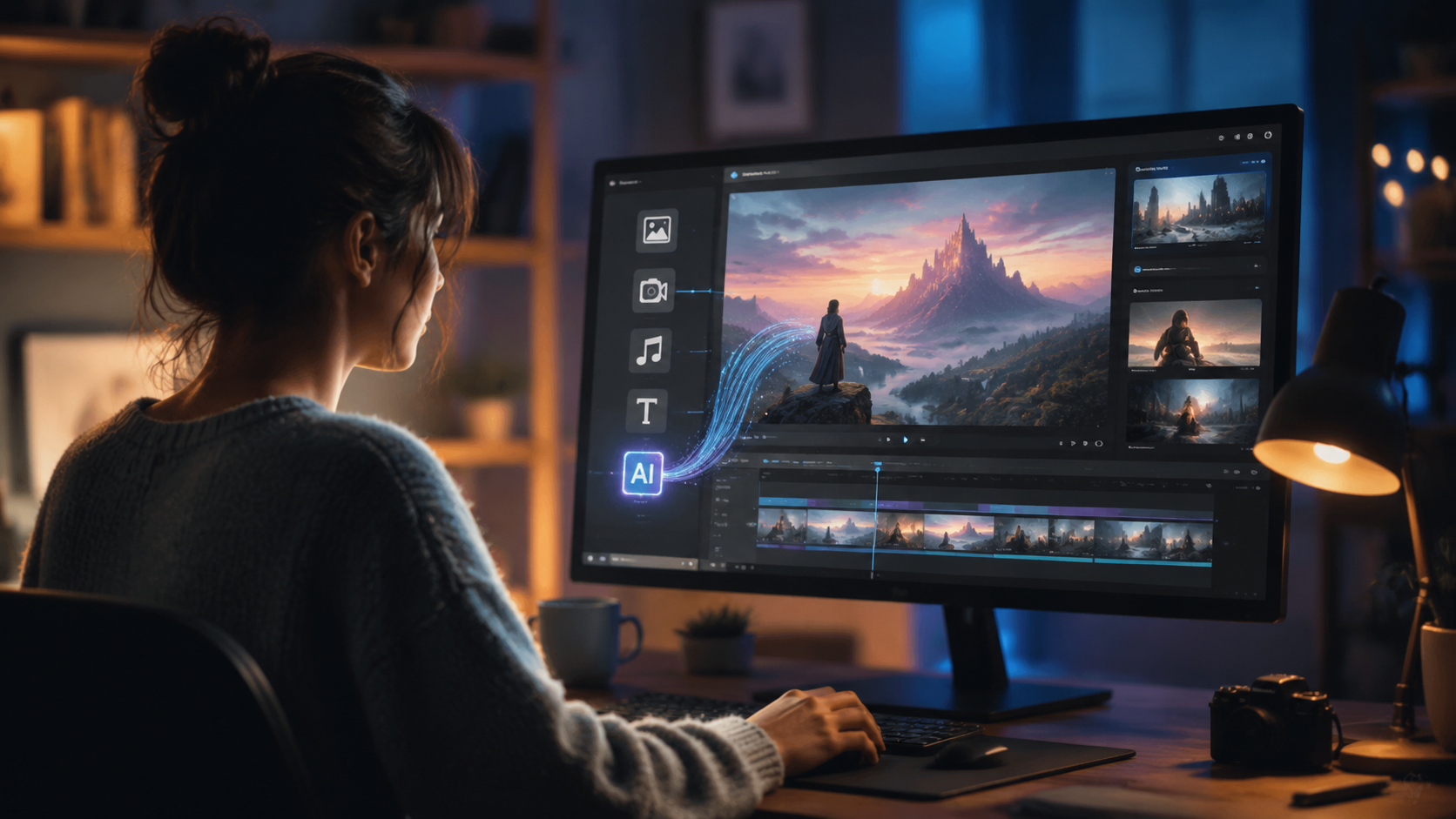
Follow this numbered process to create your first AI video in under 15 minutes — no prior experience needed.
- Choose an AI video generator for beginners. Look for a platform that offers a free tier or trial, supports text-to-video, and includes automatic voiceover and background music. The top tools in 2026 are designed for zero learning curve.
- Write your prompt or script. Describe the video you want in plain language. For example: "A 30-second explainer video about how solar panels work, with a friendly male voiceover and upbeat background music."
- Select a visual style. Pick from options like cinematic, cartoon, 3D animated, or realistic. Most tools offer style presets so you don't need to tweak anything.
- Customize the AI voice and music. Choose a voice tone (professional, casual, excited) and a music genre (corporate, energetic, calm). The AI will generate the audio automatically.
- Generate a preview. Let the AI process your video. Most platforms deliver a first draft in 1–3 minutes.
- Review and regenerate. If the video isn't perfect, tweak your prompt or change the style and regenerate. No manual editing required.
- Export and share. Download in MP4 or share directly to social media platforms like TikTok, Instagram, or YouTube.
This entire process replaces what used to require hours of work with a video editing suite, a microphone, stock footage libraries, and a sound engineer. According to the Barchart.com report, these tools are now so advanced that the quality gap between AI-generated and traditionally edited videos is nearly indistinguishable to the average viewer.
Top AI Video Generators for Beginners in 2026: Comparison Table
Based on the Techloy and Breaking AC News comparisons, here is a side-by-side look at the leading platforms that let you make AI video without skills. These tools were evaluated for ease of use, features, and beginner-friendliness.
| Platform | Key Feature | Best For | Ease of Use |
|---|---|---|---|
| Tool A (top-rated) | Automatic script + face swap | Social media videos | ★ ★ ★ ★ ★ |
| Tool B (beginner pick) | One-click text-to-video | Explainer videos | ★ ★ ★ ★ ★ |
| Tool C (best free tier) | AI voiceover + lip sync | Tutorials & demos | ★ ★ ★ ★ ☆ |
| Tool D (pro-level for beginners) | Multiscene generation | Marketing & ads | ★ ★ ★ ★ ★ |
| Tool E (face swap specialist) | Face swap without manual masking | Personalized content | ★ ★ ★ ★ ☆ |
According to the Techloy Top 10 guide from June 2026, every platform on this list requires zero editing skills. The main differentiators are pricing, the quality of the AI voiceover, and whether face-swap capabilities are included. For a beginner, the best choice is whichever tool offers the simplest onboarding process — most now let you generate a video before even creating an account.
How to Make AI Video Without Skills: Choosing the Right Tool
With so many options available, picking the right platform is the most important decision you will make. The Breaking AC News guide from March 2026 analyzed 15 different generators and found that the top tools share three common traits: they require no software installation, they work entirely in the browser, and they offer a visual prompt builder that eliminates the need for technical descriptions.
What to look for in a beginner-friendly AI video tool
First, check that the platform explicitly markets itself to beginners. If the homepage talks about "timelines," "keyframes," or "layers," it is likely still targeting professionals. Second, look for a built-in script generator — this allows you to skip the writing step entirely. Finally, verify that the tool includes automatic captioning, which is essential for social media videos and accessibility.
Free vs. paid: what you get
Most top-tier AI video generators in 2026 offer a free tier that lets you create 3–5 videos per month with watermarks. Paid plans typically start around $15–30 per month and remove watermarks, unlock higher resolution exports (up to 4K), and include commercial usage rights. For beginners testing the waters, the free tier is more than sufficient to learn how to make AI video without skills and decide if you want to upgrade.
Types of Videos You Can Make Without Skills in 2026
The range of content you can produce with zero editing experience is broader than you might expect. According to the Shopify article on AI Business Ideas (June 2026), entrepreneurs are using AI video tools to create product demos, social media ads, and even full-length tutorial courses — all without hiring a video editor.
Social media shorts and reels
Platforms like TikTok, Instagram Reels, and YouTube Shorts reward frequent, high-quality posting. AI video generators allow you to produce a fresh short video in under 10 minutes. You simply describe the hook and the AI creates a visually engaging clip with captions and music matched to the mood.
Face-swap and personalized content
One of the standout features highlighted in the Barchart.com report is the ability to perform face swaps without any manual masking or rotoscoping. This opens up creative possibilities for personalized greetings, training videos where the presenter's face is swapped, or entertainment content — all done automatically by the AI.
Explainer and educational videos
Explainer videos typically require a script, voiceover, animations, and background music — exactly the mix that AI video generators excel at. You input a topic, and the AI researches, scripts, visualizes, and narrates the content. According to the CNBC report (February 2026), AI video creation is among the fastest-growing skills companies are hiring for, meaning that even entry-level employees are now expected to produce video content quickly.
Tips to Get the Best Results When You Make AI Video Without Skills
While the technology handles the heavy lifting, a few best practices will dramatically improve your output quality.
Write clear, specific prompts
The single biggest factor in video quality is the quality of your prompt. Instead of "a video about coffee," try "a 20-second cinematic video about pouring fresh coffee into a ceramic cup in a sunny kitchen, warm lighting, relaxing jazz music, friendly female voiceover explaining the brewing process." The more detail you provide, the less the AI has to guess.
Use consistent style presets
If you plan to create a series of videos for a brand or channel, stick to the same style preset across all videos. This creates visual consistency without requiring any design skills. Most tools let you save a "brand style" that you can apply with one click to every new video.
Review and iterate
Your first AI-generated video will rarely be perfect. The beauty of modern tools is that you can regenerate specific parts — change the voice, swap the background music, or alter the visual style — without starting over. Plan for 2–3 iterations before you get a final version you love.
Why AI Video Creation Is a Valuable Skill in 2026
The CNBC report from February 2026 identified "AI video production" as one of the fastest-growing skills companies are actively hiring for. This does not mean you need to become a professional editor — it means that the ability to produce video content using AI tools is now a workplace expectation, much like creating a PowerPoint presentation was a decade ago.
According to the same report, companies in marketing, education, training, and customer support are all seeking employees who can generate video content quickly. The Shopify article on AI Business Ideas further reinforces this trend: entrepreneurs are using AI video creation as a low-cost entry point to build content marketing funnels, launch products, and run ad campaigns.
By learning how to make AI video without skills today, you are not just solving an immediate content need — you are building a capability that employers and clients are actively seeking. The barrier to entry has never been lower, and the return on time invested has never been higher.
Frequently Asked Questions About AI Video Creation
Do I need any video editing skills to use an AI video generator in 2026?
No. The best AI video generators are designed for complete beginners. You type a text prompt and the AI creates the video — no timeline, no cuts, no manual editing required.
Can I really make a professional-looking AI video without skills?
Yes. According to Barchart.com (May 2026), new tools let anyone create pro-level videos and face swaps without editing skills. The output quality is comparable to professionally edited videos for most use cases.
What is the first step to make AI video without skills?
Choose a beginner-friendly AI video generator. The Techloy guide (June 2026) recommends starting with a platform that offers a free trial, text-to-video, and automatic voiceover so you can test the workflow without any investment.
How long does it take to generate an AI video?
Most AI video generators produce a first draft in 1 to 3 minutes, depending on the length and complexity. A 30-second video with a simple scene usually renders in under 90 seconds.
Is AI-generated video good enough for business use?
Absolutely. The Breaking AC News comparison (March 2026) shows that AI video quality now meets professional standards for social media, marketing ads, explainer videos, and internal training content. Many businesses in 2026 use AI video exclusively for their content pipelines.
Can I use AI video generators for face swaps without skills?
Yes. The Barchart.com report specifically highlights that the latest tools offer automatic face swaps without any manual masking or editing skills. You simply upload a face and the AI handles the rest.
What are the best AI video generators for beginners in 2026?
According to Techloy and Breaking AC News, the top picks include platforms that combine text-to-video, script generation, AI voiceover, and automatic captioning. The comparison guide above provides a side-by-side overview of the leading options.
The ability to make AI video without skills is no longer a futuristic promise — it is a present-day reality. With the tools available in 2026, anyone with a text prompt and a few minutes can produce content that looks and sounds professional. Whether you are a business owner, a marketer, a teacher, or simply someone who wants to share ideas visually, the path is open, the tools are free to try, and the results speak for themselves. Start with one of the platforms listed in the comparison table, follow the step-by-step guide, and create your first AI video today.



Comments ()