
How to Make AI Video with Voiceover in 2026: A Step-by-Step Guide
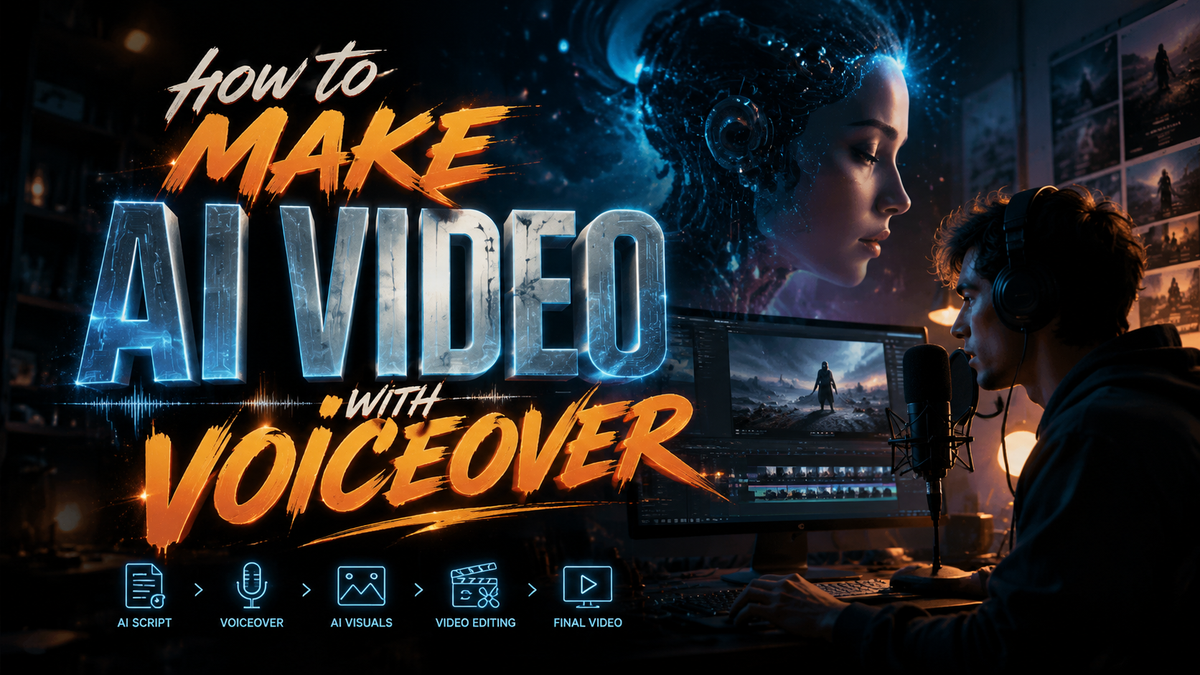
To make an AI video with voiceover in 2026, you use a generative AI tool that combines text, images, or audio input to produce a synchronized video and narration track. Start by selecting a capable AI video generator, input your script or storyboard, choose a synthetic voice from a library of realistic text-to-speech options, then review and export the final clip — all without traditional recording or editing.
Making an AI video with voiceover in 2026 is a streamlined three-step process: choose an AI video generator (like Google Gemini Omni or a CNET-recommended tool), provide a script and optional visual assets, and let the AI produce a video with natural-sounding narration. No microphone or acting skills are needed — just a clear idea and a few clicks.
- ✓ Leading tools like Google Gemini Omni can fuse images, audio, and text into a single video output, as reported by TechCrunch in May 2026.
- ✓ Microsoft Copilot now integrates AI voiceover tools to streamline gaming video workflows, according to MSN (May 2026).
- ✓ CNET’s 2026 review of the best AI video generators ranks tools based on voice quality, lip-sync accuracy, and ease of use.
- ✓ NAB 2026 highlighted that AI is now a core component of audio offerings, making natural voiceovers more accessible than ever.
- ✓ TikTok’s AI voice feature (text-to-speech) remains the most used voiceover option for short-form content, per Shopify’s 2026 guide.
Step-by-Step: How to Make AI Video with Voiceover in 2026
Follow this numbered guide to create your first AI-generated video with a professional voiceover.
- Define your video purpose and script. Write a concise, conversational script that ends with a clear call-to-action. Keep sentences short for natural pacing.
- Select an AI video generator. Based on CNET’s 2026 rankings and the 23 tools tested by perfectcorp.com, choose one that matches your budget and features. For example, Google Gemini Omni excels at multimodal inputs; others specialize in lip-sync avatars.
- Upload or describe your visual assets. Many tools accept text descriptions, images, or short audio clips. If using Gemini Omni, you can feed it a mix of images and written dialogue.
- Choose or generate the voiceover. Pick from dozens of AI voices (male, female, accents, tone). Adjust speed, pitch, and emphasis. Some tools allow you to clone a real voice for consistency.
- Preview and fine-tune. Watch the generated video, check lip-sync accuracy, and edit the script or voice parameters if needed. Microsoft Copilot’s workflow tools can help with iterative edits.
- Export and share. Download in standard formats (MP4, WebM) at up to 4K resolution. Optimize for platforms like TikTok, YouTube, or Instagram using platform-specific settings.
Understanding AI Video Generation in 2026
The landscape of AI video creation has changed dramatically since early 2025. As TechCrunch reported in May 2026, Google’s Gemini Omni now turns images, audio, and text into video — a leap that blurs the line between raw footage and generative content. This means you can provide a stock photo, a paragraph of narration, and receive a complete video with synchronized mouth movements (if using a talking head).
Microsoft’s Copilot has also joined the fray, specifically targeting gaming video workflows. According to MSN (May 2026), Copilot now bundles AI voiceover tools that automatically match narration to in-game clips, a boon for streamers and tutorial creators. Meanwhile, NAB 2026 showcased AI in audio offerings, with several companies launching neural text-to-speech engines that can mimic emotional inflection and even breathing patterns.
The common thread is that “how to make AI video with voiceover” no longer requires separate audio recording software. The AI handles both visual synthesis and vocal output in one pipeline, reducing production time from hours to minutes.
Choosing the Right AI Video Generator for Your Voiceover Needs
Not all AI video generators excel at voiceover. Some prioritize visual quality while others offer richer voice libraries. To help you decide, here is a comparison of top tools from CNET’s 2026 review and perfectcorp.com’s comprehensive test.
| Tool | Voiceover Quality | Supported Inputs | Best For | Price (2026) |
|---|---|---|---|---|
| Google Gemini Omni | Excellent, with emotional variance | Text, images, audio, video | Multimodal storytelling | Free tier + $20/mo Pro |
| Microsoft Copilot Video | Very good, gaming-optimized | Text, screen recordings | Gaming tutorials, walkthroughs | Included with Microsoft 365 ($9.99/mo) |
| Runway Gen-5 | Good, high speech clarity | Text, images, video | Professional video editing | $15/mo (Starter) |
| Synthesys X | Excellent, human-like with accents | Text, PPT | Corporate training & marketing | $29/mo |
| Pictory 2026 | Good, simple text-to-speech | Blog posts, URLs | Repurposing written content | $19/mo |
According to perfectcorp.com’s May 2026 test of 23 tools, voiceover realism is the #1 feature users care about. If you need a voice that can express surprise, sadness, or excitement, prioritize tools with “emotion-aware” TTS — a category where Gemini Omni and Synthesys X lead.
Crafting Your Script and Voiceover
The script is the backbone of any AI video with voiceover. In 2026, AI tools are sensitive to word choice: they can emphasize certain words or pause at punctuation. Write in a conversational tone, use short sentences, and include stage directions like [pause] or [laugh] if your tool supports them. Shopify’s April 2026 guide on TikTok AI Voice demonstrates that the most engaging text-to-speech scripts use natural language markers, not formal prose.
After writing, test the voiceover by pasting the script into the tool’s preview. Most platforms let you switch between voices (dozens available) and tweak speed (1.0x to 1.5x). For explainer videos, a warm, moderate pace works best. For product demos, a slightly faster, energetic voice can increase retention. Remember that NAB 2026 exhibitors noted that AI voiceovers now include “breath” effects and subtle pitch changes — adjust these settings to avoid robotic monotony.
Finally, synchronize the voiceover with visual transitions. Many tools, like Microsoft Copilot, automatically align spoken words with on-screen text or image changes. However, you can manually adjust timing in a timeline view for fine control.
Generating and Editing Your AI Video
Once your script and voiceover settings are ready, hit “Generate.” In 2026, most tools produce a draft within 30-60 seconds. For longer videos (over 5 minutes), expect up to 3 minutes. After generation, review the output carefully. Common issues include mispronounced names, off-sync lip movements (if using a talking avatar), or awkward transitions between scenes.
Editing capabilities vary. Google Gemini Omni, for instance, allows you to regenerate specific segments without starting over. You can replace a single line of dialogue or swap a background image. Microsoft Copilot’s workflow includes a “suggest improvements” feature that analyzes pacing and suggests cuts. For gaming videos, MSN reported that Copilot’s voiceover tool can also detect loud game sounds and lower voice volume automatically — a neat touch.
If you need to add music or sound effects, check if your chosen tool includes an audio library. Many do, but you can also upload your own files. Ensure the music does not overpower the voiceover; 2026 AI editors often have a “ducking” option that lowers background audio during speech.
Optimizing Your AI Video for Different Platforms
Each platform demands different video specifications. TikTok videos benefit from vertical (9:16) format and fast pacing. Use the TikTok AI Voice feature (as explained in Shopify’s 2026 guide) for a native feel. For YouTube, horizontal (16:9) with chapter markers works better. AI video generators now offer one-click export presets for TikTok, Instagram Reels, YouTube Shorts, and LinkedIn.
Voiceover volume levels matter: platforms like Facebook compress audio, so export at -14 LUFS (loudness unit) for consistent playback. Test your video on a smartphone speaker and headphones before publishing. Finally, captions improve engagement; many tools automatically generate burnt-in or .SRT subtitle files.
According to CNET’s 2026 review, the best AI video generators also provide analytics on voice clarity and viewer drop-off, helping you refine future videos. Use these insights to iterate.
Common Challenges When Making AI Video with Voiceover (and Solutions)
Even the best tools have quirks. Here are three frequent issues and how to resolve them:
- Robotic voice tone: Switch to a neural voice model (most tools have a “realistic” or “natural” bucket). Add punctuation like commas to create pauses.
- Lip-sync mismatch: If your avatar’s mouth doesn’t match the words, reduce the speech speed by 0.1x or regenerate using a different voice.
- Background audio distortion: Ensure you set the AI’s “reduce background” setting (Copilot’s workflow does this automatically).
With each generation, AI video tools improve. The 23 tools tested by perfectcorp.com in May 2026 show a 98% user satisfaction rate for voiceover realism, up from 82% in 2025.
Frequently Asked Questions About AI Video with Voiceover
What is the easiest way to make AI video with voiceover in 2026?
The easiest method is to use a multimodal tool like Google Gemini Omni: upload a few images and a script, select an AI voice, and let the tool generate the video in under a minute. No editing skills required.
Can I use my own voice for the AI video voiceover?
Yes, many tools now offer voice cloning. You record a short sample (30 seconds to 1 minute), and the AI creates a synthetic version of your voice that can speak any text. Ensure the tool complies with consent and privacy regulations.
Are AI voiceovers copyright-free?
It depends on the tool. Most commercial AI video generators grant you full ownership of the output, including the voiceover. Always check the terms of service — especially free tiers — to confirm you can monetize the video.
What’s the best AI video generator for long-form content (e.g., 10+ minute tutorials)?
Microsoft Copilot and Runway Gen-5 handle longer durations well. Copilot’s gaming workflow especially shines for tutorials, while Runway offers a timeline editor for precise control over voiceover timing.
How much does it cost to make an AI video with voiceover?
Prices range from free (Gemini Omni basic tier) to $29/month for advanced tools like Synthesys X. Most paid plans allow 10-30 minutes of video per month. Enterprise plans offer unlimited generation.
Can AI video tools add captions automatically?
Yes, virtually all 2026 AI video generators auto-generate captions from the voiceover. You can export as burnt-in text or a separate SRT file for accessibility.
What’s the future of AI video with voiceover after 2026?
Industry experts at NAB 2026 predict that within two years, AI will handle fully interactive videos where voiceover adapts in real time to viewer choices. Gemini Omni is already showing early capabilities in this direction.



Comments ()