
How to Make AI Video with Script in 2026: Complete Guide
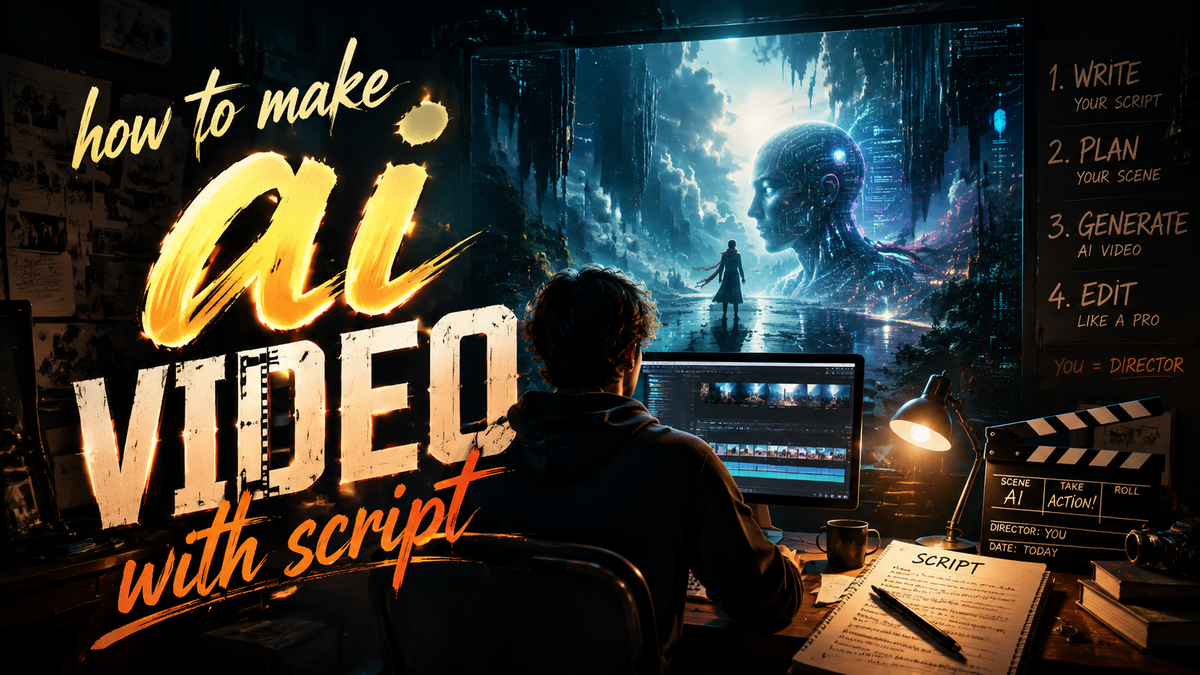
Creating a professional video from a written script used to require expensive equipment, editing skills, and hours of production time. In 2026, you can generate a complete AI video with script in minutes using advanced tools like SeeGen’s Seedance 2.0 or the top-rated platforms reviewed by G2 Learning Hub. This guide walks you through the exact process to turn your text into engaging video content, whether you’re a marketer, educator, or content creator.
AI video generation with script is the process of inputting a written narrative into an artificial intelligence tool that automatically produces a video complete with visuals, voiceover, transitions, and sometimes even music. The technology has matured rapidly, with platforms now offering cinematic quality output from plain text.
- ✓ AI video generators in 2026 can turn a script into a full video in under five minutes.
- ✓ SeeGen’s Seedance 2.0, launched in April 2026, allows anyone to become a director with script-to-cinema capabilities.
- ✓ According to G2 Learning Hub’s April 2026 review, the top seven tools include features like lip-syncing avatars, cartoon creation, and multi-language support.
- ✓ No prior video editing experience is required; most platforms offer drag-and-drop interfaces.
- ✓ The best results come from writing clear, descriptive scripts and choosing the right tool for your style.
What Is AI Video Generation with Script?
AI video generation with script refers to using machine learning models that interpret a text-based script and automatically assemble a corresponding video. The AI selects scenes, generates or finds stock footage, adds a synthetic voiceover, and syncs everything together. In 2026, tools like Seedance 2.0 from SeeGen have pushed the envelope, enabling users to create cinema-grade shorts from a single script. As HP noted in its January 2026 report, “From Script to Screen: How AI Is Changing the Way Videos Are Made,” the technology is democratizing video production for businesses and individuals alike.
Unlike earlier tools that produced generic slideshows, modern generators understand narrative structure, emotion, and pacing. They can create realistic avatars, animate cartoon characters, and even generate original music that matches the script’s tone. The result is a polished video that would have required a full production team just a few years ago.
Top AI Video Generators for 2026
Before you start creating, choosing the right tool is critical. Based on real-time research from Cybernews (February 2026) and perfectcorp.com (May 2026), here are the standout platforms. The list includes tools tested and reviewed by industry experts.
| Tool | Key Feature | Best For | Pricing (Approx.) |
|---|---|---|---|
| SeeGen Seedance 2.0 | Script-to-cinema with advanced storytelling AI | Short films, cinematic ads | $49/month (Pro) |
| Pictory | Script-to-video with stock footage & voiceover | Marketing videos, social clips | $39/month |
| Synthesia | AI avatars with lip-sync from script | Corporate training, presentations | $89/month |
| InVideo | Template-based with script input | Quick social media videos | $30/month |
| Runway Gen-3 | Text-to-video with real-time editing | Creative projects, prototypes | $15/month (Starter) |
| DeepBrain | AI human presenter from script | News, explainer videos | $60/month |
| Fliki | Simple script-to-video with text-to-speech | Beginners, quick demos | $28/month |
According to G2 Learning Hub’s April 2026 analysis, the seven tools listed above are the most loved by users for reliability and output quality. SeeGen’s Seedance 2.0, announced in April 2026 via GlobeNewswire, is particularly notable for its “everyone is now a director” promise, offering cinematic camera movements and character consistency from a single script.
Step-by-Step: How to Make AI Video with Script
Follow these numbered steps to create your first AI video from a script in 2026. The process is similar across most platforms, but we’ll use a general workflow that applies to tools like Seedance 2.0, Pictory, or Synthesia.
- Write a clear, structured script. Break your script into scenes or paragraphs. Include visual cues in brackets, e.g., [Close-up of person smiling] or [City skyline at sunset]. The more descriptive your script, the better the AI interprets your vision.
- Choose your AI video generator. Refer to the comparison table above. For cinematic results, opt for SeeGen Seedance 2.0. For avatar-based videos, choose Synthesia. For quick social clips, InVideo or Fliki works well.
- Paste or upload your script. Most tools have a text box where you input the script. Some allow you to upload a .txt or .doc file. Seedance 2.0 even accepts full screenplay format.
- Select your visual style. Choose from pre-built templates, stock footage libraries, or AI-generated scenes. For cartoon creation, Geek Vibes Nation’s November 2025 tutorial showed how to use AI video generators to make animated characters from scripts.
- Customize voiceover and music. Pick a synthetic voice (male/female, language, accent) and background music. Many tools offer AI-generated music that adapts to the script’s mood.
- Generate and preview. Click “Generate” and wait 1–5 minutes. The AI processes your script and renders the video. Preview it and make adjustments if needed.
- Export and share. Download the final video in MP4 or share directly to YouTube, TikTok, or your website.
Pro Tip: Optimize Your Script for AI
According to Cybernews’ February 2026 guide, the best AI video generation tools for 2026 perform optimally when scripts are written in active voice and include emotional triggers. Avoid overly complex sentences; short, punchy lines work better for AI voiceover pacing.
Tips for Getting Professional Results from AI Video Generators
Even the most advanced AI video generator in 2026 requires some human guidance to produce standout content. Here are actionable tips based on real-world testing from perfectcorp.com’s May 2026 review of 23 tools.
1. Use scene descriptions liberally. AI models like Seedance 2.0 rely on visual prompts embedded in the script. If your script says “The hero walks into a dark room,” the AI will generate a matching environment. Without such cues, the output may be generic.
2. Leverage multi-language support. Many tools now support dozens of languages. For global campaigns, write your script in English and use the AI to generate videos with localized voiceovers. G2 Learning Hub noted that top tools in 2026 offer seamless language switching.
3. Experiment with cartoon and animation styles. As highlighted by Geek Vibes Nation’s tutorial, AI video generators can create cartoons from scripts. This is perfect for explainer videos, children’s content, or brand storytelling where a realistic look isn’t needed.
4. Iterate quickly. Most platforms allow unlimited regeneration. If the first output doesn’t match your vision, tweak the script or visual style and generate again. The speed of AI makes A/B testing practical.
5. Add human touch post-generation. While AI handles the heavy lifting, a final edit in a simple video editor can add custom captions, overlays, or transitions. This ensures your video stands out from fully automated content.
Future Trends in AI Video Creation (2026 and Beyond)
The research indicates that AI video generation is evolving at a breakneck pace. HP’s January 2026 article emphasized that the shift from script to screen is now instantaneous for many use cases. SeeGen’s Seedance 2.0, released in April 2026, represents a leap forward with its ability to maintain character consistency across scenes—a major challenge in earlier models.
Industry analysts predict that by late 2026, AI video generators will incorporate real-time collaborative editing, allowing multiple users to refine a script and see video updates instantly. Cybernews’ list of 16 best tools already hints at integration with virtual production pipelines, blurring the line between AI-generated and traditional video.
For creators, the key takeaway is that the barrier to entry has never been lower. With a well-written script and a few clicks, anyone can produce professional-quality video content. As the technology matures, the question is no longer whether AI can make videos from scripts, but how creatively you can use it.
Frequently Asked Questions
How long does it take to make an AI video with a script in 2026?
Most AI video generators can produce a 1–2 minute video from a script in under five minutes. Complex cinematic outputs from tools like Seedance 2.0 may take 10–15 minutes, but still far faster than traditional production.
Do I need any video editing experience to use an AI video generator?
No. The entire process is designed for beginners. You only need to write the script and select preferences. The AI handles editing, scene selection, voiceover, and synchronization automatically.
Can I use AI video generators for commercial projects?
Yes. Most paid plans grant commercial usage rights. Always check the terms of your chosen tool. For example, Synthesia and Pictory offer commercial licenses in their paid tiers.
What is the best AI video generator for cartoon creation from a script?
According to Geek Vibes Nation’s November 2025 tutorial, tools like Runway Gen-3 and SeeGen Seedance 2.0 excel at cartoon and animated outputs. For simpler cartoon styles, InVideo also offers dedicated animation templates.
How accurate is the AI at interpreting my script?
Accuracy has improved dramatically in 2026. Modern tools understand narrative context, character emotions, and scene transitions. However, adding explicit visual cues in brackets will always yield better results than a plain narrative script.



Comments ()