
How to Make AI Video with No Experience (2026 Guide)
Yes, you can create professional-looking AI videos today even if you have zero editing skills, no design background, and have never touched a camera. In 2026, hundreds of thousands of beginners have already made their first AI-generated videos using simple chat-based tools like Google’s new Gemini Omni, purpose-built platforms, and free trials — and you can do the same in under an hour. This guide walks you through exactly how to make AI video with no experience, step by step, using the latest tools and techniques available right now.
AI video generation is the process of creating moving visuals from text prompts, images, or audio using artificial intelligence models. In 2026, leading platforms like Google Gemini Omni, Runway Gen‑3, and Pika Labs allow anyone to generate cinema‑quality clips by simply typing a sentence, uploading a photo, or describing a scene. No timeline editing, no green screen, no prior experience required.
- ✓ Google’s Gemini Omni (May 2026) lets you edit videos entirely through natural language chat — no buttons or menus needed.
- ✓ A recent review of 23 AI video generators by perfectcorp.com confirms that free tiers are now available on most platforms, making entry barrier‑free.
- ✓ Marketing Brew reports that cinema‑quality, AI‑native storytelling has arrived in 2026, meaning your first video can look polished, not “slop.”
- ✓ You can start with a smartphone or laptop — no expensive hardware required.
- ✓ The key is learning how to craft effective prompts, not learning complex editing software.
What Exactly Is AI Video Generation in 2026?
AI video generation uses machine‑learning models trained on millions of hours of footage to produce new video content from text or image inputs. Unlike traditional video editing, where you manually cut, splice, and layer clips, AI tools interpret your instructions and generate the visuals automatically. In 2026, the technology has matured to the point where even beginners can produce clips that look like they came from a professional studio — without touching a single timeline.
The landscape shifted dramatically in May 2026 when Google launched Gemini Omni, a tool that allows you to “edit videos AI with just a chat,” according to a report by Memeburn (24 May 2026). Instead of dragging and dropping, you type commands like “add a slow‑motion effect to the second half” or “change the background to a futuristic city at sunset,” and the AI executes it instantly. This chat‑based paradigm is the most beginner‑friendly approach to how to make AI video with no experience, because it removes every technical barrier.
Step‑by‑Step: How to Make AI Video with No Experience
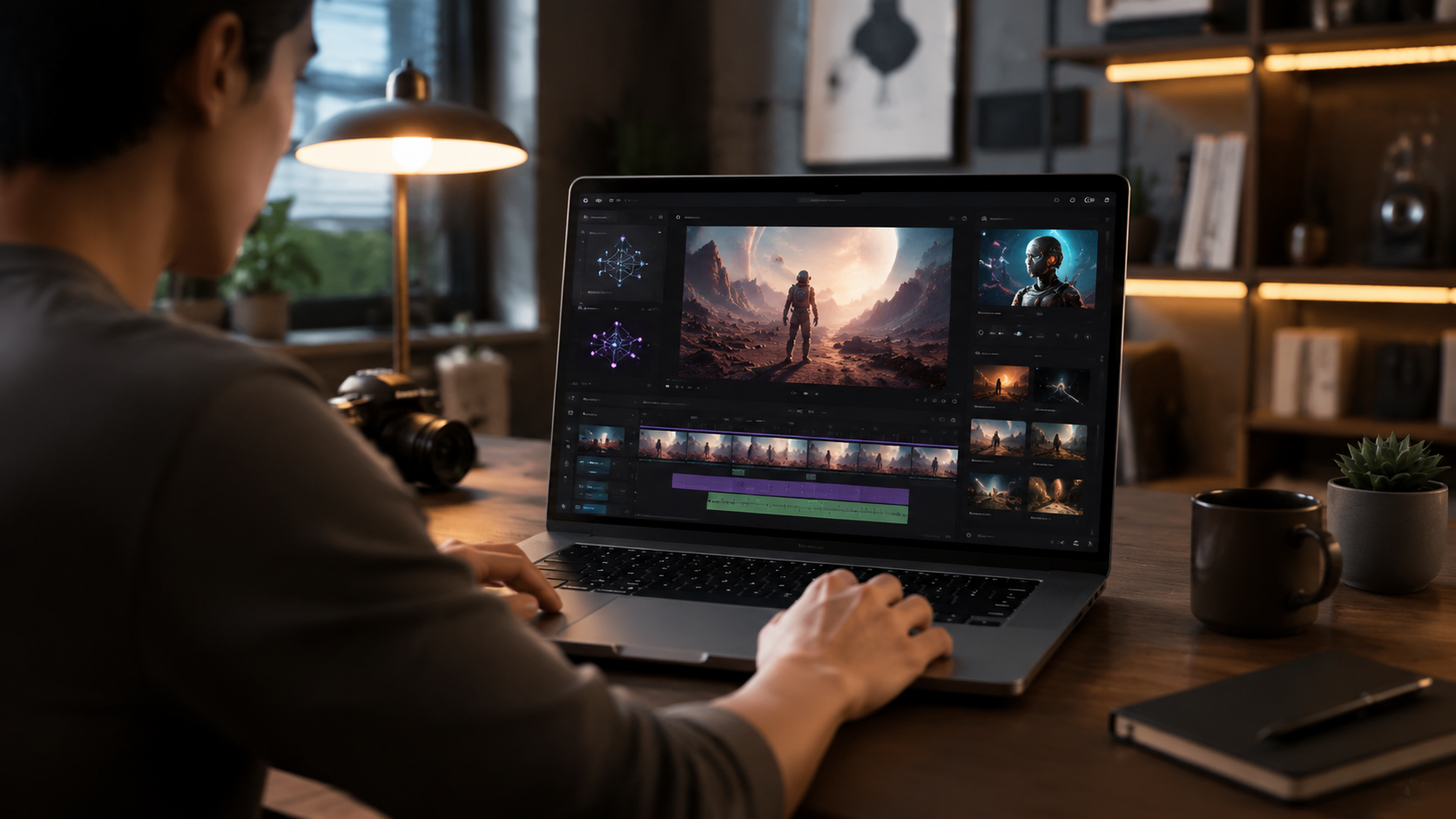
Below is a simple, numbered workflow that anyone can follow. These steps are based on the tools and best practices circulating in 2026 – including those highlighted in the perfectcorp.com “23 Best AI Video Generators for 2026” roundup.
- Choose your platform. Start with a free‑tier service like Runway Gen‑3, Pika Labs, or Google Gemini Omni. Gemini Omni is especially beginner‑friendly because you only need to type commands.
- Write a clear prompt. Describe exactly what you want: “a 10‑second clip of a golden retriever running through a lavender field, cinematic lighting, 4K resolution.” Avoid vague terms.
- Generate a preview. Most tools let you see a low‑resolution draft in seconds. Review it and tweak your description if needed.
- Edit with natural language. If using Gemini Omni, simply chat your edits: “Make the dog a little faster” or “Add a soft vignette.” Other platforms offer buttons for duration, aspect ratio, and style presets.
- Export the final video. Once satisfied, download your clip in MP4 or MOV format, ready to post on social media, your website, or a presentation.
- Add audio (optional). Many tools integrate with AI music generators or let you upload your own soundtrack. For a complete video, use a tool like Murf or ElevenLabs to generate voice‑over from text.
That’s it. The entire process can take as little as 15 minutes for a 30‑second clip. If you want to learn how to make AI video with no experience, the single most important skill is crafting effective prompts — not learning editing software.
Pro Tip: Use the “Cinema‑Quality” Preset
According to a report by Marketing Brew (24 April 2026), “cinema‑quality, AI‑native storytelling has arrived.” Most generators now include a “cinematic” or “film” preset that automatically applies dramatic lighting, shallow depth‑of‑field, and color grading. Beginners should always enable this preset to avoid the uncanny, low‑quality look that plagued early AI video.
Top AI Video Tools for Beginners (2026)
The perfectcorp.com review of “23 Best AI Video Generators for 2026” provides a comprehensive benchmark. Below is a comparison of the three most beginner‑friendly tools, based on that review and recent news.
| Tool | Best For | Free Tier? | Unique Feature (2026) |
|---|---|---|---|
| Google Gemini Omni | Complete beginners who prefer chat‑based editing | Yes (limited daily credits) | Edit videos by typing natural language commands; launched May 2026 |
| Runway Gen‑3 | Short clips, high‑quality motion | Yes (watermarked exports on free plan) | Best‑in‑class motion coherence and smooth transitions |
| Pika Labs | Animated characters and style transfer | Yes (up to 10 seconds per clip) | Excellent for stylized, artistic videos |
Source: perfectcorp.com “23 Best AI Video Generators for 2026.”
If you’re serious about learning how to make AI video with no experience, start with Gemini Omni. Its chat interface eliminates the learning curve entirely. According to the Memeburn article, you can “edit videos AI with just a chat” – meaning you don’t need to learn any visual interface whatsoever.
How to Achieve Cinema‑Quality Results as a Beginner
One of the biggest concerns for new users is that AI video will look cheap or “slop” (a term discussed in the Marketing Brew article). To avoid that, follow these guidelines:
Use Detailed, Specific Prompts
Instead of “a dog running,” write “a golden retriever puppy running through a field of purple flowers at golden hour, shallow depth of field, 24 fps.” The more detail, the better the AI understands your vision.
Leverage Style References
Many tools allow you to upload a reference image for the AI to mimic its aesthetic. This is especially useful if you want a consistent brand look or a specific film style.
Keep Clips Short (5–15 Seconds)
AI video generators in 2026 produce the most coherent results for short clips. For a 30‑second video, generate three 10‑second clips and stitch them together later (using a simple tool like Canva or even the AI’s own sequencing feature).
Add Audio Last
AI video tools are improving at synchronizing audio, but it’s still safer to generate the visual first, then layer music or voice‑over using a separate tool. This gives you full control over pacing.
Common Mistakes to Avoid When Making AI Video
Even with the best tools, beginners often run into pitfalls. Here are the most common ones, based on community feedback and the 2026 tool landscape:
Over‑relying on Default Settings
Most AI video generators default to a generic, slightly blurry output. Always adjust settings: increase resolution to 1080p or 4K, enable cinematic mode, and increase frame rate to 24 or 30 fps.
Ignoring the “AI Sloppiness” Factor
The Aeon article (19 February 2026) argues that “AI isn’t merely bad at writing. It does not and cannot write.” While that’s about text, the same caution applies to video: AI can generate impressive visuals, but it has no inherent understanding of storytelling. Always review the output for logical consistency — characters that suddenly change clothes, objects that warp, or unnatural lighting shifts.
Skipping the Free Tier
Almost every top‑rated AI video generator offers a free tier with daily credits. Use it to experiment before committing to a paid plan. The perfectcorp.com review confirms that free options cover basic needs for most beginners.
Not Planning Your Video in Advance
AI video generation is incredibly fast, but it works best when you have a clear script or storyboard. Write down the scenes you want, the key visual elements, and the approximate duration. Then feed those instructions into the tool.
Frequently Asked Questions
Do I need any previous video editing experience to use AI video generators?
No. Tools like Google Gemini Omni are designed for complete beginners. You only need to type commands in natural language. No timeline, no layers, no keyframes — just chat.
How long does it take to create a 30‑second AI video?
Typically 15–30 minutes from prompt to final export, depending on how many revisions you make. With Gemini Omni, the conversational editing can save even more time.
Are AI‑generated videos free to use in 2026?
Most platforms offer free tiers with watermarked or limited‑resolution exports. For commercial use without watermarks, a paid subscription is required. Prices range from $10‑30/month depending on the tool.
What hardware or software do I need to start?
Just a computer or smartphone with an internet connection. All processing is done in the cloud. No high‑end GPU or editing software is required. This makes it incredibly accessible for anyone wanting to learn how to make AI video with no experience.
Can I use AI video for business or marketing?
Absolutely. Shopify’s “AI Business Ideas: 20 Ways to Start in 2026” features video content creation as one of the top low‑barrier business opportunities. Many entrepreneurs now use AI video for social media ads, product demos, and explainer videos — all without hiring a videographer.
How does Gemini Omni compare to other AI video tools?
Gemini Omni is unique because it uses a chat interface rather than a visual editor. It’s the easiest tool for absolute beginners, though it may have fewer creative controls than Runway or Pika. The tradeoff is simplicity over granularity.
What resolution and quality can I expect from free AI video generators?
Free tiers typically cap output at 720p or 1080p and may include a small watermark. Paid plans unlock 4K resolution, longer durations, and removal of watermarks. According to the perfectcorp.com review, even free outputs in 2026 are significantly better than paid tools from two years ago.
Learning how to make AI video with no experience in 2026 is not only possible — it’s one of the most accessible creative skills you can acquire. With Google’s Gemini Omni, the free tiers of Runway and Pika, and the arrival of cinema‑quality AI‑native storytelling (as noted by Marketing Brew), there has never been a better time to start. Write your first prompt today, and you could have a shareable video in minutes.



Comments ()