
How to Make AI Video 2026: Ultimate Guide & Tools
To create an AI video in 2026, you need to use a text-to-video generator that converts your script, prompts, or images into realistic footage — and the process has become surprisingly accessible thanks to tools launched or updated at Google I/O 2026. Simply choose a platform, write a detailed prompt, select style parameters, generate, and then edit the output for polish. The key is knowing which tool matches your goal, from short social clips to long-form storytelling, and understanding the new labeling rules YouTube introduced in May 2026.
Making an AI video in 2026 is a five-step process: 1) Pick a reputable AI video generator (like those updated at Google I/O 2026), 2) Craft a descriptive text prompt with scene details, 3) Adjust settings (resolution, style, duration), 4) Generate the video and review, 5) Refine with manual editing or re‑generations. Tools now support 4‑minute clips, realistic lip sync, and automatic YouTube compliance labeling.
- ✓ YouTube now automatically labels AI‑generated videos (TechCrunch, May 2026) — transparency is mandatory.
- ✓ Text‑to‑video technology is reshaping content creation in 2026, from political ads to social media (Cybernews, June 2026).
- ✓ Strange AI videos boosted a political campaign (Time, June 2026), proving the format’s marketing power.
- ✓ The New York Times warns about “AI slop” get‑rich‑quick schemes (June 2026) — focus on quality, not shortcuts.
- ✓ Google I/O 2026 unveiled 12 major updates, including faster generation and better motion consistency.
1. Understanding AI Video Generation in 2026
AI video generators have evolved dramatically. Instead of clunky, frame‑by‑frame outputs, today’s models produce coherent scenes with defined characters, camera movements, and even dialogue lip‑sync. The core technology — diffusion models trained on millions of video clips — has matured to handle complex prompts like “a cinematic shot of a dragon flying over a neon city at sunset.”
The year 2026 marks a turning point: platforms now offer up to 4 minutes of continuous footage, and real‑time editing lets you tweak scenes after generation. According to Cybernews (June 3, 2026), “the rise of AI video generators is fundamentally changing how marketers, educators, and storytellers produce visual content.” Whether you’re making a product demo, a social media reel, or a political ad, understanding these capabilities is the first step.
What You Can Expect from AI Video Tools in 2026
Most tools now support 1080p and even 4K output. They can handle multiple characters, consistent objects across scenes, and automatic background removal. Some even integrate audio generation — you can upload a script and the AI will create a voiceover with matching lip movements. However, the quality still varies: abstract or highly detailed scenes may require several attempts.
2. How to Make AI Video 2026: A Step‑by‑Step Guide
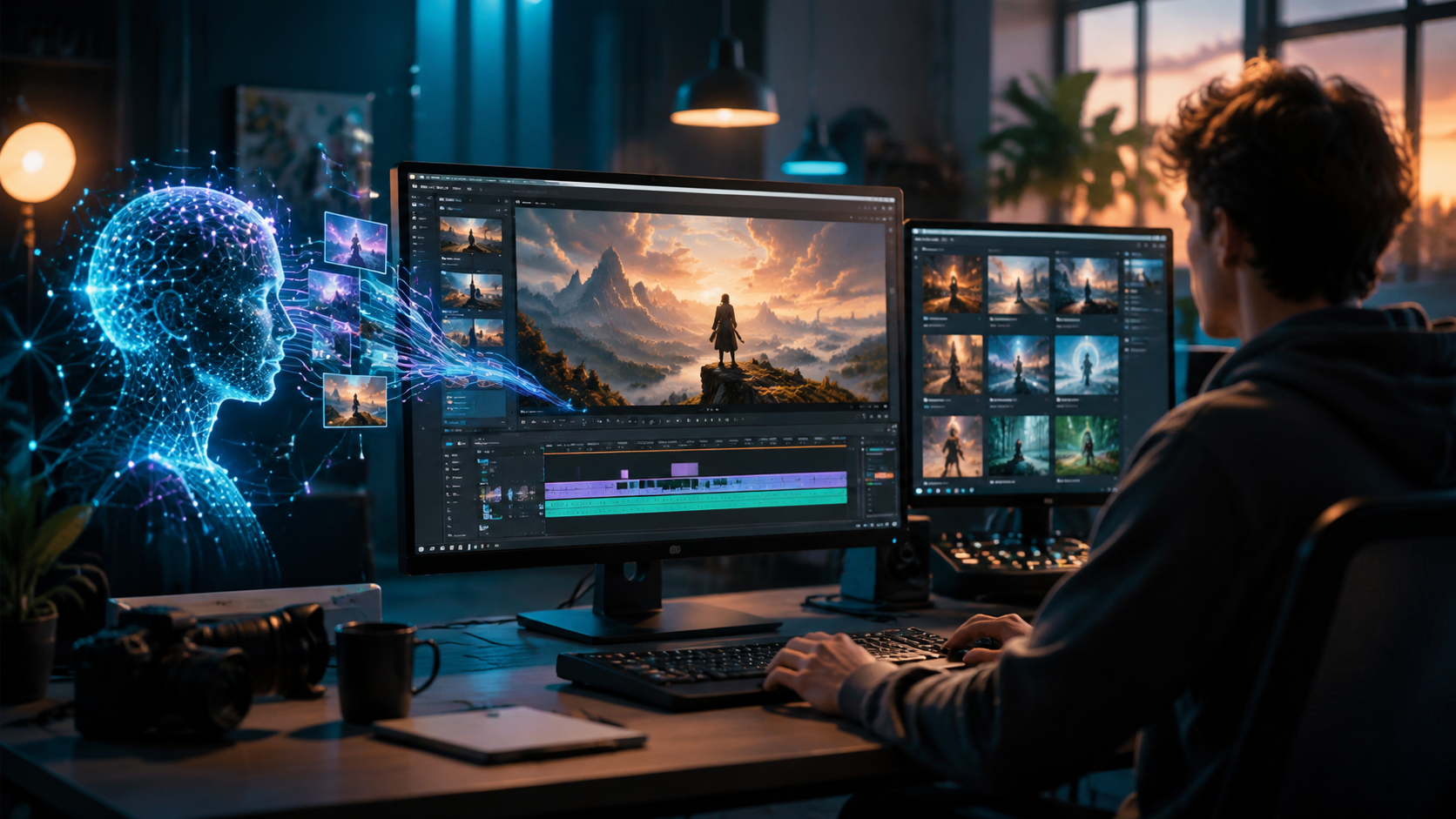
Follow this numbered list to create your own AI video in 2026, whether for personal projects or professional campaigns.
- Define your goal and script. Write a short script (30–60 seconds for social, 2–4 minutes for explainers). Include visual cues: “a futuristic city with flying cars, neon signs, rain.”
- Choose your AI video generator. Options include Google’s VideoPoet (updated at I/O 2026), Runway Gen‑4, Pika Labs 2.0, and others. Check the comparison table below for key differences.
- Write a detailed prompt. Include style (e.g., “cinematic, 35mm film grain”), camera movement (“slow tracking shot”), and mood (“mysterious, blue lighting”). Tools now understand complex instructions.
- Set parameters. Resolution (usually 1080p or 4K), duration (most tools allow up to 4 minutes), and aspect ratio (16:9 for YouTube, 9:16 for TikTok/Reels). Enable “automatic labeling” if required by YouTube policy.
- Generate and review. Most tools produce a preview in 1–3 minutes. Watch for motion artifacts or strange textures. If dissatisfied, tweak your prompt or use the “re‑roll” button.
- Edit and polish. Use integrated editors to trim, add text overlays, or combine multiple clips. You can also use traditional video editors like Premiere Pro or DaVinci Resolve for final touches.
- Add YouTube disclosure. Since May 27, 2026, YouTube automatically labels AI‑generated videos (per TechCrunch). Ensure your content is properly tagged to avoid penalties.
3. Best Tools to Make AI Video in 2026: Comparison Table
Selecting the right tool depends on your use case. The table below compares the top contenders based on recent reviews and Google I/O 2026 announcements. Note: PCMag (May 24, 2026) also tested NSFW AI video generators, but those tools are not included here due to content restrictions.
| Tool | Max Duration | Resolution | Lip Sync | YouTube Labeling | Best For |
|---|---|---|---|---|---|
| Google VideoPoet (2026) | 4 minutes | 4K | Yes | Automatic | Cinematic storytelling, long‑form |
| Runway Gen‑4 | 2 minutes | 1080p | Yes (premium) | Manual | Iterative creative projects |
| Pika Labs 2.0 | 1 minute | 1080p | No | Automatic | Quick social media clips |
| Stable Video Diffusion (SVD) | 30 seconds | 720p | No | Manual | Experimental, low‑budget |
According to Google’s I/O 2026 recap (May 28), VideoPoet now offers “real‑time multiple‑object consistency” — meaning a character’s appearance stays the same across scene cuts. For political campaigns, Time Magazine (June 3, 2026) reported that “strange A.I. videos boosted Spencer Pratt’s campaign,” highlighting how even unconventional AI visuals can go viral.
4. Best Practices for High‑Quality AI Videos in 2026
Creating standout AI videos requires more than typing a sentence. Here are tips based on expert analysis and the latest trends:
- Write visual, not just descriptive, prompts. Instead of “a dog running,” try “a golden retriever running through a sunflower field at golden hour, slow motion, shallow depth of field.”
- Use negative prompts to avoid common issues. For example, “no deformed faces, no unnatural lighting, no flickering.”
- Keep scenes simple. AI struggles with complex crowd scenes or fast action. Stick to one or two main subjects per clip.
- Edit the audio separately. While some tools offer voiceover generation, professional sound design can dramatically improve perceived quality.
- Respect copyright and disclosure. The New York Times (June 1, 2026) warned about “AI slop” and get‑rich‑quick schemes. Always disclose AI generation to build trust with your audience.
- Test your video with a small audience before publishing. Strange artifacts can hurt credibility, especially in news or educational content.
5. The Future of AI Video: Trends from 2026
Several developments in 2026 point to where AI video is heading. YouTube’s automatic labeling policy (announced May 27, 2026) is setting a standard for transparency across platforms. The political use case demonstrated by Spencer Pratt’s campaign (Time, June 2026) suggests AI videos will become a staple in advertising and messaging.
Google I/O 2026 highlighted 12 major moments, including faster generation and multimodal prompts (combining text, images, and audio input). Meanwhile, cybersecurity concerns remain: Cybernews (June 3, 2026) noted that while text‑to‑video democratizes creation, it also raises risks of deepfakes and misinformation. As a responsible creator, you should always label your AI content and avoid deceptive edits.
6. Common Pitfalls and How to Avoid Them
Even experienced users face challenges. Here are the most frequent issues reported in 2026:
- Unnatural facial expressions: Use prompts that specify neutral or subtle emotions. Many tools now offer “expression controls.”
- Motion flickering: Lower frame rates or shorter clips often reduce this. Try 24fps for a cinematic look.
- Background inconsistency: Tools like Google VideoPoet handle this better, but you can also fix it with manual keyframes.
- Audio‑video mismatch: If using separate voiceover, ensure the AI lip sync is enabled and the timing aligns.
- Ignoring platform rules: YouTube now autodetects AI content; if you try to bypass it, your video may be taken down.
The New York Times article titled “Can You Get Rich Quick Off A.I. Slop?” (June 1, 2026) reminds us that quality and authenticity still matter. Use AI as a creative assistant, not a replacement for original storytelling.
Frequently Asked Questions
What is the best free AI video generator in 2026?
Many tools offer free tiers with watermarks. For 2026, Google VideoPoet provides limited free generations (up to 30 seconds). Pika Labs 2.0 also has a free plan. For longer clips, you’ll need a paid subscription.
How long does it take to make an AI video in 2026?
Generation times vary: a 30‑second clip typically takes 1–3 minutes, while a full 4‑minute video may require 10–15 minutes. Editing and re‑generating add time, but the overall process is much faster than traditional animation.
Do AI videos count as “original content” on YouTube?
Yes, but they must be labeled. YouTube’s automatic labeling system (launched May 27, 2026) marks AI‑generated videos. You can still copyright your script and editing, but AI‑generated visuals are not copyrightable in most jurisdictions.
Can I use AI video for political campaigns in 2026?
Absolutely. Time Magazine (June 3, 2026) documented how Spencer Pratt’s campaign used strange AI videos effectively. However, you must disclose the use of AI to comply with election integrity rules and avoid misleading voters.
What are the ethical concerns around AI video generation in 2026?
Deepfakes, misinformation, and potential copyright infringement remain top concerns. The New York Times (June 1, 2026) highlights the risk of “AI slop” — low‑quality, mass‑produced content that can harm reputation. Always use AI responsibly and add clear disclosures.
How do I make sure my AI video looks realistic?
Start with high‑quality tools like Google VideoPoet (updated at I/O 2026). Use detailed prompts with camera angles, lighting, and motion specifications. Run multiple iterations and refine negative prompts to remove artifacts. A well‑written script also improves realism.



Comments ()