
How to Make AI Talking Heads: The 2026 Complete Guide
To learn how to make AI talking heads, you must select a generative video platform, upload a portrait or select a pre-made avatar, and input your script or audio file to synchronize facial movements. In 2026, this process has become nearly instantaneous, allowing creators to produce professional-grade videos with realistic lip-syncing and emotional expressions in just a few clicks.
AI talking heads are digitally synthesized avatars that use deep learning and neural rendering to animate a static image or 3D model, synchronized with a voiceover. This technology allows for the creation of high-fidelity video content without the need for traditional cameras, lighting, or specialized filming equipment.
- ✓ AI talking heads now offer ultra-realistic lip-syncing and micro-expressions as of 2026.
- ✓ Platforms like HeyGen and Perfect Corp provide tools for both photo-to-video and 3D avatar generation.
- ✓ The average production time for a professional talking-head video has dropped to under five minutes.
- ✓ Ethical usage and watermarking are now industry standards to prevent the spread of misinformation.
The Evolution of AI Talking Head Technology in 2026
As we navigate through 2026, the landscape of digital communication has been fundamentally altered by the sophistication of generative AI. Making AI talking heads is no longer a niche skill reserved for visual effects artists; it is a mainstream utility used by educators, marketers, and corporate leaders. According to BNP Paribas Asset Management, AI is transforming quantitative management and digital interactions across the financial sector, signaling a broader shift in how professional information is delivered via synthetic media.
The current generation of AI talking heads utilizes "Neural Radiance Fields" (NeRF) and advanced generative adversarial networks to ensure that lighting, shadows, and skin textures are indistinguishable from real video footage. Early iterations of this technology often suffered from the "uncanny valley" effect, where movements felt robotic or disjointed. However, the latest updates in 2026 have introduced fluid micro-gestures—such as natural blinking, shoulder shrugging, and head tilting—that mirror human behavior with startling accuracy.
Furthermore, the integration of Large Language Models (LLMs) directly into these video platforms means that the avatars can now "understand" the context of the script. If the text is somber, the AI talking head will automatically adopt a serious facial expression; if the text is enthusiastic, the avatar’s eyes will brighten and its gestures will become more animated. This contextual awareness is the hallmark of 2026 AI video production.
Step-by-Step: How to Make AI Talking Heads
- Select Your Platform: Choose a reputable AI video generator such as HeyGen, which specializes in ultra-realistic avatars, or explore the latest tools featured by Perfect Corp for 2026.
- Choose or Create an Avatar: You can upload a high-quality "talking photo" or select a professional stock avatar. Some platforms even allow you to create a 3D version of yourself using just a few seconds of smartphone footage.
- Input Your Script: Type your text into the editor. Most 2026 tools support over 100 languages with regional accents. Alternatively, upload a voice recording to use your own voice.
- Customize the Environment: Adjust the background, framing (close-up vs. waist-up), and clothing of your avatar to suit your brand’s aesthetic.
- Generate and Export: Hit the "Generate" button. The cloud-based engine will render the lip-syncing and movements. Once finished, download the video in 4K resolution.
Top AI Talking Head Tools for 2026
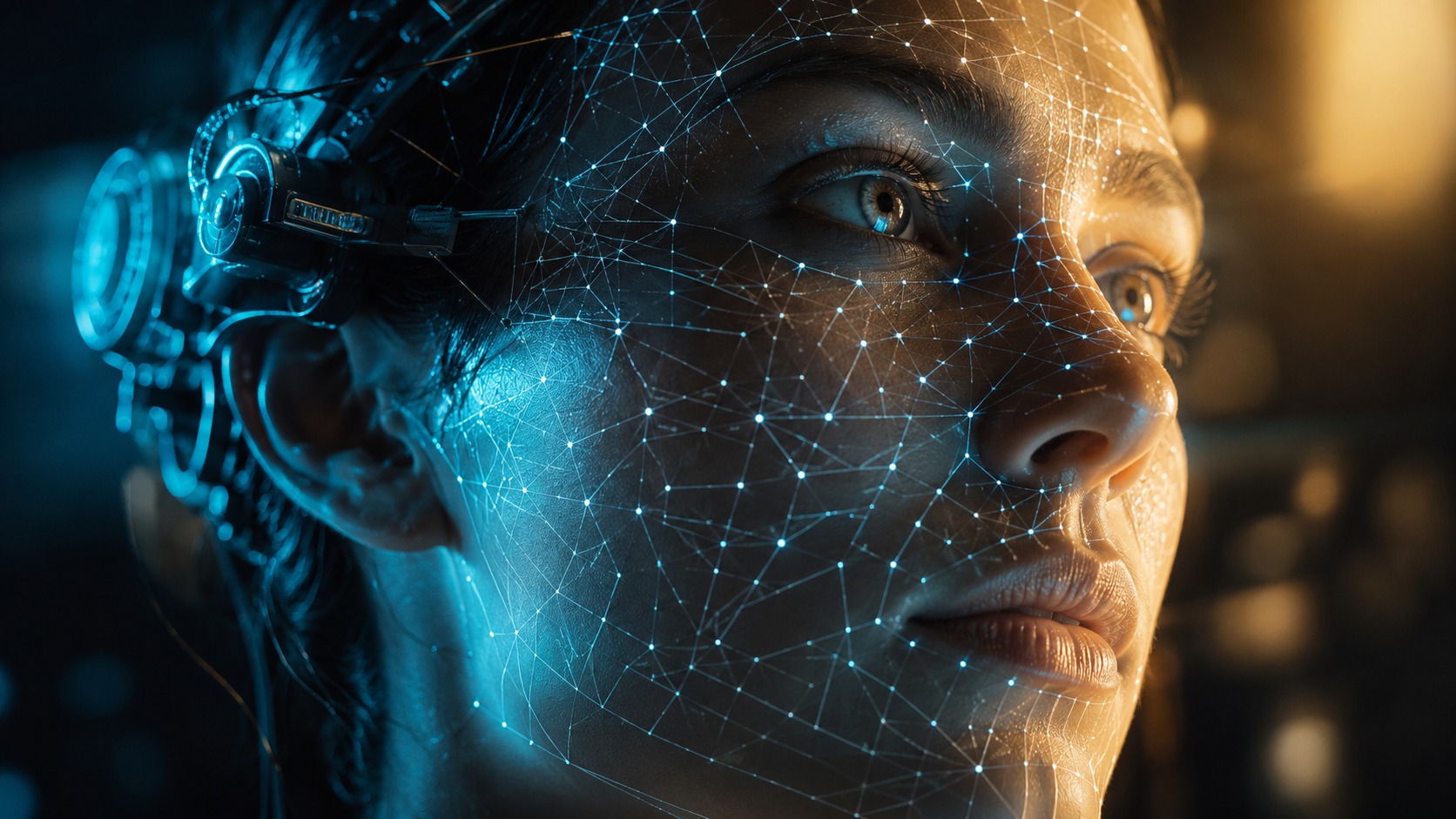
Choosing the right tool is essential for achieving professional results. As noted by Scott Coop in his 2026 guide to AI talking photo tools, the market has bifurcated into "quick-edit" mobile apps and "professional-grade" desktop suites. For those looking for the highest fidelity, platforms like HeyGen have set the gold standard. According to quasa.io, HeyGen allows users to create pro talking-head videos with ultra-realistic avatars and lip-sync in minutes, making it a favorite for corporate training and social media marketing.
Another major player in the space is Perfect Corp. Their 2026 lineup includes five of the best AI talking avatar generators, focusing on beauty and fashion industries where facial detail is paramount. These tools are designed to handle high-resolution textures, ensuring that the AI talking heads look crisp even on large displays. While some tools focus on realistic humans, others, like the AI-powered C-3PO head mentioned by Gizmodo, show the playful side of the tech, allowing users to animate iconic characters for entertainment and fan engagement.
| Feature | Professional Suites (e.g., HeyGen) | Mobile Talking Photo Apps | Experimental/Creative AI |
|---|---|---|---|
| Primary Use | Corporate & Marketing | Social Media & Fun | Entertainment & Gaming |
| Lip-Sync Accuracy | Ultra-High (Neural Sync) | Moderate | High (Character-Specific) |
| Customization | Full (Clothing, Voice, Background) | Limited (Filters only) | High (Non-human models) |
| Resolution | Up to 4K / 8K | 1080p | Variable |
| Processing Time | 2-5 Minutes | Instant | Real-time streaming |
How to Make AI Talking Heads Look Realistic
To achieve the best results when learning how to make AI talking heads, the quality of your input data is the most significant factor. If you are using the "talking photo" method, ensure the image is a front-facing portrait with neutral lighting. Shadows across the face can confuse the AI's depth-perception algorithms, leading to warping during speech. In 2026, most top-tier tools include an "Auto-Enhance" feature that uses AI to fix lighting inconsistencies before the animation process begins.
Voice selection is the second pillar of realism. While text-to-speech has improved, using a "Voice Clone" provides the most authentic experience. By providing a 30-second sample of your actual voice, the AI can replicate your specific cadence, tone, and breathing patterns. This creates a seamless "audio-visual" bond that makes the AI talking head feel like a genuine recording rather than a synthetic creation.
Advanced Customization Techniques
In 2026, advanced users are leveraging "Emotional Keyframing." This allows you to manually insert emotional cues into the script. For example, adding a [smile] tag before a specific sentence will trigger the avatar to transition naturally into a grin. This level of control is what separates basic AI videos from high-converting marketing assets. According to Perfect Corp, these micro-interactions increase viewer retention rates by up to 40% compared to static or poorly animated avatars.
Ethical Considerations and Combating Misinformation
With the power to create realistic human avatars comes significant responsibility. A report by orfonline.org highlights the "New Architecture of Health Misinformation," where AI talking heads have been used to spread fraudulent medical advice. Because these avatars look and sound authoritative, viewers are more likely to trust the content they produce. This makes it imperative for creators to use these tools ethically and for platforms to implement strict verification protocols.
Most reputable AI video platforms in 2026 now include invisible digital watermarks and metadata that identify the content as AI-generated. This "Content Provenance" is essential for maintaining trust in digital media. When you learn how to make AI talking heads for your business, ensure you are transparent with your audience about the synthetic nature of the presenter. Transparency not only builds trust but also protects your brand from potential backlash regarding "deepfake" concerns.
Furthermore, the legal landscape has caught up with the technology. In 2026, using a person's likeness without their explicit consent—even if it is an AI-generated version—can lead to significant legal repercussions. Always use stock avatars provided by the platform or your own recorded likeness to ensure full compliance with modern digital identity laws.
The Future: Real-Time AI Talking Head Interaction
We are currently moving beyond pre-rendered video into the era of real-time interaction. As showcased by the C-3PO project featured in Gizmodo, AI talking heads are now being integrated with LLMs to allow for live conversations. Imagine a customer service representative that is an AI talking head, capable of answering questions in real-time with perfect lip-syncing and human-like empathy. This is the frontier of the "Digital Human" industry.
According to experts at quasa.io, the next step is the integration of these avatars into Augmented Reality (AR) and Virtual Reality (VR) environments. Instead of watching a video on a flat screen, users will be able to sit across from an AI talking head in a virtual space, making the interaction feel entirely physical. For businesses, this means the "Complete Guide" to AI talking heads will soon include spatial audio and 360-degree environmental rendering.
The democratization of this technology means that a small business owner in 2026 has the same production capabilities as a major television studio. By mastering the tools and techniques outlined in this guide, you can stay ahead of the curve in a world where video is the primary language of the internet.
What is the best software for making AI talking heads in 2026?
HeyGen and Perfect Corp are currently the industry leaders, offering a balance of ultra-realistic visuals, ease of use, and advanced emotional controls. Other tools like D-ID and Synthesia remain strong competitors for corporate training needs.
Can I make an AI talking head from a single photo?
Yes, most 2026 AI tools allow you to upload a single high-resolution JPG or PNG and animate it. The AI uses depth-mapping to turn the 2D image into a 3D-like model that can move and speak.
Is it expensive to create AI talking head videos?
While premium features require a subscription, many platforms offer "pay-as-you-go" models or free trials. Compared to the cost of a traditional video shoot, AI talking heads are significantly more cost-effective, often saving companies thousands of dollars per project.
How do I ensure the lip-syncing is accurate?
To ensure perfect lip-syncing, use high-quality audio files (44.1kHz or higher) and clear, well-paced scripts. Modern AI engines in 2026 automatically handle phonetic alignment, but clear input results in a more natural output.
Are there copyright issues with AI avatars?
As long as you use the stock avatars provided by the software or your own likeness, you own the rights to the generated content. However, using the likeness of a celebrity or another person without permission is a violation of copyright and personality rights in 2026.



Comments ()