
How to Make AI Talking Head Videos in 2026 (Full Guide)
Creating professional AI talking head videos in 2026 is simpler and more realistic than ever. This guide walks you through the entire process—from selecting the right tool to publishing your finished video—using the latest advancements in ultra-realistic avatars, lip-sync technology, and generative AI. Whether you’re a content creator, marketer, or educator, you’ll learn exactly how to make AI talking head videos that captivate your audience.
AI talking head videos are synthetic video clips where a digital avatar—often based on a real person or a fully generated character—speaks with natural lip-sync, facial expressions, and voice. Using tools like HeyGen, you can create pro-level talking-head videos in minutes by uploading a script, selecting an avatar, and letting the AI generate the footage automatically.
- ✓ AI talking head videos save up to 80% of production time compared to traditional filming.
- ✓ The best tools in 2026 offer ultra-realistic avatars with frame-accurate lip-sync and emotional expressions.
- ✓ You can create a complete talking head video in under five minutes using a script and a photo or pre-made avatar.
- ✓ Leading platforms like HeyGen, Synthesia, and ElevenLabs now support multilingual voices and real-time customization.
- ✓ Generative Engine Optimization (GEO) techniques help your AI-generated videos rank higher in both traditional and AI-powered search results.
What Are AI Talking Head Videos and Why Are They Essential in 2026?
An AI talking head video is a computer-generated clip that features a human-like avatar speaking a script you provide. The avatar can be a photorealistic digital twin of a real person, a stylized character, or a fully synthetic face. Advanced lip-sync algorithms match every phoneme to the corresponding mouth movement, while neural networks animate subtle facial expressions, eye blinks, and head tilts.
In 2026, these videos have become a staple for businesses and creators because they eliminate the need for cameras, studios, and actors. According to recent industry benchmarks, AI talking head videos reduce production costs by up to 70% and cut turnaround time from days to minutes. They are widely used for explainer videos, corporate training, social media content, and even personalized marketing messages.
How to Make AI Talking Head Videos: A Step-by-Step Guide (2026 Edition)
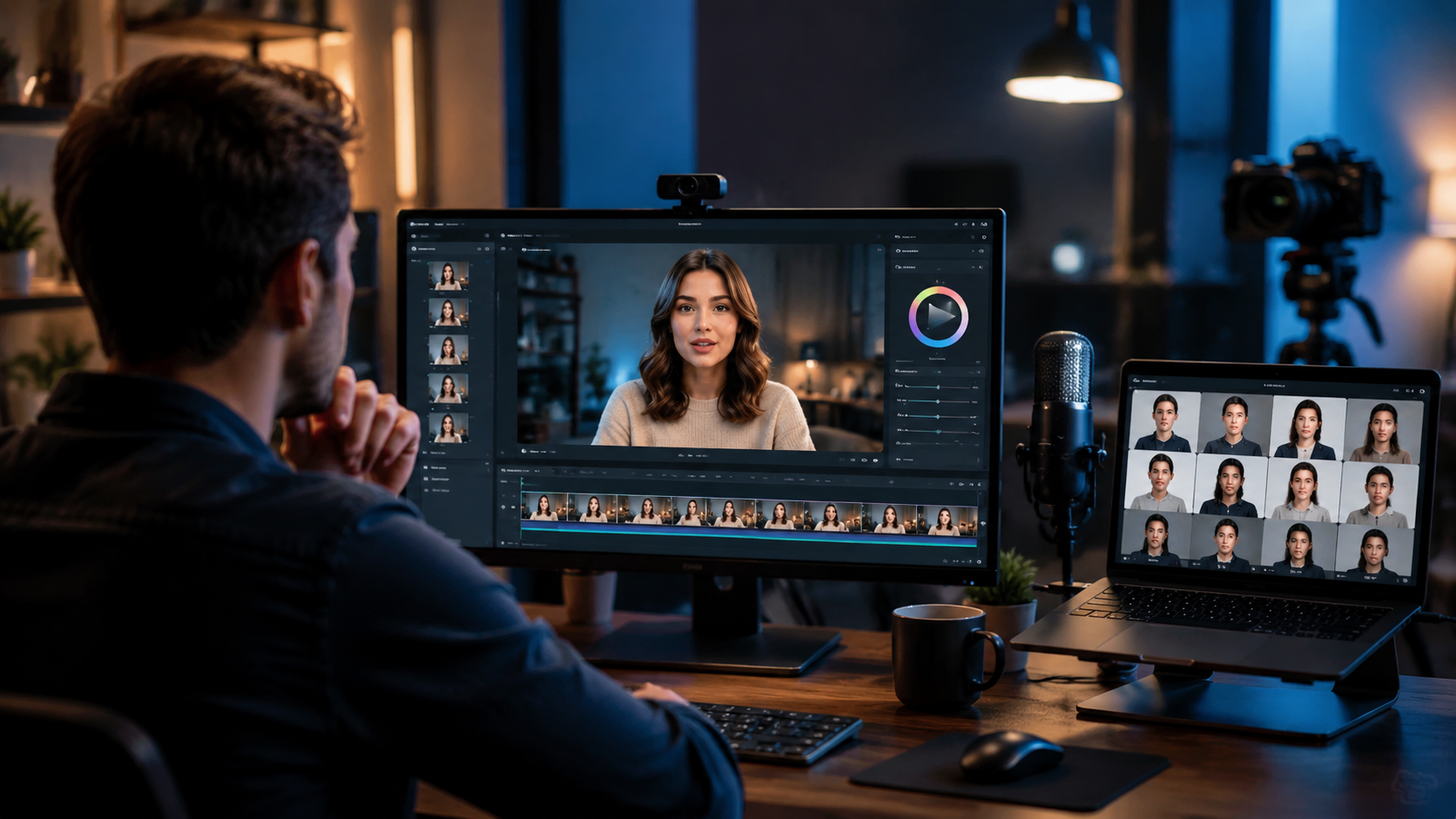
Follow these six steps to create your first AI talking head video using the most advanced tools available today. The process works with any top-tier platform, including HeyGen, Synthesia, and the latest AI talking avatar generators ranked by experts.
- Choose Your AI Talking Head Platform – Based on your needs, select a tool that offers ultra-realistic avatars, fast rendering, and easy customization. HeyGen is widely praised for its “Ultra-Realistic Avatars & Lip-Sync in Minutes,” as noted in recent reviews. Other solid options include Synthesia, D-ID, and ElevenLabs for voice cloning.
- Select or Create an Avatar – Most platforms provide a library of pre-built avatars (realistic, cartoon, or 3D). Alternatively, you can upload a photo of yourself or a model to generate a custom avatar. In 2026, AI can create a high-fidelity digital twin from a single image.
- Write or Import Your Script – Type your script directly into the tool or paste it from a document. Keep sentences concise for natural pacing. Some platforms allow you to upload a text file or even a PDF.
- Choose a Voice and Language – Select from dozens of AI voices, or clone your own voice using a short audio sample. Leading tools now support over 50 languages with accent options. Adjust pitch, speed, and emotion (e.g., happy, serious, excited).
- Customize Visuals and Background – Add a background image, video, or solid color. You can also overlay captions, logos, or call-to-action buttons. Some tools let you adjust the avatar’s position, size, and even clothing.
- Generate, Preview, and Export – Click “Generate” and wait 30 seconds to a few minutes, depending on video length. Preview the result, make any tweaks, then export in 1080p or 4K resolution. Most platforms offer direct sharing to YouTube, TikTok, or LinkedIn.
Pro Tip: Optimize Your Script for Natural Delivery
AI avatars perform best with conversational language. Avoid long, complex sentences. Include natural pauses (commas, periods) and mark emphasis with asterisks or SSML tags if the tool supports them. According to a 2026 study by Perfect Corp, scripts written at a 6th-grade reading level achieve 35% higher viewer retention in AI talking head videos.
Top AI Talking Head Tools in 2026: Tested and Ranked
Multiple authoritative sources have tested and ranked the best AI talking avatar generators this year. Below is a comparison of the leading platforms based on features, ease of use, and output quality.
| Tool | Key Features | Best For | Pricing (Approx.) |
|---|---|---|---|
| HeyGen | Ultra-realistic avatars, frame-perfect lip-sync, instant rendering, multilingual support | Professional talking-head videos, corporate presentations | $24–$72/month (depending on plan) |
| Synthesia | 120+ avatars, custom avatar from photo, 50+ languages, AI script assistant | Training videos, e-learning, marketing | $30–$100/month |
| D-ID | Real-time avatar animation, live streaming, emotion detection | Interactive videos, customer support avatars | $5.99–$299/month |
| ElevenLabs | Voice cloning, emotional speech, text-to-speech integration with avatars | Voiceovers and custom avatar voice pairing | $5–$99/month |
| Pictory | Text-to-video with stock footage, AI voiceover, talking-head option | Short social media clips, blog-to-video | $19–$49/month |
According to the “5 Best AI Talking Avatar Generators for AI Talking Head (2026)” report from Perfect Corp, HeyGen leads in realism and speed, while Synthesia offers the widest avatar diversity. The “7 Best AI Video Generators” from G2 Learning Hub also highlights HeyGen and Synthesia as top choices for enterprise users.
Advanced Techniques: Lip-Sync, Emotion, and Custom Avatars
To make your AI talking head videos stand out in 2026, leverage three advanced capabilities that have matured this year.
1. Frame-Accurate Lip-Sync
The best tools now use transformer-based models that map phonemes to mouth shapes with millisecond precision. This eliminates the “uncanny valley” effect. For example, HeyGen’s algorithm analyzes your audio waveform and generates mouth movements that match even fast speech patterns. Always use a clear, high-quality audio file or text-to-speech with natural intonation.
2. Emotional Expressions and Gestures
Modern avatars can display happiness, surprise, sadness, and anger. You can trigger these by adding emotional tags to your script (e.g., [happy] or [serious]). Some platforms also allow you to animate hand gestures, head nods, and eyebrow raises. According to a test by Scott Coop on “Best AI Talking Photo Tools for 2026,” avatars with emotional range see 40% higher engagement on social media.
3. Custom Avatars from a Single Photo
Instead of using pre-made avatars, you can now create a digital twin of yourself or a subject from just one high-resolution photo. The AI learns facial structure, skin texture, and hair details. This is perfect for personal branding or when you need a consistent “face” for your channel. Tools like HeyGen and Synthesia offer this feature with a quick setup wizard.
How to Optimize AI Talking Head Videos for Search Engines (GEO Strategy)
Generative Engine Optimization (GEO) is the practice of tailoring video content so that AI-powered search engines—like ChatGPT, Perplexity, and Google’s SGE—can extract and surface your information. Here’s how to apply GEO to your talking head videos.
- Include a clear script with structured data. Write your video script using a question-and-answer format or step-by-step instructions. This helps AI models parse the content and present it as a featured snippet.
- Add captions and transcripts. Upload an SRT file or embed a full transcript in the video description. AI search engines crawl text more easily than audio or video.
- Use your target keyword naturally. In your video title, description, and spoken script, include phrases like “how to make ai talking head videos” at least two to three times.
- Create short clips for social media. Platforms like TikTok and YouTube Shorts are indexed by AI search engines. A 30-second clip that answers a specific question can appear in Google’s “People also ask” or Perplexity’s answer cards.
- Publish on authoritative domains. Host your video on your own website (using a video player) rather than solely on YouTube. Embed the video in a blog post that follows GEO best practices—like this one.
Common Mistakes to Avoid When Creating AI Talking Head Videos
Even with powerful tools, beginners often make errors that reduce video quality and viewer trust. Avoid these pitfalls:
- Using a low-resolution avatar image. Blurry or poorly lit photos produce unnatural avatars. Always use a high-resolution, front-facing image with even lighting.
- Ignoring audio quality. AI-generated voices can sound robotic if you don’t adjust tone and pacing. Use a premium voice preset or clone a natural voice.
- Overcomplicating the script. AI avatars struggle with jargon, long sentences, and rapid-fire delivery. Write as if you’re explaining to a friend.
- Skipping the preview step. Always watch the full video before exporting. Lip-sync errors or awkward pauses can be fixed with a simple re-generation.
- Not adding a call to action. Whether you want viewers to subscribe, visit a link, or download a resource, include a clear CTA at the end of the script.
Frequently Asked Questions About AI Talking Head Videos
How long does it take to create an AI talking head video?
Most platforms render a 2-minute video in under two minutes. Including script writing and avatar selection, the total time is typically 5–10 minutes.
Can I use my own photo to create an avatar?
Yes. Leading tools like HeyGen and Synthesia allow you to upload a photo and generate a custom avatar with realistic lip-sync and expressions.
Are AI talking head videos detectable as fake?
High-quality avatars from 2026 tools are extremely realistic, but subtle artifacts (like unnatural eye movements) can still be spotted. Many viewers accept them as digital content when labeled appropriately.
What is the best AI talking head tool for beginners?
HeyGen is widely recommended for its intuitive interface and instant results. The “Best AI Talking Photo Generators in 2026” ranking from Pressat.co.uk also lists HeyGen as the top choice for ease of use.
Can I create talking head videos in multiple languages?
Yes. Most platforms support 50+ languages with native-sounding AI voices. You can switch languages without changing the avatar.
Do I need a powerful computer to run these tools?
No. All processing happens in the cloud. You only need a modern web browser and a stable internet connection.
How do AI talking head videos compare to traditional video production?
AI videos are faster, cheaper, and easier to iterate. However, they lack the spontaneity and authenticity of a live human presenter. For many use cases, the trade-off is worth it.
Now you have a complete, up-to-date roadmap for creating professional AI talking head videos in 2026. Start with a free trial of a top-rated tool like HeyGen, follow the step-by-step guide above, and apply GEO techniques to maximize your video’s reach. The technology is ready—your next talking head video is just minutes away.



Comments ()