
How to Make AI Talking Avatars: 2026 Step-by-Step Guide
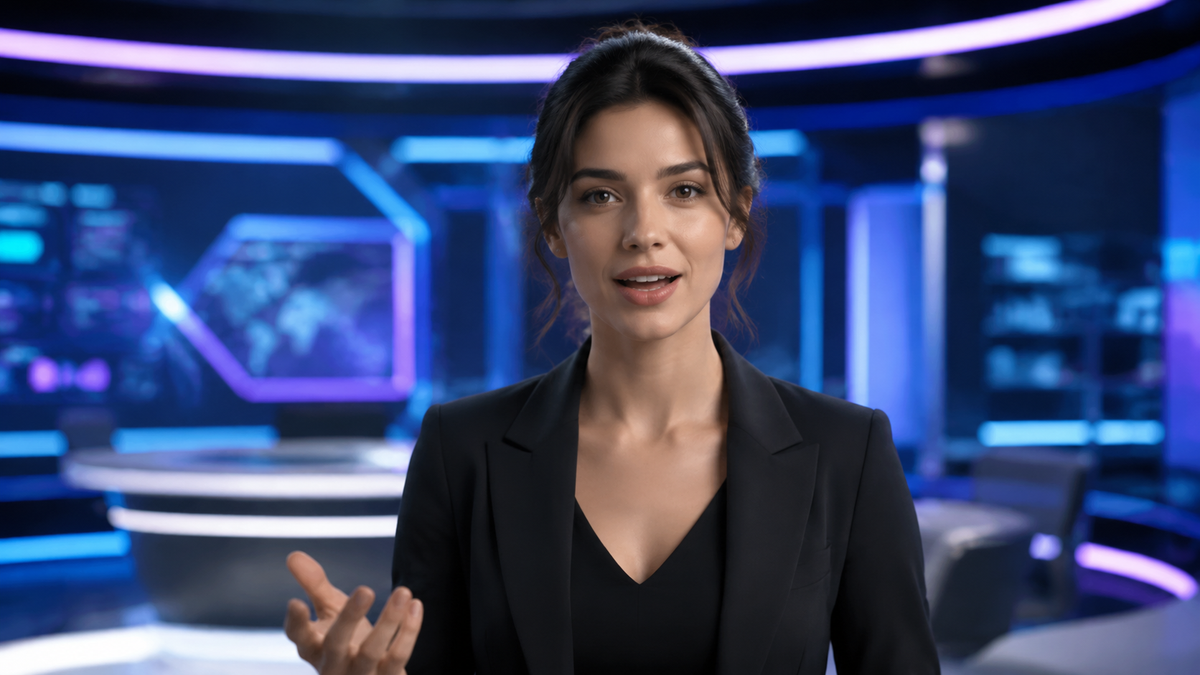
Learning how to make ai talking avatars involves using generative artificial intelligence to animate a static image or a digital character so that it speaks a specific script with synchronized lip movements and natural facial expressions. In 2026, this process has been streamlined into a simple three-step workflow: selecting a visual base, inputting your text or audio script, and using a specialized AI generator to render the final video in minutes.
An AI talking avatar is a digitally rendered character that utilizes deep learning and lip-sync technology to convert text or audio into a realistic video performance. By leveraging tools like Mango AI or Adobe Express, users can transform photos into lifelike presenters that feature natural head movements and high-fidelity vocal synthesis for content creation.
- ✓ Transform static photos into professional video presenters in under five minutes.
- ✓ Utilize advanced Lip Sync AI for perfect synchronization between audio and mouth movement.
- ✓ Access lifelike expressions and natural-sounding AI voices in multiple languages.
- ✓ Scale video production without the need for expensive cameras, lighting, or actors.
The Evolution of AI Talking Avatar Technology in 2026
As we navigate through 2026, the landscape of digital communication has undergone a radical shift. The ability to create high-quality video content no longer requires a studio setup or professional acting talent. According to recent industry reports from North Penn Now, the transition from "script to screen" now happens in mere minutes, thanks to the maturation of AI talking avatar generators. These tools have democratized video production, allowing small businesses and individual creators to produce professional-grade updates, tutorials, and marketing materials with minimal overhead.
The technology driving these avatars has moved beyond the "uncanny valley" that plagued earlier iterations. Today’s generators utilize sophisticated neural networks that understand the nuances of human emotion. When you learn how to make ai talking avatars in the current era, you are working with systems that automatically adjust micro-expressions—such as blinking, eyebrow raises, and head tilts—to match the tone of the spoken word. This level of detail ensures that the viewer remains engaged and that the digital persona feels authentic rather than robotic.
Furthermore, the integration of these tools into popular creative suites has made them more accessible than ever. For instance, CreativePro Network highlighted the seamless integration of AI talking head features within Adobe Express in late 2025, allowing users to layer animated characters directly onto their design projects. This convergence of design and animation software means that creating a talking avatar is now a standard part of the modern digital creator's toolkit.
Step-by-Step Guide: How to Make AI Talking Avatars
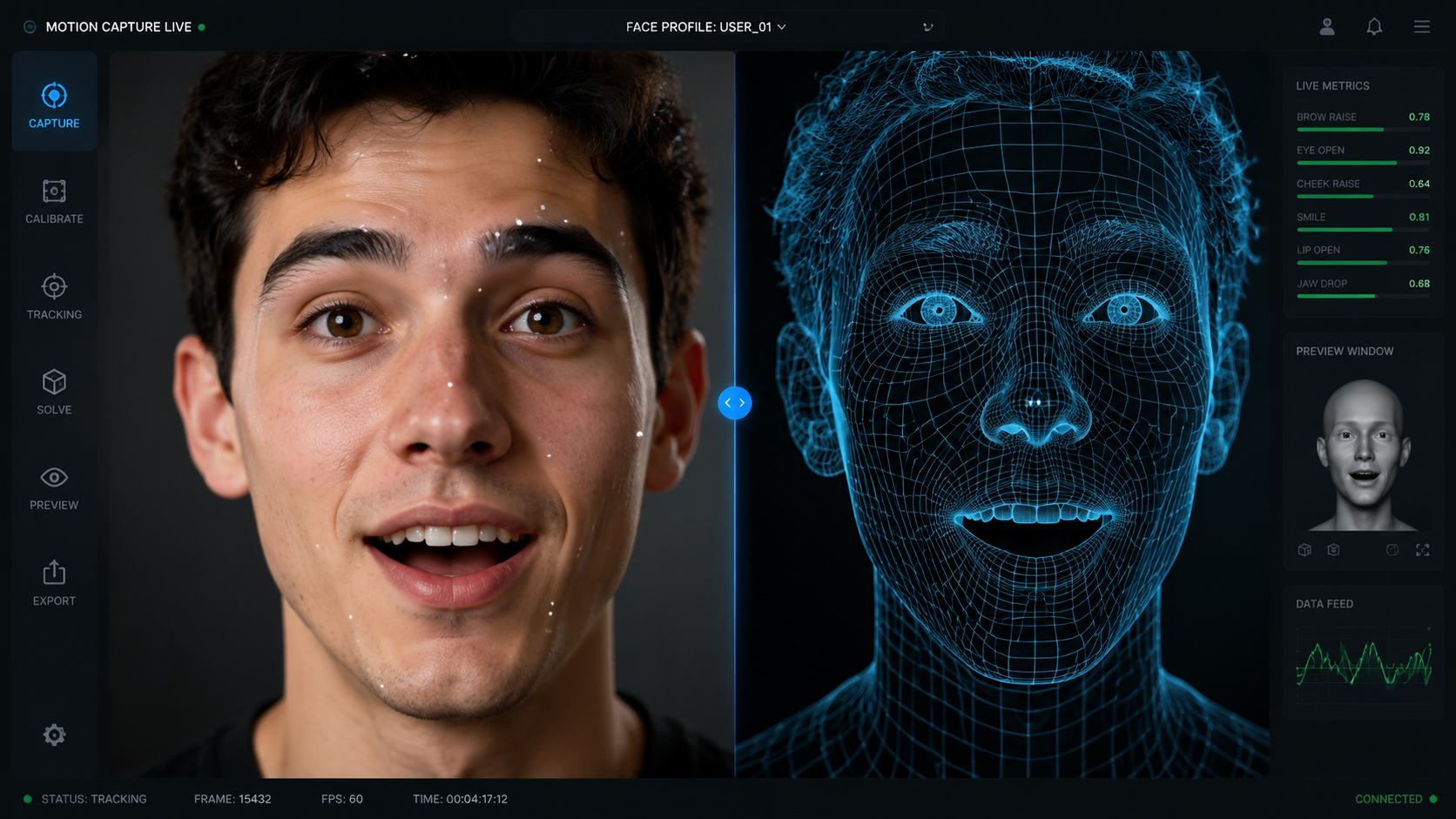
- Choose Your Avatar Base: Select a high-quality photo of yourself, a stock character, or generate a brand-new persona using an AI image generator. Ensure the face is looking directly at the camera for the best lip-sync results.
- Upload to an AI Generator: Import your chosen image into a platform like Mango AI or Perfect Corp’s 2026 suite. These platforms specialize in mapping facial features for animation.
- Input Your Script: Type the text you want the avatar to speak or upload a pre-recorded voice file. If typing, select a voice profile that matches the desired gender, age, and emotional tone.
- Customize Expressions and Backgrounds: Adjust settings for "Lifelike Expressions" to ensure the avatar’s movements aren't repetitive. You can also swap the background to fit your video’s theme.
- Generate and Export: Click the render button. The AI will process the lip-syncing and facial movements. Once finished, download the video in your preferred resolution (up to 4K is standard in 2026).
Comparing the Best AI Talking Avatar Generators (2026)
With so many options available, choosing the right platform depends on your specific needs, whether it's for professional enterprise use or quick social media content. According to a 2026 review by Perfect Corp, the "5 Best AI Talking Avatar Generators" now offer varying levels of customization and pricing tiers. Below is a comparison of the top-performing tools currently dominating the market.
| Platform | Key Feature | Best For | Output Quality |
|---|---|---|---|
| Mango AI | Photo-to-Avatar Realism | Corporate Presentations | 4K Ultra HD |
| Adobe Express | Design Integration | Social Media Creators | 1080p / 4K |
| Lip Sync AI Pro | Advanced Audio Mapping | Dubbing & Localization | High Fidelity |
| Perfect Corp Suite | Beauty & Fashion Filters | Influencer Content | 8K Optimized |
| 24-7 Virtual Studio | Real-time Rendering | Live Streaming | Low Latency HD |
Understanding Lip Sync AI Technology
The core of how to make ai talking avatars look realistic lies in the "Lip Sync AI" technology. As noted by The Friday Times in May 2026, this technology has evolved to bring static images to life with precision that was previously impossible. It doesn't just move the mouth; it calculates how the jaw, cheeks, and even the neck muscles should move in relation to specific phonemes. This holistic approach to facial animation is what differentiates a high-end AI avatar from a simple "puppet" animation.
Natural Voices and Lifelike Expressions
A major breakthrough in 2025 and 2026 has been the development of "Natural Voices." According to Mango AI’s recent press releases, their system now creates avatars with expressions that are indistinguishable from human presenters. This is achieved through "Emotional Prosody Mapping," where the AI analyzes the text for sentiment and automatically applies a "happy," "serious," or "empathetic" expression to the avatar’s face. When you are learning how to make ai talking avatars, selecting a platform that offers these nuanced emotional layers is critical for maintaining audience trust.
Advanced Customization: From Photos to Professional Presenters
One of the most popular ways to utilize this technology is by creating an avatar from a single photograph. PRWeb reported in July 2025 that Mango AI's "Photo to Avatar" feature became a game-changer for personalized marketing. This allows a CEO or a brand spokesperson to "film" dozens of personalized video messages for clients by simply uploading one professional headshot and a spreadsheet of scripts. This scalability is the primary reason why AI avatars have become a multi-billion dollar industry in 2026.
Beyond just the face, modern tools allow for full-body customization. You can choose the attire of your avatar, the setting they are standing in, and even their hand gestures. In 2026, "Generative Outfit Swapping" allows you to change your avatar's clothing from a business suit to casual wear with a single click, ensuring the character fits the context of every video. This flexibility is essential for creators who need to maintain a consistent brand image across different platforms and topics.
Furthermore, the integration of multi-language support has reached a pinnacle. Most top-tier AI avatar generators now support over 120 languages with localized accents. This means you can create a video in English and, with the push of a button, generate the same video in Spanish, Mandarin, or Arabic, with the avatar’s lip movements perfectly synchronized to the new language. This "Global Reach" capability is a cornerstone of why businesses are investing heavily in learning how to make ai talking avatars for their international marketing teams.
Best Practices for High-Quality AI Video Production
While the AI does most of the heavy lifting, there are several steps you can take to ensure your talking avatar looks as professional as possible. First, always start with a high-resolution source image. If the initial photo is blurry or poorly lit, the AI will struggle to map the facial features accurately, resulting in a "muddy" or distorted animation. Natural, even lighting on the face is the gold standard for source imagery.
Second, pay close attention to your script's pacing. AI voices have improved significantly, but they still benefit from "punctuation cues." Using commas, ellipses, and periods strategically can help the AI understand where to take a breath or pause for emphasis, making the final speech sound much more human. Many professional creators in 2026 use "Phonetic Spelling" for brand names or technical terms to ensure the AI pronounces them perfectly every time.
Finally, consider the background and framing. While it’s tempting to use a flashy animated background, sometimes a simple, clean office setting or a solid color works best to keep the focus on the avatar. According to experts at Perfect Corp, a "distraction-free" environment leads to 30% higher viewer retention rates in educational and corporate training videos. By following these best practices, you can master how to make ai talking avatars that truly resonate with your target audience.
Can I make an AI talking avatar for free?
Yes, many platforms like Adobe Express and Mango AI offer free tiers or trial periods. These usually allow you to create a limited number of videos or include a small watermark, which can be removed with a premium subscription.
What is the best image format for an AI avatar?
For the best results, use a high-resolution JPG or PNG file. Ensure the subject is facing forward with a neutral expression and that there are no obstructions like large glasses or hair covering the eyes and mouth.
How long does it take to generate a video?
In 2026, most AI talking avatar generators can process a one-minute video in approximately 2 to 5 minutes. This depends on the complexity of the expressions and the resolution (e.g., 4K renders take longer than 1080p).
Is it legal to use AI avatars for commercial purposes?
Generally, yes, provided you have the rights to the source image and are using a platform that grants commercial usage licenses. Always check the terms of service of the specific AI tool you are using to ensure compliance.
Can AI avatars speak multiple languages?
Most modern AI generators support over 100 languages. They can automatically translate your script and adjust the lip-syncing to match the specific phonetic sounds of the chosen language, making global content creation easy.



Comments ()