
How to Make AI Generated Videos for YouTube in 2026
To make AI-generated videos for YouTube in 2026, you combine generative AI tools for scripting, visuals, and voiceover — then comply with YouTube's updated labeling rules. The process now includes automatic AI labels from YouTube, so creators must understand these new requirements to maintain transparency and avoid penalties.
Creating AI-generated YouTube videos in 2026 involves three core phases: selecting an AI video generator, producing the content with proper disclosures, and publishing with YouTube's automatic AI label. The key shift this year is that YouTube itself applies visible AI labels on eligible videos, making creator disclosure less manual but more mandatory.
- ✓ YouTube now automatically applies visible AI labels to videos it detects as AI-generated (as of May 27, 2026).
- ✓ Creators must still self-label when using synthetic content that could mislead viewers, even if the automatic system misses it.
- ✓ The process remains simple: choose a tool, generate assets, edit for quality, and publish with the label intact.
- ✓ AI video tools have become more affordable and accessible, with options for text-to-video, AI avatars, and animation.
- ✓ Transparency boosts viewer trust and algorithmic performance in 2026.
- Choose an AI video generator – Select a platform that fits your YouTube niche (e.g., text-to-video, AI avatar, motion graphics). Look for tools that support 2026's labeling standards.
- Generate your script – Use an AI writing tool or built-in script generator to craft a compelling narrative. Keep it natural and audience-focused.
- Create visuals – Input your script into the AI video generator to produce scenes, animations, or talking-head avatars. Many tools now offer real-time previews.
- Add voiceover and music – Generate synthetic voices or clone your own with AI. Ensure audio is clear and matches the visual tempo.
- Edit and finalize – Trim, adjust pacing, and add transitions. Verify that YouTube’s automatic AI label appears correctly (or self-label if needed).
- Publish with disclosure – Upload to YouTube; the platform will automatically tag AI-generated content according to its May 2026 policy. Do not remove or override the label.
Understanding YouTube’s 2026 AI Labeling Policy
On May 27, 2026, YouTube announced significant changes to how it labels AI-generated videos. According to Variety, the platform will "automatically label AI-generated videos and enhance labels" for increased transparency. The Hollywood Reporter confirmed that these labels will be "more prominent on videos," appearing directly in the player interface rather than hidden in the description.
YouTube's official blog added that the system now identifies synthetic content using advanced detection algorithms. Creators who intentionally misrepresent AI-generated content as real footage may face strikes or demonetization. As CNET reported, the move aims to help viewers "spot AI-generated videos" more easily while giving honest creators a clear framework to follow.
What the Label Looks Like
When a video is determined to be AI-generated, YouTube places a small tag with a robot icon and the words "AI-generated" near the video title. The label is clickable and links to a help article explaining the detection. For creators using AI for minor enhancements (e.g., auto-captions, background removal), the label will not appear unless the core content is synthetic.
How to Comply as a Creator
Always self-label when requested during upload – if you fail to do so and the automatic system catches you, your video may be restricted. The Thurrott.com article emphasized that YouTube "now automatically applies more visible labels" – meaning even if you forget, the platform will add it. However, the best practice is to proactively indicate AI use in the "Altered or synthetic content" section of YouTube Studio.
Step-by-Step Workflow for AI Video Creation in 2026
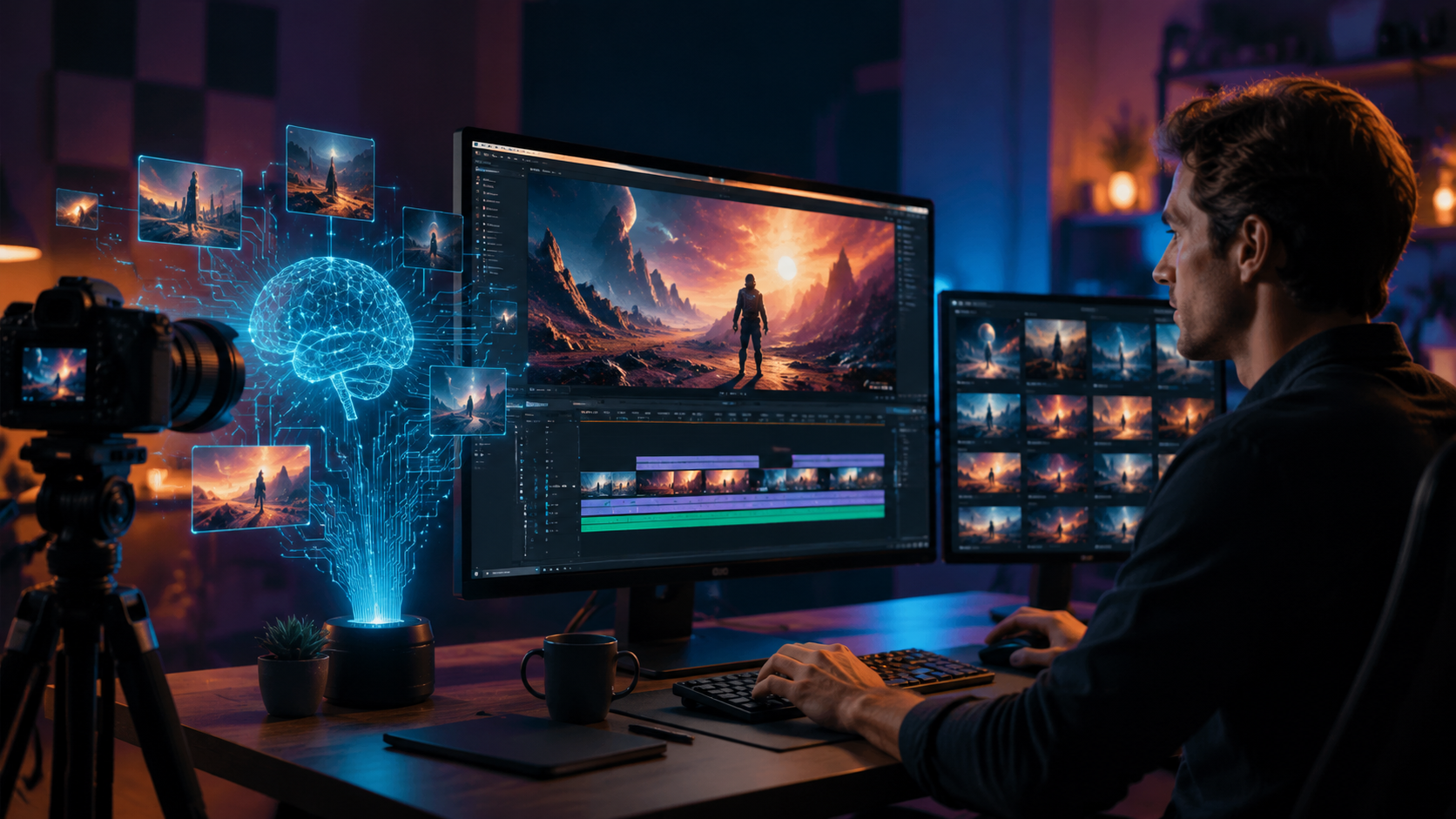
Building on the quick-start list above, here is a detailed walkthrough of each stage. The tools you choose will vary, but the logic remains consistent across platforms.
Step 1: Plan Your Content with AI Assistance
Start by outlining your video's goal – educational, entertainment, or tutorial. Use an AI brainstorming tool to generate topic ideas that align with trending YouTube searches. For example, if you’re making a "how to make ai generated videos for youtube" guide, let the AI suggest subtopics like voice cloning or ethical disclosures.
Step 2: Generate the Script
Feed your outline into a text AI model like GPT-4 (or its 2026 equivalent). Ask for a conversational, engaging script that keeps viewers watching past the first 30 seconds. Edit the output to add your personal voice and ensure facts are accurate. Remember – AI-written scripts are a starting point, not the final product.
Step 3: Produce Visuals with AI
Use a text-to-video generator (e.g., Runway Gen-3, Pika, or newer tools) to create scenes matching your script. For talking-head videos, AI avatar platforms like Synthesia or Heygen (2026 versions) offer realistic presenters. Upload a photo of yourself to create a personalized avatar that mimics your mannerisms.
Step 4: Add Audio and Polish
Generate voiceover using a neural text-to-speech engine. Many platforms now support emotion and tone control. For music, choose royalty-free AI-composed tracks. Ensure volume levels are balanced and that the AI-generated voice sounds natural – poor audio quality is a top reason viewers click away.
Step 5: Review the AI Label
Before exporting, check if your tool automatically adds metadata that YouTube can read. If you are using synthetic visuals or avatars, the platform will likely flag your video. Do not try to hide the label – embrace it. According to YouTube's official blog, labeled AI videos are not penalized in search rankings; only deceptive content is.
Best Practices for AI Video Creators on YouTube
Creating with AI in 2026 requires more than just generating content – you need to build trust. Lifehacker’s article noted that viewers appreciate clear labeling, and channels that are transparent often see higher engagement. Here are key practices:
- Always disclose honestly. If your video uses an AI-generated avatar or fully synthetic scenes, mark it in YouTube Studio. The automatic label will appear anyway, but early disclosure shows integrity.
- Add human touches. Even if the video is AI-generated, include a human-written intro or a real clip of yourself to connect with viewers. This reduces the "uncanny valley" effect.
- Optimize for search. Use the keyword "how to make ai generated videos for youtube" naturally in your title, description, and transcript. AI-generated videos are indexed normally, so SEO still matters.
- Keep up with policy changes. The labeling rules are evolving. Subscribe to YouTube's creator channel for updates. As of May 27, 2026, labels are automatic and prominent, but next year may bring new requirements.
Comparing AI Video Methods for YouTube
| Method | Best For | Typical Cost (per month) | Complexity |
|---|---|---|---|
| Text-to-Video (scenes) | Factual explainers, educational | $15–$50 | Medium |
| AI Avatar Talking Head | News, tutorials, vlogs | $30–$100 | Low |
| AI Animation/Motion Graphics | Storytelling, entertainment | $40–$120 | High |
| AI Video Upscaling & Enhancement | Improving existing footage | $10–$30 | Very low |
Choose the method that aligns with your channel’s style and your technical comfort. All methods must comply with YouTube’s labeling policy – be prepared for the automatic label regardless of which approach you use.
Future-Proofing Your AI Content Strategy
As AI video tools improve, YouTube will refine its detection and labeling. The May 27, 2026 announcements from YouTube, Variety, and CNET all point toward a future where transparency is non-negotiable. Creators who embrace labeling and focus on quality will thrive.
Invest in storytelling skills – AI can generate pixels and words, but it cannot replicate genuine human emotion. Use AI to speed up production, then layer your own creativity on top. By mid-2026, the most successful "how to make ai generated videos for youtube" guides will emphasize ethics as much as technique.
Finally, test different tools and formats. The landscape is shifting fast: what works today for AI video may be outdated in six months. Stay flexible, read YouTube’s official creator blog, and keep your audience’s trust as your top priority.
Frequently Asked Questions
Does YouTube automatically label all AI-generated videos?
As of May 27, 2026, YouTube automatically applies visible labels to videos it detects as AI-generated. However, if the system misses your content, you are still required to self-label if it contains synthetic or altered media that could mislead viewers.
Will the AI label hurt my video's performance?
No. According to YouTube's official guidance, labeled AI videos are not demoted in search or recommendations. In fact, transparency can increase trust and viewer retention. The penalty is only for failing to label deceptive synthetic content.
What tools can I use to make AI videos for YouTube in 2026?
Popular options include text-to-video platforms like Runway Gen-3, AI avatar tools like Synthesia and Heygen, and animation tools like Pictory or Vyond. All support export for YouTube. Be sure to check if they integrate with YouTube's labeling system.
How do I ensure my AI video is not flagged as deceptive?
Always use the self-labeling option in YouTube Studio during upload. If your video is entirely AI-generated (e.g., no real footage), mark it appropriately. Avoid using AI to imitate real people without consent, and never present AI content as real events.
Can I use AI to generate a full YouTube channel without any human work?
Technically yes, but YouTube’s policies require that the content adds value and is not spam. Fully automated channels that rely solely on AI with no editorial oversight may be limited or terminated. It’s best to combine AI efficiency with human curation.
Is it legal to use AI-generated voices of celebrities?
Using AI to mimic a celebrity’s voice without permission may violate personality rights and YouTube’s policies. The new labeling rules also require disclosure of such usage. Stick with royalty-free or custom voices to avoid legal risks.



Comments ()