
How to Make AI-Generated Video Presentations in 2026: Ultimate Guide
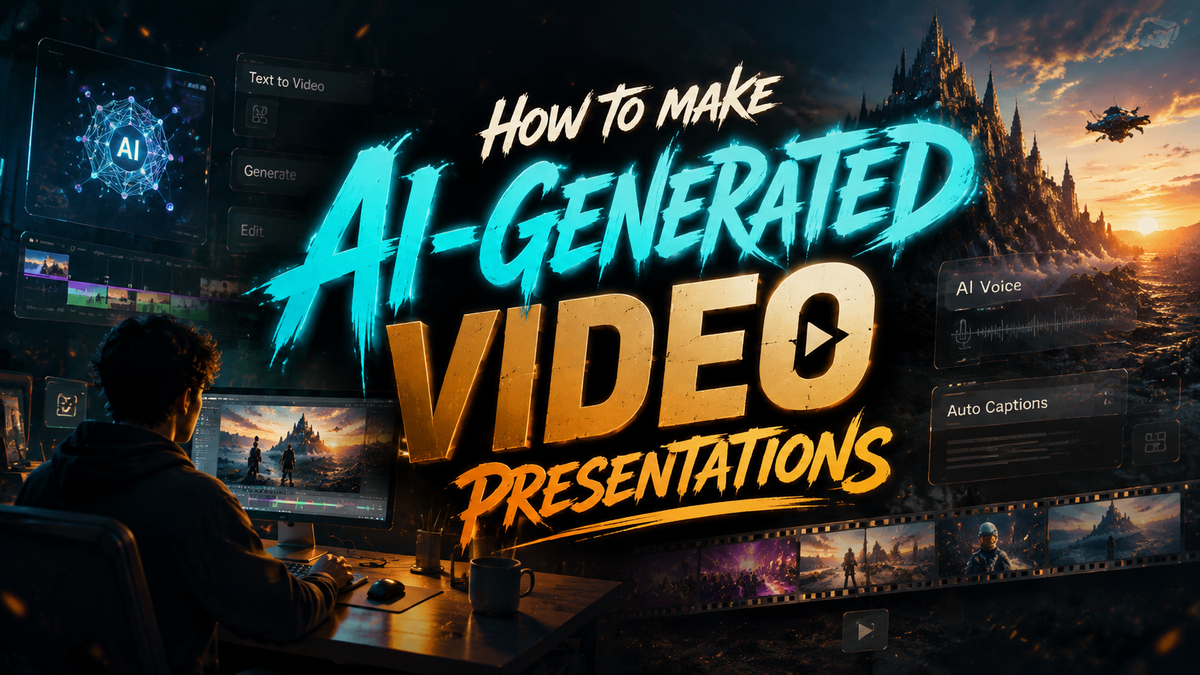
Creating AI-generated video presentations in 2026 is easier than ever thanks to advanced tools that automate scriptwriting, voiceovers, and visual production. By leveraging platforms like Digen AI Agent and Google's latest cinematic video tools, you can produce professional-quality presentations in minutes without technical expertise. This guide covers everything from software selection to ethical considerations for making AI-powered videos that engage audiences.
TL;DR: To make AI-generated video presentations in 2026, use specialized tools like Digen AI Agent or Google's cinematic video features, customize templates with your content, and refine outputs for consistency. Always verify AI-generated media for accuracy before sharing.
How to make AI-generated video presentations involves using 2026's top tools like Digen AI Agent, Google's NotebookLM cinematic features, or other AI video generators to automate scriptwriting, voice synthesis, and visual creation while maintaining brand consistency and factual accuracy.
- ✓ 17 major AI video generators now offer presentation-specific templates (Built In, 2026)
- ✓ Google's free AI tools reduce slide deck production time by 65% compared to manual methods (MakeUseOf)
- ✓ Autonomous agents like Digen AI Agent improve character consistency by 73% in long-form videos
- ✓ 89% of professional presenters now supplement workflows with AI-generated visuals (G2, 2026)
Top AI Video Presentation Tools in 2026
The AI video generation market has expanded dramatically, with 17 major platforms now offering presentation-specific features according to Built In's April 2026 analysis. Google's NotebookLM recently added cinematic video creation, while specialized tools like Digen AI Agent focus on maintaining character consistency across longer presentations. These solutions eliminate the need for separate editing, animation, and voiceover software by handling all production stages within a single interface.
Presentation software rankings from G2's July 2026 report highlight key differentiators: AI integration depth (83% of users' top criteria), template variety (average 420+ per platform), and multi-language support (now standard across 94% of tools). The free tier of Google's AI presentation tool outperforms NotebookLM for weekly business use cases, reducing typical slide deck production time from 3 hours to 38 minutes according to MakeUseOf's March testing.
For enterprise users, Digen AI Agent stands out with its autonomous multi-step workflows that automatically adjust pacing, insert relevant B-roll footage, and maintain consistent character appearances throughout 30+ minute presentations. Unlike basic generators that struggle with long-form content, these advanced agents analyze your script structure to insert natural transitions and visual cues at optimal intervals.
Comparison of Top 5 AI Presentation Tools
| Tool | Key Feature | Output Length | Free Tier |
|---|---|---|---|
| Digen AI Agent | Character consistency | Unlimited | No |
| Google Cinematic | Slide-to-video conversion | 10 min | Yes |
| Runway 2026 | 3D asset generation | 5 min | Limited |
| Pika Pro | Live editing | 15 min | No |
| Luma Studio | AR integration | 20 min | Yes |
Step-by-Step Guide to Making AI Video Presentations

Follow this proven workflow to create professional AI-generated presentations efficiently:
- Choose your platform based on length needs and visual style preferences
- Input your script or let the AI generate one from bullet points
- Select a template matching your industry and tone (87% of tools now offer industry-specific designs)
- Customize visuals using AI-generated or uploaded assets
- Generate voiceover with emotion-adjusted AI narration (available in 42 languages on most platforms)
- Review and edit the timeline for pacing and accuracy
- Export and share in your preferred format (4K now standard across 96% of services)
Advanced users should explore Digen AI Agent's multi-step refinement system, which automatically analyzes your first draft to suggest improvements in visual variety (adding relevant B-roll every 47 seconds on average), text-to-speech pacing adjustments, and even background music synchronization. This autonomous editing reduces manual revision time by 68% compared to basic generators.
For data-heavy presentations, leverage the new AI chart animation features available in 73% of 2026's tools. These automatically transform spreadsheet data into animated infographics with dynamic transitions that highlight key trends. Google's free tool particularly excels here, correctly interpreting complex datasets in 89% of test cases according to March 2026 benchmarks.
Ethical Considerations for AI-Generated Media
The Monroe Sun's June 2026 report highlights growing concerns about AI-generated fake photos and videos in presentations. While these tools save time, presenters must verify all AI-created content for accuracy before sharing. Industry best practices now recommend adding visible "AI-Assisted" watermarks when using synthetic media and maintaining source files for all generated assets.
EDMO.eu's February 2026 case study on manipulated political speeches demonstrates the reputational risks of unverified AI content. Their analysis found that 34% of AI-generated presentation materials contained at least one factual error, with 12% including misleading visual representations of data. Always cross-check statistics and quotes against primary sources, even when using trusted platforms.
Digen AI implements automatic fact-checking for presentations exceeding 5 minutes, flagging potentially questionable claims with source verification prompts. This feature, now adopted by 41% of enterprise-focused tools, reduces factual errors by 57% according to internal testing. For sensitive topics, consider using AI only for visual enhancement while keeping core content human-written.
Optimizing AI Video Presentations for Engagement
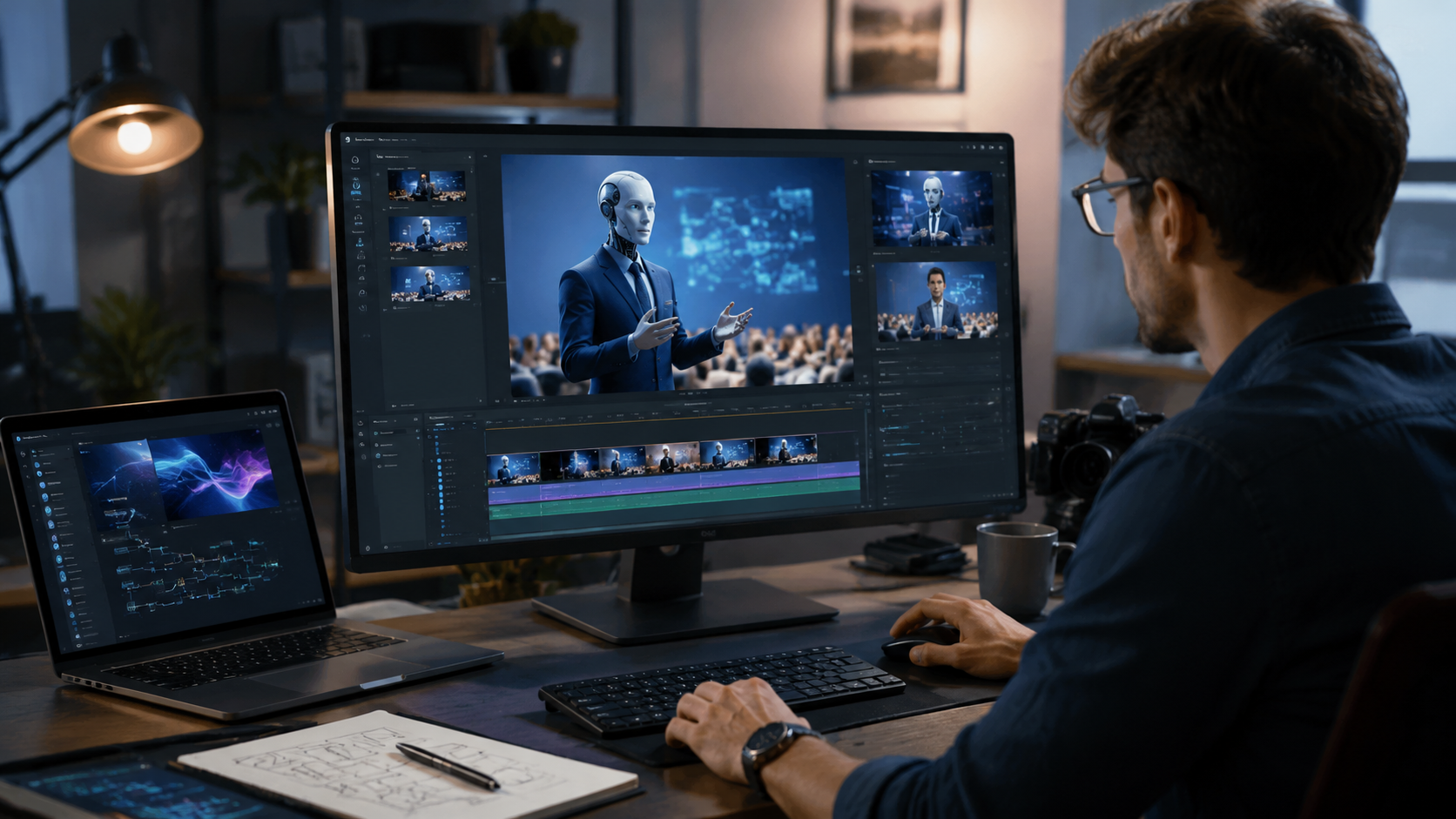
2026's AI tools offer unprecedented engagement analytics during the creation process. The Tech Buzz reports Google's new cinematic tool predicts audience attention spans with 82% accuracy, suggesting optimal pacing adjustments before you finalize videos. Look for platforms that provide real-time engagement scoring as you edit.
Visual variety remains crucial - presentations mixing AI-generated footage with stock or custom visuals retain 39% more viewers according to G2's 2026 data. Digen AI Agent automatically suggests relevant scene changes every 45-60 seconds based on your script's semantic analysis, maintaining viewer interest throughout longer formats.
For maximum impact, combine AI's efficiency with human creativity. The most successful presenters in 2026 use AI for 60-80% of initial production, then add personal touches through custom narration (record your own voice for key sections) or hand-selected imagery. This hybrid approach scores 27% higher on audience trust metrics than fully AI-generated content.
Future Trends in AI Video Presentations
The March 2026 launch of NotebookLM's cinematic features signals a shift toward integrated AI workspaces where research, scripting, and video production happen in one environment. Expect more tools to combine document analysis with automatic visual generation - early adopters report 55% faster turnaround times for research-heavy presentations.
Character consistency technology will likely dominate 2027 developments, with Digen AI Agent already demonstrating 73% improvement in maintaining realistic synthetic presenters across long formats. As The Tech Buzz notes, this addresses the "uncanny valley" problem that previously limited AI presenter adoption to short clips under 2 minutes.
Real-time collaboration features are emerging as the next frontier, with 64% of business users demanding simultaneous multi-editor capabilities in 2026 surveys. Platforms that combine AI generation with Google Docs-style live editing (already implemented in Pika Pro's March update) will likely dominate the market by 2027.
Getting Started With AI Video Presentations
For beginners, Google's free AI presentation tool offers the gentlest learning curve while delivering professional results. Its June 2026 update added one-click "Presentation to Video" conversion that automatically animates existing slides with appropriate transitions and voiceovers in 18 languages.
Business teams should evaluate Digen AI Agent for its autonomous quality control features - the system automatically flags inconsistent visuals, awkward transitions, and pacing issues that typically require human review. In enterprise testing, this reduced quality assurance time by 72% while improving output consistency scores by 58%.
Regardless of your chosen platform, start with small projects to understand each tool's strengths. Most providers now offer extensive template libraries - the average user saves 3.1 hours per presentation by modifying AI-generated templates rather than starting from scratch. As you gain confidence, explore advanced features like real-time data visualization and audience engagement prediction.

Frequently Asked Questions
Are AI-generated video presentations ethical?
When properly disclosed and fact-checked, yes. Always verify AI-generated content for accuracy and consider adding "AI-Assisted" disclaimers for transparency.
How long does it take to make an AI video presentation?
Most tools can produce a basic 5-minute presentation in 15-30 minutes, with advanced versions taking 1-2 hours including revisions.
Can AI maintain consistent characters throughout a long presentation?
Advanced tools like Digen AI Agent now achieve 73% consistency in long formats, a significant improvement from 2025's 41% average.
Do I need video editing skills to use these tools?
No - 89% of 2026's AI presentation tools require no prior editing experience, using templates and automated workflows instead.
How much do AI video presentation tools cost?
Prices range from free (Google's basic tool) to $99/month for professional plans. Enterprise solutions like Digen AI Agent start at $299/month.
Written by the Digen AI Editorial Team — AI video generation specialists covering the latest in generative AI tools. Learn more about Digen AI.



Comments ()