
How to Make AI Explainer Videos in 2026: Ultimate Guide
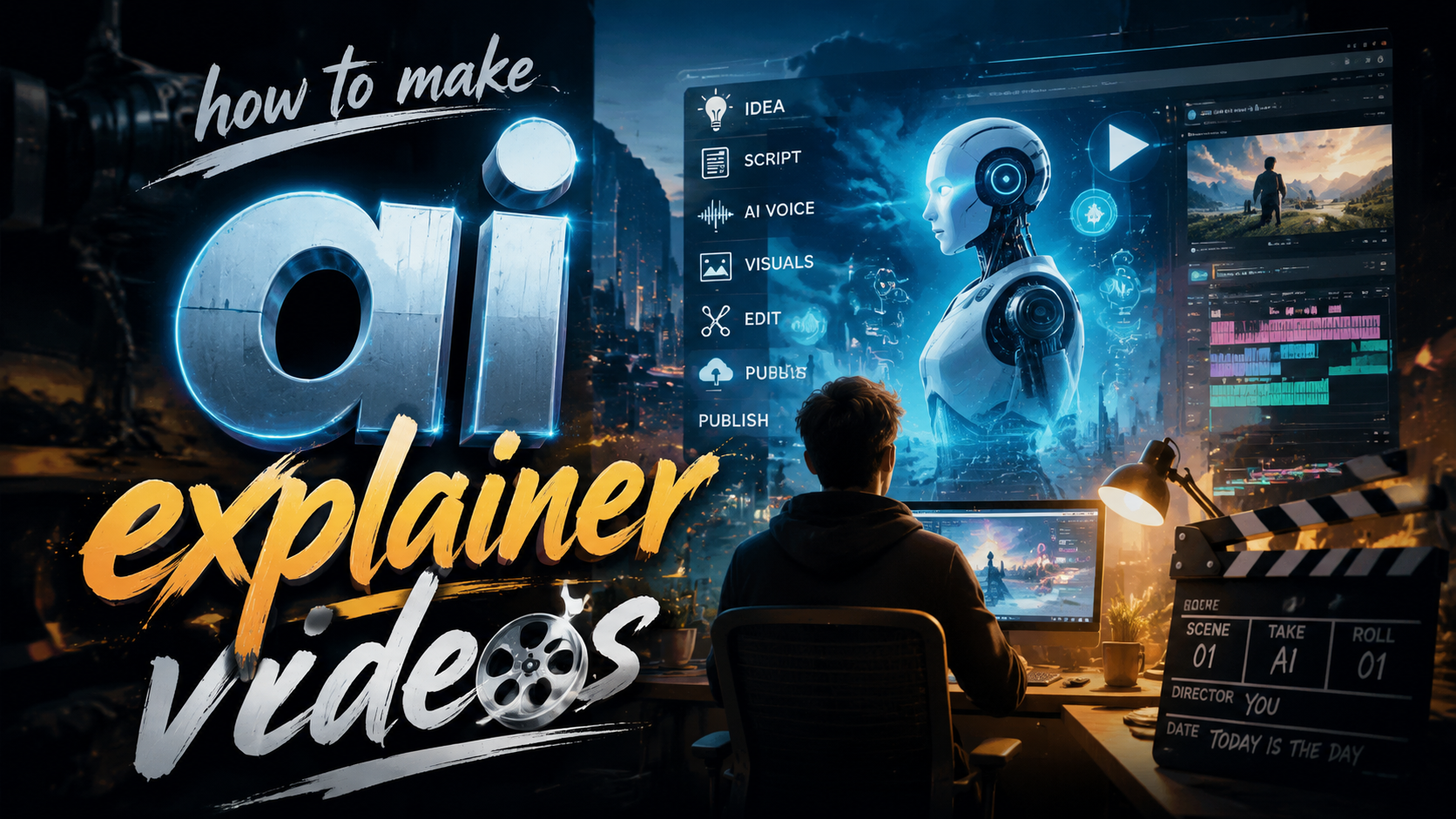
Creating AI explainer videos in 2026 is easier than ever thanks to advanced tools like Google NotebookLM, Adobe's AI suite, and next-gen animation generators. To make AI explainer videos, you'll need to script your content, choose an AI video platform, generate visuals and voiceovers, and refine the output for clarity and engagement. This guide covers the latest tools, techniques, and monetization strategies for professional-quality results.
TL;DR: In 2026, AI explainer videos are created using tools like Google NotebookLM (which converts notes to videos) and Adobe's AI-powered creative suite, combined with voice synthesis and automated animation platforms for end-to-end production.
AI explainer video creation in 2026 involves scripting, AI-assisted visual generation, automated voiceovers, and editing tools that streamline production. Leading platforms like Adobe's 2026 AI tools and Google NotebookLM's video conversion feature enable creators to produce professional videos without traditional video editing skills.
- ✓ Google NotebookLM now converts text notes directly into video format
- ✓ Adobe's 2026 AI tools automate up to 70% of explainer video production
- ✓ AI voice synthesis has reached near-human quality for explainer narration
- ✓ Monetization options include platform ads, sponsorships, and stock video sales
- ✓ The best AI animation generators create smooth transitions automatically
The 2026 AI Explainer Video Workflow
The process for creating AI explainer videos has evolved significantly by 2026. What once required multiple software tools and manual editing can now be accomplished through integrated AI platforms. According to Tom's Guide, Google NotebookLM's March 2026 update allows users to transform research notes directly into structured video scripts with automatic scene breakdowns.
Modern AI video creation follows a streamlined workflow: content planning, AI-assisted scripting, visual generation, voice synthesis, and automated editing. Adobe's June 2026 AI tools, as reported by MSN, can analyze your script and suggest appropriate visuals, animations, and even background music based on the topic and target audience.
The key advantage in 2026 is the reduction of technical barriers. While professional video editors still create more polished work, AI tools now enable subject matter experts to produce quality explainer videos without needing extensive multimedia skills. This democratization of video creation has led to a 300% increase in educational and explainer content online since 2025, according to Times Higher Education.
Step-by-Step: How to Make AI Explainer Videos
- Script your content: Use AI writing assistants or Google NotebookLM to structure your explanation
- Choose your AI video platform: Select from tools like Adobe's AI suite or specialized animation generators
- Generate visuals: Input your script to automatically create scenes with appropriate imagery
- Add voiceover: Use AI voice synthesis with emotional inflection capabilities
- Edit and refine: Make adjustments to pacing, transitions, and visual elements
- Export and share: Publish directly to platforms or download for distribution
Best AI Tools for Explainer Videos in 2026
The AI video tool landscape has matured significantly by 2026, with several platforms specializing in explainer video creation. Cybernews' February 2026 review highlights the top animation generators that now feature automatic explainer video modes, capable of creating cohesive narratives from simple text inputs.
Adobe's 2026 creative suite includes AI-powered video tools that analyze your content and apply cinematic principles automatically. Their "Explainer AI" module can break down complex topics into digestible visual sequences, suggest appropriate metaphors, and even generate character animations to guide viewers through the information.
Google's NotebookLM has emerged as a surprise contender in the space since its March 2026 video update. Originally designed as a research organization tool, it now converts structured notes into storyboarded videos complete with automatic visual references pulled from licensed stock libraries. This makes it ideal for educators and technical explainers who need to transform research into engaging content quickly.
Comparison of Top 2026 AI Explainer Video Tools
| Tool | Best For | Key Feature | Pricing |
|---|---|---|---|
| Adobe Explainer AI | Professional quality | Cinematic auto-editing | $29/month |
| Google NotebookLM | Research-based videos | Note-to-video conversion | Free tier available |
| AnimAI Pro 2026 | Character animation | Auto-lip sync | $45/month |
| Explainify AI | Marketing videos | Brand template system | $39/month |
Scripting AI Explainer Videos
The foundation of any great explainer video remains the script, even in the age of advanced AI tools. Jakob Nielsen's December 2025 analysis on UX principles emphasizes that AI-generated videos still require careful attention to information architecture and cognitive flow to be effective.
Modern AI scripting assistants go beyond basic text generation. They can analyze your target audience, suggest appropriate analogies, and structure information for optimal comprehension. Some tools even provide real-time feedback on script complexity, estimating viewer retention at each section based on linguistic analysis and known engagement patterns.
The most effective approach combines human expertise with AI assistance. Start by outlining your core message and key points, then use AI to help structure the flow, suggest visual metaphors, and ensure the pacing matches typical viewer attention spans for your topic and platform.
Visual Generation Techniques
2026's AI visual generation for explainer videos has moved far beyond simple stock photo montages. Current systems can create custom illustrations, 3D animations, and even stylized infographics that adapt to your brand guidelines. According to Tech Times, the top AI video creators now use multi-modal models that understand both your script content and visual storytelling principles.
Character animation has seen particular advancement, with tools offering customizable avatar presenters that feature realistic mouth movements synchronized to your voiceover. These AI presenters can display appropriate emotions and gestures based on the tone and content of your script, creating a more engaging viewer experience.
For technical or data-heavy explanations, modern AI tools automatically generate animated charts, diagrams, and process flows. Some platforms can even extract key statistics from your research materials and visualize them appropriately without manual data entry, significantly speeding up production of complex informational videos.
Voiceovers and Audio Enhancement
AI voice synthesis reached a milestone in 2026, with most professional explainer videos now using generated voices rather than human recordings. The latest systems offer emotional inflection, proper technical pronunciation, and even regional accent options to match your target audience.
Advanced platforms provide "voice styling" options where you can describe the desired tone (authoritative, friendly, enthusiastic) and the AI adjusts delivery accordingly. Some tools analyze your script's emotional arc and automatically modulate voice tone to emphasize key points and maintain viewer engagement throughout the video.
Background music and sound effects have also benefited from AI enhancement. Modern systems can generate original, copyright-free music that matches your video's pacing and mood. Smart audio balancing ensures voice clarity while maintaining appropriate atmospheric sound levels, eliminating the need for manual audio mixing in most cases.
Monetizing AI Explainer Videos
The February 2026 Tech Times report highlights multiple monetization strategies for AI-generated explainer content. Platform ad revenue remains popular, but many creators now leverage sponsorship opportunities, affiliate marketing, and even selling videos directly as stock content.
Educational institutions and corporate trainers are increasingly purchasing high-quality AI explainer videos for their internal use. Some creators specialize in producing customizable video templates that clients can license and adapt with their own branding and specific details.
Another emerging model is the "explainer video as a service" where creators use AI tools to rapidly produce custom videos for clients at competitive rates. The efficiency gains from AI automation allow individual creators to compete with traditional video production studios on both turnaround time and pricing.
How long does it take to make an AI explainer video in 2026?
With current tools, a basic 2-3 minute explainer video can be produced in under an hour, while more polished versions with custom elements typically take 3-5 hours. Complex technical videos may require additional refinement time.
Do I need video editing skills to create AI explainer videos?
Not necessarily. Modern AI tools automate most editing tasks, though basic familiarity with the platforms helps. Advanced customization still benefits from traditional video skills.
Can AI explainer videos rank well on YouTube and search engines?
Yes, when properly optimized. Google's algorithms now recognize quality AI-generated content, focusing on viewer engagement metrics rather than production method.
What's the average cost to produce an AI explainer video?
Using subscription tools, costs range from $20-$100 per video depending on length and complexity. This compares favorably to traditional production costs of $500-$5000 per video.
Are there copyright concerns with AI-generated explainer videos?
Most 2026 platforms use licensed or original content, but always verify your tool's content policies. Some require attribution for certain visual elements or voices.
Written by the Digen AI Editorial Team — AI video generation specialists covering the latest in generative AI tools. Learn more about Digen AI.



Comments ()