
How to Make AI Animation Videos: 2026 Ultimate Guide
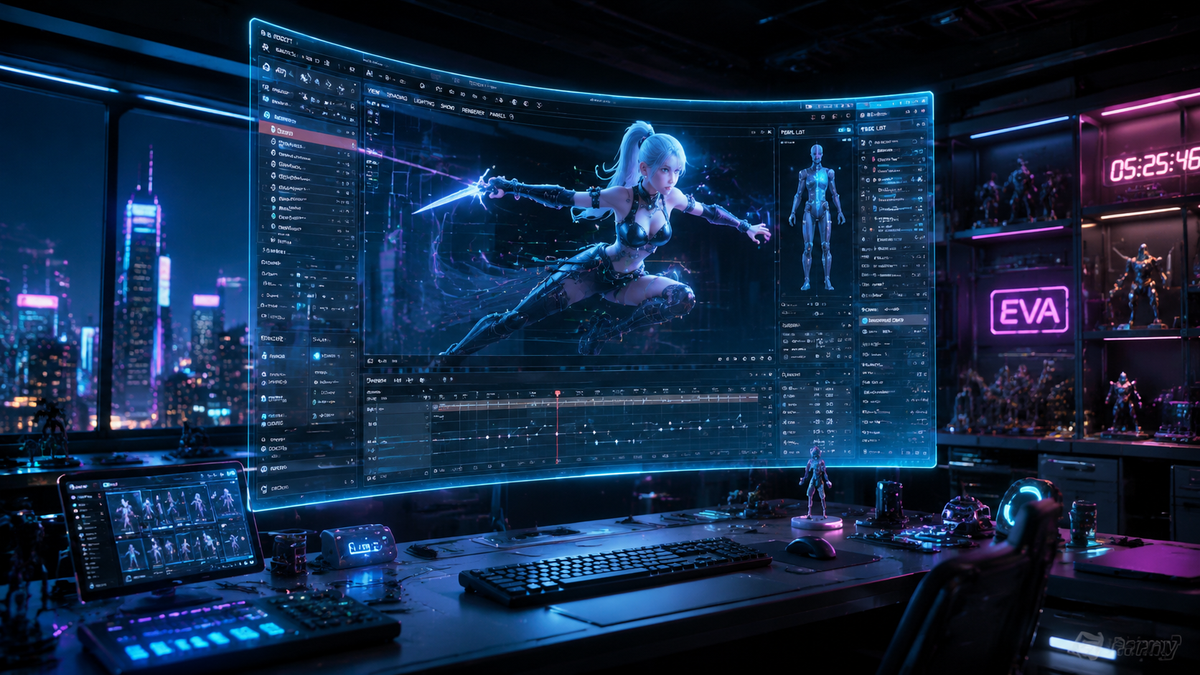
Learning how to make ai animation videos in 2026 involves using generative artificial intelligence to transform text prompts or static images into high-fidelity moving visuals. By leveraging advanced diffusion models and neural networks, creators can now automate complex tasks like character rigging, background rendering, and lip-syncing, reducing production time from months to minutes.
AI animation is the process of using machine learning algorithms, such as OpenAI's Sora or Animaj Studio’s proprietary models, to generate or enhance video frames. It allows creators to produce 2D, 3D, or documentary-style content by inputting natural language descriptions, which the AI then interprets to render fluid, cinematic motion sequences.
- ✓ AI animation tools like Sora now support full text-to-video generation with consistent character physics.
- ✓ Documentary and 2D viral styles are the leading trends for social media growth in 2026.
- ✓ Hybrid workflows combining AI with traditional editing yield the highest quality professional results.
- ✓ Ethical considerations and content labeling are now standard requirements for AI-generated media.
The Step-by-Step Process of How to Make AI Animation Videos
The landscape of digital content creation has shifted dramatically this year. In 2026, the barrier to entry for high-quality animation has vanished, allowing independent creators to compete with major studios. Whether you are aiming for a viral 2D documentary or a cinematic short film, the workflow remains consistent across most major platforms.
- Concept and Scripting: Define your narrative and use an AI writing assistant to generate a scene-by-scene script.
- Tool Selection: Choose an AI generator based on your style; for example, use Sora for photorealism or Animaj for kid-friendly 3D content.
- Prompt Engineering: Input detailed descriptions including lighting, camera angles (e.g., "low-angle tracking shot"), and character movement.
- Generation and Iteration: Render your initial clips and use "seed" values to maintain visual consistency across different shots.
- Refinement: Use AI-powered upscalers to increase resolution to 4K or 8K and apply neural filters for color grading.
- Post-Production: Assemble the clips in a traditional video editor, adding AI-generated voiceovers and spatial audio.
Top AI Animation Generators of 2026
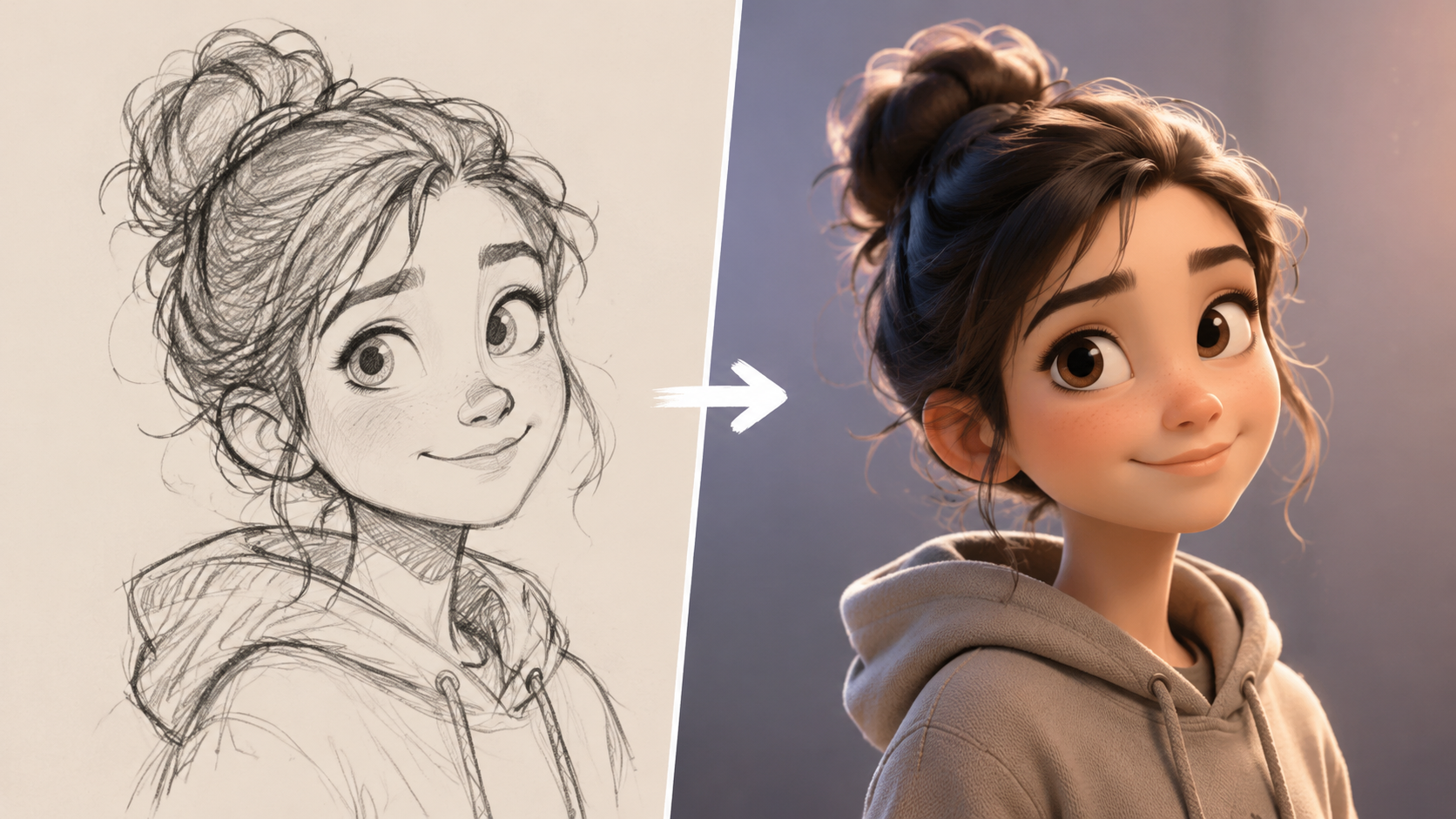
The current year has seen a massive influx of specialized tools. According to a recent Cybernews in-depth review, the market has bifurcated into general-purpose video generators and niche-specific animation engines. Selecting the right tool depends entirely on your target audience and the platform you are publishing to, such as YouTube or TikTok.
OpenAI Sora: The Gold Standard for Realism
As of February 2026, OpenAI's Sora remains the most powerful text-to-video model available to the public. Sora excels at understanding complex physics, allowing for realistic hair movement, fluid simulations, and consistent character interactions. It is the primary choice for creators who want to produce "Lego-style" parodies or high-concept sci-fi shorts that look like they were filmed on a physical set.
Animaj Studio: Revolutionizing Kids' Content
With significant backing from Google as of March 2026, Animaj Studio has become the leading platform for high-quality children’s animation. Unlike general tools, Animaj focuses on "safe" content generation, ensuring that 3D characters and environments meet the strict pedagogical and safety standards required for the YouTube Kids ecosystem. This tool is particularly useful for creators looking to build educational brands without a massive animation team.
Fathom Journal Tools: 2D Documentary Style
For those interested in how to make ai animation videos for educational or documentary purposes, newer workflows highlighted by Fathom Journal allow for "viral 2D" styles. These tools specialize in flat vector aesthetics and infographic-style movement, which are currently trending for historical explainers and true-crime documentaries on social media platforms.
Comparing AI Animation Platforms
To help you decide which software fits your workflow, the following table compares the leading AI animation technologies available in mid-2026 based on their core strengths and primary use cases.
| Platform | Primary Style | Best For | Key Feature |
|---|---|---|---|
| OpenAI Sora | Photorealistic / 3D | Cinematic Shorts | Physics-accurate motion |
| Animaj Studio | Stylized 3D | Children's Content | Google-backed safety filters |
| Runway Gen-4 | Mixed Media | Artistic Music Videos | Advanced Motion Brush 2.0 |
| Luma Dream Machine | Dynamic Action | High-speed sequences | Rapid 10-second rendering |
Mastering Prompt Engineering for Animation
The secret to how to make ai animation videos that look professional lies in the prompt. In 2026, simple prompts like "a cat dancing" no longer suffice for high-tier ranking. You must provide the AI with "directorial" instructions. This includes specifying the lens type (e.g., 35mm), the lighting conditions (e.g., golden hour), and the specific animation style (e.g., Claymation or Studio Ghibli-inspired 2D).
According to The New Yorker, the most successful AI creators—such as the team behind the viral Lego-style political parodies—use a technique called "multi-stage prompting." They first generate the environment, then the characters, and finally the action. This modular approach prevents the AI from becoming overwhelmed and ensures that the final output is coherent and visually striking.
Lighting and Textures
To achieve professional results, always include texture keywords. Using terms like "subsurface scattering," "ray-traced reflections," or "hand-drawn charcoal texture" tells the AI how to handle light interaction. In 2026, the nuance of texture is what separates amateur "AI-slop" from high-end digital art.
The Impact of AI Animation on Media and Society
While the technology offers unprecedented creative freedom, it also presents challenges. The New York Times recently reported on how AI-generated videos are "distorting" children's YouTube feeds by flooding them with low-effort, algorithmically-driven content. This has led to a push for more "human-in-the-loop" animation, where AI is used as a tool rather than a total replacement for human creativity.
Furthermore, the use of AI in political satire and social commentary has reached new heights. As noted by The New Yorker in April 2026, teams are using AI to rapidly produce "Lego-style" videos to lampoon global events, such as the ongoing tensions in the Middle East. This ability to react to news cycles in real-time with full-length animations was impossible just two years ago, highlighting the power of AI as a tool for modern journalism and satire.
Advanced Techniques: Consistency and Control
One of the biggest hurdles in how to make ai animation videos used to be "flicker" or character inconsistency. In 2026, this has been solved through "Character LoRAs" (Low-Rank Adaptation) and "ControlNets." These allow you to lock in a character's face and clothing so they remain the same across different scenes and camera angles.
Using ControlNet for Precise Movement
ControlNet is a neural network structure that allows you to control AI image generation by adding extra conditions. For animation, this means you can provide a "skeleton" or a rough sketch of the movement you want, and the AI will fill in the details. This is essential for creators who need their characters to perform specific actions that are difficult to describe with text alone, such as complex dance choreography or sign language.
Hybrid Workflows
Many professionals now use a hybrid approach: they animate the primary characters using traditional 3D software like Blender and then use AI to "reskin" the video or generate the complex background environments. This provides the precision of traditional animation with the speed and visual flair of generative AI. This method is currently favored by studios like Animaj to ensure their YouTube content remains high-quality while maintaining a rapid release schedule.
Frequently Asked Questions
What is the best AI animation tool in 2026?
OpenAI's Sora is widely considered the best for cinematic and photorealistic animation, while Animaj Studio is the top choice for creators focusing on high-quality 3D children's content. For 2D documentaries, various specialized models available through Fathom Journal's ecosystem are preferred.
Can I make AI animation videos for free?
While many platforms offer limited free trials, professional-grade AI animation in 2026 typically requires a subscription. High-computational tasks like 4K rendering and long-form video generation generally cost between $20 and $100 per month depending on the platform's features.
How do I ensure my AI characters look the same in every scene?
To maintain character consistency, use "Character References" or "LoRA" weights. These tools allow the AI to memorize specific facial features and outfits, ensuring that your protagonist doesn't change appearance between different shots in your video.
Is AI animation legal for commercial use?
Most major platforms like Sora and Runway grant commercial rights to paid subscribers. However, you must ensure your content does not infringe on existing intellectual property or trademarks, and many regions now require a "Generated by AI" label for transparency.
Will AI replace human animators?
AI is currently acting as a force multiplier rather than a total replacement. While it automates the "grunt work" of rendering and tweening, human creativity is still essential for storytelling, emotional pacing, and refined art direction.



Comments ()