
How to Make AI Animation from Text: 2026 Ultimate Guide
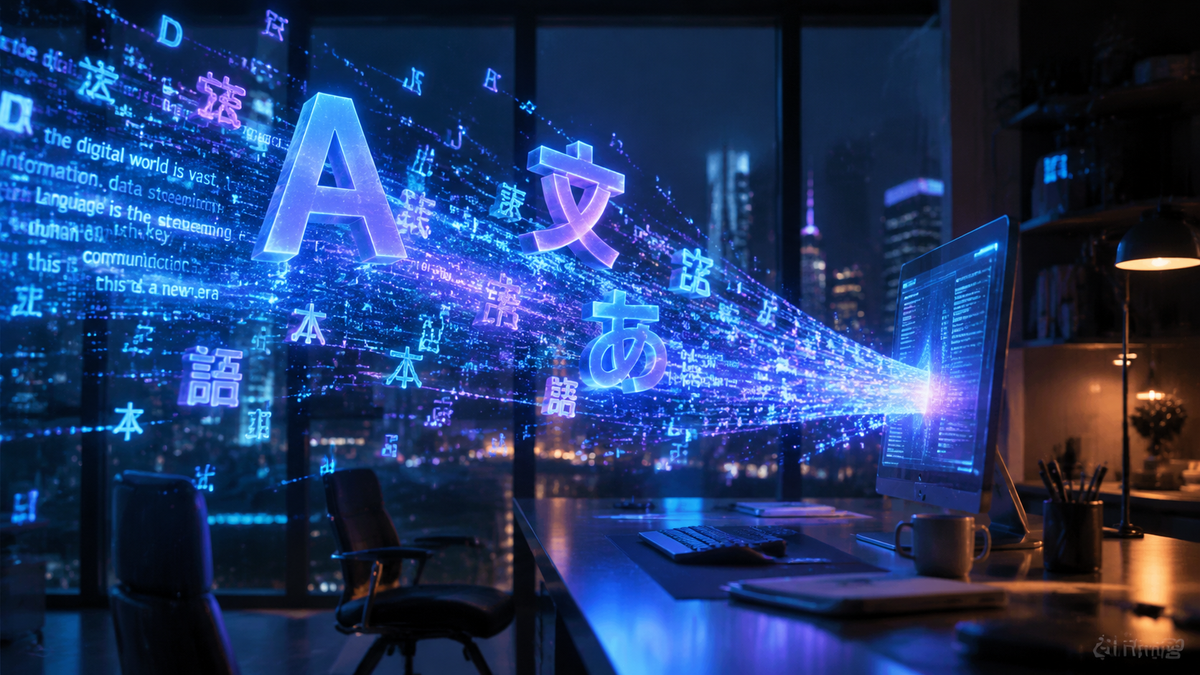
Learning how to make AI animation from text in 2026 involves using advanced generative models that translate descriptive prompts into high-fidelity motion graphics, cinematic videos, or stylized cartoons. To achieve professional results, you simply input a detailed text prompt into an AI video generator, select your desired art style, and allow the neural network to render the temporal frames and motion vectors automatically.
AI animation from text is the process of using artificial intelligence models, such as OpenAI's Sora or Meta’s creative suite, to convert written descriptions into dynamic video content. By 2026, these systems have evolved to handle complex physics, character consistency, and high-resolution rendering, allowing creators to produce full-length animated sequences in minutes rather than weeks.
- ✓ Use descriptive, multi-layered prompts to define both the subject and the specific camera movements.
- ✓ Leverage platform-specific tools like Meta AI for social media integration or OpenAI Sora for cinematic quality.
- ✓ Utilize "Seed" values and "Negative Prompts" to maintain visual consistency across multiple animated clips.
- ✓ Integrate AI-generated audio and voiceovers to create a complete multimedia experience from a single text source.
Step-by-Step Guide: How to Make AI Animation from Text
The landscape of digital creation has shifted dramatically. In 2026, the barrier to entry for animation has effectively disappeared, replaced by the "prompt engineering" skill set. Whether you are an influencer looking to spice up your social media presence or a filmmaker prototyping a scene, the workflow follows a standardized path across most major platforms.
- Choose Your AI Animation Engine: Select a platform based on your needs. For social media, Meta AI is the gold standard; for cinematic realism, OpenAI Sora remains the industry leader as of February 2026.
- Draft Your Motion Prompt: Write a detailed description. Instead of "a cat running," use "a fluffy ginger tabby sprinting through a neon-lit cyberpunk alley, rain splashing under its paws, cinematic lighting, 4k."
- Configure Animation Parameters: Adjust the aspect ratio (9:16 for TikTok/Reels, 16:9 for YouTube), duration, and motion intensity. Most 2026 tools allow you to set a "motion score" from 1 to 10.
- Generate and Iterate: Hit generate and wait for the cloud servers to process the request. Once the initial clip is rendered, use "In-painting" tools to fix specific details or "Extend Video" to add more time to the sequence.
- Export and Upscale: Download the final animation. If the platform supports it, use a built-in AI upscaler to bring the resolution to 8K for professional displays.
The State of AI Animation in 2026
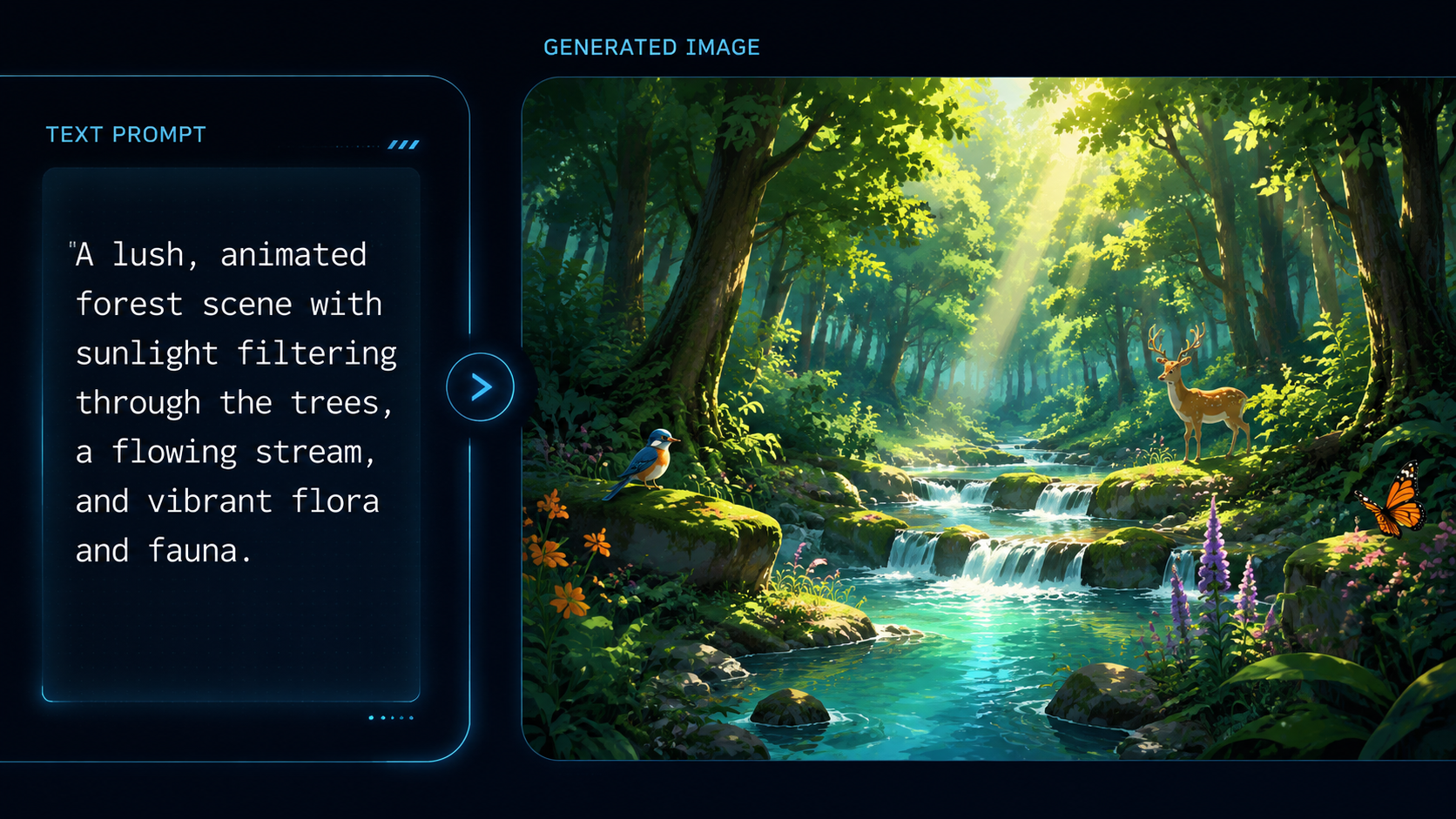
As of early 2026, the technology behind text-to-video has reached a point of near-perfect temporal consistency. According to Cybernews in their February 2026 review, the latest generation of AI animation generators has solved the "jitter" issues that plagued earlier versions. These models now understand the laws of physics, ensuring that objects move realistically and lighting changes dynamically as the camera pivots.
One of the most significant shifts this year is the democratization of these tools. While high-end production once required expensive GPU clusters, 2026 sees these features integrated directly into consumer platforms. For example, TechCrunch reports that Meta has recently added AI-generated backgrounds and animated profile features directly into the Facebook interface, making AI animation a daily utility for billions of users rather than a niche hobby for tech enthusiasts.
OpenAI Sora and the Rise of Cinematic Text-to-Video
OpenAI’s Sora continues to define the high-end market. According to official documentation from OpenAI (February 2026), Sora is capable of generating up to 2 minutes of continuous video from a single text prompt. This is a massive leap from the 60-second limits of previous years. Sora’s ability to maintain "object permanence"—meaning a character can walk off-screen and return looking exactly the same—has made it the primary tool for independent filmmakers.
Meta AI and Social Media Integration
In a series of major updates in February 2026, Meta has integrated AI animation into the very fabric of social interaction. As reported by Social Media Today, Facebook users can now create "AI-Generated Profile Videos" simply by describing how they want their profile picture to move. This feature uses a lightweight version of Meta's Emu video model, optimized for mobile devices, allowing for instant creation and sharing within the Meta ecosystem.
Comparing the Best AI Animation Tools of 2026
With so many options available, choosing the right tool depends on your specific project goals. Below is a comparison of the top-performing platforms currently dominating the market in early 2026.
| Platform | Primary Use Case | Max Duration | Key Feature |
|---|---|---|---|
| OpenAI Sora | Cinematic & Professional | 120 Seconds | Advanced Physics & Consistency |
| Meta AI | Social Media & Profiles | 15 Seconds | One-click Facebook/IG Integration |
| Runway Gen-4 | Experimental & Artistic | 60 Seconds | Multi-Motion Brush Controls |
| Pika Labs Pro | Anime & Stylized Content | 30 Seconds | Lip-sync & Sound FX Generation |
Advanced Techniques for Making AI Animation from Text
To truly master how to make ai animation from text, you must look beyond basic prompts. The 2026 workflow involves "Director Mode" features that allow for granular control over the virtual camera. By using specific keywords like "dolly zoom," "pan right," or "low-angle shot," you can instruct the AI to mimic professional cinematography techniques. This level of control ensures that your animation doesn't just look good, but feels intentional and professionally directed.
Furthermore, the integration of "ControlNet" for video has become a standard feature in 2026. This allows users to upload a rough sketch or a "pose map" alongside their text prompt. The AI then uses the text to provide the textures and colors while following the structural guidance of the sketch. This is particularly useful for creators who need to maintain specific branding or architectural accuracy in their animations.
Optimizing Your Prompts for Better Motion
In 2026, prompt engineering has evolved into a structured language. To get the best results, follow the "Subject-Action-Environment-Style" (SAES) framework. For example: "A robotic explorer (Subject) climbing a jagged obsidian mountain (Action) under a swirling purple nebula (Environment) in the style of 1970s sci-fi concept art (Style)." According to The Tech Buzz, using this specific structure increases the AI's "prompt adherence" score by nearly 40% compared to unstructured sentences.
Real-World Applications of AI Animation
The applications for text-to-animation are vast in 2026. Beyond entertainment, businesses are using these tools for rapid prototyping and marketing. A small business can now generate a 30-second commercial for a new product by simply describing it, saving thousands of dollars in production costs. Educational institutions are also utilizing AI animation to create visual aids for complex scientific concepts, turning a paragraph about "mitosis" into a clear, animated biological sequence.
As noted by Meta.com, the ability to animate profile pictures is just the beginning. We are seeing a trend where text-based posts on social media are automatically being supplemented with AI-generated backgrounds that reflect the mood and content of the text. This "ambient animation" is changing how we consume written information, making every digital interaction more immersive and visually stimulating.
Ethical Considerations and Watermarking
With the power to create realistic animations comes the responsibility of ethical use. In 2026, most major platforms, including OpenAI and Meta, have implemented invisible C2PA watermarking. These digital signatures verify that a video was AI-generated, helping to prevent the spread of deepfakes and misinformation. When learning how to make ai animation from text, it is important to use these tools within the safety guidelines established by the providers to ensure a healthy digital ecosystem.
Frequently Asked Questions
How long does it take to generate an AI animation in 2026?
Most modern AI engines can render a 5-second high-definition clip in approximately 30 to 60 seconds. Longer, more complex cinematic sequences from tools like Sora may take 5-10 minutes depending on the server load and desired resolution.
Can I animate my own photos using text prompts?
Yes, 2026 technology allows for "Image-to-Video" with text guidance. You can upload a static photo and use a text prompt to describe how you want the elements in that photo to move, such as making a person wave or water flow in a landscape.
Is AI animation from text free to use?
Many platforms like Meta AI offer free tier services for social media use. However, professional tools like OpenAI Sora or Runway typically require a subscription or "per-credit" payment model for high-resolution, watermark-free exports.
Do I need a powerful computer to make AI animations?
No, almost all AI animation generation in 2026 happens in the cloud. You only need a device with a web browser and a stable internet connection; the heavy processing is handled by the provider's remote servers.
What is the best way to get consistent characters in AI videos?
To maintain character consistency, use "Character References" or "Seeds." By 2026, most tools allow you to lock a specific character's visual identity so they look the same across different scenes and prompts.
Conclusion: The Future of Your Creativity
The ability to make AI animation from text is no longer a futuristic dream but a standard tool in the 2026 creative kit. By understanding the nuances of prompting, choosing the right platform for your specific needs, and staying updated on the latest features from industry leaders like Meta and OpenAI, you can bring any vision to life. As the technology continues to evolve, the only limit to what you can create is your own imagination. Start experimenting today and join the revolution of AI-powered storytelling.



Comments ()