
How to Make AI Animated Videos in 2026: Ultimate Guide
Creating an AI animated video in 2026 means using generative AI tools to transform text prompts, scripts, or storyboards into fully animated clips without traditional frame-by-frame manual work. You can now produce studio-quality animation in minutes by combining a large language model for storyboarding, an AI video generator for rendering, and a voice-synthesis tool for narration—all from a single browser interface.
An AI animated video in 2026 is a short-form or long-form moving picture created entirely or primarily by generative models that interpret user prompts, scripts, or reference images. The process typically involves writing a script, selecting a video generation platform (like Runway Gen-3 or Pika 2.0), choosing an animation style (2D, 3D, or hybrid), then refining the output with lip-sync and motion-guidance tools.
- ✓ The best AI animated videos in 2026 start with a strong script and clear visual direction, then use tools like Runway Gen-3 or Pika 2.0 for rendering.
- ✓ According to a CNET review published April 2026, the top AI video generators now produce near-realistic motion and consistent character identities across frames.
- ✓ Google-backed Animaj Studio (March 2026) and Amazon MGM Studios’ GenAI Creators Fund (May 2026) signal massive industry investment in AI-animated content for kids and streaming.
- ✓ The New York Times (Feb 2026) warns that AI-generated videos can distort children’s YouTube feeds, so ethical guardrails are essential.
- ✓ Programming Insider (June 2026) reports that AI-powered video content now dominates social media feeds, making 2026 the year to master these tools.
Why AI Animated Videos Are Dominating Social Media and Streaming in 2026
In 2026, AI-animated videos aren’t just a novelty—they’re a mainstream content format. Programming Insider (June 1, 2026) notes that AI-powered video content dominates social media because it allows creators to produce high-quality shorts, explainers, and narrative animations at a fraction of the cost and time of traditional animation. Platforms like TikTok, Instagram Reels, and YouTube Shorts reward frequent, engaging uploads, and AI tools make that cadence achievable even for solo creators.
Meanwhile, major studios are betting big on AI animation. Amazon MGM Studios announced on May 27, 2026 that it greenlit three series under its new “GenAI Creators’ Fund,” specifically for Prime Video. The Variety report highlights that these shows will use generative AI to create characters and environments, blending human oversight with machine speed. Similarly, Bloomberg (March 11, 2026) revealed that Google-backed Animaj Studio uses AI to produce kid-friendly content on YouTube, demonstrating that children’s entertainment is a key growth area.
But the rise isn’t without challenges. The New York Times (Feb 26, 2026) exposed how AI-generated videos can distort children’s YouTube feeds, often mixing educational content with low-quality, algorithm-bait animations. This underscores the need for responsible creation—something this guide will cover.
Step-by-Step Guide: How to Make an AI Animated Video in 2026
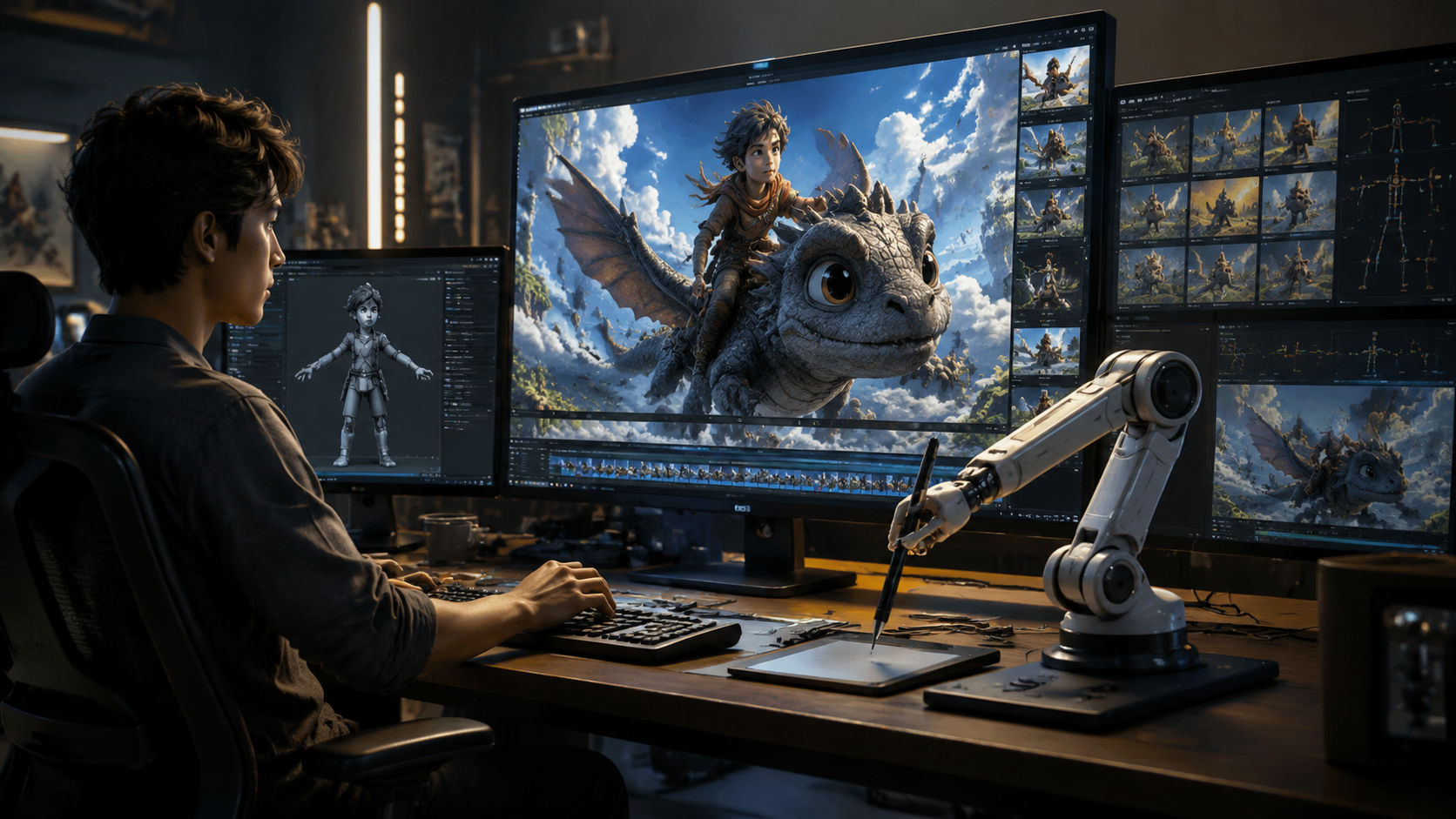
Follow these seven steps to go from idea to finished animated video using the latest AI tools. Each step incorporates best practices from the 2026 tool landscape.
- Write a tight script and define your visual style. Use an LLM like ChatGPT or Claude to draft a script under 60 seconds for short-form or up to 3 minutes for a narrative. Decide on a style: 2D cartoon, 3D render, or hybrid. Most platforms now support style prompts (e.g., “Studio Ghibli watercolor” or “Pixar-style 3D”).
- Choose your AI video generator. As ranked by CNET (April 2026) and tested by PCMag (May 2026), the top contenders include Runway Gen-3, Pika 2.0, and Synthesia 4.0. For animated videos specifically, Runway and Pika offer the strongest motion consistency. See the comparison table below.
- Generate your base animation. Paste your script or a scene description into the tool. Use “text-to-video” mode for a single shot. For multi-scene projects, generate each segment separately. Most tools allow you to upload reference images for character consistency.
- Add lip-sync and voiceover. Use AI voice synthesis tools (ElevenLabs, Murf) to generate narration that matches your script. Then sync it with the video using the generator’s built-in lip-sync feature (available in Pika 2.0 and Runway’s latest update). PCMag noted that even NSFW generators have mature voice-cloning capabilities—so check your platform’s content policy.
- Refine motion and fix artifacts. Use in-painting or frame-guidance tools (e.g., Runway’s Motion Brush) to correct glitches or weird hand movements. Some generators let you upscale to 4K or add motion blur. Expect to iterate 2–3 times per clip for professional quality.
- Edit on a timeline. Export your clips and import them into a video editor (DaVinci Resolve, CapCut, or the tool’s own timeline). Add transitions, background music (AI-generated or royalty-free), and end credits. For social media, keep total length under 60 seconds.
- Apply ethical guardrails. Before publishing, review the final video for misleading content, especially if targeting children. The NYT report warns that automated feeds may amplify false or harmful animated narratives. Add a disclaimer if the video uses AI-generated characters that resemble real people.
Best AI Video Generators for Animation in 2026 (Compared)
Based on the April 2026 CNET ranking and the PCMag review (May 2026), here are the top tools for making AI animated videos. PCMag’s roundup focused on NSFW generators, but the underlying technology—especially motion quality and prompt adherence—applies to all animation styles.
| Tool | Best For | Animation Styles | Pricing (2026) | Key Feature |
|---|---|---|---|---|
| Runway Gen-3 | Professional short films & ads | 2D, 3D, photorealistic | $15–$95/month (Pro) | Motion Brush, lip-sync, 4K export |
| Pika 2.0 | Creative ideation & rapid prototyping | Anime, cartoon, abstract | Free tier + $10/month for HD | Real-time style transfer, scene consistency |
| Synthesia 4.0 | Corporate & educational narration | AI avatars with 2D backgrounds | $49/month (Starter) | Text-to-video with lip-sync avatars |
| Animaj Studio | Children’s content (YouTube) | 2D cartoon, morphing | Bespoke (enterprise) | Google-backed, kid-safe filters |
Note: Amazon MGM’s GenAI fund (Variety, May 2026) will likely produce its own proprietary tools, but as of June 2026, the above are the most accessible for independent creators.
Essential Tips for Creating Engaging and Ethical AI Animated Content
Optimize for platform algorithms
Programming Insider (June 2026) observed that AI-powered content that hooks viewers in the first three seconds—using a surprising visual or a strong narrative question—gets far more reach. Use bold colors, fast cuts, and a clear call-to-action. For YouTube, include timestamps and end screens. Avoid over-smoothing; a slightly imperfect animation often feels more “human.”
Avoid the “distorted feed” trap
The NYT investigation (Feb 2026) showed that low-effort AI animations—like nonsensical nursery rhymes with bizarre character mashups—are flooding children’s YouTube. If your content targets kids, ensure it’s educational, age-appropriate, and fact-checked. Use Animaj Studio’s guidelines or the Amazon MGM Creators’ Fund criteria as a benchmark. Google’s backing of Animaj (Bloomberg, March 2026) shows that responsible AI-animated kids’ content is a priority for major platforms.
Iterate with feedback loops
Even the best AI video generator (CNET, April 2026) can produce weird fingers or inconsistent backgrounds. Always preview each scene. Use the tool’s “seed” feature to lock in character designs across multiple shots. Consider using a style reference image from a trusted source to guide the model.
The Future of AI Animation: What the 2026 Moves Mean for Creators
The twin announcements from Amazon MGM Studios and Google-backed Animaj Studio signal that 2026 is the year AI animation goes from indie experiment to mainstream production. Amazon’s “GenAI Creators’ Fund” (Variety, May 27, 2026) explicitly invites creators to pitch AI-assisted series—a clear path to monetization. Meanwhile, the safe-for-kids approach of Animaj Studio (Bloomberg, March 11, 2026) shows that platforms are building guardrails to avoid the NYT’s “distorted feed” scenario.
For individual creators, the barrier to entry has never been lower. You can produce an animated short in a weekend using Runway Gen-3 or Pika 2.0, then upload to a platform that rewards frequent, high-quality uploads. The PCMag review (May 2026) of NSFW AI generators also hints at the importance of content moderation—choose your tool based on the audience you serve. As AI animation matures, the winners will be those who combine machine speed with human storytelling and ethical responsibility.
Frequently Asked Questions About Making AI Animated Videos in 2026
What is the easiest way to make an AI animated video in 2026?
The easiest method is to use a text-to-video generator like Pika 2.0 or Synthesia 4.0. Write a short script, paste it into the tool, select an animation style, and the AI will render a video in minutes. No manual animation skills are required.
How much does it cost to make AI animated videos in 2026?
Costs vary widely. Free tiers (e.g., Pika 2.0) let you create low-resolution clips with watermarks. Professional plans like Runway Gen-3 Pro cost $95/month for 4K exports and advanced features. For large-scale series, Amazon MGM’s GenAI Creators’ Fund (Variety, May 2026) provides financial backing.
Can I use AI to animate an existing character or logo?
Yes. Most video generators in 2026 accept reference images. Upload a character design or logo, and the AI will animate it consistently across scenes. Use Runway Gen-3’s “image-to-video” mode or Pika’s style reference feature.
How do I ensure my AI animated video is safe for children?
Follow the guidelines used by Google-backed Animaj Studio (Bloomberg, March 2026): avoid surreal or violent imagery, fact-check educational content, and use age-appropriate voiceovers. The New York Times (Feb 2026) recommends manually reviewing every generated frame before publishing on kids’ platforms.
Which AI video generator is best for 2D animation in 2026?
According to CNET’s ranking (April 2026), Runway Gen-3 offers the most consistent 2D cartoon outputs, followed by Pika 2.0 for stylized anime. For professional studio quality, consider the tools used by Amazon MGM’s GenAI fund—though they are not yet publicly available.
Will AI animation replace traditional animators in 2026?
No. AI is a productivity tool, not a replacement. As Programming Insider (June 2026) notes, the most successful creators use AI for rough drafts and speed, but human storytelling, voice acting, and editorial judgment remain essential. Amazon MGM’s fund still requires human showrunners.
How long does it take to make a 1-minute AI animated video?
With current tools like Pika 2.0 or Runway Gen-3, a 1-minute video can be generated, refined, and edited in 2–4 hours. The process includes writing a script (30 min), generating clips (30–60 min), syncing audio (20 min), and final editing (30 min).



Comments ()