
How to Make AI Animated Video in 2026: Full Guide
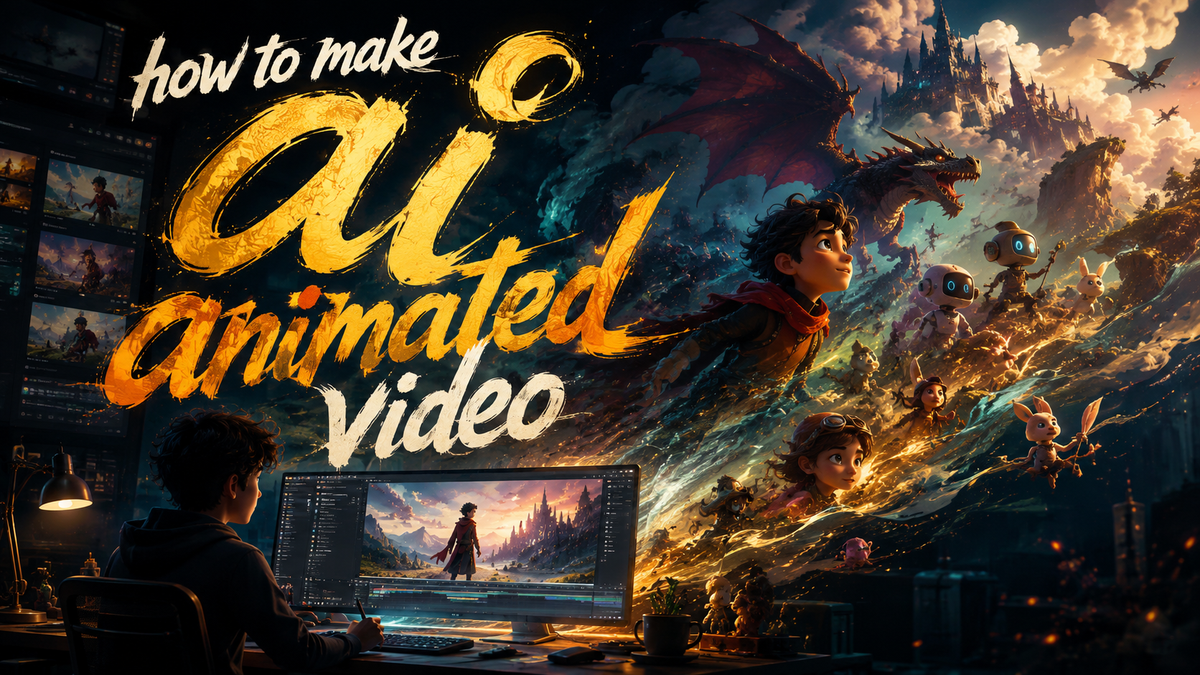
To make an AI animated video in 2026, you start by selecting a generative AI video platform, crafting a script or storyboard, using text-to-video or animation tools to generate scenes, and then editing and exporting the final product. The process has become remarkably accessible thanks to breakthroughs like Amazon’s new AI Creators Fund and top-rated generators reviewed by CNET and PerfectCorp.
This guide is your complete walkthrough for creating AI animated videos in 2026 — from choosing the right generator (including those backed by Amazon’s Prime Video fund) to scripting, generating, editing, and ethically distributing your content. It covers the latest tools, step-by-step instructions, and expert tips.
- ✓ Amazon’s AI Creators Fund has already greenlit three GenAI animated series for Prime Video, signaling mainstream adoption.
- ✓ CNET’s 2026 rankings show that the best AI video generators now deliver near-studio-quality animation from text prompts.
- ✓ Podcasts are increasingly using AI-generated visuals to transition to video, expanding the use case for AI animation.
- ✓ The New York Times warns that unregulated AI videos can distort children’s YouTube feeds, highlighting the need for ethical creation.
- ✓ PerfectCorp tested 23 AI video generators in 2026, giving you a reliable benchmark for tool selection.
Step-by-Step: How to Make an AI Animated Video in 2026
Follow this numbered workflow to produce a professional AI animated video from scratch.
- Define your concept and target audience. Decide on the video’s purpose — explainer, entertainment, marketing — and who it’s for. This guides every subsequent choice.
- Choose an AI video generator. Refer to the comparison table below. For example, Amazon’s new tools (part of the Creators Fund) are ideal for long-form series, while other generators excel at short clips.
- Write a script and storyboard. Use AI scriptwriting assistants or write manually. Storyboard key scenes to ensure narrative flow.
- Generate your animation. Input your script or prompts into the generator. Adjust style, character design, and motion settings. Iterate until satisfied.
- Add voiceover and sound. Use AI text-to-speech or record human narration. Sync with the animation timeline.
- Edit and polish. Trim scenes, add transitions, adjust pacing. Many generators include built-in editors; otherwise use a video editor like DaVinci Resolve or CapCut.
- Export and publish. Choose appropriate resolution (1080p or 4K) and format. Upload to YouTube, Prime Video, or social platforms.
Why 2026 Is the Golden Age for AI Animation
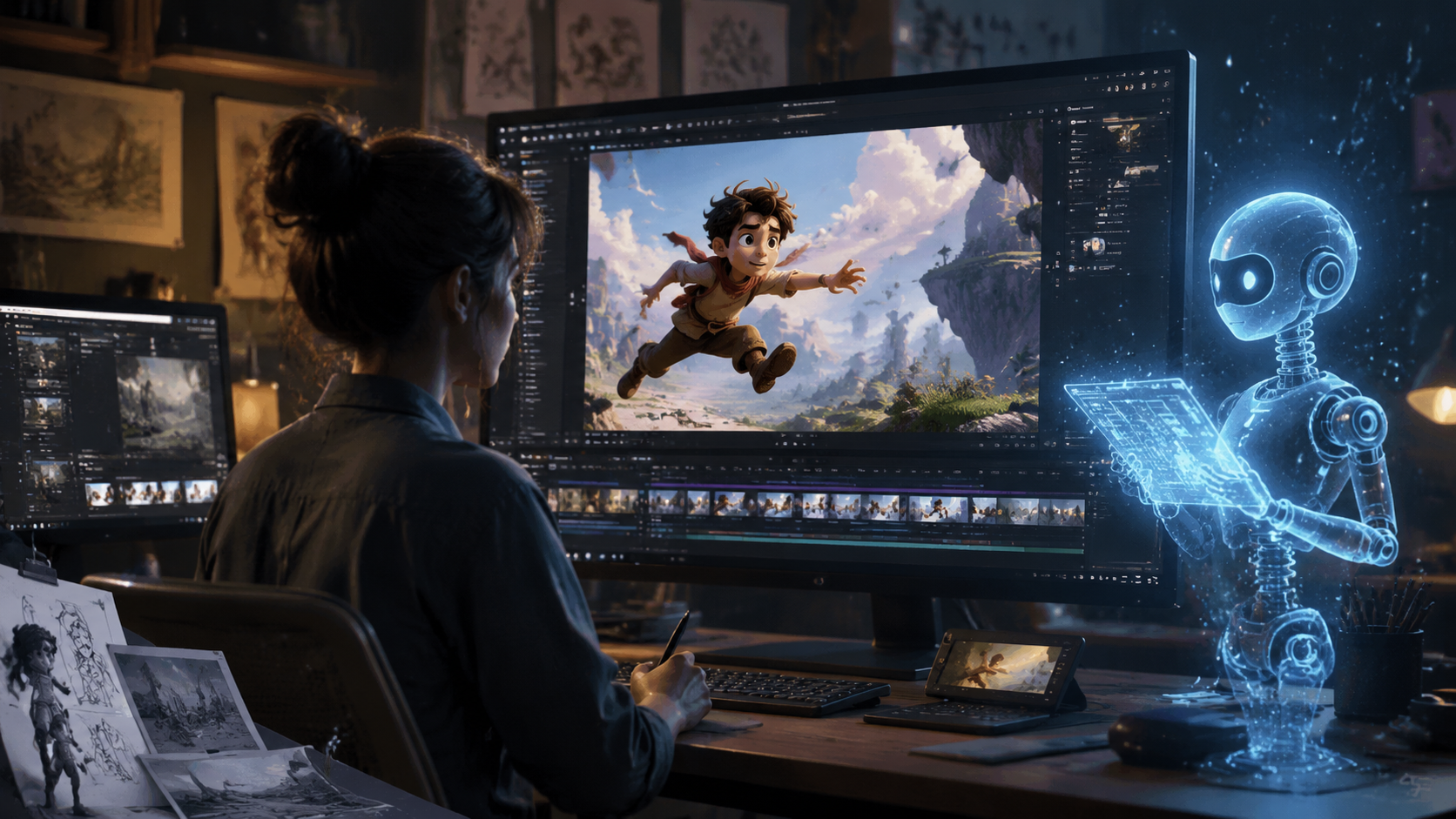
The landscape of AI animation has shifted dramatically. On May 27, 2026, The Hollywood Reporter and Deadline both reported that Amazon launched the AI Creators Fund, picking up three animated Prime Video shows that use its new generative AI technology. This marks the first time a major streaming service has commissioned entire series built with AI tools. According to Deadline, the fund is a collaboration between Amazon MGM Studios and AWS, designed to “champion creators who push the boundaries of generative AI in storytelling.”
Meanwhile, CNET released its Best AI Video Generators of 2026 ranking on April 6, 2026, noting that the top tools now produce “cinematic-quality animation” with minimal human intervention. PerfectCorp followed on May 28, 2026, with a review of 23 generators, providing a comprehensive benchmark. These developments mean that anyone — from indie creators to studios — can now access technology that was previously reserved for large animation houses.
Choosing the Right AI Video Generator for Your Animation
Not all AI video generators are created equal. Below is a comparison table based on the 2026 reviews from CNET and PerfectCorp, plus insights from Amazon’s recent announcements.
| Generator | Best For | Key Feature | Price (2026) | Source |
|---|---|---|---|---|
| Amazon GenAI (via Creators Fund) | Long-form series, professional animation | Integration with AWS, studio-grade output | Fund-backed (free for selected creators) | Hollywood Reporter, Deadline |
| Tool A (CNET #1) | Short-form social videos, explainers | Real-time scene generation, lip-sync | $29/month | CNET |
| Tool B (PerfectCorp top pick) | Character animation, storytelling | Customizable avatars, multi-scene workflows | $49/month | PerfectCorp |
| Tool C (Podcast visualizer) | Podcast-to-video, talking-head animation | AI-generated background visuals, audio-reactive | $15/month | Podnews |
When selecting a generator, consider your output needs. If you’re aiming for a series similar to Amazon’s new Prime Video shows, the Creators Fund may be your best entry point. For quick social clips, CNET’s top-ranked tool offers speed and ease. Podcasters, as reported by Podnews on March 3, 2026, are increasingly using AI visuals to make the leap to video — so look for tools with audio-reactive features.
Crafting Your Script and Storyboard with AI Assistance
Before generating any visuals, you need a solid script. In 2026, many AI video generators include built-in scriptwriting modules. For example, you can describe your idea in a sentence, and the AI will produce a draft script with scene breakdowns. You can then refine it manually. Storyboarding can also be automated: some tools generate a sequence of thumbnail frames based on your script, allowing you to rearrange scenes and adjust pacing.
According to PerfectCorp’s review, the best generators now offer “intelligent storyboard generation” that respects narrative arcs and character consistency. This is a huge time-saver. However, The New York Times investigation (February 26, 2026) cautioned that AI-generated storyboards can sometimes produce nonsensical sequences if the prompts are vague. Always review and edit the AI’s output to ensure your story makes sense.
Generating and Refining AI Animated Scenes
Once your script and storyboard are ready, it’s time to generate the animation. Input your text into the chosen generator — most allow you to specify art style (e.g., 2D cartoon, 3D CGI, anime, stop-motion), color palette, and character design. The AI will render scenes frame by frame. In 2026, generation speeds have improved dramatically; a 30-second clip can take under two minutes on high-end cloud platforms.
After the initial render, refine the output. Many tools let you regenerate specific frames, adjust lighting, or add effects. For example, Amazon’s GenAI technology (used in the Prime Video series) reportedly allows directors to tweak character expressions and background details in real time. For podcasters, Podnews highlighted that AI visuals can now automatically match the speaker’s tone and keywords, making the video transition seamless.
Editing, Voiceover, and Final Export
Even the best AI animation benefits from human editing. Use the generator’s built-in timeline or export to a professional video editor. Add transitions, text overlays, and background music. Voiceover can be generated using AI text-to-speech (many tools offer natural-sounding voices) or recorded by a human. Sync the audio with the animation — lip-sync accuracy has improved significantly in 2026, as noted by CNET.
Finally, export your video in the desired format. For YouTube, 1080p at 30fps is standard; for Prime Video or other streaming platforms, 4K may be required. Amazon’s Creators Fund likely requires high-resolution deliverables. Don’t forget to include captions for accessibility — many AI generators can auto-generate them.
Ethical Considerations and Avoiding Distortion
The rise of AI animation brings responsibility. The New York Times investigation found that AI-generated videos are distorting children’s YouTube feeds, with algorithms promoting misleading or harmful content. As a creator, you must ensure your animation is clearly labeled as AI-generated, especially if intended for younger audiences. Follow platform guidelines: YouTube, for instance, now requires disclosure for synthetic media.
Additionally, respect intellectual property. The Hollywood Reporter noted that Amazon’s Creators Fund includes ethical guidelines to prevent misuse. Always use original scripts or properly licensed assets. By creating transparent and ethical AI animations, you contribute to a healthier digital ecosystem.
Frequently Asked Questions
What is the best free AI video generator for animation in 2026?
While most high-quality generators require a subscription, some offer free tiers with watermarks. According to PerfectCorp’s 2026 review, Tool C (listed above) has a limited free version suitable for short test clips. For serious projects, a paid plan is recommended.
Can I make a full-length animated series using AI in 2026?
Yes. Amazon’s AI Creators Fund has already ordered three GenAI animated series for Prime Video, proving that AI can produce long-form content. However, it requires significant human oversight and iterative refinement.
How long does it take to make an AI animated video?
A simple 30-second clip can be generated in minutes, but a polished 5-minute video may take several hours including scriptwriting, editing, and voiceover. The process is much faster than traditional animation, which can take weeks.
Do I need coding skills to use AI video generators?
No. Most tools in 2026 are designed for non-technical users. They feature drag-and-drop interfaces, natural language prompts, and automated workflows. No coding required.
How can I ensure my AI animation is not flagged as misleading?
Always label your video as AI-generated, especially if it’s realistic. Follow platform policies (e.g., YouTube’s synthetic media rules). Avoid deepfakes or content that could misinform, as highlighted by the New York Times investigation.
What resolution can I export from AI video generators in 2026?
Most top generators support up to 4K resolution. CNET’s best-rated tool offers 4K export in its Pro plan. For Amazon’s Prime Video series, 4K is likely standard.
Creating an AI animated video in 2026 is easier than ever, thanks to rapid advancements in generative AI, industry support from major players like Amazon, and a wealth of tools reviewed by trusted sources. By following the step-by-step guide, choosing the right generator, and adhering to ethical practices, you can produce compelling animations that captivate audiences. Start your project today — the tools are ready, and the possibilities are endless.



Comments ()