
How to Make 3D AI Videos: The 2026 Master Guide
Learning how to make 3d ai videos involves using generative artificial intelligence to transform text prompts or 2D video footage into immersive, three-dimensional digital environments and characters. In 2026, this process has been streamlined through multimodal AI models that simultaneously generate geometry, textures, and spatial audio to create professional-grade cinematic content without the need for traditional manual keyframing.
3D AI video generation is a specialized field of generative media where artificial intelligence creates depth-mapped visuals and spatial assets from simple inputs. By utilizing 2026-era neural radiance fields (NeRFs) and Gaussian Splatting, creators can now generate interactive 3D rooms and realistic character animations using only a smartphone camera or a detailed descriptive text prompt.
- ✓ Convert standard 2D video into interactive 3D digital rooms using modern AI reconstruction.
- ✓ Generate realistic 3D spatial sound automatically based on visual cues within the video.
- ✓ Utilize free animation software integrations to refine AI-generated assets for professional use.
- ✓ Create viral-ready character transformations, such as the popular "Hulk AI" style, using automated rigging.
The Step-by-Step Guide on How to Make 3D AI Videos
The barrier to entry for high-end animation has vanished. Whether you are an independent creator or a marketing professional, the workflow for 3D video production has shifted from manual labor to prompt engineering and spatial capture. The following steps outline the most efficient path to producing high-quality 3D content in 2026.
- Define Your Scene or Character: Start by selecting a specialized 3D generative model. For character-centric videos, tools like Grok Ani allow you to build AI companions or avatars. For environments, use a platform capable of "video-to-3D" reconstruction.
- Capture or Generate Base Assets: If you are working from real-world footage, record a simple video of your subject. According to researchers at the Cornell Chronicle, modern AI can now create a fully interactive 3D digital room from a single simple video clip, capturing depth and lighting accurately.
- Apply AI Style and Rigging: Use a generative layer to apply specific aesthetics. For example, if you are looking to create viral social media content, you can apply "Hulk" style overlays or stylized 3D skins to your base motion data.
- Generate Spatial Audio: A critical update in 2026 is the ability to generate sound based on pixels. As reported by EurekAlert, AI can now generate realistic 3D sound from ordinary videos by analyzing visual cues, ensuring your 3D video sounds as immersive as it looks.
- Refine in Professional Software: Export your AI-generated objects into free animation software like Blender or Unreal Engine for final lighting adjustments and camera sequencing.
Choosing the Right Tools for 3D AI Video Creation
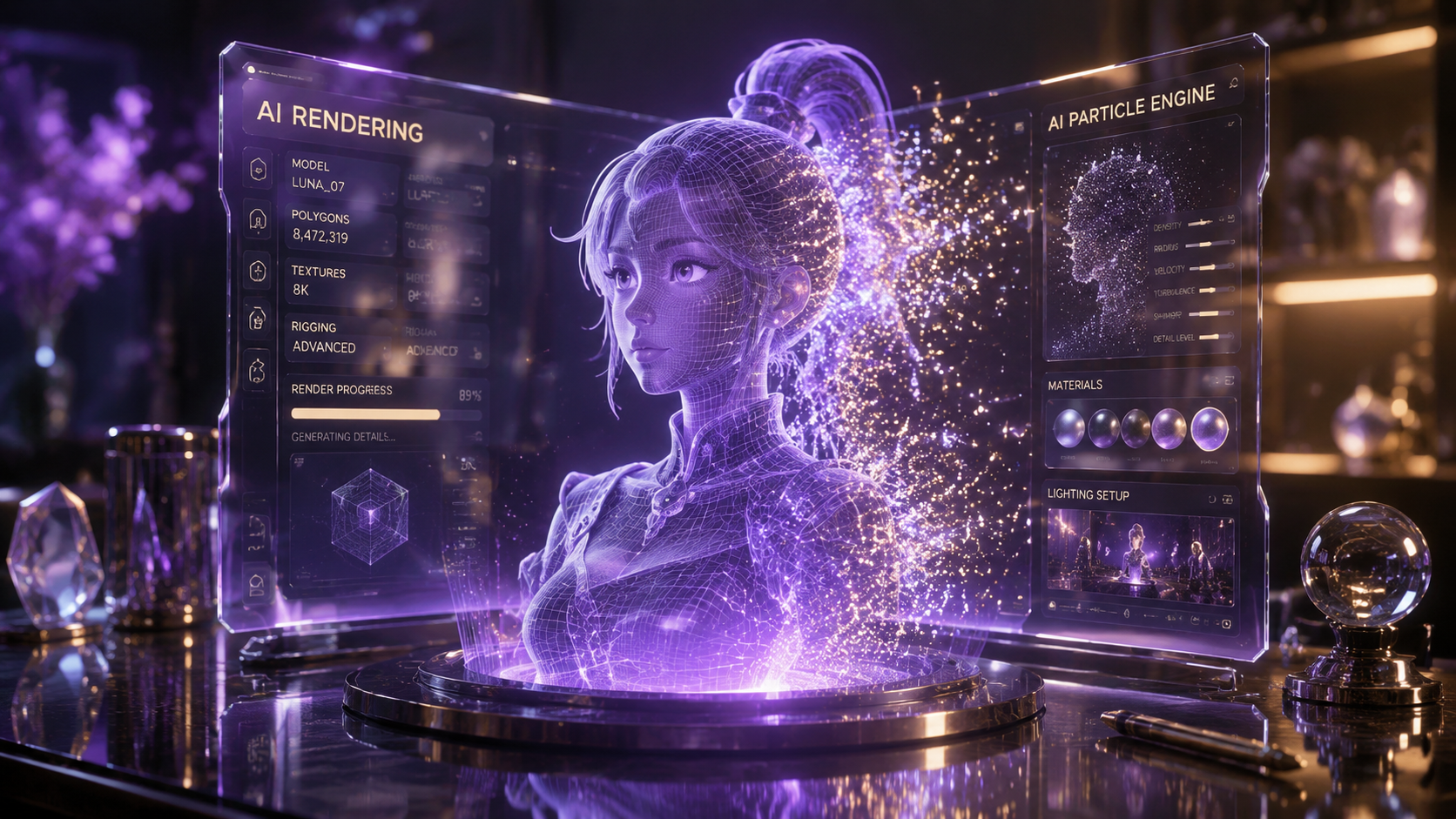
The landscape of software in 2026 is divided between pure generative AI platforms and traditional suites that have integrated AI plugins. Understanding which tool fits your specific project is the first step in mastering how to make 3d ai videos that stand out in a crowded digital marketplace. While some tools focus on "text-to-video," others focus on "video-to-spatial-environment."
Generative AI Platforms vs. Traditional Suites
For creators who need quick results, standalone AI platforms provide a "one-click" experience. These are ideal for viral social media content, such as the "Hulk AI" videos currently trending. However, for those seeking more control, the 2026 versions of free animation software provide deeper customization. Creative Bloq highlights that the best free animation software for 2D and 3D artists now includes native AI denoising and automated motion capture features that were previously locked behind expensive paywalls.
The Rise of AI Companions and Avatars
A significant trend this year is the personalization of 3D entities. Systems like Grok Ani have revolutionized the "AI Companion" space, allowing users to create 3D characters that not only look realistic but possess consistent personalities and memory. When learning how to make 3d ai videos, incorporating these intelligent avatars can add a layer of interactivity that static 3D models cannot provide.
| Feature | AI Generative Tools (2026) | Traditional 3D Software |
|---|---|---|
| Learning Curve | Low (Prompt-based) | High (Technical) |
| Generation Speed | Minutes | Hours/Days |
| Audio Integration | Automatic Spatial Sound | Manual Foley/Mixing |
| Customization | Limited by Model Training | Total Control |
| Best For | Viral Content & Rapid Prototyping | Feature Films & AAA Games |
Advanced Techniques: From 2D Video to 3D Environments
One of the most profound breakthroughs in 2026 is the ability to bypass 3D modeling entirely. By using "Spatial Reconstruction" AI, any video shot on a standard smartphone can be converted into a 3D scene. This is a cornerstone of how to make 3d ai videos that feel grounded in reality. This technology uses visual cues to determine the distance between objects, creating a "digital twin" of a physical space.
According to the Cornell Chronicle, researchers have perfected the creation of interactive digital rooms from simple video inputs. This means a real estate agent or a filmmaker can walk through a physical location, record a 30-second clip, and have a fully navigable 3D environment ready for virtual production within minutes. This shift is fundamentally changing the "Can AI do your job?" conversation, as noted by The Washington Post, which found that while AI is automating technical tasks, it is creating a massive demand for "AI Orchestrators" who can manage these complex pipelines.
Visual Cues and Spatial Sound Synthesis
A 3D video is only half-complete without immersive audio. In early 2026, EurekAlert reported on a major milestone: AI can now synthesize realistic 3D soundscapes by analyzing the movement of objects within a video. If a 3D-generated car moves from the left to the right of the screen, the AI automatically calculates the Doppler effect and acoustic reflections based on the digital room's geometry. This eliminates the need for manual sound engineering in the initial phases of production.
Creating Viral Content with 3D AI
The social media landscape in 2026 is dominated by high-fidelity 3D transformations. Learning how to make 3d ai videos often starts with the desire to create eye-catching, "impossible" visuals. A prime example is the surge in "Hulk AI" videos. As documented by UdaipurTimes.com, these videos use AI to map a user's movements onto a high-fidelity 3D Hulk model, maintaining realistic muscle physics and environmental destruction in real-time.
Leveraging Grok Ani and Personal Avatars
Beyond simple filters, the "Grok Ani" framework allows for the creation of unique AI companions. This is particularly useful for YouTubers and streamers who want a 3D co-host. By following a complete guide to creating an AI companion, creators can rig a 3D model that responds to live chat or follows a script with emotive facial expressions generated on the fly. This represents the pinnacle of 3D AI video technology in 2026—combining visual depth with cognitive intelligence.
The Impact of AI on the Animation Industry
As we navigate through 2026, the question of labor and AI remains at the forefront. The Washington Post’s analysis of hundreds of tests regarding "Can AI do your job?" suggests that while AI can now handle the "heavy lifting" of 3D modeling and sound synthesis, the creative direction remains human-centric. The process of how to make 3d ai videos is becoming less about "how to click buttons" and more about "how to tell a story."
Professional artists are now using AI as a "base layer." For instance, an artist might use AI to generate the initial 3D environment and then use "best free animation software" like Blender to add bespoke details. This hybrid workflow is the gold standard in 2026, allowing for the production of feature-quality content at a fraction of the traditional cost and time. The democratization of these tools means that a small team can now produce visuals that would have required a major studio just five years ago.
Future-Proofing Your 3D AI Skills
To stay ahead in the field of 3D AI video production, you must look beyond simple text-to-video prompts. The next frontier is "Interactive Spatial Media." This involves creating 3D videos where the viewer can change the camera angle in real-time. By mastering the integration of spatial sound and interactive digital rooms, you are not just making a video; you are building an experience.
Keep a close eye on the updates from research institutions like Cornell and major tech hubs. The ability to turn "ordinary videos" into "extraordinary 3D assets" is the most valuable skill in the 2026 creator economy. As software continues to evolve, the core principles of lighting, composition, and pacing remain the same, even if the tools used to achieve them are powered by advanced neural networks.
What is the easiest way to make a 3D AI video in 2026?
The easiest method is using video-to-3D reconstruction tools. Simply record a real-world scene with your phone and upload it to an AI platform that uses Gaussian Splatting to create a 3D digital twin, which you can then animate or modify.
Do I need an expensive GPU to render 3D AI videos?
No, most 2026 AI video tools are cloud-based. While professional software like Blender can use local GPU power, the primary generative work is handled on remote servers, making high-quality 3D production accessible on standard laptops.
Can AI generate 3D sound for my videos?
Yes, according to recent research from EurekAlert, AI can now generate realistic 3D spatial audio by analyzing visual cues in your video, automatically placing sound sources in a three-dimensional space.
Is there free software for 3D AI animation?
Yes, Creative Bloq recommends several free animation suites that have integrated AI tools in 2026. These tools allow you to import AI-generated models and refine them with professional-grade lighting and physics engines.
How do I create an AI companion for my 3D videos?
You can use platforms like Grok Ani, which provide a complete guide for creating and rigging 3D AI companions. These characters can be programmed with specific personalities and used as recurring actors in your video content.



Comments ()