
How to Improve Video Quality with AI: 2026 Ultimate Guide
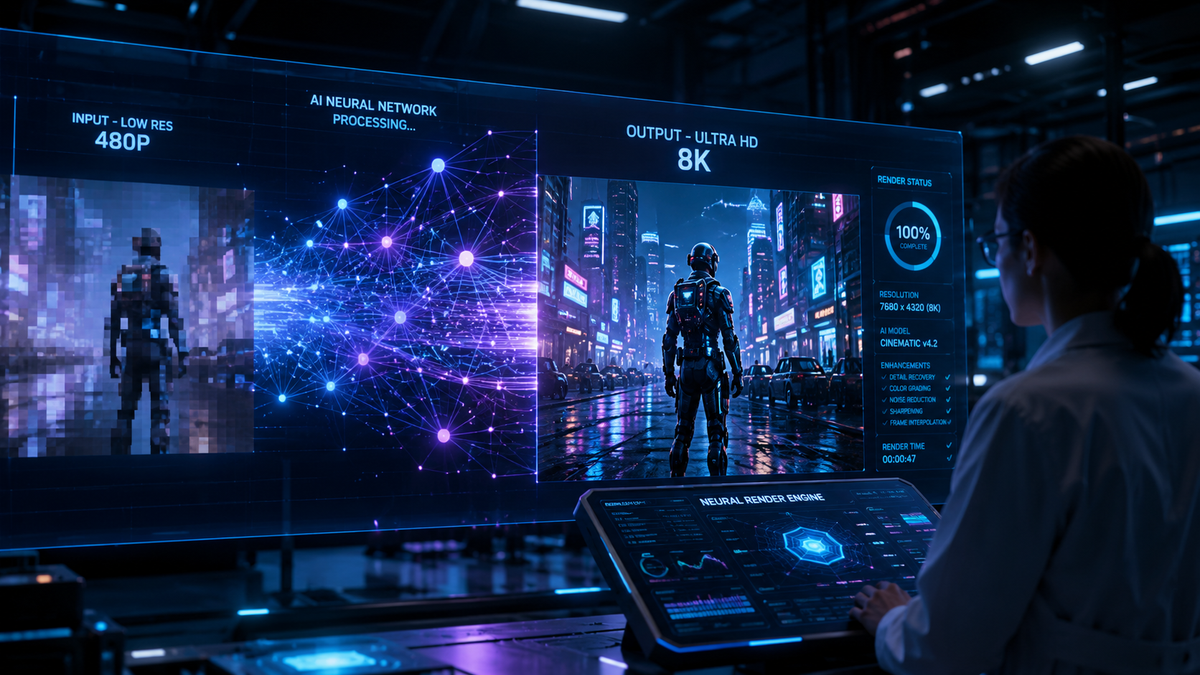
To learn how to improve video quality with ai in 2026, you must utilize deep learning models that analyze frames to upscale resolution, remove digital noise, and reconstruct lost details. By using specialized software like VideoProc Converter AI or platform-specific tools, you can transform low-resolution 480p or 1080p footage into crisp 4K or even 8K video with minimal manual effort.
AI video enhancement is a process using neural networks to upscale, deblur, and stabilize footage by predicting missing pixels. In 2026, this technology has evolved to include real-time super-resolution, allowing users to fix blurry textures, reduce ISO noise, and increase frame rates (interpolation) to create professional-grade visual content from legacy or low-quality sources.
- ✓ AI upscaling can now convert standard definition footage to 4K without the "watercolor" artifacting common in older software.
- ✓ Leading tools in 2026, such as VideoProc Converter AI, offer integrated image and video enhancement in a single workflow.
- ✓ Major platforms like YouTube have integrated "Super Resolution" AI to sharpen streaming content directly on consumer hardware.
- ✓ Modern AI enhancers for Mac and PC can fix motion blur and camera shake using generative motion compensation.
Step-by-Step Guide: How to Improve Video Quality with AI
Improving video quality is no longer a manual frame-by-frame editing process. With the latest 2026 advancements in generative AI, the software does the heavy lifting by "imagining" the missing data in your files. Whether you are dealing with old family archives or grainy smartphone footage, the following steps will help you achieve professional results.
- Select an AI Video Enhancer: Choose a tool based on your hardware. For example, VideoProc Converter AI is highly rated for 2026, while Mac users might prefer dedicated Metal-optimized software for fixing blur and noise.
- Import and Analyze: Load your footage into the software. Most modern AI tools will perform an initial scan to detect whether the primary issue is resolution, noise, or motion blur.
- Choose the AI Model: Select a specific model such as "Super Resolution" for upscaling, "Frame Interpolation" for smoother motion, or "De-noise" for low-light footage.
- Set Output Parameters: Define your target resolution (e.g., 4K) and codec (HEVC or AV1 are recommended in 2026 for maximum efficiency).
- Export and Review: Run the AI processing. Depending on your GPU, a 10-minute clip may take anywhere from 5 to 20 minutes to enhance.
The Evolution of AI Video Enhancement in 2026
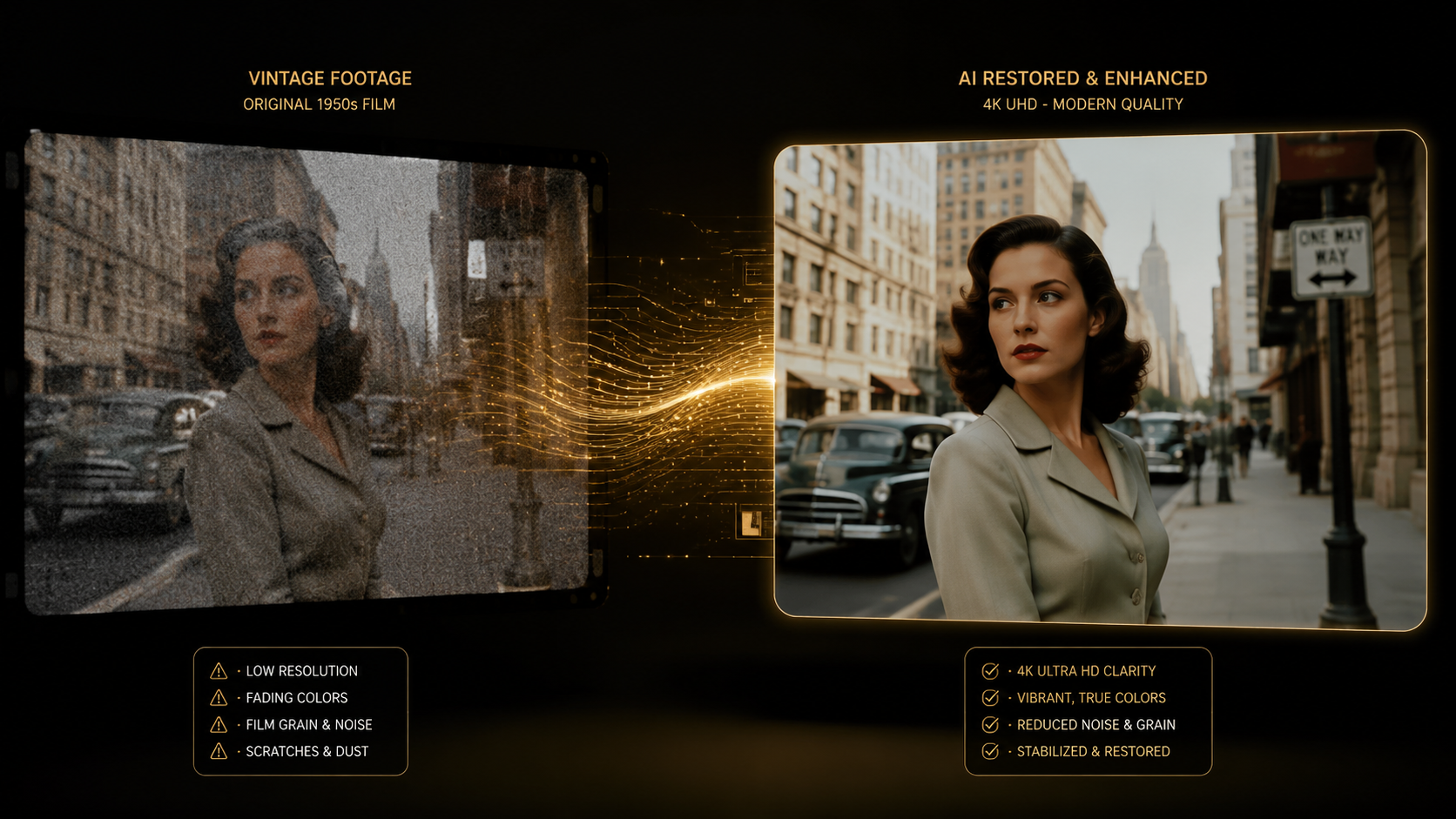
The landscape of digital media has shifted dramatically. According to TweakTown, VideoProc Converter AI has emerged as the best AI video and image enhancer in 2026, offering a streamlined interface that handles both static and moving images. This convergence of tools means creators no longer need separate suites for different media types; the AI understands the context of the pixels regardless of the format.
One of the most significant breakthroughs this year is the ability to fix "impossible" footage. As noted by Breaking The Lines, AI can now successfully transform extremely blurry footage into high-quality video by using generative adversarial networks (GANs) to reconstruct facial features and textures that were previously considered lost data. This has massive implications for historical preservation and forensic video analysis.
Super Resolution and Upscaling
Upscaling in 2026 is far superior to the traditional bicubic interpolation of the past. FinancialContent reports that YouTube has unleashed "Super Resolution" AI specifically designed to sharpen videos on your TV. This technology works by analyzing the stream in real-time and filling in details on-the-fly, ensuring that even older 720p content looks native on a 4K or 8K display.
Noise Reduction and Deblurring
For Mac users, the integration of AI into the ecosystem has reached new heights. AppleInsider highlights that 2026 AI video enhancers for Mac are now capable of fixing complex motion blur and reducing sensor noise while upscaling to 4K. By leveraging the Neural Engine in the latest silicon chips, these tools can distinguish between intentional cinematic grain and unwanted digital noise, preserving the "film look" while removing artifacts.
Comparison of Top AI Video Enhancers in 2026
Choosing the right tool depends on your specific needs—whether you require a free solution, a high-speed converter, or a tool optimized for a specific operating system. The following table compares the leading options available in the market today.
| Tool Name | Primary Strength | Best For | Platform |
|---|---|---|---|
| VideoProc Converter AI | All-in-one Speed & Quality | General Users & Pros | Windows / Mac |
| YouTube Super Resolution | Real-time Streaming | TV & Media Viewing | Smart TVs / Web |
| Hackread Top 10 Picks | Variety of Models | Experimental Projects | Cloud-based |
| North Penn Now Free Tools | Accessibility | Budget Creators | Various |
| Apple-Optimized Enhancers | Hardware Integration | MacBook/Mac Studio Users | macOS |
Key Features to Look for in AI Enhancement Software
When researching how to improve video quality with AI, you should prioritize tools that offer more than just basic upscaling. In 2026, the most effective software includes "Temporal Consistency" algorithms. These ensure that the AI-generated pixels remain stable across multiple frames, preventing the "flickering" effect that plagued earlier versions of AI video tools. Without temporal consistency, the video may look sharp in a still frame but jittery during playback.
Another critical feature is high-bitrate support. According to North Penn Now, when comparing the top 6 free AI video enhancers, the tools that delivered the sharpest results were those that allowed for uncompressed or high-bitrate exports. If the AI enhances the video only for the software to compress it heavily during the save process, the quality gains are effectively neutralized.
AI Frame Interpolation
Frame interpolation is the process of adding new frames between existing ones to create smoother motion. This is particularly useful for converting 24fps or 30fps footage into 60fps or 120fps. In 2026, AI models are sophisticated enough to calculate the trajectory of moving objects, ensuring that there are no "ghosting" artifacts during fast-paced action scenes, such as sports or wildlife videography.
Generative Detail Reconstruction
Unlike traditional filters, generative AI actually adds information to the video. If a person's eye is a blurry smudge in the original low-res file, the AI uses its training data from millions of high-resolution images to reconstruct the iris and eyelashes. This level of detail is what separates the "Best AI Video Enhancers of 2025 and 2026" from basic sharpening tools found in standard video editors.
Hardware Requirements for AI Video Processing in 2026
AI video enhancement is computationally expensive. While cloud-based tools exist, local processing provides the most privacy and control. To effectively use these tools, a modern GPU with dedicated AI cores (such as Tensor cores or Neural Engines) is essential. Hackread notes that the 10 best AI video enhancers in 2025 and 2026 all rely heavily on hardware acceleration to keep processing times manageable.
For those on mobile or lower-powered laptops, cloud-based AI enhancers are the primary solution. These services allow you to upload your footage to a remote server where powerful clusters handle the upscaling. However, for professionals working with 4K or 8K raw files, local workstations remain the standard due to the massive file sizes involved in high-quality video production.
Frequently Asked Questions
Can AI really fix blurry video?
Yes, modern AI can fix blurry video by using deconvolution and generative models to reconstruct edges and textures. According to recent tests by Breaking The Lines, AI is now capable of turning significantly out-of-focus footage into usable, sharp content.
What is the best AI video enhancer in 2026?
VideoProc Converter AI is currently recognized by TweakTown as the best overall AI video and image enhancer due to its balance of processing speed, output quality, and ease of use. It supports a wide range of formats and hardware acceleration.
Is there a free way to improve video quality with AI?
Several free AI video enhancers are available, often compared by outlets like North Penn Now. While they may have limitations on export resolution or processing speed, they provide a great entry point for sharpening and de-noising videos without a financial commitment.
How long does it take to upscale a video to 4K?
The time required depends on your hardware and the length of the video. On a modern 2026-era PC or Mac, upscaling a 10-minute 1080p video to 4K typically takes between 10 and 30 minutes, depending on the complexity of the AI model used.
Does YouTube use AI to improve video quality?
Yes, as of late 2025 and into 2026, YouTube has deployed "Super Resolution" AI. This technology helps sharpen videos during playback, especially for users watching low-resolution content on high-definition television screens.
Conclusion
Learning how to improve video quality with AI has become an essential skill for content creators, historians, and casual users alike. With the 2026 suite of tools like VideoProc Converter AI and platform-level updates from companies like YouTube, the barrier to high-definition content has never been lower. By following the structured approach of choosing the right model and ensuring your hardware is up to the task, you can breathe new life into any video file, regardless of its original condition.



Comments ()