
How to Improve Video Quality Using AI: 2026 Ultimate Guide
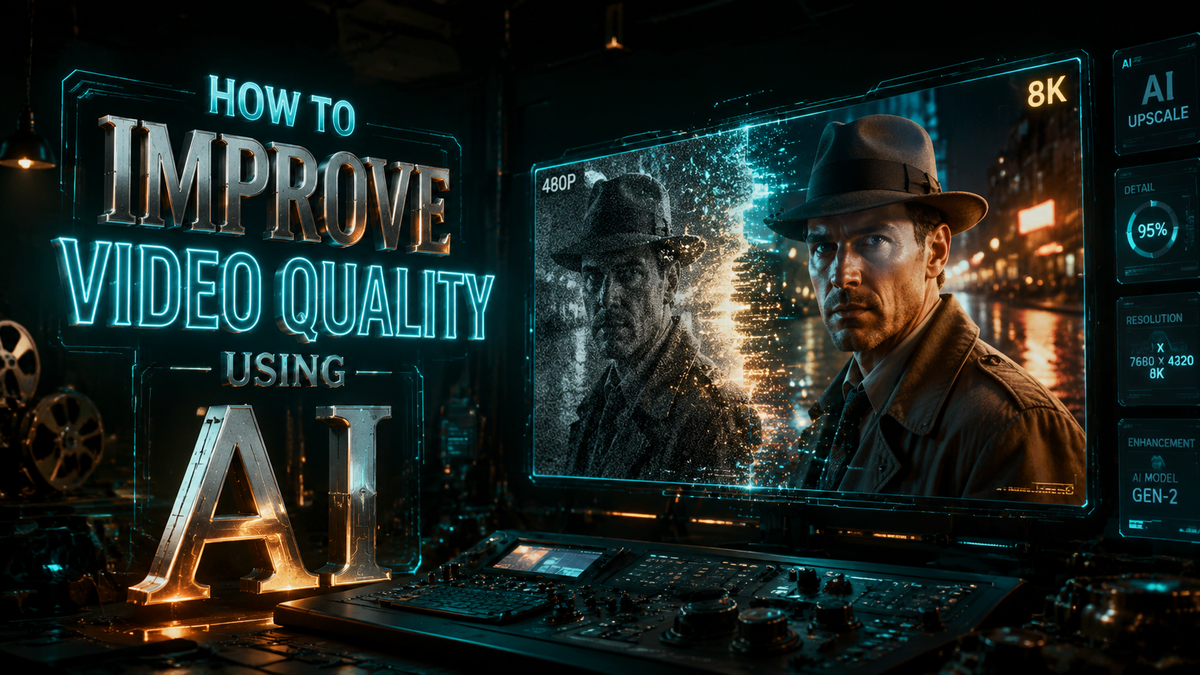
To learn how to improve video quality using AI in 2026, you must utilize deep learning algorithms that analyze low-resolution frames to reconstruct missing pixels, remove compression artifacts, and stabilize motion. By using modern AI video enhancers, you can upscale footage to 4K, eliminate motion blur, and reduce sensor noise without losing natural textures. This process typically involves selecting a specialized AI model—such as "Super Resolution" or "De-noise"—and allowing the software to render a high-fidelity version of your original file.
AI video improvement is the process of using neural networks to enhance visual fidelity by predicting and generating high-resolution data from low-quality sources. In 2026, this technology allows for real-time 4K upscaling, automated blur correction, and noise reduction across platforms like YouTube and specialized desktop software for Mac and PC, transforming legacy or low-res footage into professional-grade content.
- ✓ AI upscaling can now transform 480p or 720p footage into crisp 4K resolution using "Super Resolution" models.
- ✓ Modern AI enhancers for Mac and PC can fix motion blur and sensor noise in a single click.
- ✓ Major platforms like YouTube now offer automatic AI upscaling for low-resolution uploads.
- ✓ Specialized AI glasses and POV cameras use real-time processing to stabilize and sharpen footage as it is recorded.
Step-by-Step: How to Improve Video Quality Using AI
Improving video quality has evolved from manual color grading and sharpening to automated, intelligent reconstruction. The following steps outline the most effective workflow for 2026 to ensure your videos meet modern high-definition standards.
- Select Your AI Enhancement Tool: Choose between cloud-based platforms, integrated social media tools, or dedicated desktop software. For professional results, desktop enhancers for Mac and PC are recommended as they utilize local GPU power for deep frame analysis.
- Import and Analyze Footage: Upload your video file. The AI will scan for specific defects such as "blocking" (compression artifacts), "noise" (graininess in low light), or "blur" (lack of focus or motion jitter).
- Choose the Correct AI Model: Select a model based on your needs. Use "Super Resolution" for upscaling, "De-interlace" for old broadcast footage, or "Stabilization" for shaky handheld shots.
- Set Output Parameters: Define your target resolution (e.g., 4K) and frame rate. In 2026, many tools also allow for "AI Frame Interpolation" to convert 24fps footage into a smoother 60fps.
- Preview and Render: Use the split-screen preview to compare the original and enhanced versions. Once satisfied, render the final file using high-efficiency codecs like H.265 or AV1.
The Evolution of AI Video Enhancement in 2026

The landscape of digital media has shifted dramatically. As of late 2025 and moving into 2026, the ability to fix blur and reduce noise is no longer reserved for high-end film studios. According to AppleInsider, new AI video enhancers specifically optimized for Mac can now fix blur, reduce noise, and upscale to 4K with unprecedented speed, leveraging the latest neural engines in modern silicon chips. This democratization of technology means that even amateur creators can produce cinema-quality visuals from their mobile devices.
Furthermore, the integration of AI into hardware is becoming standard. As noted by meta.com in their late 2025 guides, AI glasses are now capable of shooting POV (point-of-view) footage that undergoes real-time enhancement. These devices use internal AI to compensate for the natural head movements of the wearer, ensuring that the resulting video is stable and sharp, effectively performing "on-the-fly" quality improvements before the file is even saved to memory.
Understanding Super Resolution and Upscaling
One of the most significant breakthroughs in how to improve video quality using AI is the widespread adoption of "Super Resolution." This is not traditional upscaling, which simply stretches pixels and fills gaps with averages. Instead, Super Resolution uses a trained neural network to "imagine" what the missing detail should look like based on millions of reference images. According to Tech Times, YouTube recently rolled out 'Super Resolution' automatic AI upscaling to improve quality on low-res videos across its entire platform, ensuring that older content looks modern on 4K displays.
Noise Reduction and Motion Blur Correction
Noise is the "grainy" look often found in videos shot in low light. In 2026, AI models can distinguish between legitimate fine detail and unwanted sensor noise. By analyzing consecutive frames, the AI can "see" what remains constant and what is random noise, effectively scrubbing the grain while keeping the subject sharp. Similarly, motion blur correction uses temporal analysis to realign shifted pixels, a feat that was considered nearly impossible just a few years ago. Breaking The Lines recently explored whether AI can truly transform blurry footage into high-quality video, concluding that the 2026 generation of algorithms has finally bridged the gap between "unusable" and "professional."
Comparison of AI Video Enhancement Methods
Choosing the right approach depends on your technical skill level and the intended platform for your video. Below is a comparison of the leading methods used in 2026.
| Feature | Desktop AI Software | Platform-Based (YouTube) | Hardware-Integrated (AI Glasses) |
|---|---|---|---|
| Maximum Resolution | 8K and beyond | 4K (Super Resolution) | 2K to 4K |
| Noise Reduction | Advanced / Customizable | Automatic / Basic | Real-time / Fixed |
| User Control | High (Manual Model Selection) | Low (Opt-in/Opt-out) | Minimal (Automatic) |
| Best For | Professional Editing & Archiving | Casual Viewing & Streaming | Action POV & Vlogging |
| Processing Power | Requires Local GPU | Cloud-based | Internal AI Chip |
YouTube's Role in AI Video Quality Improvement
YouTube has become a primary driver in the AI video space. In late 2025, the platform began an "AI Experiment" that has now become a standard feature. According to The Atlantic, this experiment involved using generative models to fill in details for low-bitrate streams. This ensures that even users with poor internet connections can view high-quality visuals, as the AI on the viewer's device or the server reconstructs the stream in real-time.
However, this move has not been without some controversy regarding creator intent. The Verge reported in October 2025 that YouTube will let you opt out of AI upscaling on low-res videos. This is a crucial feature for filmmakers who may want to preserve the "vintage" or "lo-fi" aesthetic of their work. When considering how to improve video quality using AI, it is important to remember that "higher quality" is subjective, and the ability to control these enhancements is just as important as the enhancements themselves.
The Impact of AI on Low-Resolution Archives
For historians and archivists, 2026 marks a golden age. AI tools are being used to restore footage from the early 2000s and late 1990s that was previously trapped in 360p or 480p resolutions. By applying Super Resolution and frame interpolation, these historical records are being revitalized for modern education. The ability to fix blur and remove the "interlacing" lines from old TV broadcasts has made archival footage indistinguishable from modern digital recordings in some cases.
Advanced Techniques: How to Improve Video Quality Using AI Manually
While automatic tools are excellent, professional editors often use a multi-pass approach to get the best results. This involves using different AI models for different problems within the same video file.
Multi-Pass AI Processing
A common workflow in 2026 involves first running a "De-noise" pass to clean up the image, followed by a "Sharpen" pass to define edges, and finally a "Super Resolution" pass to upscale the file. This prevented the AI from accidentally "upscaling the noise," which can lead to a plastic or "uncanny valley" look. By separating these steps, editors maintain the integrity of the original performance while maximizing visual clarity.
AI-Powered Color Reconstruction
Beyond resolution, AI is now used to improve video quality through color reconstruction. This is particularly useful for footage shot with poor white balance or in washed-out environments. AI models can analyze the scene and intelligently apply a color grade that matches the lighting conditions of the original environment, effectively "relighting" the scene after it has been filmed. This level of post-production was once the domain of colorists but is now an accessible feature in most AI video suites.
Future Outlook: AI Video Enhancement Beyond 2026
As we look toward the end of 2026, the trend is moving toward "Generative Video Infilling." This goes beyond just fixing what is there; it involves the AI generating entirely new pixels to expand the field of view or replace unwanted objects in a scene. The line between "enhancing" and "creating" is blurring. However, the core goal remains the same: providing a clear, immersive, and high-fidelity viewing experience for all audiences, regardless of the original camera's limitations.
Can AI really fix a blurry video?
Yes, AI can significantly fix blur by using temporal analysis to compare multiple frames and reconstruct sharp edges. While it cannot "invent" lost data perfectly, modern 2026 algorithms can make blurry footage look clear and usable for professional projects.
Is YouTube AI upscaling mandatory for all creators?
No, according to recent updates from 2025 and 2026, YouTube allows creators and viewers to opt out of AI upscaling. This ensures that the original artistic intent and "lo-fi" aesthetics are preserved if the creator chooses.
What is the difference between AI upscaling and traditional upscaling?
Traditional upscaling stretches existing pixels and uses interpolation to fill gaps, often resulting in a soft or "pixelated" look. AI upscaling, or Super Resolution, uses neural networks to predict and draw new details, resulting in a much sharper and more realistic image.
Do I need a powerful computer to use AI video enhancers?
While cloud-based tools exist, dedicated desktop AI enhancers for Mac and PC perform best with modern GPUs. These tools utilize hardware acceleration to process complex neural network calculations much faster than a standard processor could.
Can AI improve video quality on mobile devices?
Yes, many mobile apps and hardware like AI glasses now include integrated chips designed for real-time video enhancement. These allow for stabilization, noise reduction, and sharpening directly on the device as you record or play back video.



Comments ()