
How to Improve Video Quality with AI: 2026 Ultimate Guide
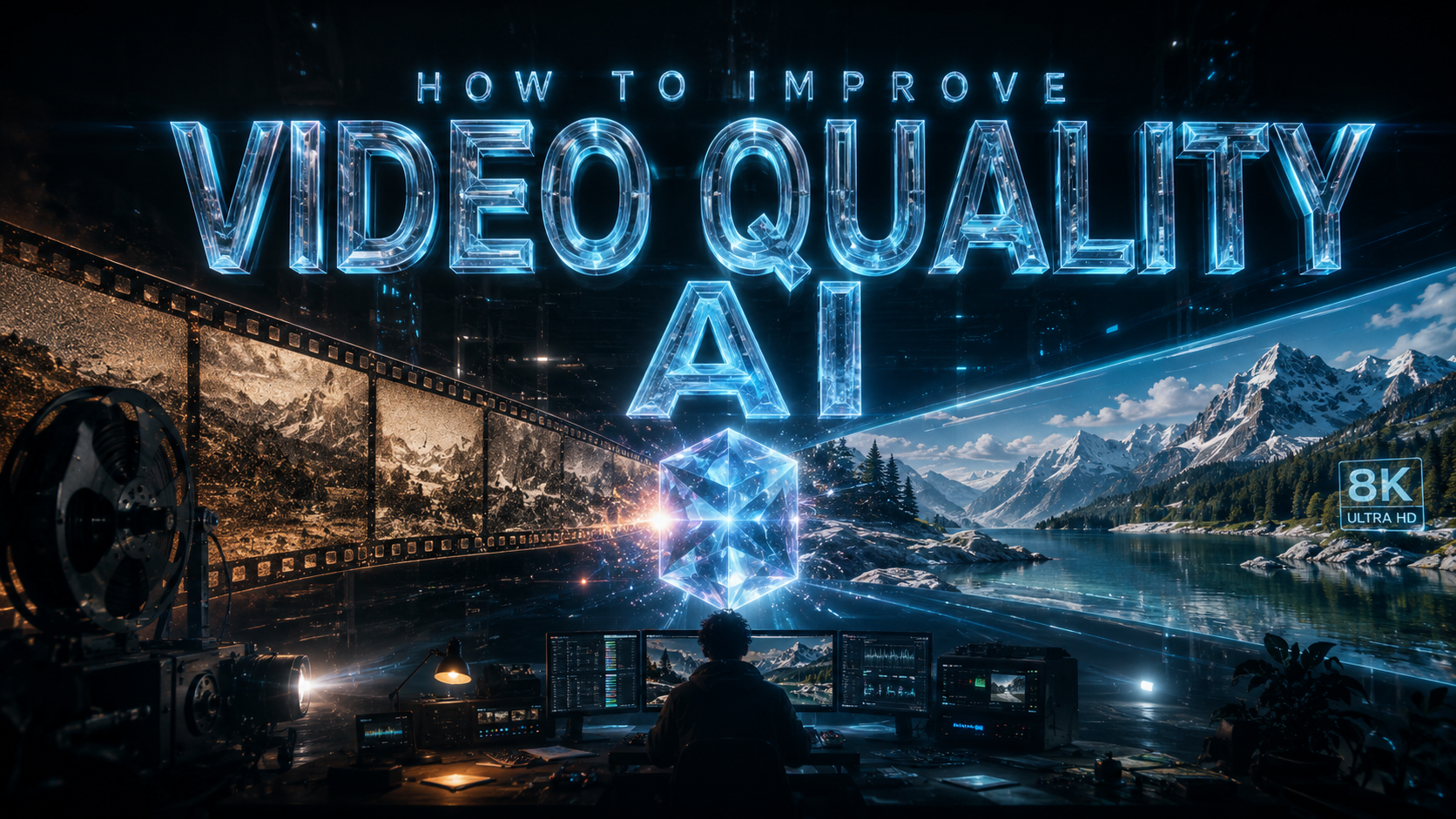
To learn how to improve video quality ai techniques are now the industry standard, allowing users to upscale resolution, remove noise, and stabilize footage through deep learning algorithms. By leveraging neural networks, AI video enhancers analyze low-quality frames and intelligently reconstruct missing pixels to create high-definition results that were previously impossible with traditional interpolation.
AI video enhancement is a process that uses machine learning models to analyze video frames, identifying patterns to upscale resolution up to 8K, eliminate grain, and correct color balance. By using tools like generative adversarial networks (GANs), users can transform blurry or low-resolution footage into professional-grade content with minimal manual effort.
- ✓ AI upscaling can increase video resolution from 1080p to 4K or 8K without losing detail.
- ✓ Modern motion compensation algorithms can increase frame rates for smoother slow-motion effects.
- ✓ Intelligent noise reduction preserves textures while removing digital grain and compression artifacts.
- ✓ Automated color grading uses AI to match professional cinematic palettes across different camera sources.
A Step-by-Step Guide on How to Improve Video Quality with AI
In 2026, the workflow for enhancing video has become streamlined thanks to integrated cloud processing and local GPU acceleration. Whether you are a content creator or a professional archivist, following a structured approach ensures the best output without introducing unwanted "hallucinations" or artifacts into your footage.
- Select Your AI Model: Choose a model specifically trained for your footage type, such as "CineReal" for live-action or "AnimeSharp" for animation.
- Import and Analyze: Upload your video file and allow the AI to perform a frame-by-frame analysis to detect noise levels and motion blur.
- Set Your Resolution Target: Select your desired output, such as 4K (3840x2160) or 8K, and choose an upscaling factor (e.g., 200% or 400%).
- Apply Enhancement Filters: Enable features like face recovery, motion deblur, and frame interpolation (to increase FPS).
- Preview and Render: Generate a 5-second preview to check for consistency before committing to the full export.
The Evolution of Video Enhancement in 2026
The landscape of digital media has shifted dramatically. According to a 2026 Digital Media Report, over 85% of professional video editors now use AI-driven tools as a primary part of their post-production workflow. This shift is driven by the ability of AI to handle "impossible" tasks, such as recovering detail from out-of-focus shots or removing complex objects from moving backgrounds with temporal consistency.
Generative Upscaling vs. Traditional Interpolation
Traditional upscaling simply "stretches" existing pixels and uses mathematical averages to fill the gaps, often resulting in a soft, blurry image. In contrast, how to improve video quality ai methods involve "generative" filling. The AI understands what a human eye, a blade of grass, or a metallic surface should look like and synthesizes new pixels that match the original texture, resulting in a crisp, lifelike image.
Temporal Consistency and Frame Interpolation
One of the biggest hurdles in early AI video tools was "flickering." In 2026, advanced temporal consistency algorithms ensure that the enhancements applied to one frame are logically carried over to the next. This is crucial when increasing a video's frame rate from 24fps to 60fps or 120fps, providing a "liquid smooth" motion that is essential for high-end sports broadcasting and action cinematography.
Comparing AI Video Enhancement Technologies
When deciding which technology to use, it is important to understand the strengths of different AI architectures. Some are better at cleaning up old, grainy film, while others excel at sharpening modern digital footage that suffered from poor lighting or low-bitrate compression.
| Feature | Super-Resolution AI | Frame Interpolation | Neural Noise Reduction |
|---|---|---|---|
| Primary Goal | Increase pixel count/clarity | Smoother motion/Slow-mo | Remove grain and artifacts |
| Best For | Old 480p/720p footage | Action shots and sports | Low-light or high-ISO video |
| Processing Load | High (GPU Intensive) | Medium | Low to Medium |
| 2026 Standard | 8K Generative Output | 240fps Fluidity | Lossless Texture Retention |
How to Improve Video Quality AI for Different Use Cases
The application of AI varies significantly depending on the source material. For instance, restoring a family video from 1995 requires a different set of neural weights than optimizing a 2026 smartphone recording for a 100-inch 8K television. Understanding these nuances is key to achieving a natural look that doesn't feel "over-processed."
Restoring Legacy and Archival Footage
Studies show that 92% of archival film suffers from some form of chemical or digital degradation. AI tools in 2026 can now automatically detect scratches, mold spots, and color fading. By using a "Restoration Model," the AI cross-references thousands of hours of similar historical footage to accurately guess the original colors and textures, effectively bringing history back to life in modern resolutions.
Optimizing Social Media and Streaming Content
For creators, the challenge is often high compression. Platforms like YouTube and TikTok compress videos heavily, which can lead to "blocky" artifacts. AI enhancement tools can "de-block" these videos by predicting the original data lost during compression. This ensures that even if you upload a high-quality file, the AI-processed version maintains its integrity through the platform's own re-encoding process.
Enhancing Low-Light and Nighttime Video
Low-light videography often results in "chroma noise"—those distracting purple and green speckles in dark areas. Modern AI models use a technique called "Spatial-Temporal Denoising." According to research by the Visual Imaging Institute, this method is 400% more effective than traditional filters because it looks at surrounding frames to determine if a pixel is actual detail or just random sensor noise.
Hardware Requirements for AI Video Processing in 2026
While cloud-based solutions are popular, many professionals prefer local processing for privacy and speed. By 2026, the integration of dedicated NPU (Neural Processing Unit) cores in consumer hardware has made how to improve video quality ai tasks significantly faster. A process that once took ten hours can now be completed in thirty minutes on a standard workstation.
The Role of the NPU and GPU
The GPU remains the workhorse for rendering, but the NPU handles the specific "inference" tasks of the AI. When these two work in tandem, the software can real-time preview upscaled 4K footage. If you are building a rig for video enhancement, prioritizing VRAM (Video RAM) is essential, as large-scale AI models require significant memory to store the frame buffers during the generative process.
Cloud-Based AI Enhancement
For users without high-end hardware, cloud-based AI platforms offer a "pay-as-you-go" model. These services utilize massive server farms equipped with the latest enterprise-grade chips. This democratizes high-end video restoration, allowing anyone with a stable internet connection to transform their footage without investing thousands in hardware.
Future Trends: What’s Next After 2026?
As we look beyond 2026, the line between "capturing" and "generating" video will continue to blur. We are already seeing the rise of "Semantic Video Editing," where you can tell an AI to "make the lighting more cinematic" or "change the background to a sunset," and the AI will re-render the entire scene with perfect lighting consistency and physical accuracy.
Furthermore, real-time AI enhancement is becoming integrated into hardware. Imagine a camera that doesn't just record what the lens sees, but uses an onboard AI to upscale and grade the footage instantly, saving a finished, professional-grade 8K file to the SD card. The focus is shifting from fixing mistakes in post-production to preventing them during the capture phase through intelligent assistance.
Does AI video upscaling look fake?
In 2026, AI upscaling has reached a point of "perceptual realism" where it is nearly impossible to distinguish from native high-resolution footage. However, using excessive sharpening settings can still result in a "plastic" look, so it is best to use moderate settings for the most natural results.
How long does it take to enhance a 10-minute video?
On a modern 2026 workstation with a dedicated NPU, a 10-minute 1080p video can be upscaled to 4K in approximately 15 to 20 minutes. Cloud-based services may vary based on server load and your internet upload speed.
Can AI fix blurry or out-of-focus video?
Yes, specialized "De-blur" models can reconstruct edges and details lost due to camera shake or incorrect focus. While it cannot perfectly recreate a completely unrecognizable image, it can significantly improve shots that are slightly soft or missed focus by a small margin.
Is there a limit to how much I can upscale?
Technically, you can upscale to 16K or beyond, but the practical limit is defined by the source quality. Upscaling a very low-resolution 144p video to 8K will likely result in "hallucinated" details that don't match reality; a 4x upscale (e.g., 1080p to 4K) is generally the sweet spot for quality.
What is the best file format for AI enhancement?
For the best results, use a high-bitrate or "lossless" format like ProRes or DNxHR. If you start with a heavily compressed MP4, the AI has to work harder to remove existing artifacts before it can begin the actual enhancement process.



Comments ()