
How to Get Started with AI Video in 2026: A Beginner's Guide
Getting started with AI video in 2026 is simpler than you think: you can already transform a single still photo into a five-second video clip using Snapchat's Lens Studio AI Clips, or generate cinematic footage from a text prompt on a local NVIDIA RTX PC. This beginner's guide covers the essential platforms, hardware requirements, and creative techniques you need to create your first AI-generated video today. By the end of this article, you will have a clear, actionable roadmap for how to get started with AI video, whether for fun, a side hustle, or a full-time creative career.
AI video in 2026 is the use of generative models to create, edit, or enhance moving images from text prompts, still photos, or existing footage. Tools range from consumer apps like Snapchat Lens Studio AI Clips — which converts a photo into a 5-second video — to professional workflows on NVIDIA RTX PCs that render high-resolution clips locally.
- ✓ Snapchat's Lens Studio AI Clips (released March 2026) lets you turn any still photo into a 5-second AI video with zero editing experience.
- ✓ NVIDIA RTX PCs provide the dedicated hardware needed for local visual generative AI, reducing cloud costs and latency.
- ✓ According to Shopify's "AI Business Ideas: 20 Ways to Start in 2026" (June 2026), AI video creation is one of the top recommended side hustles for the year.
- ✓ The AI video market is growing rapidly — Yahoo Finance reported in February 2026 that seven AI side hustles, including video generation, will dominate the gig economy.
- ✓ Beginners should start with free or low-cost tools (like Snapchat Lens Studio) before investing in a high-end RTX workstation.
- Define your goal. Decide whether you want short social clips, marketing videos, or experimental art — this will guide your platform choice.
- Choose a beginner-friendly tool. For instant results, try Snapchat's Lens Studio AI Clips. For more control, download a desktop app that supports RTX acceleration.
- Check your hardware. If using a local tool, ensure you have an NVIDIA RTX GPU. According to NVIDIA's January 2026 guide, RTX 40-series and later cards offer the best performance for visual generative AI.
- Learn the prompting basics. Write clear, descriptive text prompts or select a high-quality source image. Practice with short clips first.
- Generate and iterate. Run your first generation, review the output, and tweak your prompt or settings. Most tools allow unlimited free or low-cost trials.
- Export and share. Save your video in a standard format (MP4 or MOV) and upload to social platforms. Many apps include direct sharing integrations.
What Is AI Video in 2026?
AI video refers to any moving image that is generated, edited, or enhanced by a machine-learning model. In 2026, the technology has moved beyond experimental labs into everyday creator tools. The most accessible example is Snapchat's Lens Studio AI Clips, announced in March 2026, which can transform a single still photograph into a five-second video with coherent motion and scene transitions. On the desktop side, NVIDIA's RTX platform enables local generation of high-definition clips without sending data to the cloud, giving creators full control over their work.
According to a June 2026 report from Shopify titled "AI Business Ideas: 20 Ways to Start in 2026," AI video creation ranks among the most promising new income streams because the barriers to entry have dropped dramatically. "Anyone with a smartphone or a mid-range PC can now produce video content that would have required a full production team just a few years ago," the report states. Meanwhile, Yahoo Finance's February 2026 analysis of "7 AI Side Hustles That Will Dominate in 2026" highlights video generation as a key area where freelancers can earn $50 to $200 per project.
How Generative AI Creates Video
Most AI video tools in 2026 use a class of models called diffusion transformers, which start with random noise and gradually refine it into a coherent sequence of frames. The process is guided by either a text prompt (e.g., "a cat walking through a sunny park") or a source image that acts as the first frame. Snapchat's AI Clips, for example, takes your photo as the anchor frame and extrapolates the next four seconds of plausible motion. On NVIDIA RTX PCs, users can run models locally with GPU acceleration, achieving real-time preview and rapid iteration.
Step 1 — Choose Your AI Video Platform
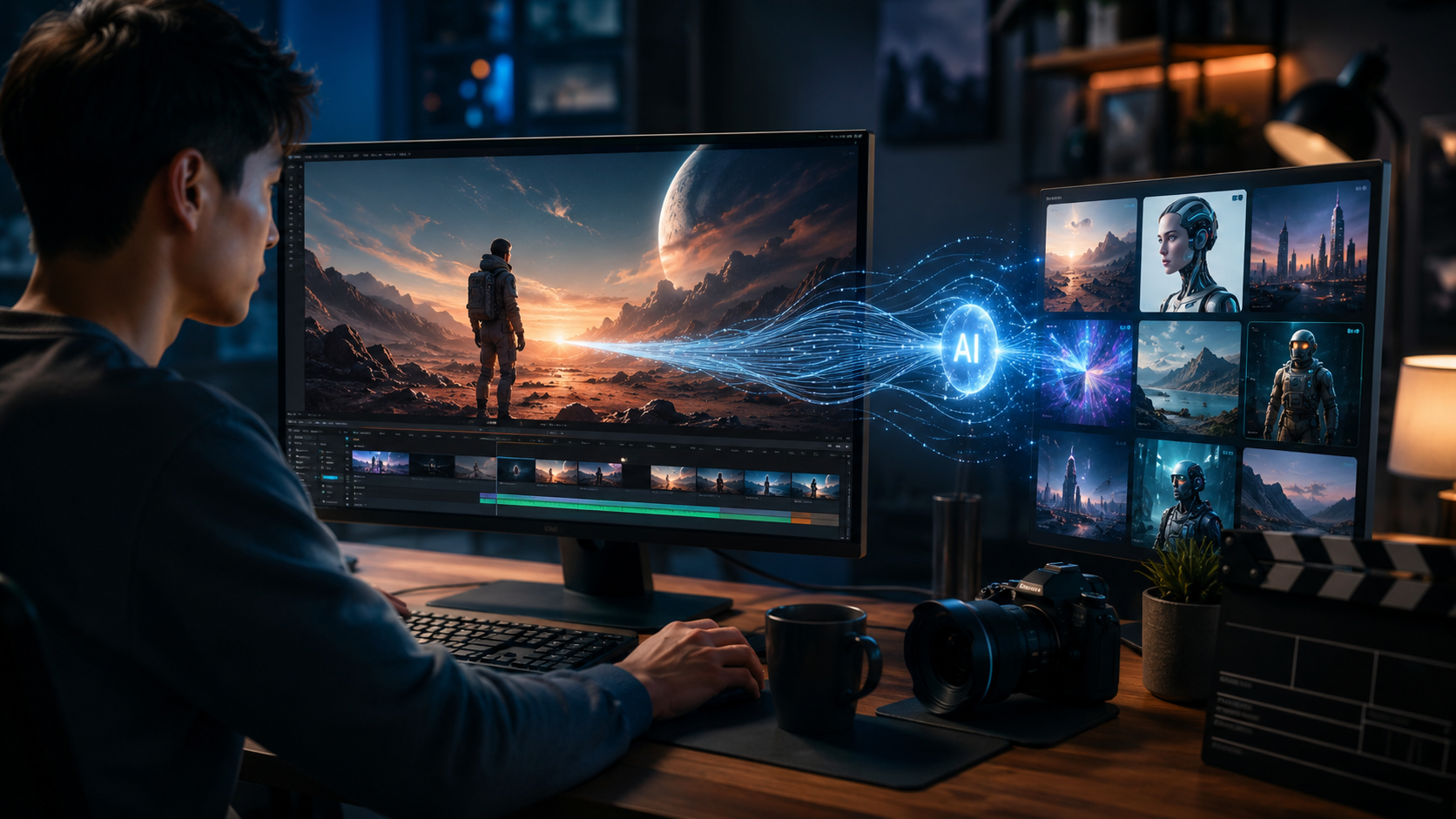
Your choice of platform depends on your technical comfort level and creative goals. For absolute beginners, Snapchat's Lens Studio AI Clips is the fastest way to see results. Released on March 27, 2026, this feature is built directly into the Lens Studio environment and requires no coding — you simply upload a photo, and the AI generates a five-second video. The output can be shared immediately to Snapchat or exported for other platforms. Deccan Herald reported that the feature "can transform a still photo into a 5-second video" with minimal effort, making it ideal for social media content.
For users who want more control over resolution, style, and duration, desktop tools that leverage NVIDIA RTX GPUs are the better route. NVIDIA's own "How to Get Started With Visual Generative AI on NVIDIA RTX PCs" guide (January 2026) walks through setting up a local environment with models like Stable Video Diffusion and ComfyUI. These tools support higher frame rates and longer clips, but require a compatible RTX graphics card and some familiarity with software installation. If you do not own an RTX PC, cloud-based alternatives (such as Runway or Pika Labs) offer subscription plans that handle the processing remotely.
Snapchat Lens Studio AI Clips: Zero-Code Entry
Snapchat's approach is deliberately frictionless. You open Lens Studio, select the AI Clips template, upload a photo, and within seconds receive a five-second video. The AI handles motion interpolation, background transitions, and even subtle facial expressions. It is free to use and requires only a Snapchat account. This is the best starting point for anyone wondering how to get started with AI video without any prior experience.
Desktop AI Video Tools: Full Creative Control
Desktop tools like ComfyUI, Automatic1111 (with video extensions), and dedicated RTX-accelerated apps let you adjust every parameter: frame count, motion strength, style consistency, and more. They also support negative prompts to avoid unwanted elements. The trade-off is a steeper learning curve and a hardware requirement — at minimum an NVIDIA RTX 3060, with RTX 4070 or higher recommended for 1080p clips. NVIDIA's blog notes that "RTX GPUs with dedicated Tensor Cores deliver up to 5x faster generation than CPU-only systems."
Step 2 — Set Up Your Hardware
Hardware is the most important practical consideration after choosing your software. If you opt for a cloud-based tool, you need only a reliable internet connection and a modern web browser. But if you want to run models locally — for privacy, speed, or zero recurring costs — an NVIDIA RTX-enabled PC is the standard recommendation. NVIDIA's January 2026 guide explicitly states that "visual generative AI on RTX PCs" is the recommended local setup, leveraging Tensor Cores for fast inference. The guide suggests at least 16 GB of system RAM and 8 GB of VRAM for 720p video generation.
For users who do not own a gaming PC, cloud GPU services like RunPod or Vast.ai let you rent RTX instances by the hour. This is a cost-effective way to experiment before buying dedicated hardware. PCMag's March 2026 article on "Vibe Coding 101" also touches on AI video workflows, noting that "generative AI tools are increasingly optimized for consumer-grade hardware, so you do not need a data center to produce impressive clips."
RTX Requirements by Video Length
Short clips (5–10 seconds) can be generated on RTX 3060 or 4060 cards. Longer clips (15–30 seconds) benefit from RTX 4070 or higher. For batch processing or high-resolution output (4K), an RTX 4090 or upcoming RTX 50-series is recommended. Always check the specific model's VRAM requirements — most open-source video models need at least 8 GB, and some require 12 GB or more.
Step 3 — Master the Core Techniques
Once your platform and hardware are ready, the real fun begins. The two primary techniques for AI video creation are text-to-video and image-to-video. Text-to-video involves writing a prompt that describes the scene, action, and style you want. For example, "a golden retriever puppy running through autumn leaves, cinematic lighting, slow motion" will produce a clip that the AI attempts to realize. Image-to-video — like Snapchat's AI Clips — uses a source photo as the starting frame and extrapolates subsequent motion.
The quality of your output depends largely on your prompt crafting. A good prompt is specific, includes lighting and mood descriptors, and avoids ambiguity. According to the Yahoo Finance "7 AI Side Hustles" article, "the most successful AI video freelancers in 2026 are those who treat prompting as a craft, refining each phrase for clarity and visual impact." Beginners should start with short prompts and gradually add detail as they learn how different models interpret language.
Negative Prompting and Style Control
Most desktop tools allow negative prompts to exclude unwanted elements. For instance, adding "no blur, no distortion, no extra people" can clean up a clip significantly. Style transfer is another powerful feature — you can apply the visual aesthetic of a specific film, artist, or era. Experimenting with these controls is the fastest way to go from generic output to distinctive, shareable video.
Step 4 — Create Your First AI Video Project
Start with a simple project to build confidence. If you are using Snapchat Lens Studio AI Clips, choose a high-quality photo with good lighting and a clear subject — a portrait, a landscape, or a pet works well. Upload it, wait a few seconds, and you will have a five-second video ready to post. The Deccan Herald report (March 27, 2026) highlights that this feature "can transform still photo into 5-second video" almost instantly, making it perfect for social media stories or TikTok-style content.
If you are on a desktop tool, try generating a 5-second clip of a single object in motion: a car driving down a road, a bird flying, or water flowing. Use a prompt like "a red sports car driving on a coastal highway, bright sunny day, 4K, smooth motion." Generate it, watch the result, and note what the AI got right or wrong. Refine your prompt and generate again. This iterative process is how you learn the nuances of each model. As PCMag's "Vibe Coding 101" suggests, the best approach in 2026 is to "iterate quickly, experiment freely, and embrace the surprises the AI throws at you."
Project Idea: Social Media Promo Clip
Create a 10-second promotional video for a fictional product or personal brand. Start with a product photo (image-to-video) or write a descriptive prompt. Add text overlays using any free video editor after generation. This project teaches you the full pipeline from concept to finished asset, and the result can be added to your portfolio. According to Shopify's business ideas guide, short promotional clips are among the highest-demand AI video services in 2026.
Step 5 — Optimize and Share Your AI Videos
After generating your clip, the next step is polishing and distribution. Most AI video tools output MP4 or MOV files at a standard frame rate (24 or 30 fps). Snapchat's AI Clips are optimized for mobile viewing and include automatic cropping for Stories. Desktop tools give you resolution options from 720p to 4K, and you can adjust frame rate in post-production. Use a free editor like DaVinci Resolve or CapCut to trim, add transitions, or overlay text and music.
When sharing, consider the platform's preferred format. TikTok and Instagram Reels favor vertical 9:16 aspect ratio, while YouTube and Vimeo work best with horizontal 16:9. Snapchat's own ecosystem is built for vertical short clips. According to Yahoo Finance's side hustle guide, creators who tailor their AI video output to platform-specific formats earn more and build audiences faster. Always watermark your work if you plan to monetize — a small overlay with your handle or logo prevents unauthorized reuse.
Exporting Best Practices
Export at the highest resolution your hardware allows, then compress for web distribution. Use H.264 codec for broad compatibility. Keep file sizes under 50 MB for social media uploads. If your tool supports it, export with a transparent background (alpha channel) for compositing in other software — this is especially useful for advanced users creating layered video projects.
Comparison Table: AI Video Tools in 2026
| Tool | Best For | Hardware Required | Max Clip Length | Cost | Key Feature |
|---|---|---|---|---|---|
| Snapchat Lens Studio AI Clips | Absolute beginners, social media | Any smartphone or web browser | 5 seconds | Free | Photo-to-video in one click |
| NVIDIA RTX + Stable Video Diffusion | Desktop creators, high quality | NVIDIA RTX GPU (8 GB+ VRAM) | 30 seconds+ | Free (open-source) | Full control, local privacy |
| Cloud AI video services (e.g., Runway, Pika) | Users without powerful PCs | Any device with a browser | 10–60 seconds | Subscription ~$15–$30/mo | No local hardware needed |
| ComfyUI + Video Nodes | Advanced users, custom workflows | NVIDIA RTX GPU (12 GB+ VRAM) | Variable | Free (open-source) | Node-based visual programming |
Turn AI Video Into a Side Hustle in 2026
AI video is not just a creative outlet — it is a legitimate income stream. Shopify's "AI Business Ideas: 20 Ways to Start in 2026" lists "AI video creation for small businesses" as one of the top opportunities. Local brick-and-mortar stores, real estate agents, and event planners frequently need short promotional clips but lack video production skills. As a freelancer, you can offer custom AI-generated videos for $25 to $150 per clip, depending on complexity and length. Yahoo Finance's side hustle report (February 2026) notes that top earners in this space generate $3,000 to $8,000 per month by specializing in niches like product demos, real estate walkthroughs, and social media ads.
Getting started as a side hustler follows the same steps outlined above: pick a tool, master the basics, build a small portfolio, and promote your services on freelance platforms or local business networks. The barrier to entry is lower than ever — as PCMag observed in their "Vibe Coding 101" piece, "the generative AI era rewards creativity over technical expertise." Your willingness to learn how to get started with AI video and to iterate on your craft matters more than any formal training.
Common Pitfalls and How to Avoid Them
Even with powerful tools, beginners often encounter frustration. The most common mistake is using vague prompts — "a nice video" will produce mediocre results every time. Be specific about the subject, action, lighting, and mood. A second pitfall is expecting photorealistic output from the first attempt; expect to generate 5–10 versions before landing on a keeper. Third, neglecting hardware requirements: if you are using a desktop tool on a non-RTX GPU, generation times will be painfully slow, and you may run out of memory. Always verify that your system meets the recommended specs before investing time.
Another frequent issue is ignoring platform limitations. Snapchat's AI Clips are capped at 5 seconds, so do not expect a 30-second narrative from that tool. Desktop tools can produce longer clips but may introduce artifacts (blurry frames, unnatural motion) if pushed beyond their training length. The BBC's September 2025 guide on getting started with AI chatbots made a point that applies equally to video: "Start small, test thoroughly, and scale only when you understand the model's strengths and weaknesses."
Looking Ahead: AI Video Trends for Late 2026 and Beyond
The pace of improvement in AI video generation is extraordinary. By mid-2026, tools have moved from producing short, glitchy clips to generating coherent multi-second sequences with smooth motion. NVIDIA's continued RTX hardware updates ensure that local generation quality improves with each GPU generation. Snapchat's Lens Studio AI Clips, while limited to 5 seconds today, signals a broader trend toward instant, mobile-first AI video creation. Expect longer clip limits, higher resolutions, and real-time editing features to roll out throughout the second half of 2026.
According to the research roundup from Shopify, Yahoo Finance, PCMag, and NVIDIA, the consensus is clear: AI video is no longer a future concept — it is a present-day tool accessible to anyone willing to learn. The best time to start was last year; the second-best time is right now. By following the steps in this guide, you will not only understand how to get started with AI video, but you will also position yourself at the forefront of a creative revolution that is reshaping content production across industries.
What is the easiest way to get started with AI video as a complete beginner in 2026?
The easiest way is to use Snapchat's Lens Studio AI Clips, which was released in March 2026. You upload a still photo, and the AI generates a five-second video within seconds. It requires no coding, no special hardware, and is completely free.
Do I need an expensive PC to create AI videos?
Not necessarily. Cloud-based tools run on any device with a browser. If you want to run models locally, an NVIDIA RTX GPU with at least 8 GB of VRAM is recommended, but entry-level RTX 3060 or 4060 cards are sufficient for short clips.
How long does it take to generate an AI video in 2026?
With Snapchat Lens Studio AI Clips, the result appears in a few seconds. On a local RTX PC with tools like Stable Video Diffusion, a 5-second clip takes about 30 seconds to 2 minutes depending on resolution and model complexity. Cloud services are similar or slightly slower depending on server load.
Can I monetize AI-generated videos?
Yes. Shopify's "AI Business Ideas" report (June 2026) lists AI video creation as a top side hustle. Freelancers charge between $25 and $150 per clip for small businesses, real estate agents, and social media managers. Yahoo Finance also confirms AI video as one of the seven dominant side hustles in 2026.
What kind of prompts work best for AI video?
Specific, descriptive prompts work best. Include the subject, action, environment, lighting, and style. For example, "a white horse galloping across a green meadow, golden hour lighting, cinematic depth of field, slow motion" will produce far better results than "a horse running."
Is there a limit on video length for free AI video tools?
Yes. Snapchat's Lens Studio AI Clips is limited to 5 seconds. Many free tiers of cloud tools cap at 10 seconds. Desktop open-source models can generate longer clips (30+ seconds) but require more powerful hardware and may show quality degradation beyond 15–20 seconds.
Can I use AI video for commercial projects without copyright issues?
Yes, as long as you use your own source images or prompts that do not infringe on existing works. Always check the terms of service for the specific tool you use. Most platforms in 2026 grant you full ownership of generated content, but verify this before using clips in paid projects.



Comments ()