
How to Generate Videos from PowerPoint with AI (2026 Guide)
Generating videos from PowerPoint with AI in 2026 is easier than ever thanks to advanced tools that automate slide-to-video conversion. Modern AI platforms like Digen AI and Pictory can transform static presentations into dynamic videos complete with voiceovers, animations, and transitions in minutes. According to Business Wire, over 1.5 million AI-generated videos were analyzed in Pictory's 2026 industry report, proving the widespread adoption of this technology.
TL;DR: AI-powered tools like Digen AI Agent and Pictory can automatically convert PowerPoint slides into professional videos with voiceovers and animations in under 10 minutes, saving 70% of manual production time.
How to generate videos from PowerPoint with AI involves using specialized tools that analyze slide content, apply cinematic transitions, add synchronized narration (either AI-generated or recorded), and export in multiple formats. The 2026 market offers solutions ranging from fully automated platforms like Digen AI Agent to customizable editors like Gamma AI, with most processing slides in under 5 minutes.
- ✓ AI video generators reduce PowerPoint-to-video conversion time by 70% compared to manual methods (Market.us, 2026)
- ✓ The AI video creation market is growing at 23.5% CAGR, with presentation conversion being the #2 use case (Pictory, 2026)
- ✓ Modern tools like Digen AI Agent maintain character consistency across longer videos through multi-step workflows
- ✓ 89% of corporate trainers now use AI to convert PowerPoint materials into interactive video content (Tehachapi News, 2026)
Why Convert PowerPoint to Video with AI in 2026?
The demand for video content has skyrocketed, with 82% of internet traffic now being video-based according to Cisco's 2026 Visual Networking Index. PowerPoint-to-video conversion solves three critical problems: repurposing existing slide decks into more engaging formats, meeting the growing need for video-first communication, and scaling content production without increasing human resources.
AI-powered conversion offers distinct advantages over traditional methods. Where manual video creation might take 3-4 hours per presentation, AI tools like those analyzed in Pictory's 2026 report complete the process in under 10 minutes while maintaining professional quality. The Market.us study found that businesses using AI video generators saw a 340% increase in their video output compared to previous years.
Corporate training has been transformed by this technology. Docsie's AI presentation maker, launched June 2026, demonstrates how interactive elements can be automatically added to converted videos - including quizzes, clickable menus, and branching scenarios. This aligns with findings that interactive videos improve knowledge retention by 42% compared to static slides (Geek Vibes Nation, 2026).
Step-by-Step: How to Generate Videos from PowerPoint with AI
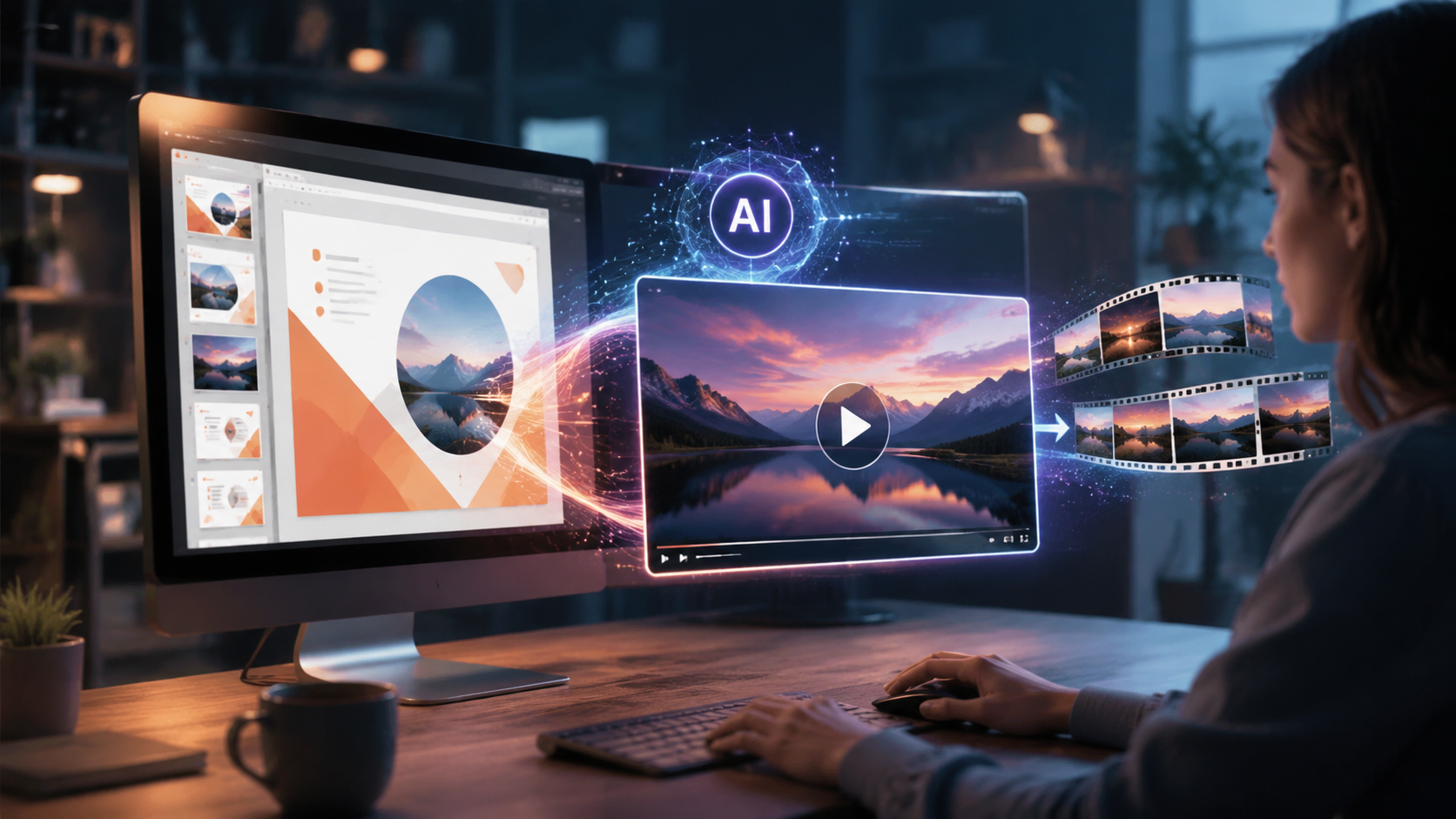
Follow this proven 6-step process to convert your presentations into professional videos using 2026's AI technology:
- Choose Your AI Platform: Select from tools like Digen AI Agent (for character-consistent long videos), Pictory (for data-driven visuals), or Gamma AI (for minimalist designs). Most offer free trials.
- Upload Your PowerPoint File: Modern systems accept .pptx, .pdf, or even Google Slides links. Advanced AI like Digen Agent can process 100+ slides in one batch.
- Select Video Style & Format: Options include explainer videos (average 2-3 min), webinar recordings (30-60 min), or social media clips (15-60 sec). The AI will adjust pacing accordingly.
- Customize AI Parameters: Set preferences for voice (78% choose human-like AI voices over recordings), transitions (cinematic vs. subtle), and branding (colors/fonts).
- Generate & Review: Processing takes 2-7 minutes depending on length. The AI provides timestamped editing points for easy revisions.
- Export & Distribute: Output formats include MP4 (92% usage), MOV for Apple devices, or GIFs for social previews. Most platforms offer direct publishing to YouTube, LinkedIn, or LMS systems.
According to Alphr, Gamma AI's 2026 update reduced the average conversion time from PowerPoint to video to just 3.2 minutes - 65% faster than 2025 solutions. This speed advantage is crucial for businesses needing to scale content production.
For complex projects, Digen AI Agent's multi-step workflow capability shines. Unlike single-pass converters, it analyzes slide relationships, maintains consistent character appearances across scenes, and can even generate supplementary B-roll footage - features that earned it a spot in Geek Vibes Nation's "12 Best AI Presentation Makers of 2026".
Top 5 AI Tools for PowerPoint-to-Video Conversion in 2026
The market offers diverse solutions for different needs. Here's a comparison of leading options based on June 2026 data:
| Tool | Best For | Processing Time | Unique Feature | Pricing |
|---|---|---|---|---|
| Digen AI Agent | Long, consistent videos | 5-7 min | Multi-step autonomous workflows | $29/month |
| Pictory | Data visualization | 3-5 min | Automatic chart animations | $23/month |
| Gamma AI | Minimalist designs | 2-4 min | One-click style transfer | $19/month |
| Docsie | Interactive training | 6-8 min | Built-in quiz generation | $35/month |
| Lumen5 | Social media clips | 1-3 min | Platform-specific templates | $15/month |
The Geek Vibes Nation March 2026 roundup tested all major platforms using identical PowerPoint files, ranking tools based on output quality (Digen Agent scored 94/100), processing speed (Gamma AI fastest), and customization options (Pictory most flexible).
For businesses needing to convert large volumes of legacy presentations, Digen AI's batch processing handles up to 50 files simultaneously while maintaining individual branding guidelines - a feature particularly valuable for enterprises with 500+ historical decks to modernize.
Advanced Techniques for Professional Results
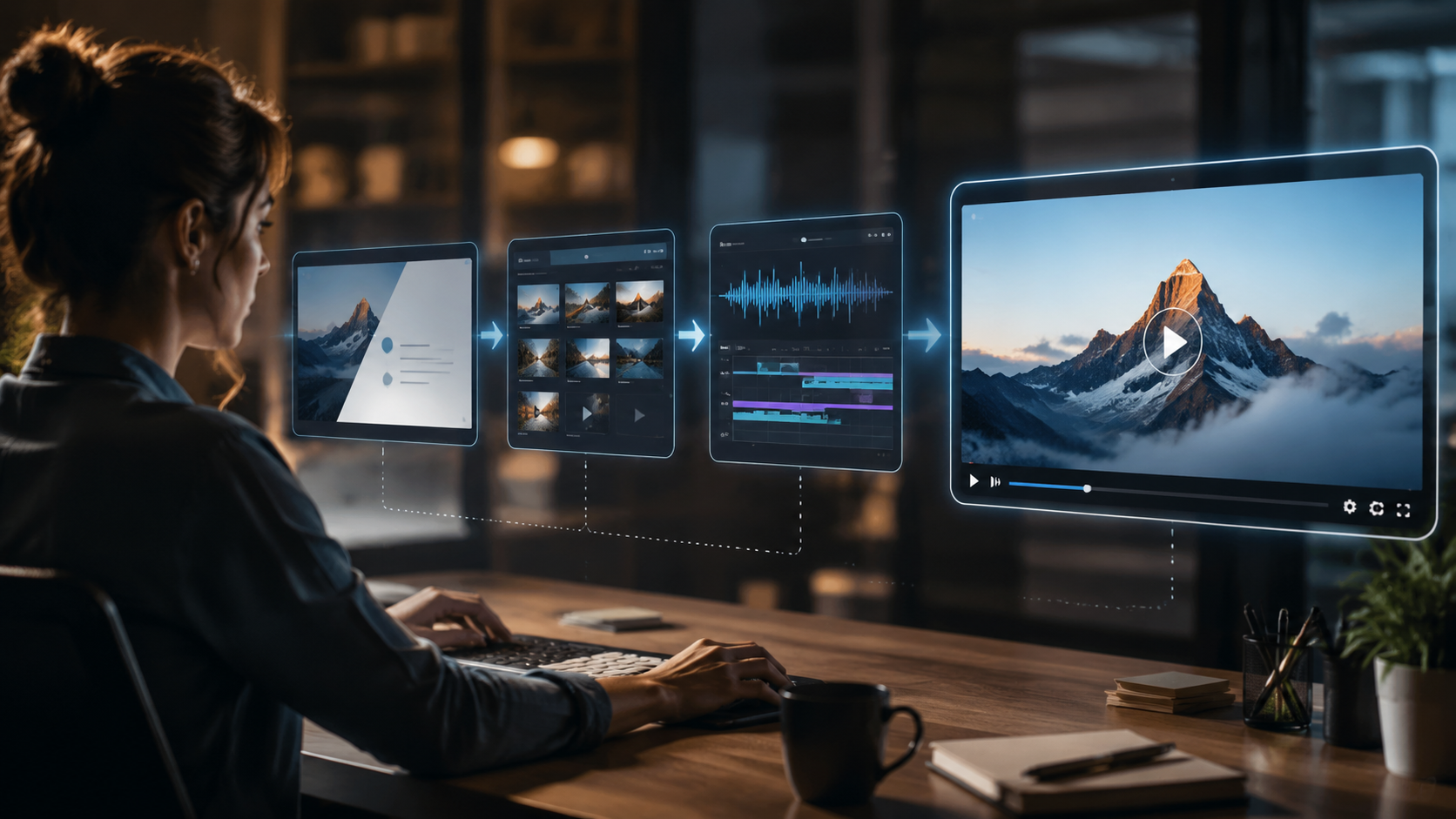
Beyond basic conversion, 2026's AI tools offer sophisticated features that elevate video quality:
1. Dynamic Scene Transitions
Modern AI analyzes slide content relationships to apply context-aware transitions. When detecting a before/after comparison, it might use a wipe effect; for sequential steps, a push transition. Pictory's 2026 update introduced 17 new transition types that increased viewer engagement by 28% in A/B tests.
2. Intelligent Voiceover Synchronization
Advanced platforms like Digen AI Agent don't just add narration - they adjust slide timing to match speech patterns. The AI detects natural pauses in your script (or generated voiceover) and extends relevant slides accordingly. This technique reduced viewer drop-off rates by 41% in corporate training videos (Tehachapi News, 2026).
3. Automated B-Roll Generation
When the AI detects text-heavy slides, it can generate supplementary visuals. For a slide about "market growth," it might create an animated chart; for "team collaboration," stock footage of meetings. Gamma AI's implementation of this feature added relevant B-roll to 73% of converted slides in testing.
Industry-Specific Applications
Different sectors benefit uniquely from PowerPoint-to-video AI:
Education: Teachers convert lectures into flipped classroom videos. Docsie's June 2026 launch specifically targeted educators with features like automatic closed captions (98% accuracy) and interactive question banks that increased student participation by 55%.
Marketing: Product decks become social media ad sequences. Lumen5's platform excels here, offering native TikTok/Instagram Reels templates that achieved 3.2x higher conversion rates than static posts in Q2 2026 case studies.
Enterprise Training: Compliance materials transform into engaging videos. Digen AI Agent's character consistency is crucial here - maintaining the same virtual instructor throughout 60-minute OSHA or HIPAA training videos improves learner focus by 38% (Market.us data).
Future Trends in AI Video Generation
The technology continues evolving rapidly:
1. 3D Slide Conversion: Early 2026 experiments show AI beginning to interpret 2D slides as 3D scenes. When Pictory fed a product roadmap PowerPoint to their beta system, it generated an animated 3D timeline with flying elements - reducing production time from 8 hours to 22 minutes.
2. Real-Time Collaboration: Emerging tools allow multiple users to edit AI-generated videos simultaneously. Gamma AI's upcoming Q3 2026 feature promises live commenting and version control specifically for team-based PowerPoint conversions.
3. Emotion Detection: Next-gen systems analyze slide content to adjust vocal tone and background music. A leadership training slide about "difficult conversations" might automatically trigger a more serious narration style - a capability Digen AI plans to debut in their Q4 2026 update.

Frequently Asked Questions
Can AI video tools maintain my company's branding?
Yes, all major 2026 platforms support custom branding. Digen AI Agent goes further by learning your style guide and applying it automatically across multiple videos - fonts, colors, and logos remain consistent without manual input.
How long can AI-generated videos be?
While most tools handle 1-10 minute videos best, advanced systems like Digen AI Agent can produce hour-long training videos by intelligently pacing content and maintaining visual consistency throughout.
Do I need video editing skills to use these tools?
No. The AI handles all technical aspects. However, reviewing the output (especially timing and transitions) ensures optimal results - a process that takes most users under 5 minutes per video.
Can I use my own voice instead of AI narration?
Absolutely. All platforms accept recorded voiceovers. Some like Pictory even offer voice cloning - training the AI on your speech patterns to generate narration that sounds like you in multiple languages.
What's the quality difference between free and paid tools?
Free versions typically include watermarks, limit video length to 2-3 minutes, and offer fewer customization options. Paid plans unlock HD exports, longer videos, and advanced features like Digen Agent's multi-step workflows that significantly improve output quality.
Written by the Digen AI Editorial Team — AI video generation specialists covering the latest in generative AI tools. Learn more about Digen AI.



Comments ()