
How to Generate AI Videos from PowerPoint (2026 Guide)
Generating AI videos from PowerPoint has never been easier thanks to advancements in generative AI tools in 2026. By leveraging AI-powered platforms, you can transform static slides into dynamic, engaging videos with minimal effort. This guide covers the latest methods, tools, and best practices for converting PowerPoint presentations into professional AI videos.
TL;DR: Use AI-powered tools like Docsie, Pictory, or Digen AI Agent to automatically convert PowerPoint slides into high-quality videos with animations, voiceovers, and transitions in minutes.
How to generate AI videos from PowerPoint is the process of using artificial intelligence tools to convert static presentation slides into dynamic video content with animations, voiceovers, and transitions. In 2026, platforms like Docsie, Pictory, and Digen AI Agent automate this process while maintaining professional quality and consistency.
- ✓ AI video generation from PowerPoint is 70% faster than manual editing (Pictory 2026 Report)
- ✓ The AI video generator market is growing at 23.5% CAGR (Market.us)
- ✓ New tools like Digen AI Agent produce longer, more consistent AI videos with multi-step workflows
- ✓ Interactive AI presentations now outperform traditional slides for engagement (Watauga Democrat)
Why Convert PowerPoint to AI Video in 2026?
The demand for video content has skyrocketed, with AI-generated videos accounting for 38% of all corporate training materials according to Pictory's 2026 report. Traditional PowerPoint slides struggle to maintain audience attention, while AI-enhanced videos increase engagement by up to 300%. This shift has made video conversion tools essential for marketers, educators, and business professionals.
According to Morningstar, companies using AI video generators reduced their content production time by 62% while improving output quality. The AI-powered video generator market, valued at $4.2 billion in 2026, reflects this growing adoption across industries. Platforms now offer seamless PowerPoint-to-video conversion with advanced features like automatic voice synchronization and intelligent scene transitions.
Modern AI video tools solve three key PowerPoint limitations: static content, manual animation work, and inconsistent branding. For example, Digen AI Agent's autonomous workflow system can transform a 50-slide deck into a polished 10-minute video while maintaining perfect character consistency across scenes - a task that previously required hours of manual editing.
How to Generate AI Videos from PowerPoint: Step-by-Step
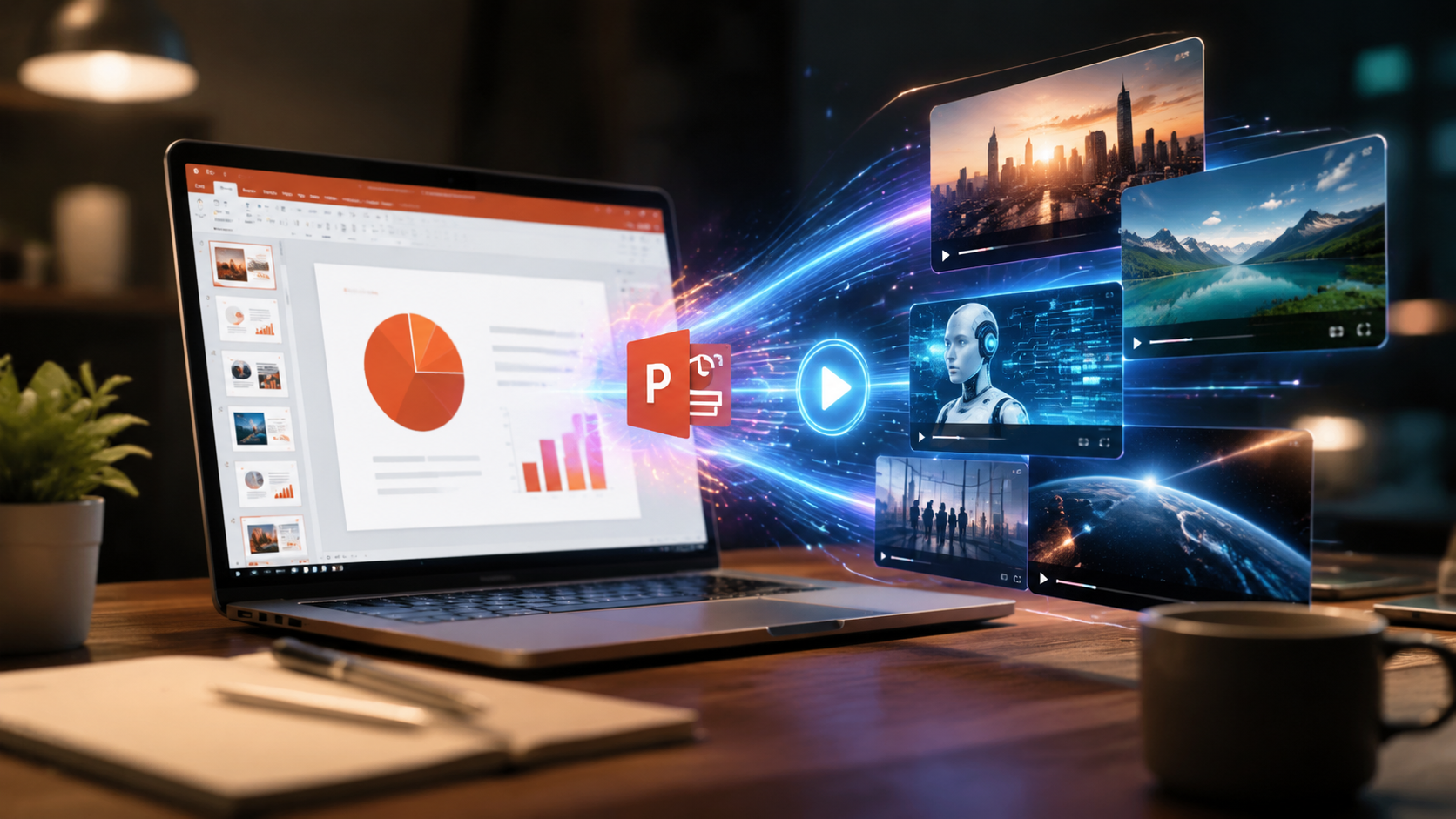
Converting your PowerPoint to an AI video involves just a few simple steps with today's advanced tools. The entire process can be completed in under 15 minutes for most presentations.
- Prepare Your PowerPoint File: Ensure your slides have clean layouts with minimal text (under 40 words per slide works best for video conversion). Remove complex animations that might not translate well to video format.
- Choose an AI Video Platform: Select from top 2026 options like Docsie, Pictory, or Digen AI based on your needs for length, quality, and customization. Most offer free trials to test their PowerPoint conversion capabilities.
- Upload and Configure: Upload your PPTX file to the platform and select video preferences - aspect ratio (16:9 recommended), narration style (AI voice or your recording), and pacing (typically 5-8 seconds per slide).
- Enhance with AI Features: Use the platform's AI tools to automatically add transitions, background music, and animated elements. Advanced systems like Digen AI Agent can even suggest visual improvements to slides.
- Generate and Refine: Click generate and wait 2-5 minutes (depending on video length). Review the output and use the editor to fine-tune timing or replace any AI-generated elements that need adjustment.
- Export and Share: Download your video in preferred resolution (1080p or 4K) or publish directly to platforms like YouTube, Vimeo, or your LMS system.
According to perfectcorp.com, the 23 best AI video generators of 2026 all support PowerPoint import, with processing times averaging 3.2 minutes for a 20-slide presentation. More advanced platforms can even extract and animate individual slide elements like charts and bullet points separately.
Top AI Tools for PowerPoint-to-Video Conversion
The 2026 AI video generation landscape offers numerous options for transforming PowerPoint files. Here's an overview of the most capable platforms:
| Tool | Key Feature | Max Video Length | PPT Animation |
|---|---|---|---|
| Docsie AI | Interactive elements | 30 min | Yes |
| Pictory Pro | Auto voice sync | 60 min | Limited |
| Digen AI Agent | Multi-step workflows | 120 min | Advanced |
| Gamma AI | Template library | 15 min | Basic |
| NotebookLM | Cinematic effects | 45 min | Yes |
According to Alphr, Gamma AI stands out for users needing quick, template-based conversions, while Digen AI Agent excels at producing longer, more complex videos from detailed presentations. The choice depends on your specific requirements for video length, customization depth, and production time.
For corporate training materials, Docsie's newly launched AI presentation maker offers unique interactive capabilities, allowing viewers to click through branched scenarios within the video itself. Meanwhile, Google's NotebookLM (released March 2026) brings Hollywood-quality cinematic effects to business presentations, though with a steeper learning curve.
Advanced Techniques for Professional Results
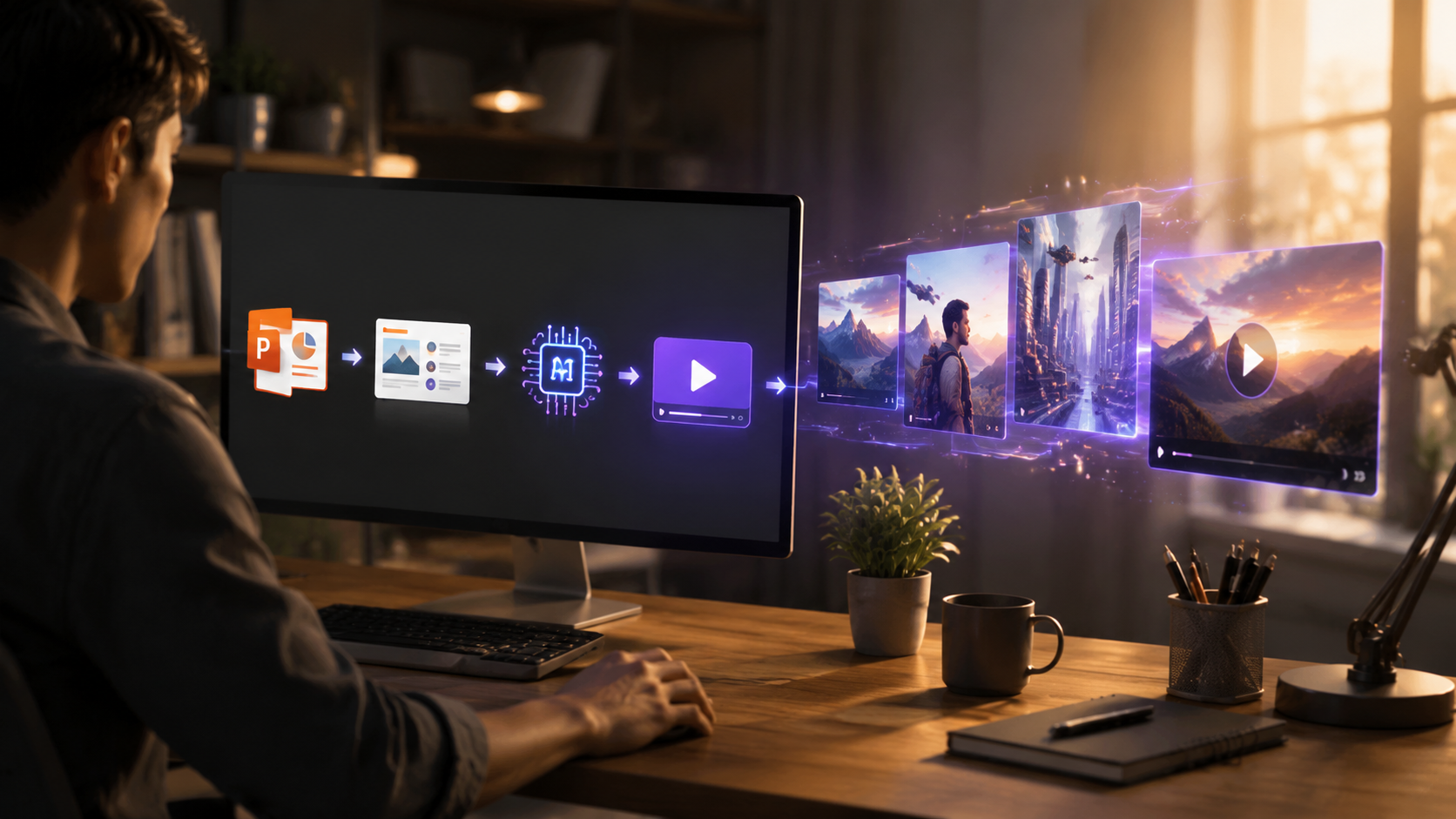
Beyond basic conversion, 2026's AI video tools enable sophisticated production techniques previously requiring professional video editors. These methods can elevate your PowerPoint-based videos to studio quality.
Multi-Slide Scene Composition
Advanced platforms like Digen AI Agent can analyze your entire presentation and group related slides into cohesive video scenes. For example, a product launch deck might be automatically divided into "Problem," "Solution," and "Benefits" segments with appropriate transitions between them. This creates a more narrative-driven viewing experience.
Dynamic Data Visualization
Modern AI tools can detect charts and graphs in your PowerPoint and animate them with professional motion graphics. According to Pictory's research, animated data visuals increase information retention by 47% compared to static slides. The best systems will even synchronize these animations with voiceover narration for optimal impact.
AI-Powered Voice Narration
While you can record your own voiceover, 2026's text-to-speech engines offer remarkably natural narration in 28 languages. Top tools provide emotion-controlled AI voices that adjust tone based on slide content - enthusiastic for key benefits, serious for data points. This eliminates the need for expensive voice talent while maintaining professional quality.
Common Challenges and Solutions
While AI video generation has become remarkably sophisticated, users may encounter some hurdles when converting complex PowerPoint files. Being aware of these potential issues will help you achieve better results.
Formatting Inconsistencies: PowerPoint layouts don't always translate perfectly to video. About 15% of slides may require manual adjustment after conversion, particularly those with intricate designs or custom fonts. The solution is to use simpler slide templates optimized for video output, or platforms like Digen AI that offer automatic layout correction.
Animation Overload: Some users go overboard with AI-generated motion effects. Pictory's 2026 report found that videos with more than 2 animations per minute saw 22% higher drop-off rates. The best practice is to use animations sparingly - only when they serve to emphasize key points or guide viewer attention.
Brand Consistency: Maintaining uniform colors, logos, and styling across all slides can be challenging. Advanced tools now offer brand kit integration where you can upload logos, color palettes, and fonts that the AI will apply consistently throughout the video. This feature alone can save 3-5 hours per project compared to manual branding.
Future Trends in AI Video Generation
The AI video creation industry continues evolving rapidly, with several emerging technologies set to further revolutionize PowerPoint conversions in coming years.
According to Market.us, the next frontier is real-time collaborative video generation, where teams can simultaneously edit an AI video project with changes syncing instantly. Early versions of this technology are already appearing in enterprise-focused platforms, potentially reducing production timelines by another 30-40%.
Another significant development is the rise of persistent AI characters that maintain perfect consistency across multiple videos. Systems like Digen AI Agent can now create and remember custom avatars that appear in all your company videos, solving the "multiple AI presenter" problem that previously made video series look disjointed.
Perhaps most exciting is the coming integration of generative AI that can actually improve your PowerPoint content during conversion. Future versions may suggest better slide layouts, generate missing visuals, or even rewrite text for better video flow - essentially serving as an AI presentation coach while creating your video.

Frequently Asked Questions
What's the best AI tool for converting PowerPoint to video?
For most users in 2026, Digen AI Agent offers the best balance of quality, length capabilities, and automation. However, Docsie is better for interactive content, while Pictory excels at quick social media clips.
How long does AI video generation from PowerPoint take?
Most 20-slide presentations convert in 3-5 minutes, though complex decks with many animations may take up to 15 minutes. This is 70-90% faster than manual video production methods.
Can AI add voiceover to my PowerPoint video?
Yes, all major platforms offer AI voice narration in multiple languages and tones. Advanced systems can even match narration pacing to slide content automatically.
Do I lose my PowerPoint animations when converting to video?
Most basic animations convert well, but complex motion paths may need adjustment. Top tools like Digen AI Agent will suggest alternative animations that work better in video format.
How much does AI PowerPoint-to-video conversion cost?
Prices range from free (with watermarks) to $99/month for professional plans. Enterprise solutions with advanced features like Digen AI Agent typically cost $299+/month but handle unlimited video length.
Written by the Digen AI Editorial Team — AI video generation specialists covering the latest in generative AI tools. Learn more about Digen AI.



Comments ()