
How to Generate AI Video From Script: 2026 Ultimate Guide
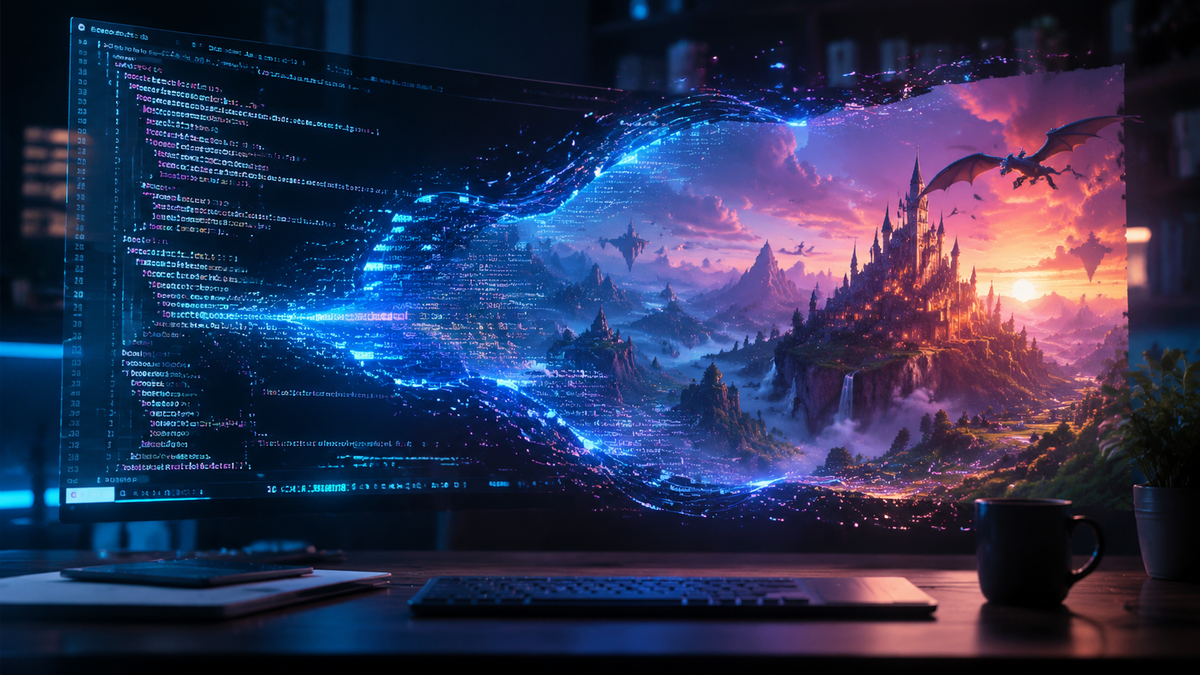
To learn how to generate AI video from script, you must use a specialized AI video generator that converts text prompts into visual sequences using diffusion models or neural avatars. The process involves inputting your text into a platform like InVideo AI or Sora, selecting a visual style, and allowing the AI agent to assemble clips, voiceovers, and background music into a finished file. In 2026, this technology has evolved from simple slideshows to high-fidelity cinematic productions that require minimal manual editing.
AI video generation is the process of using artificial intelligence to automatically create high-definition video content from a written script. By leveraging Large Language Models (LLMs) for script refinement and generative video models for visual output, users can produce professional-grade videos in minutes without cameras, actors, or traditional editing software.
- ✓ Script-to-video technology now supports full cinematic consistency across 2026's leading platforms.
- ✓ AI agents can now autonomously handle the entire production pipeline, from research to final export.
- ✓ Integration with image-to-video tools like CraftStory allows for hyper-specific visual storytelling.
- ✓ Modern AI video generators reduce production costs by up to 90% compared to traditional filming.
Step-by-Step Guide: How to Generate AI Video From Script
As we move through 2026, the workflow for creating video content has shifted from manual labor to creative direction. The ability to how to generate ai video from script effectively depends on the quality of your initial prompt and the platform's ability to interpret nuance. According to a recent report by Cybernews, there are now over 16 top-tier AI video generation tools available, each offering unique workflows for different industry needs.
- Draft Your Core Script: Write your message clearly. Many tools now include built-in AI writing assistants that can expand a simple idea into a full-blown storyboard.
- Select Your AI Video Platform: Choose a tool based on your needs—whether it’s a talking head avatar for corporate training or a cinematic landscape for a commercial.
- Input the Script into the Generator: Paste your text into the script box. Platforms like InVideo now use "AI Agents" that can understand complex instructions within the script itself.
- Customize Visual Styles and Voice: Select the narrator's tone, the pacing of the cuts, and the overall aesthetic (e.g., 3D render, photorealistic, or 2D animation).
- Generate and Refine: Run the generation process. Once the draft is ready, use "text-to-edit" commands to swap out specific clips or adjust the background music.
- Export and Distribute: Download the final video in your desired resolution (up to 8K in 2026) and aspect ratio for platforms like YouTube, TikTok, or LinkedIn.
The Evolution of Script-to-Video Technology in 2026
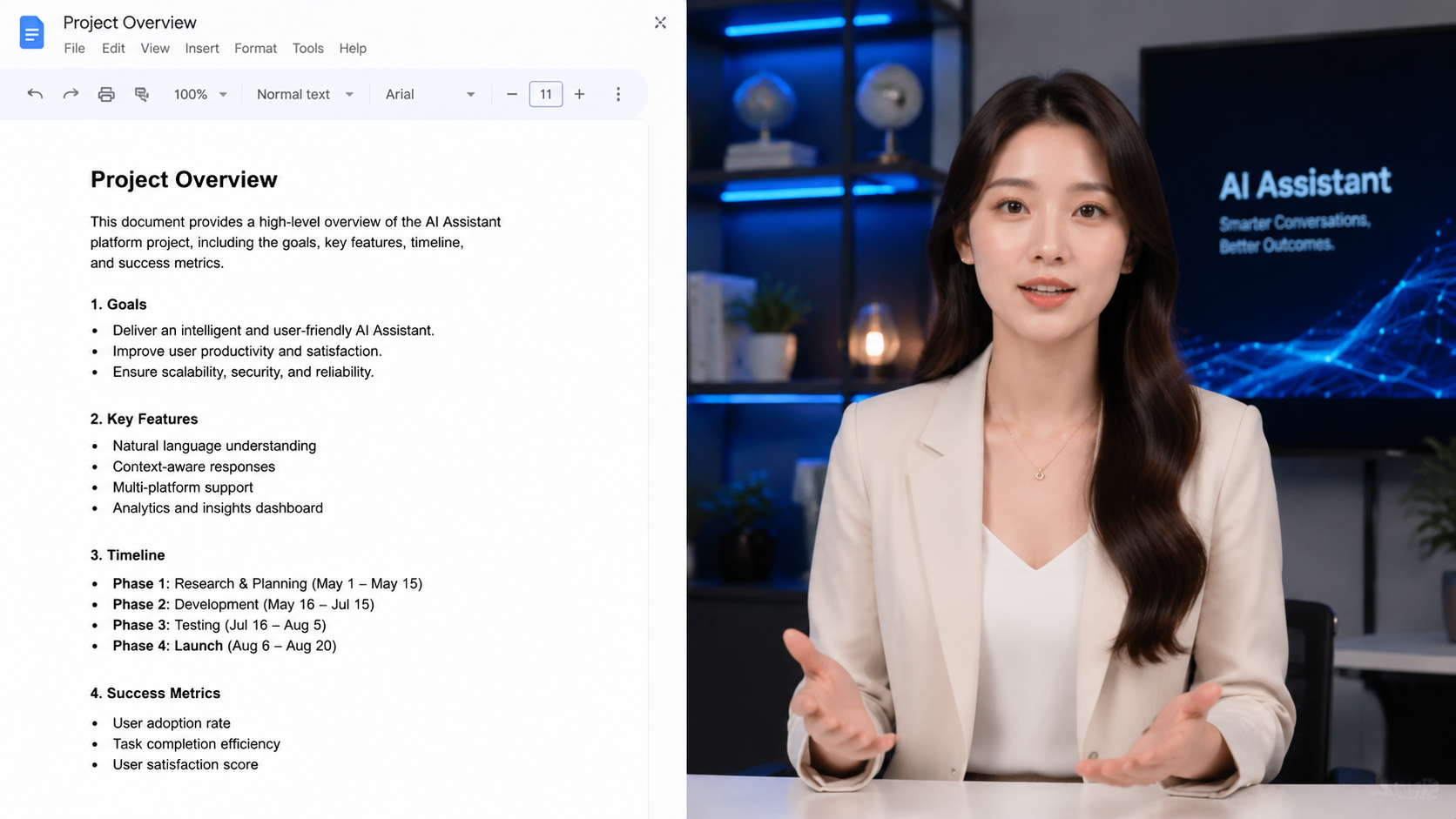
The landscape of digital media has been permanently altered by the advancements seen this year. As noted by HP in their January 2026 report, "From Script to Screen," AI is no longer just a tool for hobbyists but a foundational element of professional video production. The integration of "Multimodal AI" allows these systems to understand the emotional context of a script, choosing somber music for serious topics or upbeat transitions for marketing content automatically.
The Rise of AI Agents in Video Production
One of the most significant breakthroughs in 2026 is the transition from simple generators to autonomous AI agents. As Unite.AI highlighted in their review of the latest InVideo updates, users can now interact with an AI agent in a chat-like interface. Instead of manually clicking buttons, you can simply type, "Make the second half more energetic and change the narrator to a British female voice," and the AI executes the changes in real-time. This level of interactivity has made the question of how to generate ai video from script more about conversation than technical skill.
Image-to-Video Integration
Another major trend is the synergy between different AI modalities. Tools like CraftStory have pioneered the ability to write scripts specifically for image-to-video AI. This means you can generate a custom AI image of a character, and the script-to-video tool will ensure that exact character remains consistent throughout the entire video. This solves the "consistency problem" that plagued AI video in previous years, allowing for long-form storytelling and brand-consistent messaging.
Comparing the Best AI Video Generators for 2026
With so many options on the market, choosing the right software is essential. Perfectcorp.com recently tested and reviewed 22 different AI video generators, highlighting a massive gap between entry-level tools and professional suites. When looking at how to generate ai video from script, you must consider whether you need realistic human avatars or high-end b-roll assembly.
| Platform | Core Strength | Best For | Key Feature (2026) |
|---|---|---|---|
| InVideo AI | AI Agent Workflow | Content Creators | Text-to-Edit Natural Language Commands |
| Sora (OpenAI) | Hyper-Realism | Ads & Cinematics | Physics-Engine Accuracy |
| CraftStory | Narrative Consistency | Storytelling | Integrated Image-to-Video Scripting |
| Synthesia v4 | Digital Avatars | Corporate Training | Real-time Emotion Mapping |
| Runway Gen-4 | Creative Control | Filmmakers | Advanced Motion Brush & Camera Control |
Advanced Techniques for Optimizing Your AI Video
Simply pasting a script is just the beginning. To truly master how to generate ai video from script, you need to understand "prompt engineering for video." This involves using descriptive language that guides the AI's "camera" and "lighting." For example, instead of writing "a man walking," you might write "cinematic wide shot of a man walking through a neon-lit Tokyo street at night, 4k, rainy atmosphere."
Leveraging Emotional Resonance
According to research from G2 Learn Hub, videos that utilize AI-generated "emotional voice cloning" see a 40% higher retention rate than those using standard robotic voices. In 2026, most top-tier tools allow you to upload a 30-second sample of your own voice to create a narrator that sounds exactly like you, adding a layer of authenticity to the script-to-video process that was previously impossible.
Physics and Motion Consistency
Modern engines have moved beyond "morphing" images. The 2026 generation of tools utilizes advanced physics engines. This means if your script mentions a glass breaking, the AI understands the weight, velocity, and reflective properties of glass. This technical leap ensures that the videos generated from your scripts don't just look like AI—they look like filmed reality. This is a crucial distinction for brands that want to maintain high production standards without the high costs.
The Impact of AI Video on Content Strategy
The ability to instantly transform text into video has democratized the media landscape. Small businesses that once could only afford one video per year can now produce daily content. Cybernews reports that the 16 best AI video generation tools of 2026 have collectively reduced the "time-to-publish" for marketing agencies by nearly 85%. This efficiency allows for rapid A/B testing of video content, where multiple scripts are turned into videos simultaneously to see which resonates best with the audience.
Personalization at Scale
One of the most powerful applications of how to generate ai video from script is hyper-personalization. In 2026, companies are using these tools to generate thousands of unique videos for their customers. By pulling data from a CRM, a script can be personalized with a customer's name and purchase history, and the AI can generate a custom video message for each individual. This level of 1-to-1 video marketing was a fantasy just a few years ago but is now a standard practice for industry leaders.
Future-Proofing Your Video Production
As the technology continues to advance, the "script" will remain the most important element. Even as AI takes over the visual and auditory heavy lifting, the human element of storytelling, strategy, and creative direction remains irreplaceable. Learning the nuances of how to generate ai video from script today ensures that you are prepared for the "AI-first" media environment of the late 2020s.
Can I generate AI video from a script for free?
Many platforms offer a freemium model where you can generate 1-2 minutes of video per month for free, though these often include watermarks. For professional, high-resolution output without branding, a paid subscription is typically required in 2026.
What is the best AI video generator in 2026?
The "best" tool depends on your goals: InVideo AI is currently the leader for social media creators due to its AI agent, while OpenAI’s Sora remains the gold standard for photorealistic cinematic quality.
How long does it take to generate a 10-minute video?
With 2026 processing speeds, a 10-minute high-definition video can be generated from a script in approximately 5 to 15 minutes, depending on the complexity of the visual effects and the server load of the platform.
Do I own the copyright to AI-generated videos?
Copyright laws in 2026 generally state that while the AI-generated elements themselves may have limited protection, the unique script and the specific arrangement of the video created by the user are usually owned by the creator, especially on enterprise-level platforms.
Can AI generate videos in different languages from an English script?
Yes, most modern AI video tools feature "Auto-Translate and Dub." You can input an English script, and the tool will not only translate the text but also generate a voiceover in the target language with perfect lip-syncing for the on-screen avatars.



Comments ()