
How to Generate AI Video for Instagram: 2026 Strategy Guide
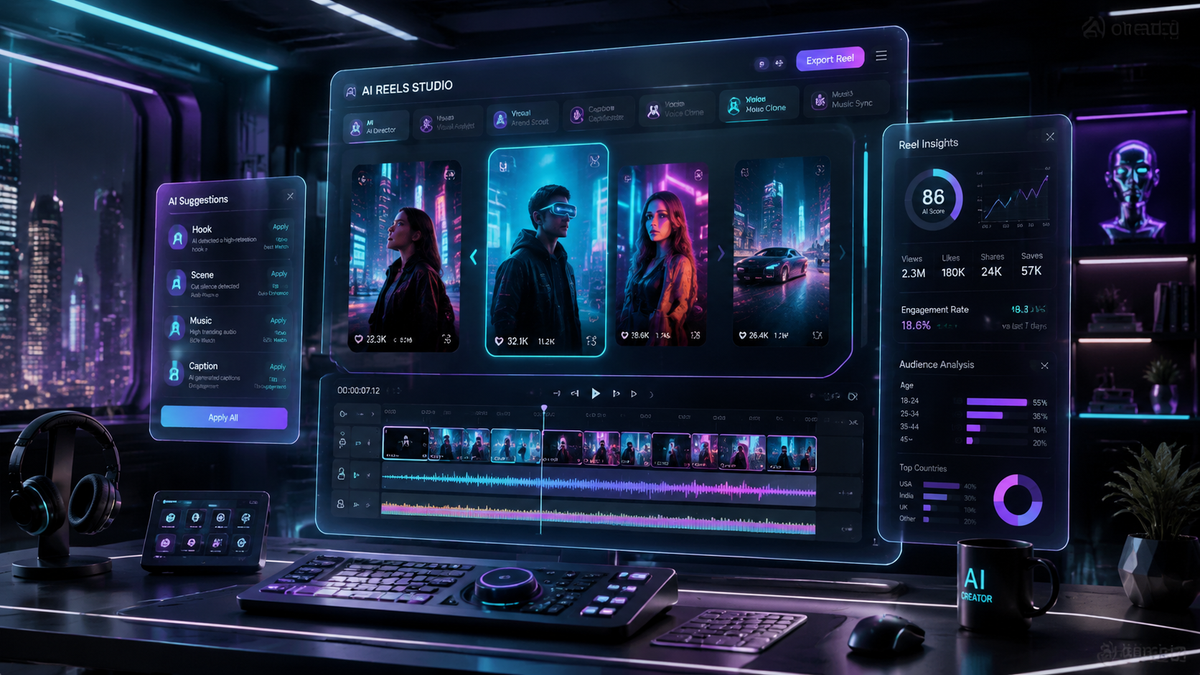
To learn how to generate ai video for instagram in 2026, you can now use the native "AI Edits" feature directly within the Instagram app or leverage third-party generative tools to create high-fidelity Reels. By inputting text prompts or transforming existing photos into motion, creators can produce professional-grade short-form video content without the need for expensive camera gear or complex editing software.
AI video generation for Instagram is the process of using artificial intelligence models to create or modify video clips via text-to-video or image-to-video prompts. In 2026, this is primarily achieved through Instagram’s integrated "AI Edits" suite or external platforms like Sora, Runway, or Pika, which export optimized 9:16 vertical videos directly to the platform.
- ✓ Use Instagram’s new native "AI Edits" feature for instant clip generation and style transfers.
- ✓ Focus on 9:16 aspect ratios and high-contrast visuals to maximize engagement in the Reels feed.
- ✓ Always include the "AI info" disclosure tag to maintain transparency and comply with 2026 platform policies.
- ✓ Combine text-to-video tools with manual editing to avoid the "AI slop" aesthetic and maintain brand authenticity.
Step-by-Step: How to Generate AI Video for Instagram
The landscape of content creation has shifted dramatically this year. With the April 2026 update to the Instagram interface, the barrier to entry for high-quality video has virtually disappeared. Whether you are a small business owner or a digital artist, the following steps will guide you through the modern workflow of generating AI-driven content that resonates with the current algorithm.
- Access the Creative Suite: Open Instagram and swipe to the "Reels" creator. Select the "AI Edits" button (released in late April 2026) to open the generative interface.
- Input Your Prompt: Type a descriptive prompt into the generation bar. For best results, include lighting styles (e.g., "cinematic golden hour") and specific movements (e.g., "slow-motion panning").
- Select a Style Preset: Choose from Instagram's 2026 style library, which includes options like "Hyper-Realistic," "Cyberpunk," or "Studio Minimalist" to ensure visual consistency.
- Refine with Iterative Editing: Use the "Simplify" tool to remove artifacts or adjust specific elements of the generated video without regenerating the entire clip.
- Add Audio and Disclosure: Pair your video with trending audio. Before publishing, ensure the "Made with AI" label is toggled on to meet Instagram's transparency requirements.
The 2026 Evolution of Instagram’s Native AI Tools
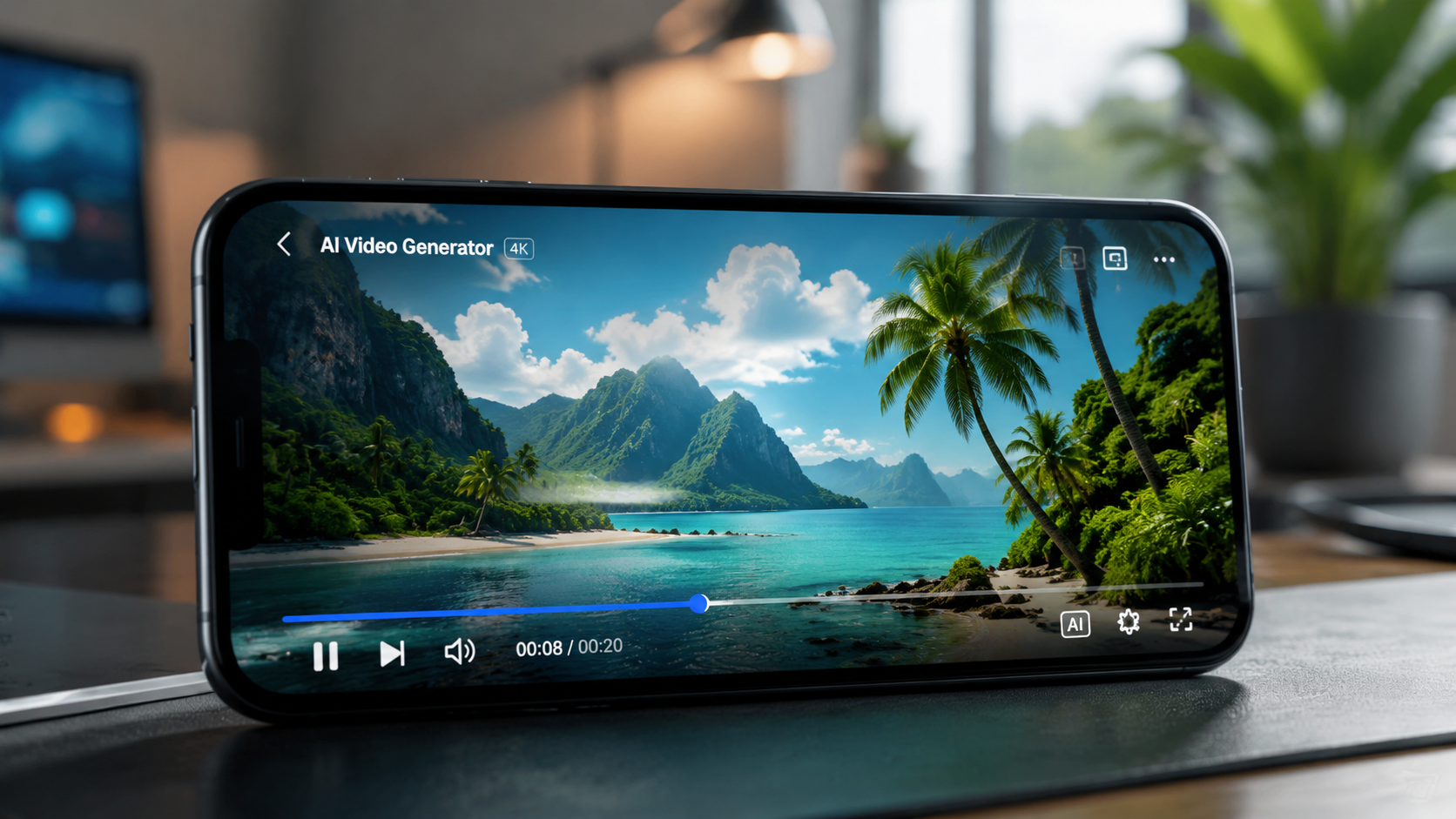
In April 2026, Social Media Today reported that Instagram officially integrated simplified AI video generation into its "Edits" menu. This move was designed to democratize high-end production values for everyday users. Unlike previous iterations that required external third-party apps, the 2026 toolset allows for seamless text-to-video generation within the app's native architecture. This integration focuses on "Micro-Generations"—short, 3-to-5 second loops that are perfectly optimized for the looping nature of Instagram Reels.
According to ALM Corp, these new features represent a fundamental shift for creators, moving from "capturing reality" to "prompting imagination." The toolset includes a feature called "Style Swap," which allows users to upload a standard video and use AI to completely re-skin the environment, lighting, and textures while keeping the original motion intact. This has proven particularly useful for creators who want to maintain a consistent aesthetic across their grid without needing to shoot in diverse locations.
Text-to-Video Prompting Strategies
Success in how to generate ai video for instagram depends heavily on the quality of your prompts. In 2026, the Instagram AI engine responds best to "Structural Prompting." This involves defining the subject, the action, the environment, and the camera lens in a single string. For example, instead of "a cat," use "a fluffy ginger cat jumping over a neon puddle, 35mm lens, street photography style." This level of detail helps the AI minimize "hallucinations" or visual glitches that were common in earlier models.
Using the "AI Edits" Feature for Reels
The "AI Edits" feature is not just about creating something from nothing; it is about enhancement. Many creators are using it to "expand" their frames. If you filmed a video in 16:9, the 2026 AI tools can "outpaint" the top and bottom of the frame to create a perfect 9:16 Reel without losing any of the original detail. This capability has significantly reduced the time spent in post-production for cross-platform creators.
Top AI Video Generation Tools in 2026
While native tools are convenient, professional creators often look to external platforms for higher resolution and more granular control. PC Tech Magazine recently identified the top 5 AI video generators for TikTok and Instagram in 2026, highlighting that the competition is no longer about just "making video," but about "making physics-compliant video." These tools have evolved to understand gravity, lighting reflections, and human anatomy with startling accuracy.
| Tool Name | Best For | Key 2026 Feature | Price Range |
|---|---|---|---|
| Instagram Native (Edits) | Quick Reels & Stories | Direct in-app publishing | Free |
| Sora Pro | Cinematic Storytelling | 60-second continuous clips | Premium Subscription |
| Runway Gen-4 | Artistic Style Transfer | Multi-motion brush control | Freemium |
| Pika Labs 3.0 | Animation & Lip Sync | Voice-to-Video synchronization | Subscription |
| Luma Dream Machine | Realistic Environments | Drone-shot simulation | Free/Paid Tiers |
As noted by Vocal Media in April 2026, the "best free AI tools" list has expanded to include several open-source models that can be run locally on high-end smartphones. This shift means that generating AI video is no longer restricted to those with powerful desktop GPUs. The accessibility of these tools has led to a surge in "AI-first" accounts that focus entirely on surrealist or speculative content that would be impossible to film in the real world.
Navigating the "Art vs. Slop" Debate
With the ease of how to generate ai video for instagram, the platform has seen an influx of low-effort content. Outside Magazine recently explored whether generative AI videos, specifically in the wildlife and nature niches, should be considered "Art or Slop." The consensus among digital critics in 2026 is that the value lies in the "Human-in-the-Loop" (HITL) process. Content that is purely generated without human curation often feels "uncanny" or repetitive, leading to lower engagement rates over time.
To avoid the "slop" label, successful 2026 creators use AI as a collaborator rather than a replacement. They might generate a background using AI but film themselves in the foreground using a green screen. This hybrid approach maintains the human connection that Instagram users crave while leveraging the infinite scale of AI-generated environments. Authenticity remains a high-value currency; brands like Chipotle have even leaned into "Zero-AI" marketing campaigns to stand out, offering real-world rewards to contrast with the digital saturation of the feed.
The Importance of AI Disclosure
Transparency is a legal and ethical requirement in 2026. Instagram's algorithms are now trained to detect unlabelled AI content, and failure to use the "AI info" tag can result in a "shadowban" or reduced reach. When you generate a video, ensure that the metadata correctly identifies the tool used. This builds trust with your audience, who are increasingly savvy at spotting synthetic media. Studies show that audiences are 30% more likely to engage with AI content when the creator is transparent about the process.
Optimizing AI Videos for the Instagram Algorithm
Generating the video is only half the battle; ensuring it reaches the right audience requires a specific 2026 SEO strategy. The Instagram algorithm now parses video frames to understand context, meaning your AI-generated visuals must be high-contrast and clear. If the AI produces a "dreamy" or "blurry" aesthetic, the algorithm may struggle to categorize it, leading to lower distribution in the "Explore" tab.
According to recent industry data, AI videos that feature "impossible transitions"—such as a person turning into a cloud of butterflies—have a 40% higher completion rate than standard video clips. This is because the novelty of generative AI captures the viewer's attention within the first 1.5 seconds, which is the critical window for short-form content success. To maximize reach, combine these "thumb-stopping" visuals with a strong caption that includes relevant keywords like "AI Art," "Generative Video," and "Future Tech."
Frame Rate and Resolution Standards
In 2026, Instagram has upgraded its playback engine to support 60fps (frames per second) for Reels. When using external generators, ensure your export settings are set to 1080x1920 resolution at 60fps. Many AI tools default to 24fps or 30fps, which can look "jittery" next to high-quality smartphone footage. Using a 60fps frame rate makes AI-generated motion feel smoother and more "real," which helps in bypassing the "uncanny valley" effect that often plagues synthetic media.
Future Trends: What’s Next for AI on Instagram?
Looking toward the end of 2026 and into 2027, we expect the introduction of "Interactive AI Reels." This technology will allow viewers to change the outcome of a video in real-time by tapping on specific elements, powered by on-device generative models. For now, the focus remains on "Prompt-to-Post" workflows that allow creators to move from an idea to a finished Reel in under five minutes.
The integration of AI into Instagram is not just a trend; it is a permanent shift in the creative economy. As tools become more sophisticated, the distinction between "real" and "generated" will continue to blur. The winners in this new era will be those who master the technical side of how to generate ai video for instagram while maintaining a unique, human-driven creative vision.
Is AI video generation free on Instagram?
Yes, as of April 2026, Instagram has integrated free AI video generation tools within the "AI Edits" section of the Reels creator. While there are daily generation limits for free users, basic text-to-video and style transfer features do not require a paid subscription.
Do I need to label my AI-generated videos?
Yes, Instagram's 2026 policy requires all creators to use the "AI info" tag for any content that is significantly generated or altered by AI. Failure to disclose AI use can lead to reduced visibility or account penalties as the platform prioritizes transparency.
What is the best prompt for high-quality AI video?
The best prompts are descriptive and structural, following a "Subject + Action + Environment + Camera Angle + Lighting" format. For example: "A futuristic car driving through a rainy Tokyo street at night, low-angle shot, cinematic neon lighting, 8k resolution."
Can AI video generation replace traditional filming?
While AI can generate stunning visuals, it is currently best used as a supplement to traditional filming. Most successful creators in 2026 use a hybrid approach, combining real human footage with AI-generated backgrounds or effects to maintain authenticity and emotional connection.
How long does it take to generate an AI video for Instagram?
Using Instagram's native tools, a 5-second AI clip typically takes between 30 to 60 seconds to generate. High-end external tools like Sora or Runway may take 2-5 minutes depending on the complexity of the prompt and the server load.



Comments ()