
How to Generate AI Video: 2026 Ultimate Creator's Guide
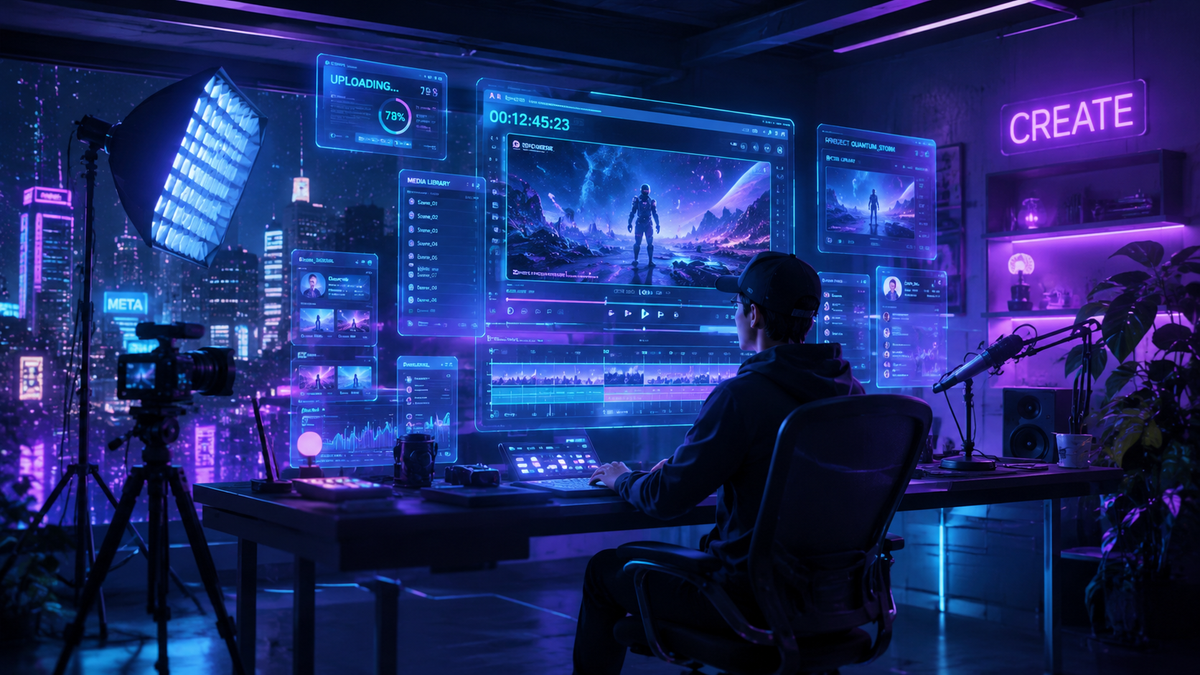
To learn how to generate AI video in 2026, you must utilize a generative world model to convert text, image, or audio prompts into high-fidelity cinematic sequences. The process involves selecting an AI video platform, inputting a descriptive prompt that defines lighting, motion, and subject matter, and using iterative refinement tools to polish the final output. With the recent release of Gemini Omni at Google I/O in May 2026, creating professional-grade video now requires nothing more than a natural language description.
AI video generation is the process of using artificial intelligence models, such as Gemini Omni, to synthesize realistic moving images from digital inputs. By leveraging advanced neural networks, creators can produce 8K resolution content, simulate complex physics, and generate consistent characters across multiple scenes, effectively democratizing high-end film production for individual creators and businesses alike.
- ✓ Gemini Omni now allows users to "create anything" with unified multimodal video generation.
- ✓ The shift toward "World Models" enables more realistic physics and temporal consistency.
- ✓ Real-time video editing via voice and text prompts has become the industry standard.
- ✓ Ethical AI use and deepfake awareness are critical components of the 2026 creator workflow.
The Evolution of Video Creation: How to Generate AI Video in 2026
The landscape of digital content has undergone a seismic shift following the major announcements at Google I/O in May 2026. Learning how to generate AI video is no longer about managing clunky frame-by-frame renders; it is about collaborating with "world models" that understand the laws of physics, light, and human emotion. The debut of Gemini Omni has set a new benchmark, offering a "create anything" capability that bridges the gap between imagination and visual reality. As reported by Mashable, this new world model treats video not just as a series of images, but as a cohesive 3D environment that can be manipulated in real-time.
For creators, this means the technical barriers to entry have virtually disappeared. Whether you are a small business owner looking to create high-impact social media ads or an aspiring filmmaker drafting a feature-length pilot, the tools available today provide unprecedented control. According to No Film School, the introduction of Gemini Omni allows for deep integration across the creative suite, enabling users to move from a simple text prompt to a fully scored, color-graded video in minutes. This guide will walk you through the exact steps to master these tools in the current era of generative media.
Step-by-Step Guide: How to Generate AI Video
- Select Your AI Video Engine: Choose a platform based on your project needs. For high-end cinematic realism and world-building, Google's Gemini Omni is the current industry leader.
- Define Your Multimodal Prompt: Enter a detailed description including the subject, environment, camera movement (e.g., "slow dolly zoom"), and lighting (e.g., "golden hour cinematic glow").
- Set Technical Parameters: Adjust the aspect ratio (9:16 for TikTok/Reels, 16:9 for YouTube), frame rate (24fps for film, 60fps for action), and duration.
- Utilize Image-to-Video (Optional): Upload a reference image or a "Nano Banana" style concept to give the AI a visual anchor for character and style consistency.
- Generate and Refine: Click generate to produce your initial draft. Use "In-Painting" or "Voice Commands" to tweak specific sections of the video without re-rendering the entire clip.
- Export and Upscale: Once satisfied, export the video in 4K or 8K resolution, ensuring the "AI Transparency" metadata is included as per 2026 industry standards.
Understanding Gemini Omni and the New World Models
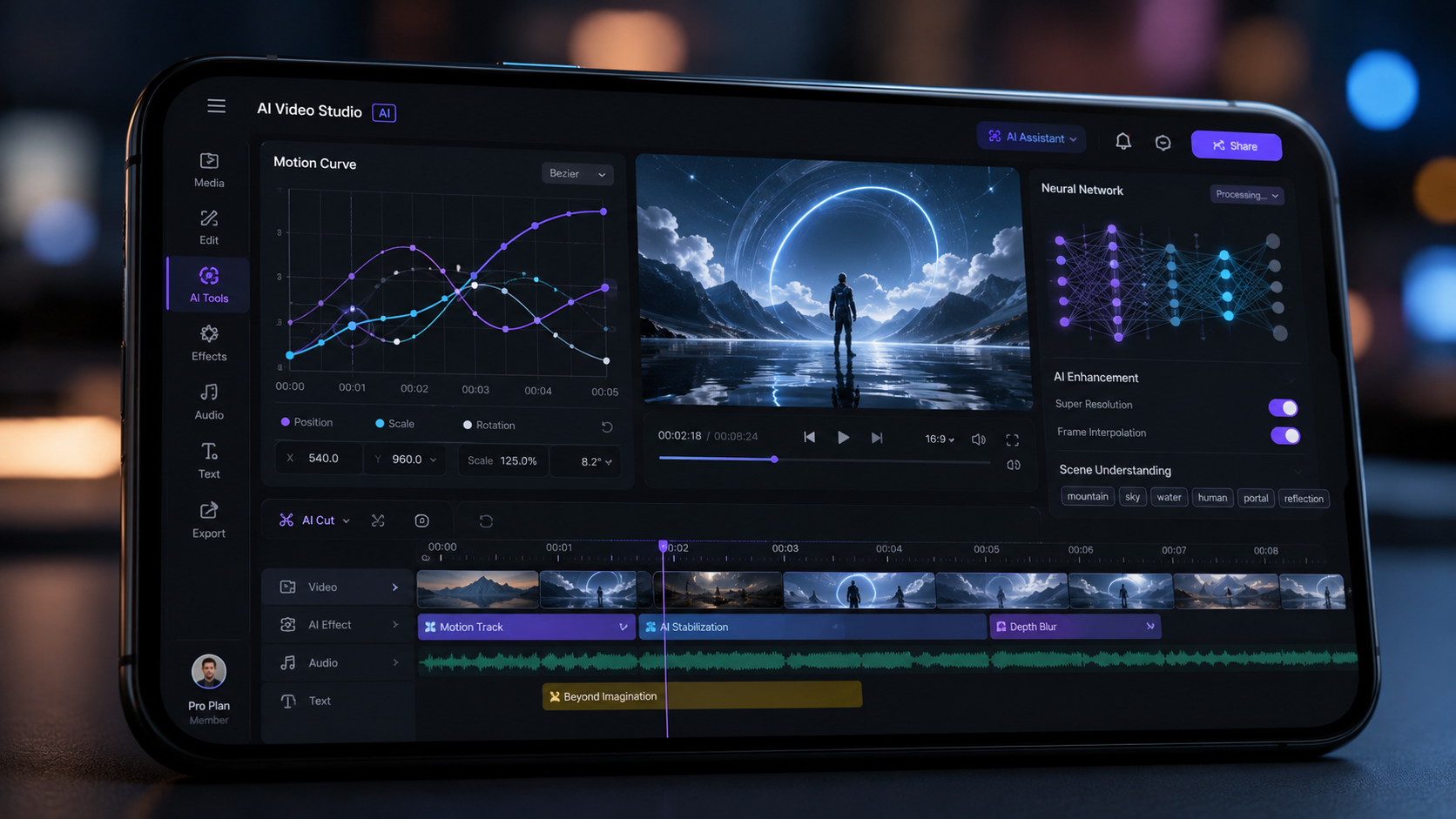
The primary driver behind the 2026 AI revolution is the shift from simple diffusion models to comprehensive world models. As Digital Camera World notes, the "Nano Banana" viral phenomenon was just a precursor to what is now possible with Gemini Omni. A world model doesn't just predict the next pixel; it understands that if a glass falls, it should shatter, and the liquid inside should splash realistically. This level of physical intelligence is what makes modern AI video indistinguishable from captured footage.
According to WIRED, Google’s latest updates make it easier than ever to "deepfake yourself," which in the context of professional creators, refers to Digital Twins. You can now train Gemini Omni on your own likeness and voice to generate video content where you "perform" scripts without ever stepping in front of a camera. This technology, while powerful, requires a strict adherence to ethical guidelines and digital watermarking to ensure transparency in the media ecosystem.
Comparing Top AI Video Platforms (May 2026)
| Feature | Gemini Omni | Sora Pro (v3) | Runway Gen-4 |
|---|---|---|---|
| Primary Strength | Multimodal "Create Anything" | Hyper-Realistic Cinematics | Directorial Control & FX |
| Max Resolution | 8K Ultra HD | 4K Cinematic | 4K Pro-Res |
| Physics Engine | Advanced World Model | High Fidelity | Standard Simulation |
| Real-Time Editing | Yes (Voice & Text) | Limited | Yes (Timeline-based) |
| Key Feature | Omni-Integrated Ecosystem | Long-form Consistency | Advanced Motion Brushes |
Advanced Prompting: How to Generate AI Video with Precision
Mastering the art of how to generate AI video requires a deep dive into "Prompt Engineering 2.0." In 2026, prompts are no longer just strings of keywords; they are structured narratives. To get the best results from models like Gemini Omni, creators use a "Context-Action-Style" framework. You must provide the context (who/where), the action (what is happening specifically), and the style (the aesthetic or technical camera settings). This specificity prevents the AI from making generic "hallucinations" and keeps the output aligned with your vision.
Furthermore, the integration of audio-to-video has changed the game. As highlighted by INQUIRER.net USA, beginners can now upload a music track or a voiceover, and the AI will automatically sync the visual pacing, lip movements, and emotional beats to the audio. This "Gemini Omni" capability ensures that the video feels organic. For instance, if the audio features a sudden loud bang, the AI understands to generate a corresponding visual shock or camera shake without being explicitly told to do so.
Pro Tips for Professional AI Video Results
- Use Negative Prompts: Explicitly state what you don't want, such as "no motion blur," "no distorted limbs," or "no lens flare," to clean up the output.
- Seed Consistency: When generating a series of clips, use the same "Seed Number" to ensure that characters and environments remain identical across shots.
- Camera Choreography: Use technical terms like "Pan Left," "Crane Shot," or "Tracking Shot" to give the AI professional cinematography instructions.
The Ethical Landscape and Deepfake Safety in 2026
As AI video technology becomes more accessible, the conversation around safety and ethics has intensified. WIRED recently reported that while Google makes it easy to create digital versions of oneself, the potential for misuse is at an all-time high. When you learn how to generate AI video, you also have a responsibility to understand the legalities of likeness rights. In 2026, most major platforms have implemented mandatory "Content Credentials" (C2PA) that tag AI-generated media with metadata identifying its origin.
According to reports from Google News, the Gemini Omni model includes built-in safeguards to prevent the generation of non-consensual imagery or harmful misinformation. For creators, this means that prompts involving public figures or copyrighted characters may be blocked or require specific licensing verification. Staying informed about these "Digital Safety Acts" is essential for any professional creator looking to monetize their AI-generated content on platforms like YouTube or Netflix, which now require full disclosure of AI involvement.
Future Outlook: Beyond 2026
What does the future hold for those who have mastered how to generate AI video? We are moving toward "Interactive Video," where the viewer can change the plot or setting of a video in real-time using AI overlays. The "World Model" technology introduced by Google this year is the foundation for this transition. We are no longer just making "movies"; we are creating "simulations" that can be viewed from any angle, at any time.
Industry experts suggest that by late 2027, AI video generation will be integrated directly into smart glasses and AR devices, allowing for "Real-Time Reality Augmentation." As Mashable noted during their coverage of Google I/O, the speed at which these models are evolving suggests that the gap between a prompt and a finished, high-quality 4K render will soon be measured in seconds rather than minutes. For creators, the message is clear: the tool is the collaborator, and the only limit is the quality of the idea.
Frequently Asked Questions
How do I start generating AI video as a beginner?
Start by using a user-friendly platform like Gemini Omni or Runway. Simply enter a descriptive text prompt into the interface, select a preset style like "Cinematic" or "3D Animation," and click generate to see your first 5-10 second clip.
Is Gemini Omni free to use?
Google offers a tiered pricing model for Gemini Omni. There is a free "Essentials" tier for casual creators and a "Pro" subscription for high-resolution 8K exports and advanced world-modeling features used by professional studios.
Can I use AI to generate videos of myself?
Yes, through a process called "Digital Twin" training, you can upload a few minutes of footage of yourself to a model like Gemini Omni. The AI can then generate new videos of you speaking or performing actions based on new text scripts.
How long does it take to generate an AI video?
In 2026, generating a standard 10-second high-definition clip takes approximately 30 to 60 seconds. More complex 8K renders using full world-model physics may take 3-5 minutes depending on your cloud computing priority level.
Do I own the copyright to the AI video I generate?
Copyright laws in 2026 generally state that if there is "significant human creative input" in the prompting and editing process, the creator holds the rights. However, you must ensure you have the rights to any reference images or voices used during the generation process.



Comments ()