
How to Generate AI B-Roll: 2026 Guide to AI Video Creation
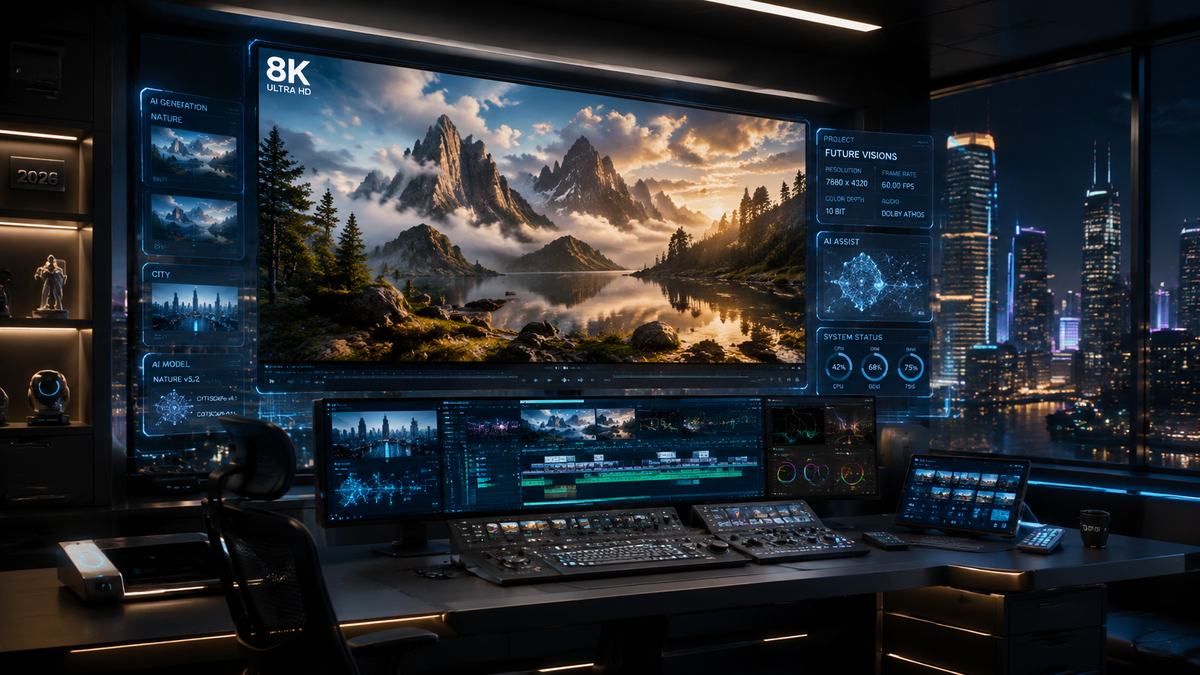
To learn how to generate AI B-roll, you must leverage modern generative video platforms that transform text prompts or existing raw footage into cinematic supplemental clips. By utilizing tools like the 2026 Adobe Firefly Video Model or DaVinci Resolve’s AI-assisted timelines, editors can automate the discovery and creation of visually engaging cutaways that match the tone and pacing of their primary content. In 2026, this process has evolved from simple clip generation to sophisticated "first-cut" automation where AI understands the context of your narrative to suggest the most effective visual overlays.
AI B-roll generation is the process of using artificial intelligence models to create supplemental cinematic footage from text descriptions or to automatically extract and categorize relevant cutaway clips from raw video data. In 2026, this technology allows creators to bypass the traditional "B-roll time sink" by generating high-fidelity, emotionally resonant visuals that support a primary narrative without the need for manual stock footage searching.
- ✓ Leverage Adobe Firefly’s 2026 update to automatically generate first-draft videos from raw footage.
- ✓ Use "Text-to-Video" prompts to create specific, high-resolution B-roll clips that don't exist in stock libraries.
- ✓ Utilize DaVinci Resolve’s 2026 AI tools to eliminate the "B-roll time sink" through automated timeline organization.
- ✓ Maintain human emotional resonance by using AI for technical execution while retaining creative oversight.
The Evolution of AI B-Roll in 2026
The landscape of video production has shifted dramatically as we move through 2026. The manual labor once required to sift through hours of footage or browse endless stock libraries has been replaced by generative workflows. When creators ask how to generate AI B-roll today, they are no longer looking for grainy, experimental clips; they are looking for production-ready, 4K or 8K resolution assets that integrate seamlessly with high-end cinematography. The primary driver of this change is the integration of generative AI directly into the Non-Linear Editors (NLEs) we use every day.
According to reports from G2 Learn Hub in April 2026, the current generation of AI video generators has reached a level of consistency where lighting, texture, and motion physics are nearly indistinguishable from real-world footage. This has democratized high-end production values, allowing independent creators to produce content that rivals major studios. However, as noted by China Daily in May 2026, while AI can handle the technical generation of these clips, the human element remains essential for ensuring that B-roll conveys the correct emotional subtext required for powerful storytelling.
Step-by-Step: How to Generate AI B-Roll
- Define Your Visual Context: Upload your primary "A-roll" (interview or narration) to an AI-integrated editor like Adobe Firefly or DaVinci Resolve to let the AI analyze the transcript and tone.
- Input Descriptive Prompts: For specific gaps in your story, enter detailed text prompts describing the lighting, camera angle, and action (e.g., "Cinematic close-up, 35mm lens, morning sunlight hitting a steaming coffee cup on a wooden table").
- Select Generation Parameters: Choose the aspect ratio, frame rate (e.g., 24fps for filmic look), and duration to match your project settings.
- Refine with Image-to-Video: Upload a reference image or a frame from your A-roll to ensure the AI-generated B-roll matches the color science and aesthetic of your original footage.
- Automate the First Draft: Use the "First-Cut" feature to allow the AI to place the generated B-roll onto your timeline based on the narrative beats of your audio.
Adobe Firefly and the "First Draft" Revolution

A major milestone in how to generate AI B-roll occurred on February 25, 2026, when Adobe announced a massive update to the Firefly Video Model. This update redefined the editing workflow by allowing the AI to not just create clips, but to actually construct a first draft of a video from raw footage. This feature analyzes the "A-roll" and automatically synthesizes or retrieves B-roll that fits the context. As reported by TechCrunch, this tool is designed to significantly reduce the "blank timeline" syndrome that plagues many editors.
The 2026 version of Adobe Firefly can take a simple text script and generate a sequence of B-roll clips that are stylistically consistent. This is a massive leap from previous years where each clip had to be generated individually. 9to5Mac highlighted that this integration allows for a "raw footage to first-cut" pipeline, where the AI suggests the best B-roll placements, allowing the human editor to focus on the fine-tuning and emotional pacing of the piece.
Key Features of 2026 AI Video Platforms
| Feature | Adobe Firefly (2026) | DaVinci Resolve AI Tools | Top AI Video Generators (G2) |
|---|---|---|---|
| Primary Function | Automated first-draft creation | Timeline organization & "Time Sink" avoidance | High-fidelity text-to-video generation |
| B-Roll Source | Generative & Raw footage synthesis | Intelligent archival sorting | Pure synthetic generation |
| User Control | High (Integrated in Premiere Pro) | Very High (Professional Color/Edit) | Moderate (Prompt-based) |
| Best For | Content creators and YouTubers | Professional colorists and filmmakers | Marketing and social media clips |
Solving the "B-Roll Time Sink" with DaVinci Resolve
For professional editors, the most tedious part of the job has always been the "B-roll time sink"—the hours spent labeling, sorting, and trying to find the perfect cutaway clip. In March 2026, No Film School detailed how new tools in DaVinci Resolve have aimed to eliminate this bottleneck. By using neural engines to scan all imported media, the software can now automatically categorize footage by subject, mood, and even camera movement, effectively "generating" a B-roll library from your own disorganized files.
When you need a clip that you didn't actually film, the software now integrates with generative APIs to fill those gaps. This hybrid approach—using AI to organize real footage and generate missing pieces—is the gold standard for 2026. This ensures that the B-roll is not just "filler" but a meaningful addition to the story. The AI's ability to match the grain and color profile of your existing footage is what makes this workflow so powerful for high-end productions.
Using Semantic Search for B-Roll Retrieval
Instead of clicking through folders, editors in 2026 use semantic search. You can type "shot of a person looking frustrated but then smiling" and the AI will scan your entire hard drive (and connected cloud storage) to find that exact moment. If it doesn't exist, the system will offer to generate a synthetic version of that clip using the characters and environment it has already learned from your A-roll. This is a cornerstone of how to generate AI B-roll that feels authentic to your specific project.
Maintaining Human Emotion in AI-Generated Content
Despite the incredible technical leaps, the industry remains cautious about the "soul" of the machine. As China Daily emphasized in their May 2026 coverage of AI in filmmaking, "AI cannot replace human emotions." This is a critical consideration when generating B-roll. A machine can generate a "happy person," but an editor must decide if that happiness feels earned within the context of the story. The most successful creators in 2026 are those who use AI as a high-speed assistant rather than a replacement for creative intuition.
When you are learning how to generate AI B-roll, you must focus on the "Director" role. This involves choosing the right prompts that evoke specific feelings. Instead of prompting for "a rainy street," a seasoned 2026 editor might prompt for "a lonely, neon-lit street in the rain, reflecting the protagonist's isolation, 4k, cinematic noir." The specificity of the prompt is what bridges the gap between a generic AI clip and a piece of emotional storytelling.
Avoiding the "Uncanny Valley" in Supplemental Footage
One of the risks of AI-generated B-roll is the "uncanny valley," where human movements look slightly unnatural. To avoid this, 2026 workflows often prioritize "environmental B-roll"—landscapes, objects, and abstract textures—which AI generates with near-perfect accuracy. According to G2 Learn Hub's 2026 rankings, the best AI video generators have significantly improved their rendering of human physics, but for the most realistic results, editors often layer AI-generated environments with real-world human subjects.
Future-Proofing Your Video Workflow
As we look toward the remainder of 2026 and into 2027, the ability to generate AI B-roll will become a standard skill, much like color grading or sound design. The tools are becoming more invisible, moving away from standalone websites and into the core of our creative suites. Mastering these tools now means understanding the balance between speed and quality. The "first-cut" features seen in Adobe Firefly are just the beginning; soon, AI will be able to suggest entire B-roll sequences based on the emotional arc of a musical track.
To stay ahead, creators should experiment with the top-rated generators identified by G2 and TechCrunch. This includes staying updated on "Video-to-Video" synthesis, where you can take a low-quality mobile phone clip and use AI to "re-render" it as a high-end cinematic B-roll shot. This level of flexibility ensures that no piece of footage is ever "wasted" and that your visual library is limited only by your imagination, not your budget or your physical location.
How do I make AI B-roll match my original footage?
In 2026, you should use "Image-to-Video" or "Reference Frames" within tools like Adobe Firefly. By uploading a screenshot of your A-roll, the AI analyzes the color palette, lighting, and grain to ensure the generated B-roll matches your project's aesthetic perfectly.
Is AI-generated B-roll copyright-free?
Most major platforms in 2026, including Adobe, offer "commercially safe" models trained on licensed content. However, always check the specific terms of service of the generator you are using to ensure you have the rights for commercial distribution.
Can AI generate B-roll from just a script?
Yes, the 2026 updates to major video editors allow for "Script-to-Video" workflows. The AI parses the text, identifies key visual themes, and generates a sequence of B-roll clips that correspond to the narrative beats of your script.
What is the "B-roll time sink"?
The "B-roll time sink" refers to the traditionally labor-intensive process of searching through hours of footage or stock libraries to find supplemental shots. Modern AI tools in DaVinci Resolve and Adobe Firefly aim to eliminate this by automating the search and generation process.
Can AI replace a real camera for B-roll?
While AI can generate stunning visuals, it is best used to supplement real footage. Experts suggest using AI for difficult-to-film shots (like aerials or exotic locations) while using a real camera for shots requiring deep human emotional expression.



Comments ()