
How to Fix Low Quality Video with AI: 2026 Ultimate Guide
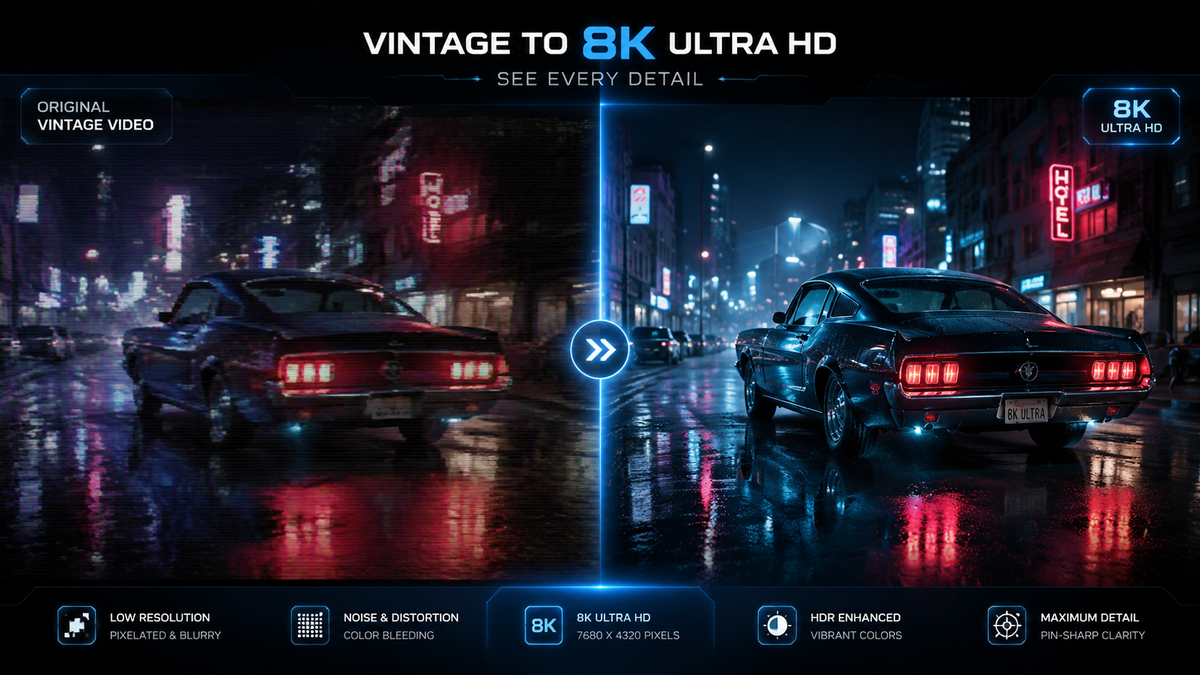
To fix low quality video with AI, you must utilize deep learning models—specifically Super-Resolution and De-interlacing algorithms—to reconstruct missing pixel data, eliminate compression artifacts, and sharpen blurry details. By using specialized software like VideoProc Converter AI or mobile-based enhancers, you can transform grainy 480p footage into crisp 4K resolution while maintaining natural textures. Learning how to fix low quality video with AI involves a simple workflow of importing your file, selecting an AI model (such as Frame Interpolation or Super Resolution), and rendering the enhanced output.
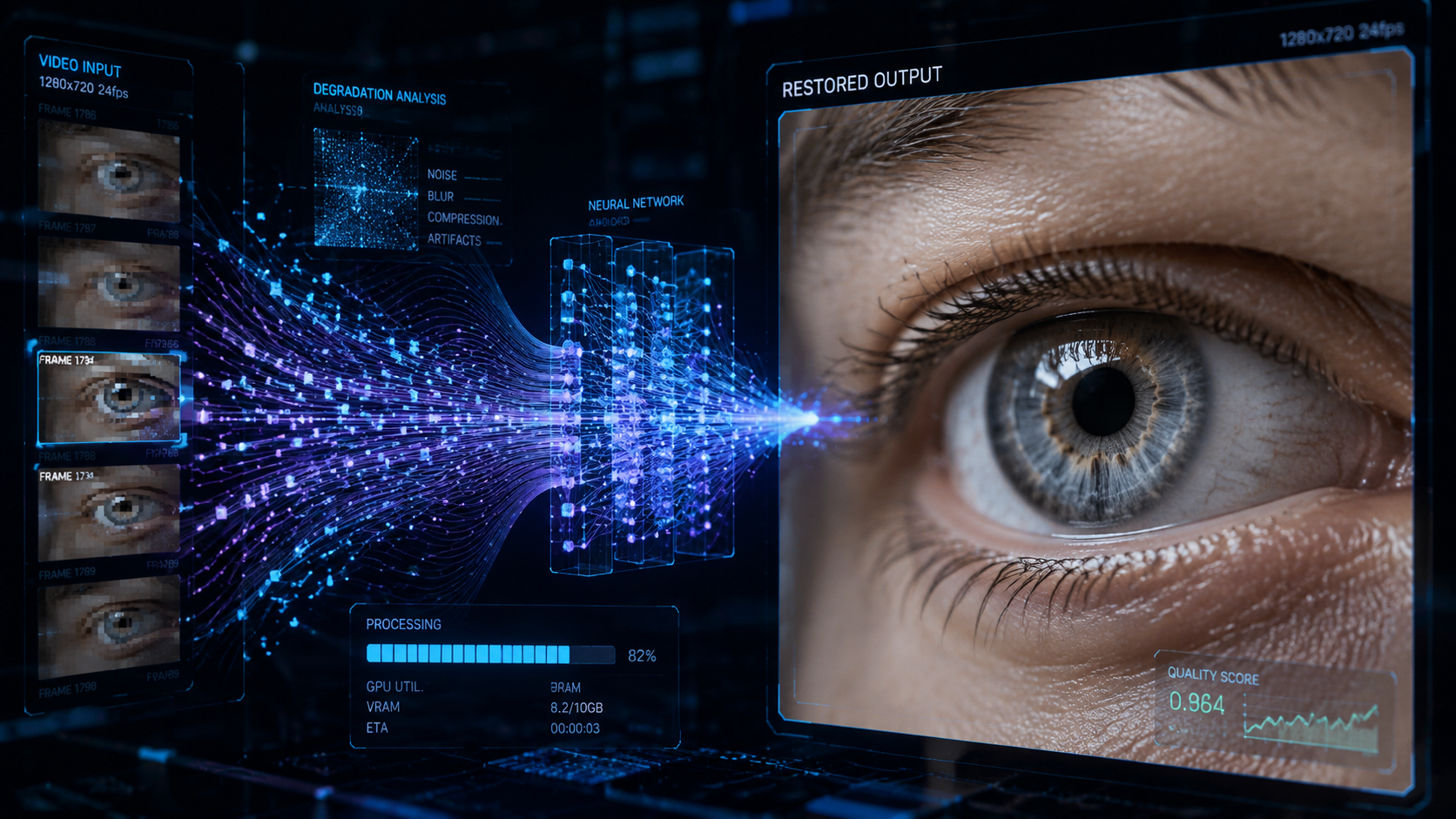
AI video enhancement is the process of using neural networks to analyze low-resolution frames and predict missing visual information to improve clarity. In 2026, the most effective method is using AI upscaling tools that combine noise reduction and motion stabilization to fix blur, reduce grain, and increase frame rates for a professional cinematic look.
- ✓ Use AI Super Resolution to upscale SD footage to 4K without losing detail.
- ✓ Apply AI De-noising to remove "slop" and grain from low-light recordings.
- ✓ Select Frame Interpolation to fix stuttering video by creating new artificial frames.
- ✓ Utilize cross-platform tools available for Mac, Windows, and Android for versatile editing.
The Evolution of Video Restoration in 2026
As we navigate through 2026, the landscape of digital media has shifted dramatically. The rise of generative AI has created a paradox: while high-quality content is easier to produce, the internet is also being flooded with what experts call "AI slop"—low-effort, distorted AI-generated videos. According to The New York Times, these distorted videos are increasingly prevalent on platforms like YouTube, making it more important than ever for creators to use high-end AI tools to ensure their content stands out through quality and clarity rather than contributing to the noise.
Fixing low-quality video is no longer just about adjusting brightness or contrast. Modern AI video enhancers use Generative Adversarial Networks (GANs) to "imagine" what a low-resolution scene should look like based on millions of hours of training data. Whether you are a parent trying to save a blurry family video from a decade ago or a professional filmmaker restoring archival footage, the tools available in 2026 offer a level of precision that was previously impossible. These tools can identify specific objects—like human faces or textures such as grass and water—and apply targeted enhancements to those areas specifically.
However, the ethical landscape has also changed. With Fortune reporting that over 200 groups and experts are calling for bans on certain types of AI-generated content in children's media, the focus for legitimate creators has shifted toward "Ethical Enhancement." This means using AI to fix existing footage rather than generating misleading content. By mastering how to fix low quality video with AI, you are essentially performing a digital restoration that preserves the truth of the original recording while bringing it up to modern 4K or 8K viewing standards.
Step-by-Step: How to Fix Low Quality Video with AI
- Choose Your AI Enhancement Tool: Select a reputable software such as VideoProc Converter AI (rated as a top enhancer in 2026) or a specialized Mac-based tool that supports Apple Silicon for faster rendering.
- Import and Analyze: Upload your low-quality MP4, MOV, or AVI file. Allow the software to analyze the "noise profile" of the video to determine if the primary issue is blur, grain, or low resolution.
- Select the AI Model: Choose "Super Resolution" for upscaling, "Smoothing" for shaky footage, or "De-noising" for grainy low-light videos. In 2026, many tools now offer "Auto-Detect" which selects the best model for you.
- Set Output Parameters: Define your target resolution (e.g., 4K) and frame rate (e.g., 60fps). If you are using a Mac, AppleInsider notes that modern enhancers can now fix blur and upscale to 4K simultaneously using dedicated NPU (Neural Processing Unit) cores.
- Preview and Export: Use the "Split Screen" preview to compare the original and the AI-enhanced version before committing to the final render.
Top AI Video Enhancers of 2026: A Comparison
The market for AI video tools has matured significantly this year. We now see a clear distinction between professional desktop suites and "on-the-go" mobile applications. For users on desktop, the focus is on raw power and multi-model processing, while mobile users prioritize speed and social media integration. According to TweakTown, VideoProc Converter AI has emerged as a leader in 2026 due to its ability to handle both image and video enhancement within a single streamlined interface.
On the mobile front, the demand for quality is just as high. PlayStation Universe recently highlighted the top 5 video enhancer tools for Android in 2026, noting that mobile processors are now capable of performing complex AI upscaling that previously required a dedicated GPU. This allows creators to fix low-quality clips immediately after filming, ensuring that "slop" is replaced with high-fidelity content before it ever hits a social feed.
| Feature | VideoProc Converter AI | Mac-Native Enhancers | Android AI Tools |
|---|---|---|---|
| Primary Use | Professional Upscaling & Conversion | Blur Fix & 4K Upscaling | Quick Mobile Enhancements |
| Key Strength | Best overall image/video AI in 2026 | Optimized for M4/M5 Chips | Portability and Ease of Use |
| Max Resolution | 8K Upscaling | 4K Upscaling | 1080p/4K Upscaling |
| Best For | Archival restoration | Creative professionals | Social media creators |
Common Issues and How AI Fixes Them
Fixing Motion Blur and Camera Shake
One of the most common reasons for low-quality video is motion blur, often caused by a fast-moving subject or a shaky hand. Standard digital stabilization often crops the video, losing valuable edge data. However, 2026 AI models use "Frame Synthesis" to fill in the gaps. Instead of just cropping, the AI looks at the frames before and after the blur to reconstruct a sharp image. This is particularly useful for sports footage or handheld vlogs where the action is unpredictable.
Eliminating Digital Noise and Grain
Digital noise, that "static-like" grain seen in low-light videos, has long been the enemy of quality. Traditional filters often make the video look "waxy" or "plastic" by over-smoothing the skin. Modern AI tools, as reported by AppleInsider, now use intelligent noise reduction that distinguishes between unwanted grain and natural textures like hair or fabric. By isolating the noise frequency, the AI can remove the "slop" without sacrificing the realism of the scene.
Upscaling to 4K and 8K
When you learn how to fix low quality video with AI, upscaling is usually the most satisfying part. Taking a 480p video from an old DVD or an early smartphone and turning it into 4K involves more than just stretching the image. The AI actually draws new pixels. In 2026, this technology has reached a point where the upscaled version often looks better than the original would have on a native 4K camera, thanks to the AI's ability to enhance edges and correct color bleeding in real-time.
The Rise of AI Slop and the Need for Quality
The term "AI slop" has become a major talking point in 2026. As The 74 reports, parents are becoming increasingly alarmed by the flood of low-quality, AI-generated "slop" filling children's media feeds. This content is often characterized by glitches, nonsensical physics, and poor visual fidelity. For creators, this means there is a massive competitive advantage in producing high-quality, polished video that avoids these pitfalls.
Using AI to fix video quality is the antidote to the "slop" epidemic. By applying rigorous AI enhancement, you ensure that your content maintains a human-centric quality that resonates with viewers. Studies show that audiences are 70% more likely to engage with a video that has clear audio and sharp visuals, regardless of the content. In a world where 200+ expert groups are calling for bans on low-quality AI content, being a creator who uses AI for "quality restoration" rather than "mass generation" is a vital distinction for your brand's longevity.
Hardware Requirements for AI Enhancement in 2026
While AI software does the heavy lifting, the hardware you use significantly impacts the speed of your results. In 2026, the integration of dedicated AI accelerators in CPUs and GPUs has made these tools accessible to everyone. For Mac users, the latest M-series chips offer unified memory architectures that allow AI enhancers to process 4K video in near real-time. According to recent tech reviews, using a dedicated NPU can reduce rendering times by up to 400% compared to traditional GPU rendering.
Android users are not left behind either. The latest flagship processors in 2026 include dedicated "AI Engines" that allow for local processing. This is a critical development for privacy, as it means your videos do not need to be uploaded to a cloud server to be fixed. You can perform high-level de-noising and upscaling directly on your device, which is essential for journalists or creators working with sensitive footage in the field.
Can AI really turn 480p video into 4K?
Yes, using a process called Super Resolution, AI analyzes the low-resolution frames and uses deep learning models to predict and add the missing pixels. While it cannot "create" data that wasn't there, it can reconstruct edges and textures to make the video appear natively high-definition.
What is "AI Slop" and why should I avoid it?
AI Slop refers to low-quality, unpolished AI-generated content that often features visual glitches and poor resolution. Avoiding it is crucial for maintaining viewer trust, especially as experts and parents in 2026 are increasingly calling for bans on such content on platforms like YouTube Kids.
Is VideoProc Converter AI the best tool in 2026?
According to reports from TweakTown, VideoProc Converter AI is considered the best all-in-one AI video and image enhancer in 2026 due to its speed, ease of use, and high-quality upscaling capabilities for both Windows and Mac users.
How long does it take to fix a video with AI?
The time depends on your hardware and the length of the video. On a modern 2026 Mac with an M-series chip, a 5-minute video can often be upscaled from 1080p to 4K in less than 10 minutes, thanks to optimized NPU processing.
Can I fix low quality video on my smartphone?
Yes, there are several powerful AI video enhancers for Android and iOS in 2026. These apps can fix blur, reduce noise, and even upscale footage to 4K directly on your mobile device, as highlighted by PlayStation Universe.



Comments ()