
How to Fix Blurry Video With AI: 2026 Ultimate Guide
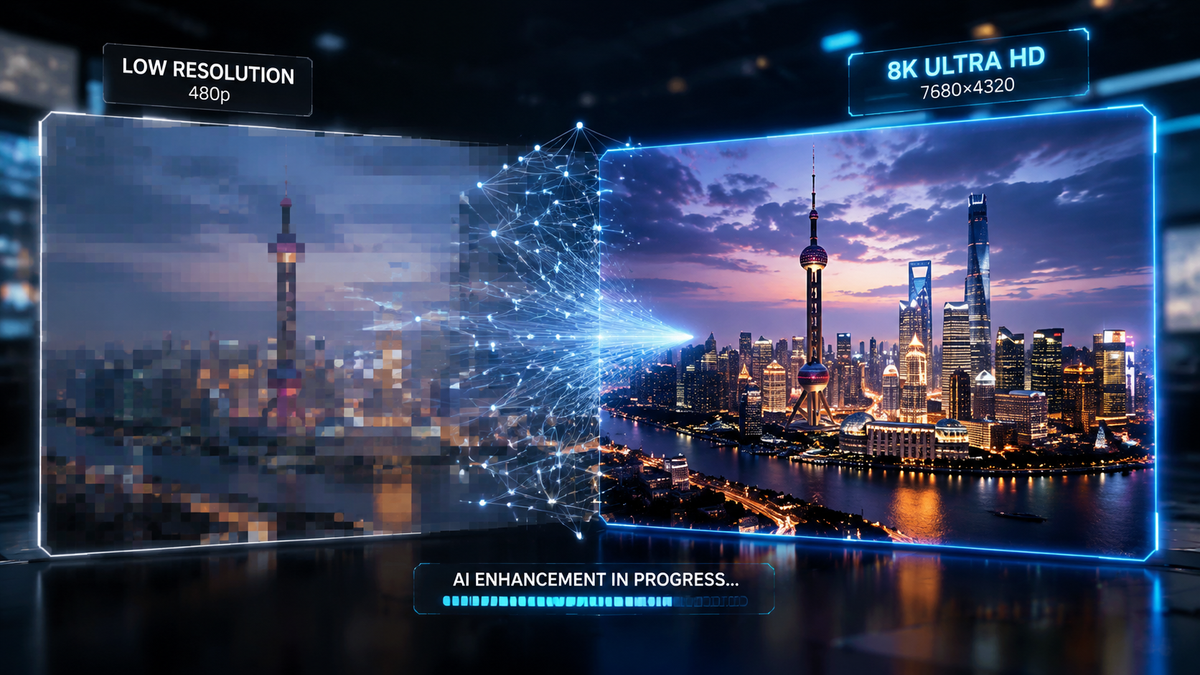
To fix blurry video with AI, you must use a deep-learning-based video enhancer that utilizes temporal synthesis to reconstruct missing pixel data and stabilize motion blur. By analyzing multiple frames simultaneously, these tools can effectively sharpen edges, reduce noise, and upscale resolution to 4K without the "hallucination" artifacts common in older software. Learning how to fix blurry video with ai in 2026 involves selecting a platform—such as CapCut Desktop, Topaz Photo/Video AI, or Mac-specific native enhancers—and applying a deblurring model specifically tuned for your footage type.
AI video deblurring is a computational process that uses neural networks to reverse motion blur and out-of-focus errors. By comparing adjacent frames, the AI identifies consistent patterns and recreates sharp textures that traditional filters cannot. In 2026, this technology has evolved to handle extreme low-light noise and complex jungle environments with near-perfect accuracy.
- ✓ Fix blurry video by leveraging temporal AI models that analyze frame-to-frame consistency.
- ✓ Use specialized Mac-native tools for 4K upscaling and hardware-accelerated noise reduction.
- ✓ Apply one-click "Night Enhancement" features for grain-heavy or motion-blurred evening shots.
- ✓ Ensure authenticity by balancing AI sharpening with natural grain to avoid the "uncanny valley."
Step-by-Step Guide: How to Fix Blurry Video With AI
The landscape of video editing has shifted dramatically in 2026. No longer do we rely on simple "unsharp masks" that create ugly halos around objects. Modern AI understands the context of a scene—distinguishing between a blurred leaf and a blurred face. Whether you are a wildlife researcher or a content creator, the process is now streamlined into a few intelligent steps.
According to research highlighted by PerfectCorp in March 2026, the key to a successful restoration lies in the initial analysis phase where the AI determines the type of blur—be it camera shake, focal error, or motion blur from a fast-moving subject.
- Import Your Footage: Upload your blurry video into an AI-powered editor like CapCut Desktop or a dedicated Mac AI enhancer.
- Select the Deblur Model: Choose a model specifically trained for your issue (e.g., "Motion Blur Removal" for shaky cams or "Focus Recovery" for soft shots).
- Adjust Enhancement Intensity: Use a slider to define how much "reconstruction" the AI should perform. In 2026, most tools offer a "Realism" toggle to prevent over-smoothing.
- Apply Temporal Upscaling: If the video is low resolution, enable 4K upscaling. This uses data from previous and future frames to fill in the gaps.
- Preview and Export: Run a short 5-second preview to ensure the AI isn't creating artifacts, then export using H.265 or AV1 codecs for maximum quality.
The Evolution of AI Video Enhancement in 2026
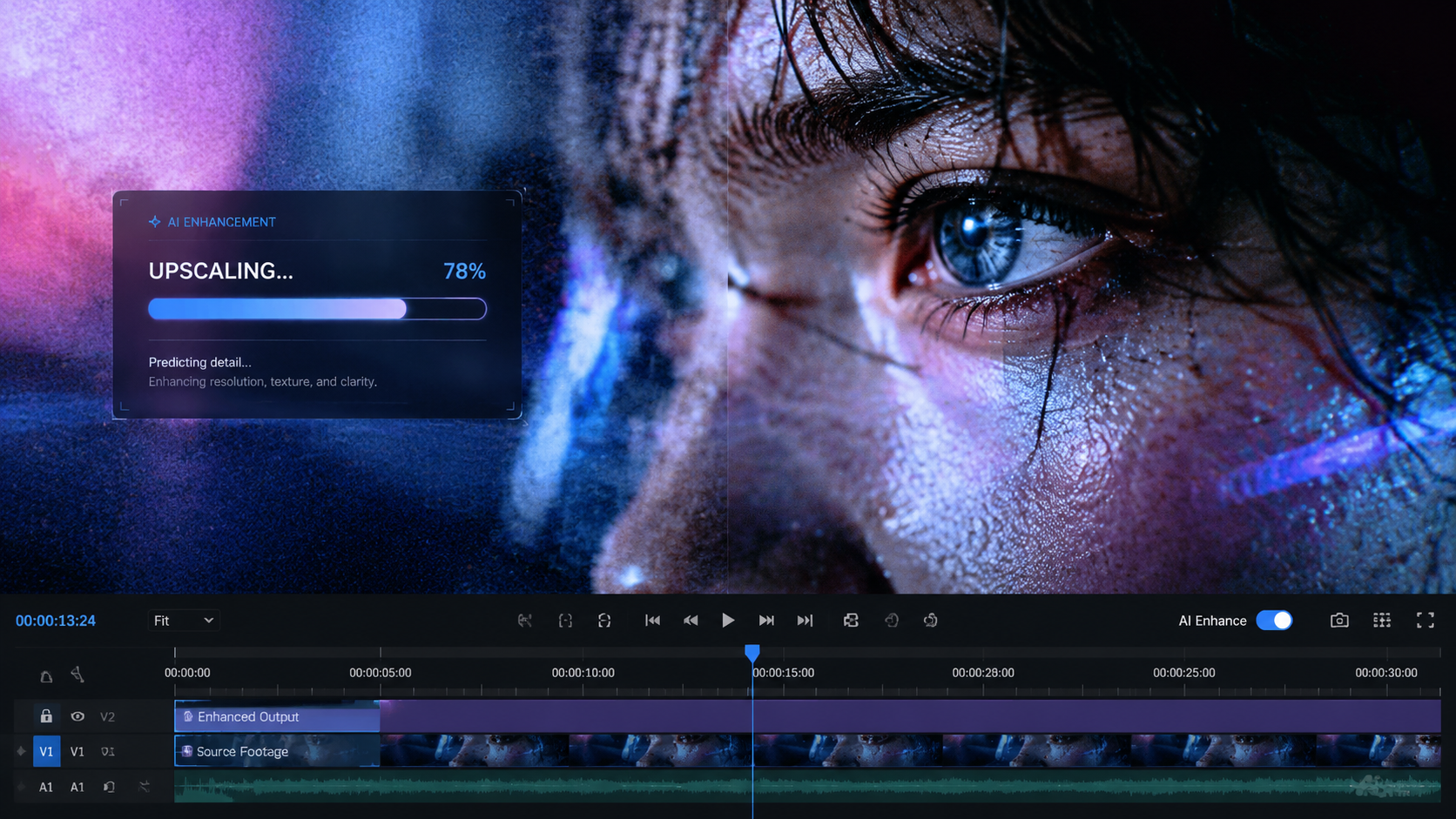
The year 2026 marks a turning point in digital restoration. We have moved past the era where AI simply "guessed" what a pixel should look like. Today, generative models are capable of high-fidelity reconstruction. As reported by A-Z Animals in May 2026, researchers are now using these advanced AI models to turn blurry, low-quality jungle footage into "primate research gold," allowing scientists to identify individual animals from footage that was previously considered unusable.
From Jungle Footage to Cinematic 4K
The ability to recover detail from chaotic environments demonstrates the power of modern neural networks. When filming in the wild, light is often poor and movement is unpredictable. AI tools now feature "Environmental Presets" that understand the green hues of a forest or the deep blues of the ocean, applying color correction and deblurring simultaneously. This specialized approach ensures that the texture of fur or scales is preserved rather than smudged away.
Hardware Integration and Mac Performance
Hardware has finally caught up with software demands. AppleInsider recently noted in late 2025 that the latest AI video enhancers for Mac are now fully optimized for unified memory architectures. This allows for real-time 4K upscaling and blur reduction without the need for massive server farms. For the average user, this means fixing a 10-minute blurry video takes minutes, not hours, right on their local machine.
Comparing the Best AI Video Fixers of 2026
Not all AI tools are created equal. Some prioritize speed for social media, while others focus on forensic-level detail for research or cinema. Choosing the right tool depends on your source material and your ultimate goal for the footage.
| Feature | CapCut Desktop | Mac AI Enhancer | Professional Forensic AI |
|---|---|---|---|
| Best For | Quick social media fixes | High-quality 4K upscaling | Scientific & Wildlife Research |
| Key Strength | One-click night mode | Hardware acceleration | Extreme detail recovery |
| Ease of Use | Very High | Moderate | Low (Technical) |
| 2026 Tech | Real-time temporal sync | Neural Engine optimization | Generative Detail Synthesis |
How to Fix Blurry Video With AI in Low Light
Low light is the most common cause of blurry video. When a camera's shutter stays open longer to let in light, any movement results in a smear. Furthermore, high ISO settings introduce "noise" that masks fine details. In 2026, the "One-Click" solution has become the standard for this specific problem.
As Triad City Beat reported in July 2025, tools like CapCut Desktop now allow users to fix blurry night footage with a single click. This works by separating the noise from the actual visual data, then using a generative fill to sharpen the edges of objects obscured by the dark. This is particularly useful for citizen journalists or night-time event videographers who cannot always carry professional lighting rigs.
The Role of Noise Reduction
Blur and noise are often two sides of the same coin. You cannot effectively unblur a video without first addressing the grain. Modern AI uses "Spatial-Temporal Denosing," which looks at a pixel's neighbors both in the current frame and in the frames before and after it. This ensures that the noise reduction is consistent and doesn't "flicker," a common problem in older AI versions.
Maintaining Realism in Restored Footage
One major challenge in 2026 is avoiding the "AI look." The BBC pointed out in late 2025 that the number one sign of an AI-altered video is often an unnaturally smooth, "waxy" appearance. To combat this, high-end deblurring tools now include a "Grain Injection" feature. This adds a layer of simulated film grain over the sharpened video, tricking the human eye into perceiving the footage as high-quality organic film rather than a digitally reconstructed image.
Why AI is Better Than Traditional Sharpening
Traditional sharpening works by increasing the contrast at the edges of objects. While this makes things look "crisper," it doesn't actually add any new information. If the detail is gone, traditional methods can't bring it back. AI is different because it is generative.
According to Breaking The Lines (September 2025), the question "Can AI transform blurry footage into high-quality video?" has been answered with a resounding yes. The difference lies in the training data. Modern AI has "seen" millions of sharp videos. When it sees a blurry edge in your video, it refers to its training to "draw" what that edge should look like based on similar high-quality examples. It is essentially a master artist repainting your video frame-by-frame at 60 frames per second.
Understanding Temporal Consistency
The biggest breakthrough leading into 2026 has been temporal consistency. In the past, AI would treat each frame as a separate picture. This led to "jittering" where a face might look slightly different from one frame to the next. Modern AI "locks" features in 3D space, ensuring that once a blurry eye is sharpened, it stays sharp and consistent throughout the entire movement of the head.
Advanced Techniques for how to fix blurry video with ai
For those looking to push the boundaries of what is possible, advanced AI workflows involve "Multi-Pass" processing. This involves running the video through a stabilization AI first, followed by a deblurring AI, and finally a color-grading AI. This modular approach allows for much higher precision than a single-pass "auto" button.
Stabilization Before Sharpening
If your video is blurry because the camera was shaking, sharpening alone won't fix it. You must first use an AI stabilizer. Unlike traditional cropping stabilizers, AI stabilization in 2026 can actually "fill in" the edges of the frame that are lost during the stabilization process, allowing you to keep your original field of view while removing every hint of camera shake.
Upscaling to 4K and Beyond
Once the blur is removed, the footage often looks slightly pixelated because the "new" sharp edges are being rendered at a low resolution. Using an AI upscaler—specifically one optimized for your OS, as noted by AppleInsider—can bring that 720p or 1080p footage up to a crisp 4K. This is essential for viewing old family memories or archival footage on modern large-screen displays.
Frequently Asked Questions
Can AI fix a video that is completely out of focus?
Yes, but with limitations. While AI can reconstruct significant detail using temporal data from other frames, a completely "blown out" frame with zero contrast may require generative AI to "hallucinate" details, which can sometimes look unnatural.
Is it possible to fix blurry video on a smartphone?
Absolutely. By 2026, mobile processors are powerful enough to run trimmed-down versions of these AI models. Apps like CapCut and others mentioned by PerfectCorp offer mobile deblurring, though desktop versions remain superior for 4K exports.
Does unblurring a video change the file size?
Generally, yes. Adding detail and upscaling to 4K will increase the file size significantly. However, using modern codecs like AV1 during export can help keep these high-quality files manageable.
How long does it take to deblur a video with AI?
On a modern 2026-era Mac or PC, you can expect processing times of roughly 2x to 5x the video's duration for 4K upscaling. A one-minute clip may take three to five minutes to fully process.
Is AI video enhancement considered "fake"?
It depends on the context. While it reconstructs data, it is based on the original signal. However, as the BBC notes, it is important to maintain a balance so the video doesn't lose its natural aesthetic and look "AI-generated."
In conclusion, knowing how to fix blurry video with ai is an essential skill for the modern digital age. From saving priceless historical records to improving the quality of research footage in the deep jungle, AI has turned the impossible task of "enhancing" into a standard reality. By choosing the right tools and following a structured workflow, you can ensure your blurry videos become clear, professional-grade content in 2026.



Comments ()