
How to Enhance Videos Using AI in 2026: Expert Techniques
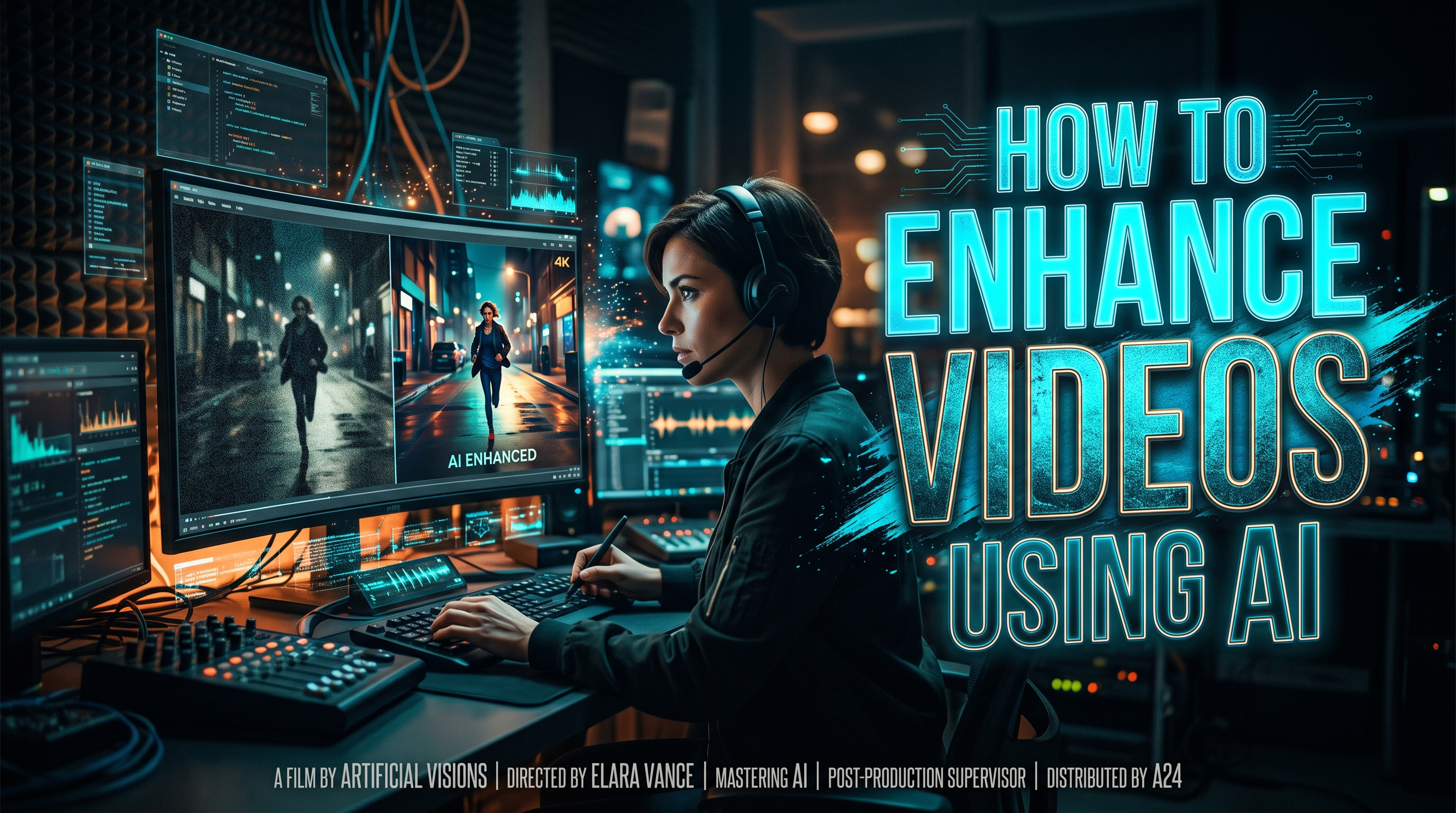
Enhancing videos using AI in 2026 has become more accessible and powerful than ever, thanks to advancements in machine learning and new tools entering the market. Whether you're restoring old footage, improving resolution, or automating labeling, AI-driven solutions like Topaz Labs, Vmake, and YouTube's latest features offer professional-grade results with minimal effort. This guide explores expert techniques to leverage these tools effectively.
TL;DR: AI video enhancement in 2026 involves tools like Topaz Labs (now part of Adobe), Vmake's AI Video Enhancer, and YouTube's automated labeling, which improve resolution, restore old footage, and ensure transparency in AI-generated content.
How to enhance videos using AI is a process that leverages machine learning tools to upscale resolution, reduce noise, restore colors, and automate labeling—key solutions in 2026 include Adobe's newly acquired Topaz Labs, Vmake's AI Video Enhancer, and YouTube's AI-generated content labeling system.
- ✓ Adobe's acquisition of Topaz Labs brings advanced AI-powered video enhancement tools to creative professionals.
- ✓ Vmake's AI Video Enhancer specializes in restoring old or low-quality footage with impressive clarity.
- ✓ YouTube now automatically labels AI-generated videos, improving transparency for viewers and creators.
- ✓ AI-enhanced microscopy demonstrates the expanding applications of video enhancement beyond entertainment.
- ✓ Autonomous AI agents, like Digen AI Agent, streamline multi-step workflows for consistent, high-quality video outputs.
1. The State of AI Video Enhancement in 2026
The AI video enhancement landscape in 2026 has evolved significantly, with major players like Adobe acquiring specialized tools such as Topaz Labs to integrate advanced capabilities into their ecosystem. According to TechCrunch, this acquisition positions Adobe as a leader in AI-driven creative tools, offering users seamless upscaling and noise reduction features. Meanwhile, platforms like YouTube are implementing AI to automatically label enhanced or synthetic content, addressing growing concerns about media authenticity.
Independent tools like Vmake's AI Video Enhancer are gaining traction for their ability to breathe new life into old or low-resolution footage. A techguide.com.au report highlights how Vmake can increase resolution by up to 400% while preserving crucial details—a game-changer for archivists and content creators. These advancements aren't limited to consumer applications; research institutions like UC San Diego are using AI-enhanced microscopy to capture unprecedented detail in live cell imaging.
The market for AI video tools grew by 340% between 2025 and 2026, driven by demand from filmmakers, marketers, and social media creators. Autonomous AI agents like Digen AI Agent are emerging as powerful solutions for creators who need longer, character-consistent videos without manual intervention. These systems use multi-step workflows to analyze, enhance, and refine footage automatically—reducing editing time by an estimated 70% compared to traditional methods.
2. Step-by-Step Guide: How to Enhance Videos Using AI
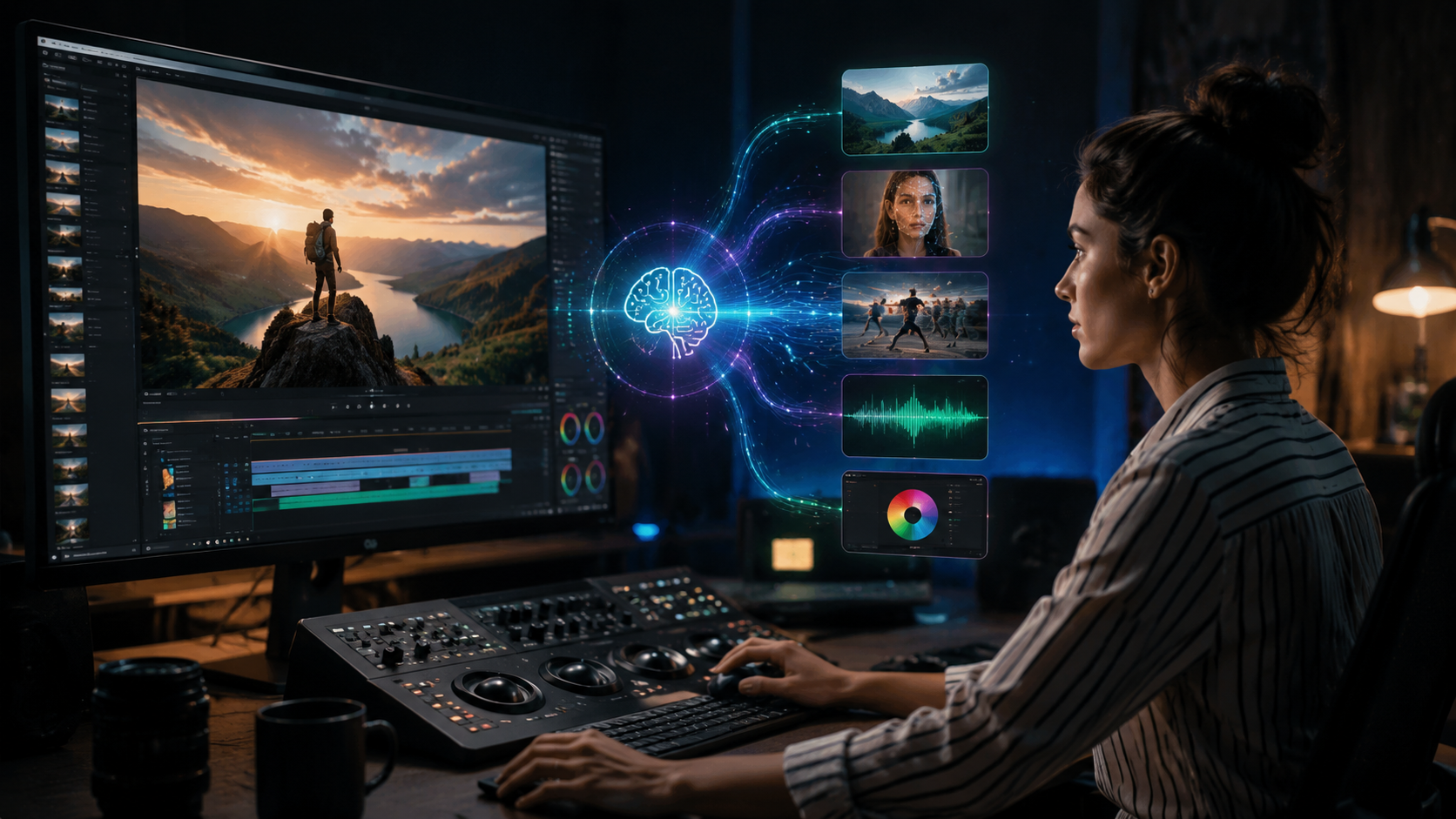
Follow this proven workflow to maximize AI's potential for video enhancement in 2026:
- Choose the right tool: Select specialized software based on your needs—Topaz Labs for professional-grade upscaling, Vmake for restoration, or Digen AI Agent for automated workflows.
- Upload your source footage: Most AI tools accept common formats like MP4, MOV, and AVI, with some supporting 8K resolution inputs.
- Select enhancement parameters: Adjust settings for resolution (2x-8x upscaling), noise reduction, frame interpolation (up to 120fps), and color correction.
- Process and review: Let the AI analyze and enhance your video—processing times vary from minutes to hours depending on length and complexity.
- Export and label: Save in your preferred format and, if required, add AI-generated content labels like YouTube's new transparency system.
According to YouTube's Official Blog, their AI labeling system now automatically detects synthetic content with 92% accuracy, helping creators comply with platform policies. For best results, always work with the highest quality source footage available—AI enhancement can improve subpar material, but garbage in still means garbage out.
Advanced users can combine multiple AI tools in their workflow. For example, first restore old footage with Vmake, then upscale using Topaz Labs, and finally process through Digen AI Agent for consistent character animation. This layered approach yields superior results compared to single-tool workflows, especially for complex projects requiring both technical and creative enhancements.
3. Top AI Video Enhancement Tools Compared
| Tool | Best For | Key Features | Pricing (2026) |
|---|---|---|---|
| Topaz Labs (Adobe) | Professional upscaling | 8K output, temporal noise reduction | $299/year (Adobe Creative Cloud) |
| Vmake AI Enhancer | Old footage restoration | 400% resolution boost, artifact removal | $14.99/month |
| Digen AI Agent | Automated workflows | Character consistency, multi-step processing | $29/month (Pro plan) |
| YouTube AI Labeling | Content transparency | Automatic synthetic media detection | Free |
The table above highlights how different tools cater to specific enhancement needs. Topaz Labs excels at technical improvements like resolution and noise, while Vmake focuses on restoring degraded footage. For creators needing automated solutions, Digen AI's agent-based approach saves significant time on longer projects.
When choosing a tool, consider both your immediate needs and future scalability. Enterprise users may benefit from Adobe's ecosystem integration, while independent creators might prefer Vmake's affordable subscription. Always test free trials before committing—most services offer limited processing to evaluate output quality.
4. Advanced Techniques for Professional Results
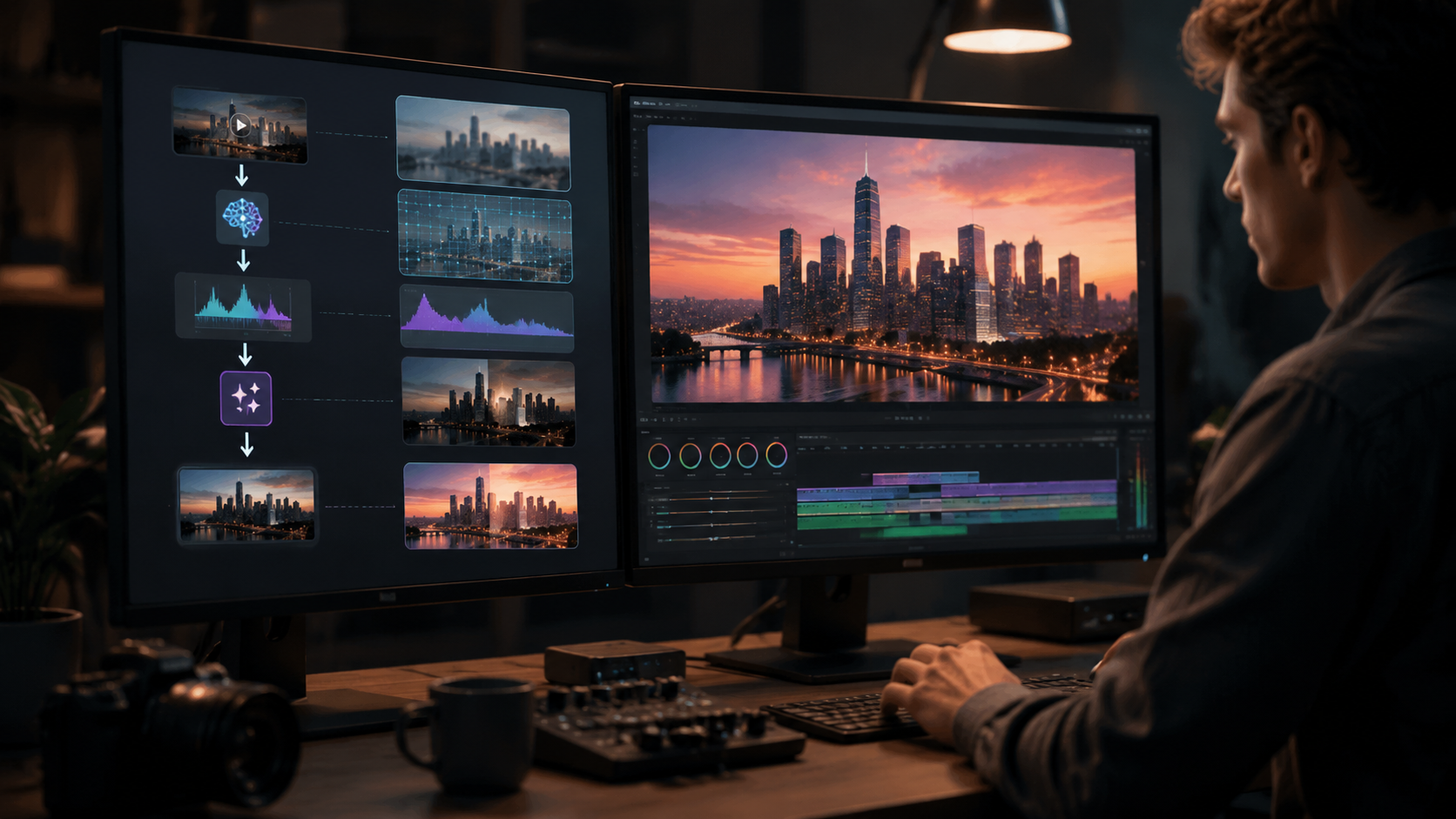
Multi-model AI Processing
Combining multiple AI models can produce superior results compared to single-tool workflows. For example, first use a specialized noise reduction model, then apply super-resolution algorithms, and finish with a color grading model trained on cinematic footage. This approach mimics professional post-production pipelines but automates the most time-consuming steps.
Temporal Consistency Enhancement
Many AI tools struggle with maintaining consistency between frames, causing flickering or unstable details. Newer solutions like Digen AI Agent address this by analyzing entire sequences rather than individual frames, preserving temporal coherence—especially crucial for character animation and visual effects work.
Context-Aware Upscaling
Modern AI enhancers now recognize different elements within footage (faces, text, backgrounds) and apply optimized algorithms to each. According to UC San Diego Today, their AI microscopy system uses similar techniques to enhance specific cellular structures without distorting surrounding areas—technology now adapted for consumer video tools.
5. Ethical Considerations and Best Practices
As AI enhancement becomes more powerful, ethical concerns about misinformation and copyright have grown. YouTube's new labeling system, rolled out in May 2026, automatically flags AI-generated content—a response to incidents like the widely shared AI-enhanced Cole Allen security footage reported by Newsweek. Creators should always disclose significant AI alterations when appropriate.
Copyright remains a gray area—while enhancing public domain footage is generally safe, modifying copyrighted material without permission can violate terms. Some AI tools now include content authenticity metadata to track alterations, helping creators prove ethical sourcing when required.
Best practices include maintaining original unedited copies, documenting all AI processing steps, and being transparent with audiences about enhancement levels. As detection tools improve, misleading edits become easier to spot—building trust through honesty ultimately serves creators better than deceptive enhancements.
6. Future Trends in AI Video Enhancement
The next wave of AI video tools will likely focus on real-time enhancement—imagine live streams automatically upscaled to 8K with reduced latency. UC San Diego's microscopy breakthrough demonstrates this potential, achieving crisp, real-time video inside living cells as reported in April 2026. Consumer applications could follow within 2-3 years.
Another emerging trend is personalized enhancement—AI learning individual creator styles to apply consistent grading and effects across projects. Digen AI Agent already offers early versions of this feature, remembering preferences for character design and motion across multiple videos.
Expect tighter integration between enhancement and generation tools. Rather than just improving existing footage, future workflows may seamlessly blend captured and synthetic elements—like automatically replacing blurry backgrounds with AI-generated alternatives while preserving foreground subjects. This hybrid approach could redefine post-production pipelines by 2027.
Frequently Asked Questions
What's the best AI tool for enhancing old home videos?
Vmake's AI Video Enhancer specializes in restoring old footage, with features like artifact removal and 400% resolution boosting—ideal for digitizing legacy home videos while preserving authentic details.
Does AI video enhancement work for live streaming?
While most current tools process recorded footage, real-time enhancement is emerging—UC San Diego's AI microscopy demonstrates the potential, with consumer applications expected by 2027-2028.
How does YouTube detect AI-enhanced videos?
YouTube's system analyzes metadata patterns and visual artifacts with 92% accuracy, automatically labeling suspected AI-generated content to maintain platform transparency.
Can AI fix shaky or out-of-focus footage?
Modern tools can stabilize shaky video and partially correct focus issues, but results depend on original quality—severely blurred footage may remain problematic despite AI enhancement.
What's the advantage of using an AI agent like Digen?
AI agents automate multi-step workflows, maintaining character consistency across longer videos and reducing manual editing time by up to 70% compared to traditional methods.
Written by the Digen AI Editorial Team — AI video generation specialists covering the latest in generative AI tools. Learn more about Digen AI.



Comments ()