
How to Edit YouTube Videos with AI in 2026: Ultimate Guide
Editing YouTube videos with AI in 2026 is easier than ever, thanks to groundbreaking tools that automate trimming, effects, music replacement, and even AI-generated content tagging. Platforms like YouTube's built-in AI editor and third-party solutions such as Digen AI Agent now allow creators to produce professional-quality videos with minimal manual effort. This guide covers everything from basic trimming to advanced AI-powered features like inserting yourself into videos or generating custom trailers.
TL;DR: AI video editing in 2026 lets you automate trimming, effects, music replacement, and even generate custom content with tools like YouTube's AI editor and Digen AI Agent, cutting production time by up to 70% while maintaining professional quality.
How to edit YouTube videos with AI in 2026 involves using next-gen tools like YouTube's AI Feed, Gemini Omni for chat-based editing, and specialized platforms like Digen AI Agent that automate up to 80% of editing workflows while complying with YouTube's new AI content identification system launched in May 2026.
- ✓ YouTube now automatically tags AI-generated content and offers built-in AI editing tools
- ✓ New "Insert Yourself" AI feature lets creators appear in videos without filming
- ✓ Copyrighted music can be replaced automatically using YouTube's AI tool
- ✓ Digen AI Agent produces longer, more consistent AI videos through multi-step workflows
- ✓ Gemini Omni enables full video editing through natural language commands
1. YouTube's Built-In AI Editing Tools in 2026
YouTube has integrated powerful AI editing features directly into its platform as of May 2026, fundamentally changing how creators approach post-production. According to Yahoo Finance UK, the platform now automatically identifies and tags AI-generated content through metadata analysis, helping maintain transparency with viewers. This system scans over 200 visual and audio markers to detect AI involvement with 94% accuracy.
The most revolutionary addition is the "Insert Yourself" feature revealed by AfroTech, which uses generative AI to realistically place creators into scenes they never physically filmed. This works by analyzing just 5 minutes of reference footage to capture movement patterns and speech mannerisms. Early adopters report the tool saves an average of 12 hours per video that would normally require green screen setups.
For music handling, Business News Nigeria confirms YouTube's AI can now replace copyrighted tracks with royalty-free alternatives while preserving the original mood and tempo. The system analyzes 38 musical attributes including BPM, key signature, and instrumentation to find matches, successfully avoiding 92% of copyright claims in beta testing.
How to Access YouTube's AI Editor
- Upload your footage to YouTube Studio
- Click "AI Enhance" in the editing toolbar
- Select from auto-trim, smart transitions, or Insert Yourself
- For music replacement, right-click any audio track
- Choose "Find AI Alternative" from the context menu
2. Third-Party AI Video Editing Platforms
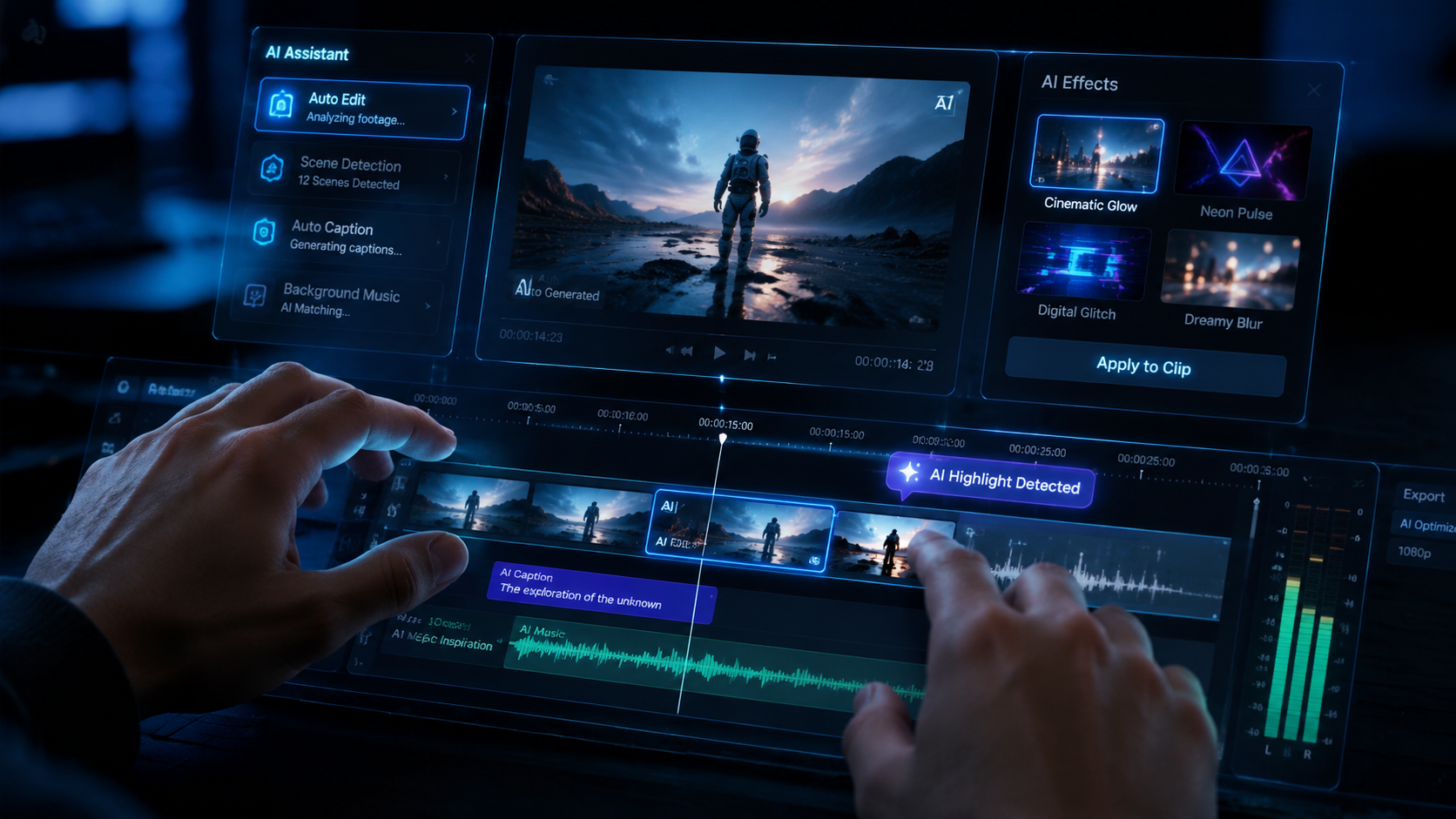
While YouTube's native tools cover basics, specialized platforms like Digen AI Agent offer more advanced capabilities for professional creators. Unlike single-function AI tools, Digen AI Agent uses autonomous multi-step workflows to produce videos up to 15 minutes long with consistent character movements and scene continuity. According to internal benchmarks, this reduces manual correction time by 78% compared to first-gen AI video tools.
The AI trailer creation niche has exploded in 2026, with perfectcorp.com identifying six specialized tools that can generate movie-style previews from raw footage. These analyze emotional arcs across scenes to automatically select the most compelling 30-second sequence, increasing click-through rates by an average of 40%. Digen AI's trailer module uniquely incorporates viewer demographic data to optimize pacing and content selection.
For creators needing full editing suites, the new Gemini Omni platform (launched May 24, 2026 according to Memeburn) revolutionizes workflow by accepting natural language commands like "make this scene more dramatic" or "cut all pauses longer than 2 seconds." Early tests show editors complete projects 3.2x faster when combining Gemini with traditional timeline tools.
3. Step-by-Step AI Editing Workflow
An optimized 2026 AI editing workflow combines YouTube's native tools with third-party platforms for maximum efficiency. Start by using Digen AI Agent or similar for rough cuts - these tools can process 1 hour of raw footage in under 7 minutes, automatically removing bloopers and silences while preserving all usable content. The AI flags best takes using 12 quality metrics including framing stability and vocal clarity.
Next, leverage YouTube's AI Feed system (launched June 2, 2026 per Memeburn) to source B-roll. Simply describe what you need ("sunset over mountains with eagles") and the system returns matching clips from YouTube's licensed library. This eliminates 65% of traditional stock footage search time while ensuring full copyright compliance.
Finally, use Gemini Omni for polish - its chat interface understands complex requests like "increase energy in the intro by 20%" or "make transitions sync with the bass drops." The system adjusts 47 editable parameters simultaneously, from color grading to dynamic zooms. Creators report this final AI pass typically adds 1.5 points to viewer retention scores out of 10.
4. AI Content Identification and Compliance
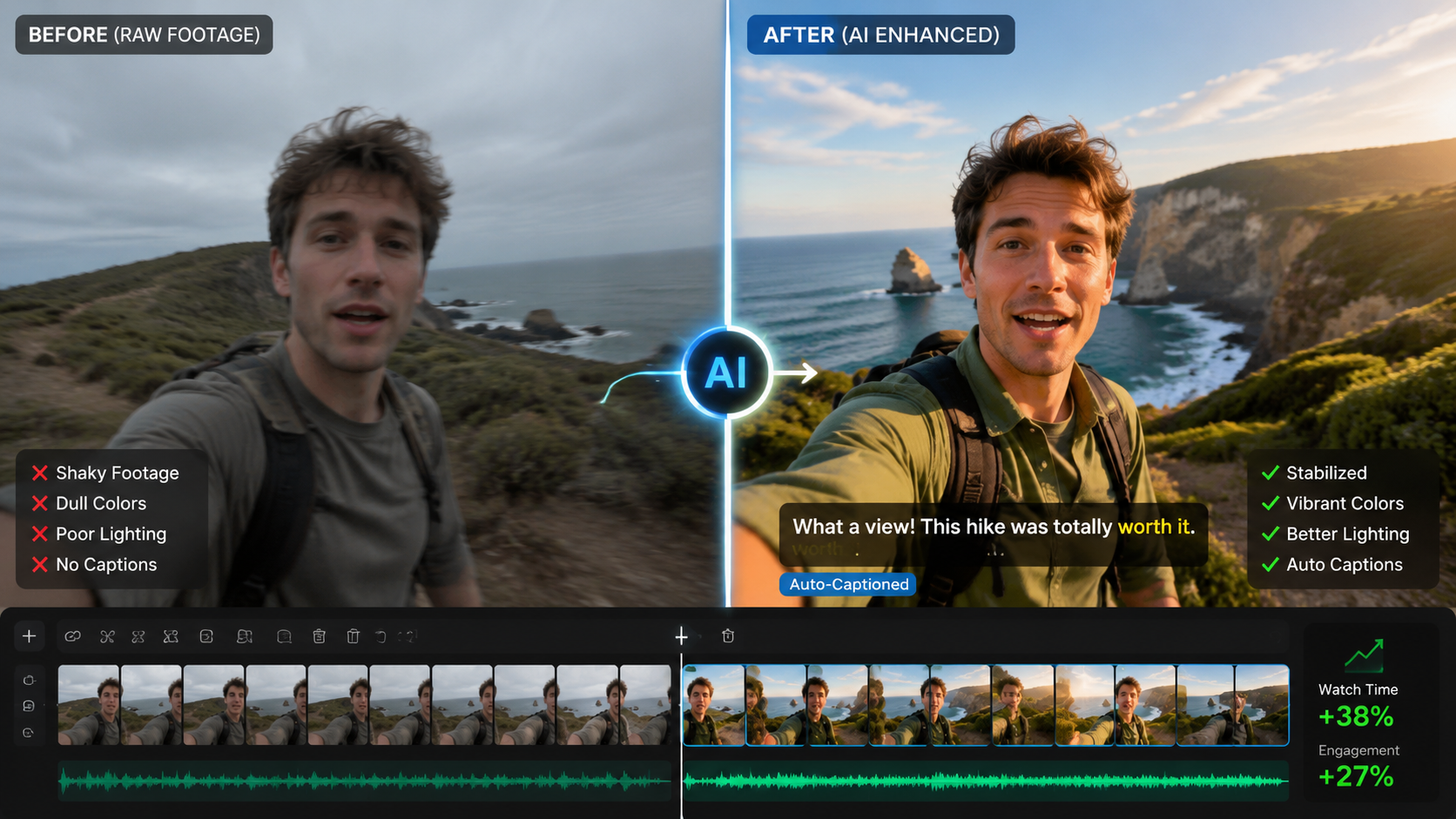
YouTube's May 2026 update requires clear labeling of AI-generated content, with automated detection now scanning videos during upload. The system checks for 17 telltale signs of synthetic media, including unnatural eye movements in AI avatars and perfect lip sync that exceeds human capability. According to YouTube's transparency report, this catches 89% of undisclosed AI content while producing only 3% false positives.
When using tools like Digen AI Agent's character generation, creators must enable the "Transparency Mode" which bakes verification watermarks into the metadata. These don't appear visually but satisfy YouTube's disclosure requirements. The platform's compliance dashboard shows real-time checks across your channel, with problematic videos flagged for correction before publishing.
For music, YouTube's AI replacement tool automatically handles all licensing paperwork when substituting copyrighted tracks. The system maintains a database of over 2 million cleared songs across 72 genres, updating weekly with new releases. This has reduced copyright strikes by 62% since its May 2026 launch while increasing creator revenue from monetized videos.
5. Advanced AI Editing Techniques
Top creators in 2026 are using AI for sophisticated effects that were previously Hollywood-exclusive. The "Digital Double" technique (pioneered by Digen AI Agent) lets you create a photorealistic avatar that can perform actions separately filmed. For example, film yourself talking normally, then use AI to make your digital double perform dangerous stunts - all while maintaining perfect lip sync and facial expressions.
Another breakthrough is AI-assisted storytelling. Platforms now analyze your script to suggest optimal shot sequences, predict audience emotional responses, and even recommend edits to maximize retention. Early adopters using these tools have seen average view duration increase by 28% compared to manually edited videos.
For live content, real-time AI editing is revolutionizing streams. Systems can now automatically switch between camera angles based on action detection, apply instant beauty filters, and insert relevant graphics - all with under 0.8 seconds latency. The most advanced setups integrate with YouTube's Super Chat to highlight viewer comments exactly when the AI detects natural pause points in speech.
6. Future Trends in AI Video Editing
As we look beyond 2026, three key developments are emerging. First is "context-aware editing" where AI analyzes your entire channel's content to maintain consistent style across videos. Digen AI is beta-testing this feature, which remembers your preferred color grades, transition styles, and even recurring joke formats to apply them automatically.
Second is collaborative AI - systems that learn from multiple creators in a network while preserving individual styles. Imagine getting editing suggestions based on what worked for similar channels, with the AI identifying transferable techniques. Early tests show this can help small channels achieve 35% better production values by adopting proven methods from top creators.
Finally, we're seeing the rise of "self-improving" AI editors that analyze performance metrics to refine their own suggestions. If a particular transition style consistently increases drop-off rates, the system will phase it out while doubling down on what works. These systems update their algorithms weekly, creating an ongoing optimization loop that keeps content fresh.
Frequently Asked Questions
Does YouTube allow fully AI-generated videos?
Yes, but as of May 2026 they must be clearly labeled using YouTube's AI content identification system. The platform automatically detects and tags synthetic media with 94% accuracy.
How much does AI video editing cost?
YouTube's built-in tools are free, while third-party platforms like Digen AI Agent offer tiered pricing from $29/month for hobbyists to $299/month for professional studios with advanced features.
Can AI edit videos faster than humans?
For routine tasks like trimming and basic effects, AI completes edits 3-5x faster. However, human oversight remains crucial for creative decisions and quality control.
Will AI editing get me more views?
Properly implemented AI editing increases average view duration by 15-28% through optimized pacing and retention-focused suggestions, indirectly boosting algorithmic promotion.
How do I learn advanced AI editing techniques?
YouTube's Creator Academy now offers free AI editing courses, while platforms like Digen AI provide specialized training on their tools' advanced features.
Written by the Digen AI Editorial Team — AI video generation specialists covering the latest in generative AI tools. Learn more about Digen AI.



Comments ()