
How to Edit Videos with AI: The Complete 2026 Guide
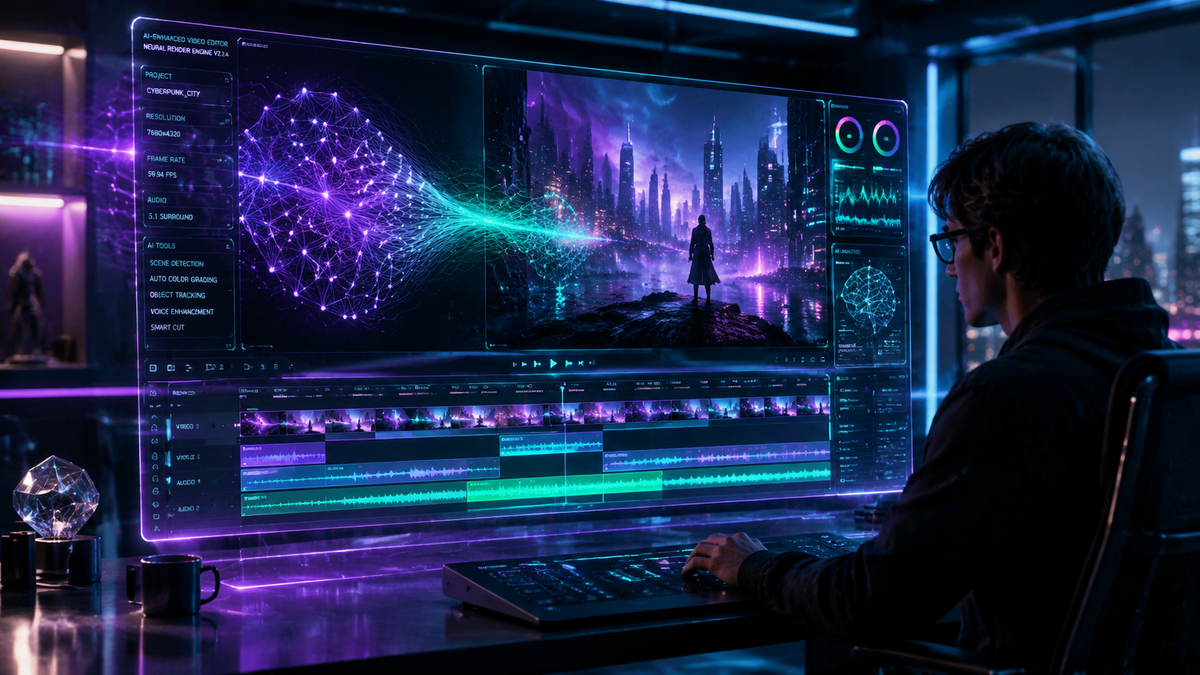
To learn how to edit videos with ai in 2026, you must leverage generative tools that automate the most tedious parts of the creative process, such as cutting footage, color grading, and adding motion graphics. By using platforms like Adobe Premiere Pro’s latest generative AI or specialized tools like AI Video Cut, you can transform raw footage into professional content simply by using text prompts or automated scene detection. This modern workflow reduces editing time by up to 80%, allowing creators to focus on storytelling rather than technical execution.
AI video editing is the application of machine learning and generative models to automate video post-production tasks. In 2026, this involves using tools that can perform object removal, automated face swapping, and intelligent "clip economy" optimization for social media, enabling users to generate high-quality video content from text or rough cuts almost instantaneously.
- ✓ AI now automates the "clip economy," instantly turning long-form videos into viral shorts.
- ✓ Generative AI tools in 2026 allow for seamless face swapping and object replacement with photorealistic accuracy.
- ✓ Major industry players like Adobe have integrated motion design upgrades that sync directly with AI prompts.
- ✓ The barrier to entry has vanished, with "AI Video Cut" technologies making professional editing accessible to beginners.
The Step-by-Step Guide on How to Edit Videos with AI
The landscape of content creation has shifted dramatically this year. Whether you are a seasoned professional or a hobbyist, the process of editing has moved away from manual timelines and toward intuitive, AI-driven interfaces. According to research from Axios, AI tools have significantly accelerated the "clip economy," making it easier than ever to produce the high volume of short-form content required by modern social algorithms.
- Upload and Analyze: Import your raw footage into an AI-enabled editor. The software will automatically transcribe the audio and identify key visual moments using scene recognition.
- Apply Generative Edits: Use text-based editing to delete sections of the video by simply deleting the corresponding text in the transcript. You can also use prompts to "add a cinematic sunset" or "remove the background clutter."
- Enhance and Refine: Utilize tools like AISaver AI for specific tasks such as face swapping or character consistency, or use Adobe’s 2026 motion design upgrades in After Effects for complex visual effects.
- Automate the "Clip Cut": Use automated features to identify the most engaging segments of your video and resize them for various platforms (9:16 for TikTok, 16:9 for YouTube).
- Final Export and Upscaling: Let the AI upscale your resolution to 4K or 8K while removing noise and optimizing the color profile for the specific platform you are targeting.
Key Features of 2026 AI Video Editing Software
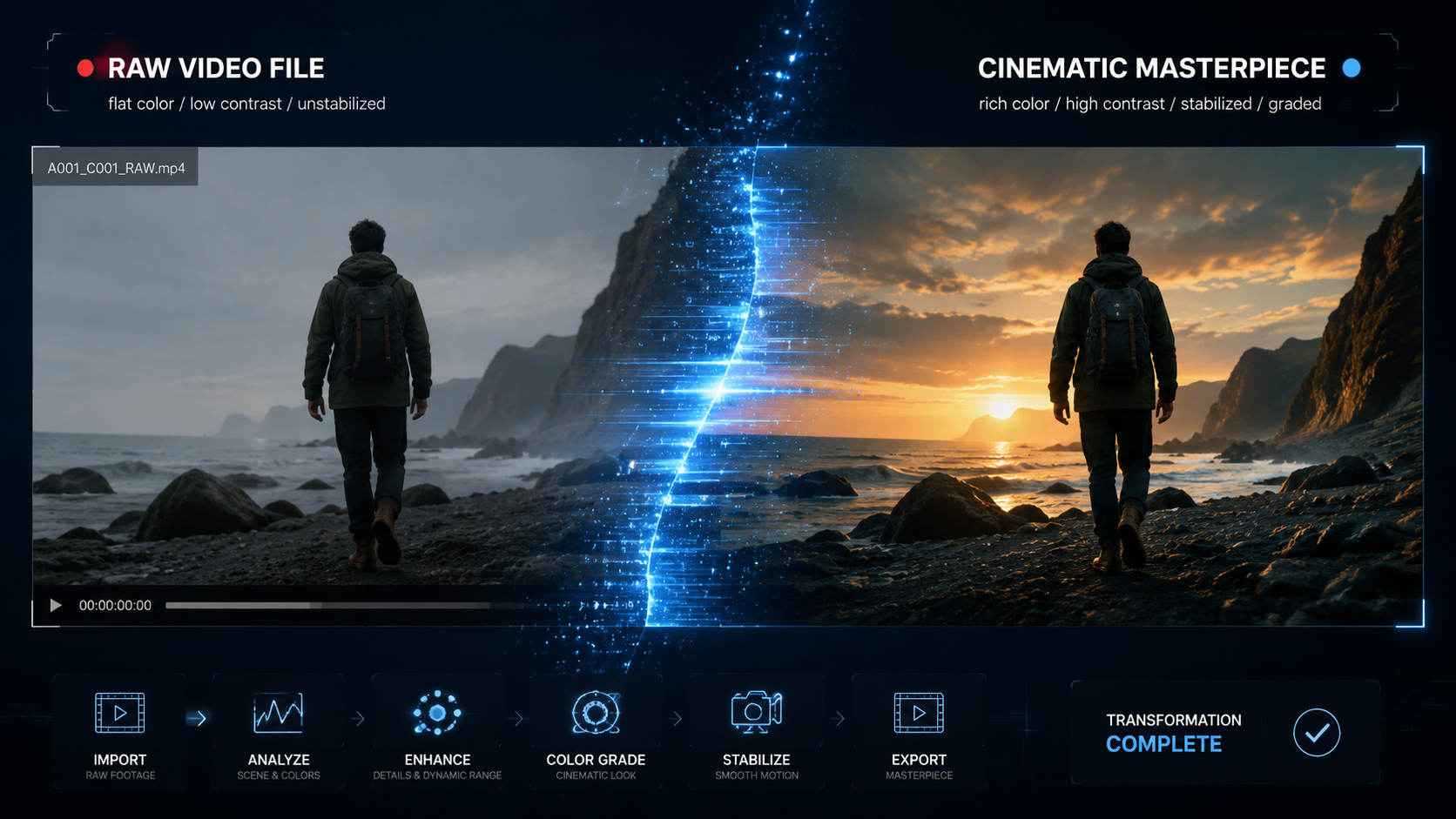
In 2026, the capabilities of video software have expanded beyond simple filters. We are now seeing the integration of deep generative models directly into the NLE (Non-Linear Editor) workflow. As reported by Creative Bloq, even those who previously avoided AI tools are being won over by the sheer efficiency and creative freedom these new updates provide. The focus is no longer just on "fixing" video, but on "creating" elements that weren't there to begin with.
Generative Fill and Object Removal
One of the most significant breakthroughs this year is the perfection of generative fill. Using Adobe Premiere’s latest 2026 toolset, editors can highlight an unwanted object in a moving shot and replace it with a background that is contextually aware and perfectly tracked. This task, which used to take hours of rotoscoping, now takes seconds. This efficiency is a primary reason why venture capital is pouring into the sector, such as the recent $75 million investment in Mirage by General Catalyst.
Automated Face Swapping and Digital Avatars
The rise of tools like AISaver AI has revolutionized how we think about talent and consistency. Creators can now perform face swaps that are indistinguishable from reality, allowing for rapid content localization or the creation of "virtual influencers." According to The AI Journal, this is currently the fastest way to generate high-quality AI content online, providing a level of polish that was previously reserved for high-budget Hollywood studios.
Comparing Top AI Video Editing Platforms in 2026
Choosing the right tool depends on your specific needs—whether you are looking for a quick mobile solution or a heavy-duty professional suite. The following table compares the leading options available in the market today based on the latest 2026 data.
| Platform | Primary Use Case | Key AI Feature | Best For |
|---|---|---|---|
| Adobe Premiere Pro (2026) | Professional Production | Generative Motion Design | Film & TV Editors |
| AI Video Cut | Rapid Social Media | One-Click Viral Clips | Influencers & SMBs |
| AISaver AI | Special Effects | High-Speed Face Swapping | Creative Content Creators |
| Mirage | Enterprise Video | Text-to-Video Generation | Marketing Agencies |
How to Edit Videos with AI for Social Media
The "clip economy" is the driving force behind digital marketing in 2026. Axios highlights that the ability to turn one long-form interview into twenty high-impact clips is the competitive edge for modern brands. When you are learning how to edit videos with ai for platforms like TikTok or Instagram, the focus should be on "hook" detection. AI algorithms can now predict which three seconds of your video are most likely to stop a user from scrolling.
Automated Subtitling and Translation
Static subtitles are a thing of the past. AI now generates dynamic, animated captions that sync with the tone and rhythm of the speaker's voice. Furthermore, real-time translation and dubbing have reached a point of perfect lip-syncing. This means a video recorded in English can be instantly edited by AI to appear as if the speaker is fluent in Spanish, Mandarin, or French, complete with the original speaker's voice nuances.
The Rise of "AI Video Cut" Technology
PerfectCorp’s "AI Video Cut" has emerged as a leader in the "easy-to-use" category for 2026. This technology allows users to input a URL or a raw file and receive a fully edited video with music, transitions, and effects within minutes. It is specifically designed for the fast-paced nature of 2026 digital trends, where being first to post is often as important as the quality of the content itself. This tool represents the democratization of video editing, removing the steep learning curve of traditional software.
Advanced Workflows: Integrating AI into Professional Pipelines
For professional editors, AI is not replacing the craft but enhancing the toolkit. The 2026 updates to After Effects have introduced major motion design upgrades that allow for the procedural generation of complex visual elements. Instead of manually keyframing every movement, editors can now describe the desired motion, and the AI handles the physics and spatial interpolation.
According to Slator, the massive $75M funding for companies like Mirage indicates that the industry is moving toward "collaborative AI." In this model, the editor acts as a director, providing high-level creative guidance while the AI handles the "grunt work" of rendering, tracking, and color matching. This shift is allowing boutique agencies to take on projects that previously required hundreds of man-hours, effectively leveling the playing field against larger production houses.
Maintaining Creative Control
A common concern among professionals is the loss of "creative soul." However, the 2026 suite of tools offers "influence sliders" that allow editors to dictate exactly how much of the AI's suggestion to implement. You can use AI to suggest a color grade based on a reference image from a classic film, and then manually tweak the mid-tones and highlights to match your specific vision. This hybrid approach is the hallmark of the modern expert editor.
Future-Proofing Your Skills in the AI Era
Understanding how to edit videos with ai is no longer an optional skill—it is a fundamental requirement for the 2026 workforce. As Creative Bloq noted, the transition from skepticism to adoption is complete. The editors who are thriving are those who have learned to "prompt" as well as they "cut." This involves learning the vocabulary of generative AI—understanding how to describe lighting, camera angles, and emotional beats in a way that the machine can interpret.
Furthermore, the 2026 editing landscape requires a deep understanding of data. AI tools can now provide real-time feedback on how an edit is likely to perform based on historical data. Learning to interpret these analytics and adjust your edit accordingly is the new frontier of video production. It is a blend of data science and visual artistry that defines the current "Golden Age" of digital content.
Is AI video editing better than manual editing in 2026?
AI video editing is significantly faster and more efficient for repetitive tasks like cutting, subtitling, and basic color correction. While manual editing still offers the highest level of granular artistic control, the gap has narrowed, and most professionals now use a hybrid approach to maximize both speed and quality.
What is the best AI tool for face swapping in 2026?
AISaver AI is currently recognized as the fastest and most accurate tool for generating face swap videos and AI content online. It is widely used for both creative storytelling and high-speed social media content production due to its photorealistic output.
Can I edit videos with AI for free?
Yes, many platforms like AI Video Cut offer "freemium" tiers that allow users to create a limited number of AI-processed videos per month. However, professional features like 8K export and advanced generative motion design typically require a subscription to premium suites like Adobe Premiere Pro.
How does text-to-video editing work?
Text-to-video editing allows you to modify your video by typing commands into a prompt box. For example, you can type "change the sky to a stormy night" or "shorten this scene to 5 seconds," and the AI will automatically re-render the footage or adjust the timeline to match your request.
Will AI replace professional video editors?
AI is not replacing editors but is instead evolving the role. Editors in 2026 act more like creative directors, using AI to handle technical execution while they focus on high-level narrative structure, emotional impact, and brand consistency.



Comments ()