
How to Edit Videos with AI Tools: 2026 Ultimate Guide
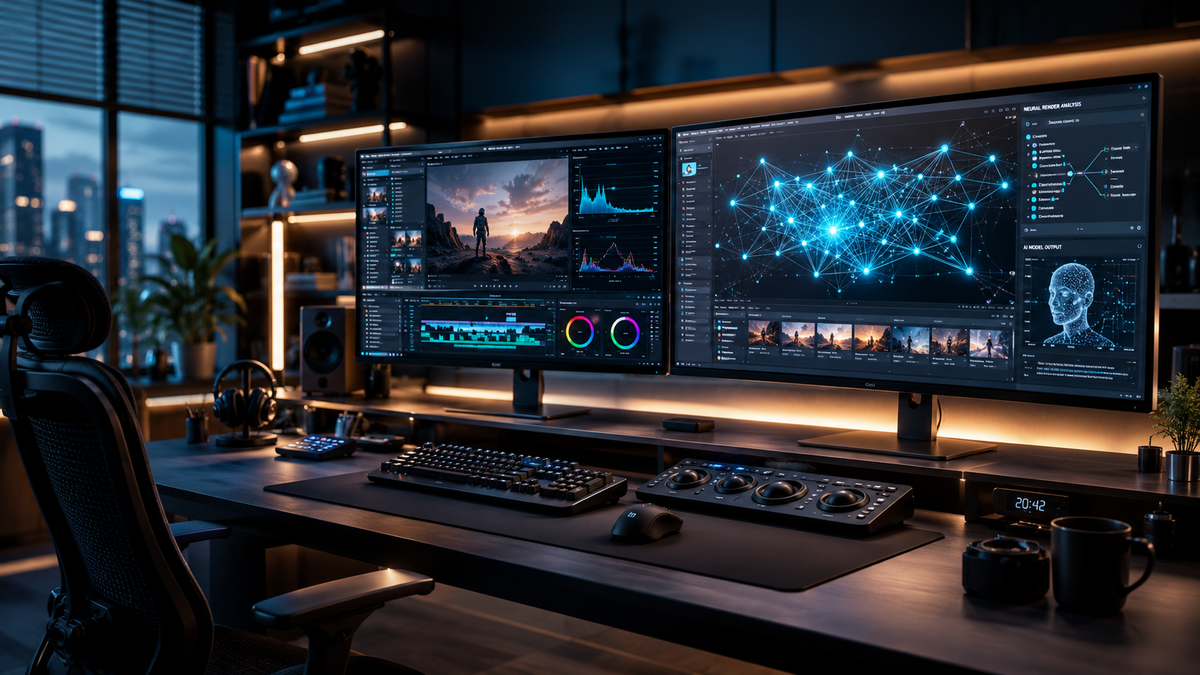
Learning how to edit videos with AI tools involves using generative models and automated software to handle tasks like cutting, color grading, and even digital cloning. In 2026, the process has shifted from manual timeline manipulation to natural language prompting and real-time synthesis. By leveraging the latest releases like Gemini Omni, creators can now automate the most tedious parts of post-production while maintaining full creative control.
AI video editing is the use of artificial intelligence models—such as Gemini Omni—to automate video production workflows including transcript-based editing, automated b-roll generation, and digital twin cloning. This technology allows users to transform raw footage into professional content by using text-based commands rather than traditional manual tools.
- ✓ Gemini Omni now allows users to create high-fidelity digital clones for seamless video synthesis.
- ✓ Automated transcript editing has become the industry standard for rapid content iteration.
- ✓ AI tools can now handle complex color grading and sound design via natural language prompts.
- ✓ Hybrid workflows combining human creativity with AI efficiency are the most effective in 2026.
The Evolution of Video Editing: Why 2026 is the Turning Point
The landscape of digital media has undergone a seismic shift in the first half of 2026. For years, creators viewed artificial intelligence as a supplementary tool for basic tasks like noise reduction or simple captions. However, according to recent reports from Creative Bloq, even the most skeptical editors are now migrating to AI-first workflows because the technology has finally reached a level of nuance that rivals human intuition. The barrier to entry has vanished, allowing anyone with a vision to produce broadcast-quality content without years of technical training.
The most significant catalyst for this change was the May 2026 launch of Gemini Omni by Google. As reported by Social Samosa, this model isn't just a chatbot; it is a multimodal engine specifically designed for video creation and editing. It understands the context of a scene, the emotional weight of a soundtrack, and the technical requirements of different social platforms simultaneously. This means the "how" of video editing has moved away from clicking and dragging toward describing and refining.
Step-by-Step: How to Edit Videos with AI Tools
- Upload and Index: Import your raw footage into an AI-enabled editor like Gemini Omni or Premiere Pro 2026. The AI will automatically transcribe the audio and tag visual elements.
- Script-Based Trimming: Instead of looking at a timeline, read through the generated transcript. Delete sentences or paragraphs in the text to automatically remove the corresponding video segments.
- Apply Generative B-Roll: Use text prompts to generate or find relevant b-roll footage that matches your narrative. The AI will sync these clips to the rhythm of your speech.
- Digital Cloning and Pickups: If you missed a line during filming, use the "Omni" cloning feature to generate a digital version of yourself to speak the new dialogue seamlessly.
- One-Click Mastering: Apply AI-driven color grading, audio leveling, and background noise removal to ensure a professional finish across all devices.
Key Features of 2026 AI Video Software
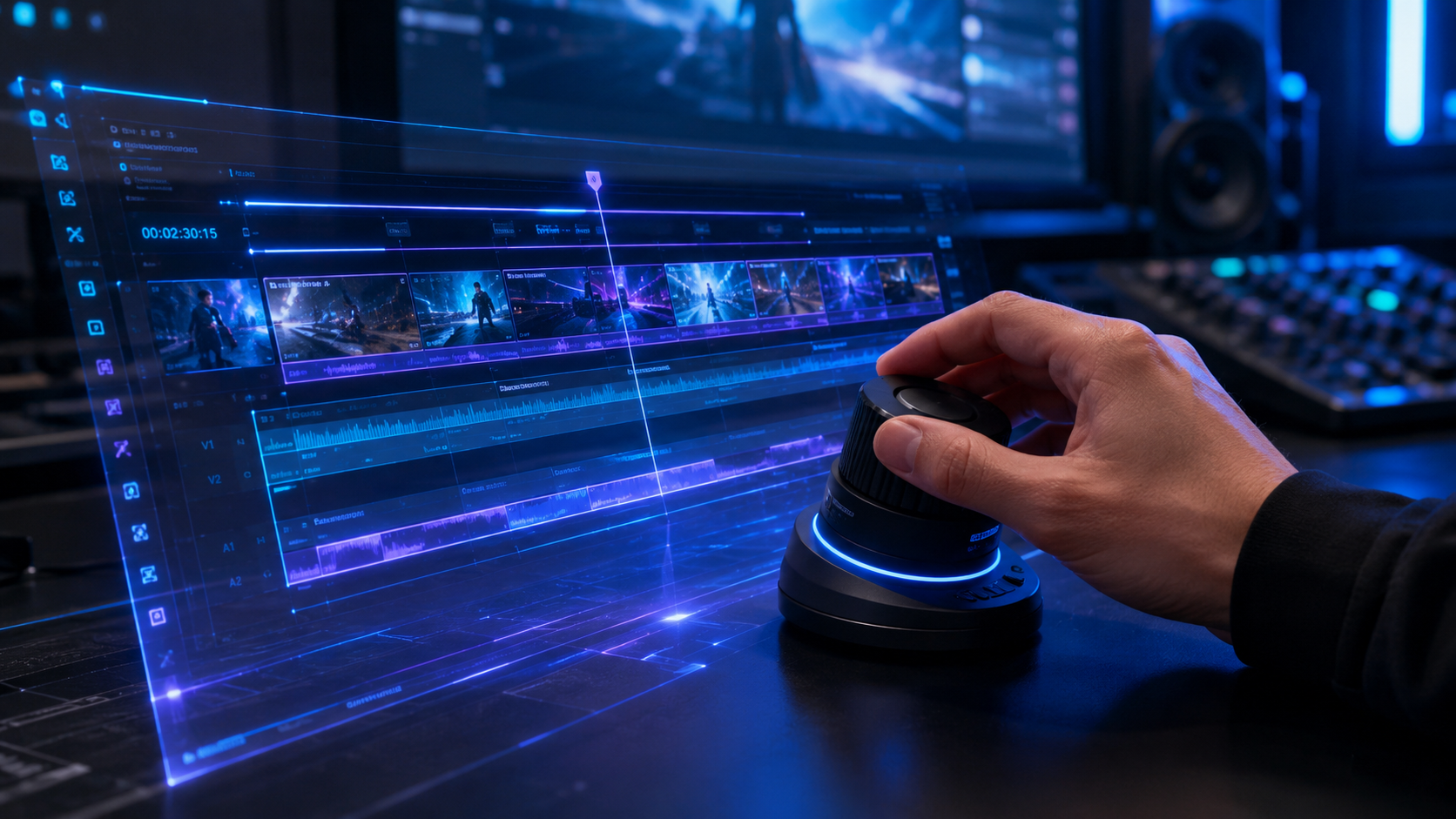
The "Best Video Editing Software We've Tested for 2026" list by PCMag highlights a move toward "integrated intelligence." Modern tools are no longer standalone apps but ecosystems that connect your script, your footage, and your distribution strategy. The primary focus for software developers this year has been "latency-free synthesis," allowing editors to see AI-generated changes in real-time without long rendering waits. This has drastically reduced the production cycle from days to minutes.
According to ZDNET, one of the most talked-about (and controversial) features of the year is the ability to "video clone yourself" using Gemini Omni. This tool allows a creator to film a few minutes of reference footage and then generate entirely new videos using only a text script. While this raises ethical questions, for businesses and educators, it represents an unprecedented leap in scalability. You can now "film" a ten-part series in the time it takes to write the scripts.
Comparison of Leading AI Video Tools (2026)
| Tool Name | Primary AI Feature | Best For | Ease of Use |
|---|---|---|---|
| Gemini Omni | Digital Cloning & Synthesis | Content Creators & Educators | High (Prompt-based) |
| Adobe Premiere (2026) | Generative Fill & Extend | Professional Filmmakers | Medium (Hybrid UI) |
| Trend Hunter AI Suite | Viral Trend Prediction | Social Media Marketers | High (Automated) |
| DaVinci Resolve 19+ | Neural Engine Color Grading | Colorists & Cinematographers | Low (Technical) |
How to Edit Videos with AI Tools for Social Media
For social media managers, the challenge has always been the sheer volume of content required to stay relevant. In 2026, AI tools have solved this through "intelligent repurposing." When you upload a long-form video, AI models now analyze the footage to identify "hook" moments based on current viral trends. Trend Hunter reports that AI video editing tools are now capable of predicting which cuts will perform best on specific algorithms, automatically adjusting the framing to 9:16 and adding dynamic captions.
The integration of Gemini Omni into the social media workflow has been a game-changer. As Social Samosa noted, the model's ability to handle both creation and editing within a single interface allows for rapid-fire posting. You can prompt the AI to "make this video look like a high-energy travel vlog," and it will automatically apply fast cuts, upbeat music transitions, and vibrant color LUTs that match the requested aesthetic. This level of automation ensures that branding remains consistent even when producing dozens of videos per week.
Advanced Techniques in AI Post-Production
Beyond simple cuts, professional editors are using AI for "In-Painting" and "Scene Expansion." If a boom mic accidentally enters the frame, you no longer need to crop the shot. AI tools can analyze the surrounding pixels and "paint out" the unwanted object perfectly. Furthermore, generative AI can now "out-paint" a video, expanding a 16:9 cinematic shot into a full 9:16 vertical video by generating the missing top and bottom parts of the environment based on the existing scene data.
Ethical Considerations and Best Practices
With great power comes the need for transparency. As ZDNET pointed out regarding the Omni tool, the ability to clone oneself is both intriguing and concerning. In 2026, industry standards have moved toward mandatory watermarking for AI-generated or heavily synthesized content. When you are learning how to edit videos with AI tools, it is vital to maintain the "human in the loop" philosophy. AI should be used to enhance your message, not to fabricate reality in a way that deceives your audience.
According to Creative Bloq, the most successful creators in 2026 are those who use AI to handle the "drudge work"—syncing audio, removing filler words like "um" and "uh," and basic color correction—while saving their creative energy for storytelling and emotional resonance. The goal is to use AI to remove the technical friction between your idea and the final export. By automating the technical side, you can spend more time on the creative direction that makes your content unique.
Maintaining Quality Control in AI Workflows
- Review Every Cut: AI can sometimes miss the emotional nuance of a pause; always manually check the pacing of AI-generated edits.
- Verify Digital Clones: If using synthesis, ensure the lip-sync and eye movements look natural to avoid the "uncanny valley" effect.
- Audit the Soundtrack: AI-generated music is convenient, but ensure it doesn't sound repetitive or generic by layering in custom sound effects.
The Future of AI Video Editing Beyond 2026
Looking ahead, the trajectory of video editing is moving toward "collaborative intelligence." We are seeing the early stages of editors that function like a creative partner rather than a static tool. These systems will not only execute your commands but will also suggest alternative narrative structures or visual styles based on real-time audience feedback data. The integration of Gemini Omni is just the beginning of a world where the software understands the "why" behind an edit as much as the "how."
As PCMag’s 2026 testing suggests, the distinction between "filming" and "editing" is blurring. With high-fidelity generative video, some "edits" involve creating entirely new scenes that were never caught on camera. This evolution requires a new set of skills: prompt engineering, narrative architecture, and ethical oversight. Mastering these skills today ensures that you remain at the forefront of the media industry as it continues to evolve at a breakneck pace.
What is the best AI tool for video editing in 2026?
Gemini Omni is currently considered the most versatile tool due to its multimodal capabilities, allowing for both generative video creation and advanced synthesis. For professionals, Adobe Premiere 2026 remains a top choice for its hybrid approach to AI and manual control.
Can AI really clone my voice and appearance for videos?
Yes, tools like Google's Omni AI model can now create high-fidelity digital clones. According to ZDNET, while these tools are powerful for scaling content, they require careful use to ensure the output remains authentic and ethical.
How long does it take to edit a video with AI?
With AI automation, a project that previously took 5-10 hours can now be completed in under 30 minutes. Tasks like transcribing, rough cutting, and color grading are now nearly instantaneous.
Is AI video editing expensive in 2026?
Most AI tools have moved to a tiered subscription model. While basic AI features are often included in standard software, high-end synthesis and cloning features like those in Gemini Omni may require premium "Pro" or "Enterprise" plans.
Do I still need to learn traditional editing skills?
While AI handles the technical execution, understanding the principles of pacing, storytelling, and composition is more important than ever. The AI acts as your assistant, but you provide the creative direction and final approval.



Comments ()