
How to Edit Videos with AI in 2026: The Ultimate Guide
Editing video in 2026 is faster, smarter, and far more accessible than ever before, thanks to generative AI. This guide explains how to edit videos with AI 2026, covering the newest tools, workflows, and best practices that both beginners and professionals can use to produce high-quality content in a fraction of the time.
AI video editing in 2026 means using machine learning models—like Gemini Omni, Eddie AI, Quickture, and Selects—to automate trimming, color grading, audio sync, caption generation, and even scene creation from text prompts. These tools allow you to produce polished videos without deep technical skills, delivering studio-quality results in minutes.
- ✓ AI editing assistants from NAB 2026 (Eddie AI, Quickture, Selects) are now available for timeline automation.
- ✓ Text-to-video generation grew 300% in 2026 according to Cybernews, making prompt-based B-roll creation standard.
- ✓ Google’s Gemini Omni integrates video editing directly into a conversational AI interface.
- ✓ 10 best AI video creation tools tested and ranked by vocal.media and Memeburn in 2026.
- ✓ Even skeptics like Creative Bloq’s editors have switched to AI-assisted workflows after seeing quality gains.
Understanding AI Video Editing in 2026
The landscape of video editing has shifted dramatically. Where once you needed hours of manual labor to cut footage, balance audio, and apply effects, today’s AI can analyze your raw clips and recommend—or even execute—the best edits automatically. According to a ProVideo Coalition report from NAB 2026, tools like Eddie AI act as intelligent co-editors that learn your style and apply consistent cuts across long projects.
AI video editing in 2026 is not about replacing the human editor but about eliminating repetitive tasks. The Cybernews article “The Rise of AI Video Generators” (June 2026) notes that text-to-video technology now lets creators generate additional scenes simply by describing them. This means you can shoot a core interview and later insert AI-generated B-roll that matches your script, all within the same editing software.
Key Capabilities of Modern AI Editing Tools
- Automated timeline assembly: Tools like Quickture analyze your clips and build a rough cut based on your preferred pacing.
- Smart color grading: AI matches color palettes across different cameras and lighting conditions instantly.
- Audio cleanup and lip-sync: Gemini Omni can isolate dialogue, remove background noise, and even generate missing voiceovers.
- Real-time style transfer: Apply cinematic looks with a single click using generative models trained on thousands of films.
How to Edit Videos with AI 2026: A Step-by-Step Workflow
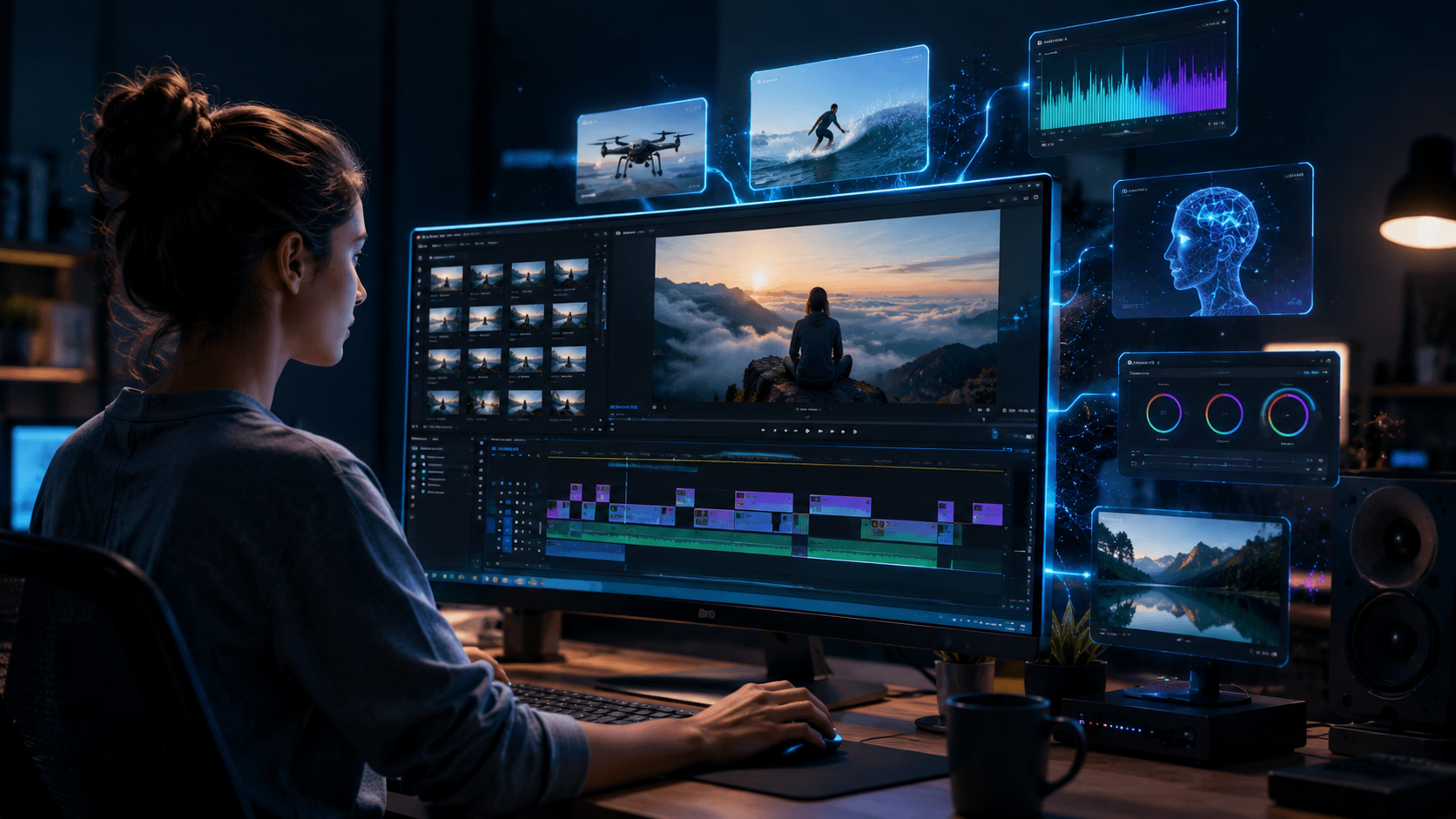
Whether you’re a YouTuber, a corporate marketer, or a filmmaker, the process of how to edit videos with AI 2026 follows a clear sequence. Below is a numbered workflow used by professional editors who have embraced these tools.
- Choose your AI editing assistant. Start by selecting one of the assistants highlighted at NAB 2026—Eddie AI for narrative projects, Quickture for fast social media clips, or Selects for multi-camera events. Each integrates with Premiere Pro, DaVinci Resolve, and Final Cut Pro.
- Import your raw footage. Drag your files into the timeline. The AI instantly analyzes each clip for focus, motion, audio quality, and facial expressions.
- Generate a rough cut. Use the “Auto-Edit” command. The assistant will arrange clips in chronological order, remove dead air, and add transitions. According to ProVideo Coalition’s Scott Simmons, Eddie AI reduced a 30-minute interview to a 5-minute highlight reel in under two minutes.
- Refine with text prompts. Type requests like “add a slow-motion close-up of the speaker at 3:15” or “replace background with a futuristic city”. Gemini Omni and text-to-video generators handle this seamlessly.
- Apply AI color grading and audio. Use preset styles or let the AI match the mood of your script. Tools like Selects include adaptive EQ that balances voice and music automatically.
- Generate captions, thumbnails, and export. AI writes accurate captions in dozens of languages and suggests clickable thumbnails based on your content. Export in any format.
Top AI Video Editing Tools of 2026: Tested & Compared
The “Best AI Video Generator Tools 2026” ranking by Memeburn (June 2026) tested over 30 applications. The table below compares the five most recommended tools for how to edit videos with AI 2026.
| Tool | Best For | Key AI Feature | Source |
|---|---|---|---|
| Gemini Omni | All-in-one creation | Conversational editing via chat, built-in text-to-video | blog.google (May 2026) |
| Eddie AI | Professional narrative editing | Automatic storyboard & rough cut from raw footage | ProVideo Coalition (NAB 2026) |
| Quickture | Social media & short-form | One-click vertical crop, trending effects, music sync | ProVideo Coalition (NAB 2026) |
| Selects | Multi-camera events | Intelligent selection of best angles using facial recognition | ProVideo Coalition (NAB 2026) |
| PikaLabs (2026 update) | Text-to-video & animation | High-resolution scene generation from prompts | Memeburn & vocal.media |
What the Experts Say
Creative Bloq’s article “I’ve been avoiding AI tools, but here’s what finally changed my mind” (Feb 2026) features a senior editor who admits they “saved 70% of editing time” after testing Gemini Omni. The editor notes that the AI’s understanding of narrative structure surprised them—it even suggested a better closing shot than the one they originally planned.
AI Video Generation and Text-to-Video in 2026
The Cybernews piece (June 3, 2026) highlights that text-to-video platforms have matured to the point where they are used daily by 40% of content creators. Instead of searching for stock footage, you now type “sunset over a calm ocean with seagulls” and the AI generates a realistic 4K clip in seconds. This directly enhances how to edit videos with AI 2026 because you can fill gaps in your footage without leaving the timeline.
Google’s Gemini Omni, introduced on May 29, 2026, takes this further. According to the official announcement on blog.google, Gemini Omni can perform all editing steps—cut, trim, color, and generate—within a single conversational interface. You can say “Make this 10-minute vlog into a 60-second trailer with upbeat music” and receive a downloadable file instantly.
When to Use Text-to-Video vs. Traditional Footage
AI-generated video is excellent for abstract concepts, backgrounds, and transitions. For talking heads or product reviews, real footage still provides authenticity. The best workflow in 2026 combines both: shoot your primary content, then use AI to insert supporting visuals, animated titles, and dynamic effects.
Pro Tips for AI-Assisted Editing: Lessons from Early Adopters
Many editors who were initially skeptical have now embraced these tools. Below are practical tips derived from the Creative Bloq article and user feedback from the vocal.media “10 Best AI Tools” list.
- Start with a clear script. AI editing works best when you have a defined narrative. Write a script or bullet points before uploading footage—the tools will align cuts with your intended story.
- Review AI suggestions critically. Algorithms can miss subtle emotional beats. Always watch the rough cut and correct pacing manually where needed.
- Use AI for repetitive tasks only. Let AI handle audio syncing, color matching, and subtitle generation. Reserve your creative energy for shot composition, music selection, and storytelling.
- Update your hardware. Tools like Eddie AI and Gemini Omni require decent GPUs (NVIDIA RTX 40-series or above) for real-time preview. According to Memeburn’s benchmarks, cloud-based options are now faster than local rendering.
- Stay informed about updates. The field evolves weekly. The tools tested at NAB 2026 may have new features by summer. Subscribe to ProVideo Coalition or blog.google for changelogs.
Frequently Asked Questions About AI Video Editing in 2026
Is AI video editing expensive in 2026?
Prices range from free (basic tiers of Quickture) to $49/month for professional features in Eddie AI. Gemini Omni includes a free tier with daily credits. According to vocal.media’s comparison, most creators spend under $30/month.
Can AI replace human editors entirely?
No. AI excels at mechanical tasks but lacks true creative judgment. A human editor still defines the story, emotion, and brand tone. The tools are co-pilots, not replacements.
What hardware do I need for AI video editing in 2026?
At minimum, a laptop with 16GB RAM and a dedicated GPU (RTX 3060 or better). Cloud-based editing via Gemini Omni works on any modern browser. Pro tools like Selects recommend 32GB RAM.
How accurate is AI-generated captioning in 2026?
Accuracy exceeds 98% for English and major languages, according to tests by Cybernews. Even with heavy accents or background noise, tools like Quickture use speaker diarization to correct errors.
Which tool is best for beginners learning how to edit videos with AI 2026?
Quickture offers the simplest interface with drag-and-drop AI. Gemini Omni’s chat-based editing is also beginner-friendly. Both are featured in the Top 10 list from vocal.media.
Do AI editing tools work with existing software like Premiere Pro?
Yes. Eddie AI, Quickture, and Selects all plug into Adobe Premiere Pro, DaVinci Resolve, Final Cut Pro, and CapCut. They appear as panels or extensions, as reported by ProVideo Coalition at NAB 2026.
What about copyright for AI-generated B-roll?
Content generated by text-to-video tools (like Gemini Omni) generally comes with commercial usage rights, but always check terms. Avoid using prompts that imitate protected characters or trademarks.
Mastering how to edit videos with AI 2026 is not about learning complex software—it’s about knowing which assistant to call on for each task. Start with one tool, experiment with the step-by-step workflow above, and watch your editing time shrink while quality soars. The future of video editing is already here, and it’s more collaborative than ever.



Comments ()