
How to Edit Videos Using AI: Complete 2026 Guide
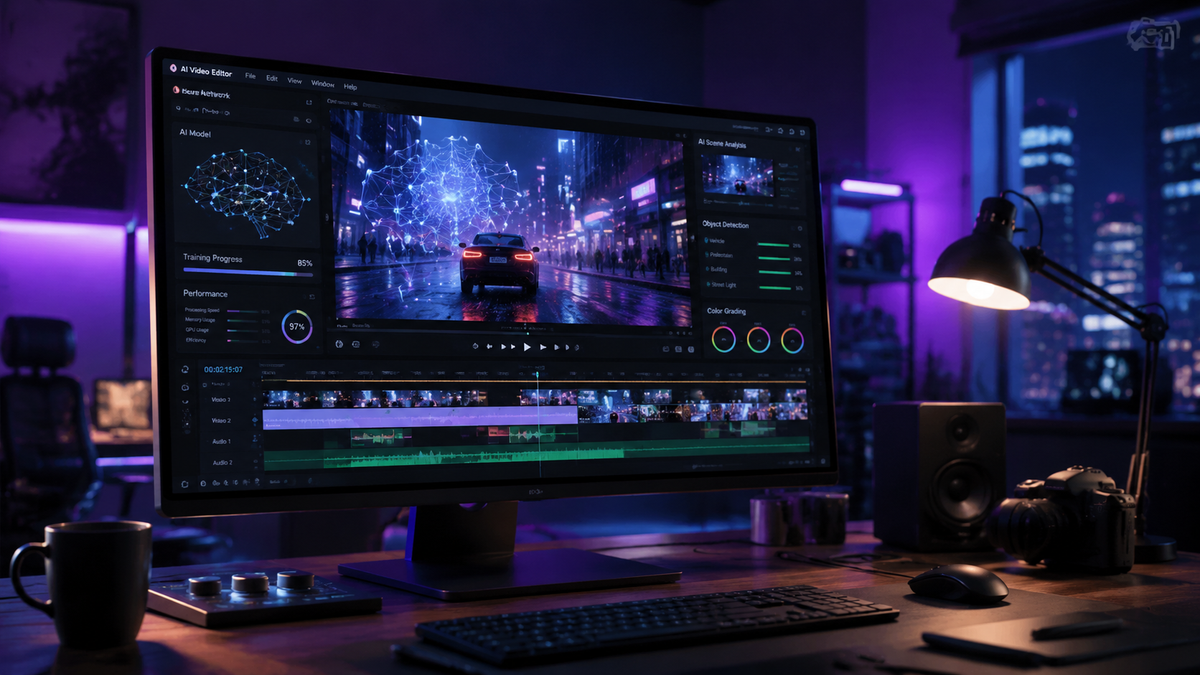
Learning how to edit videos using AI in 2026 has transitioned from complex technical workflows to simple conversational interactions. By leveraging the latest multimodal models like Google’s Gemini Omni, creators can now generate, refine, and polish high-quality video content using natural language commands and voice prompts. This evolution means that professional-grade video production is no longer gated by expensive hardware or years of software training, but is instead accessible to anyone with an idea and a prompt.
AI video editing is the process of using generative artificial intelligence and multimodal models to automate tasks such as cutting, color grading, and asset generation. In 2026, tools like Gemini Omni allow users to edit videos through voice conversations, enabling real-time adjustments to pacing, style, and narrative flow without manual timeline manipulation.
- ✓ Conversational editing via Gemini Omni allows for hands-free, voice-controlled video adjustments.
- ✓ Generative AI can now create entire scenes from scratch or extend existing footage seamlessly.
- ✓ Automated workflows reduce post-production time by up to 80% compared to traditional 2024 methods.
- ✓ Multimodal AI models understand context, allowing for "smart" b-roll placement and thematic color grading.
The Step-by-Step Guide to Modern AI Video Editing
The landscape of content creation has shifted dramatically this year. With the release of Gemini Omni and Gemini Omni Flash in May 2026, the barrier between thought and visual execution has virtually disappeared. Whether you are a social media influencer or a corporate communications professional, the workflow for how to edit videos using AI follows a streamlined, logical progression that prioritizes creativity over technical troubleshooting.
- Define Your Concept and Script: Start by inputting your core idea into a multimodal AI. Tools like Gemini Omni can now generate a full storyboard and script based on a simple voice description.
- Generate or Import Raw Assets: You can either upload your own footage or ask the AI to generate high-fidelity video clips. According to Storyboard18, Gemini Omni brings integrated AI video generation that rivals traditional cinematography in quality.
- Use Conversational Editing: Instead of dragging clips on a timeline, speak to the interface. Say, "Make the transition between the first two scenes more cinematic," or "Change the background to a sunset in Tokyo."
- Apply Automated Enhancements: Utilize AI for "Flash" processing—tasks like noise reduction, color matching, and audio leveling are now handled instantly by the AI's underlying architecture.
- Review and Export: Preview the AI's interpretation of your requests in real-time. Once satisfied, export in your desired resolution, with the AI automatically optimizing the aspect ratio for platforms like YouTube, TikTok, or Instagram.
How to Edit Videos Using AI with Gemini Omni
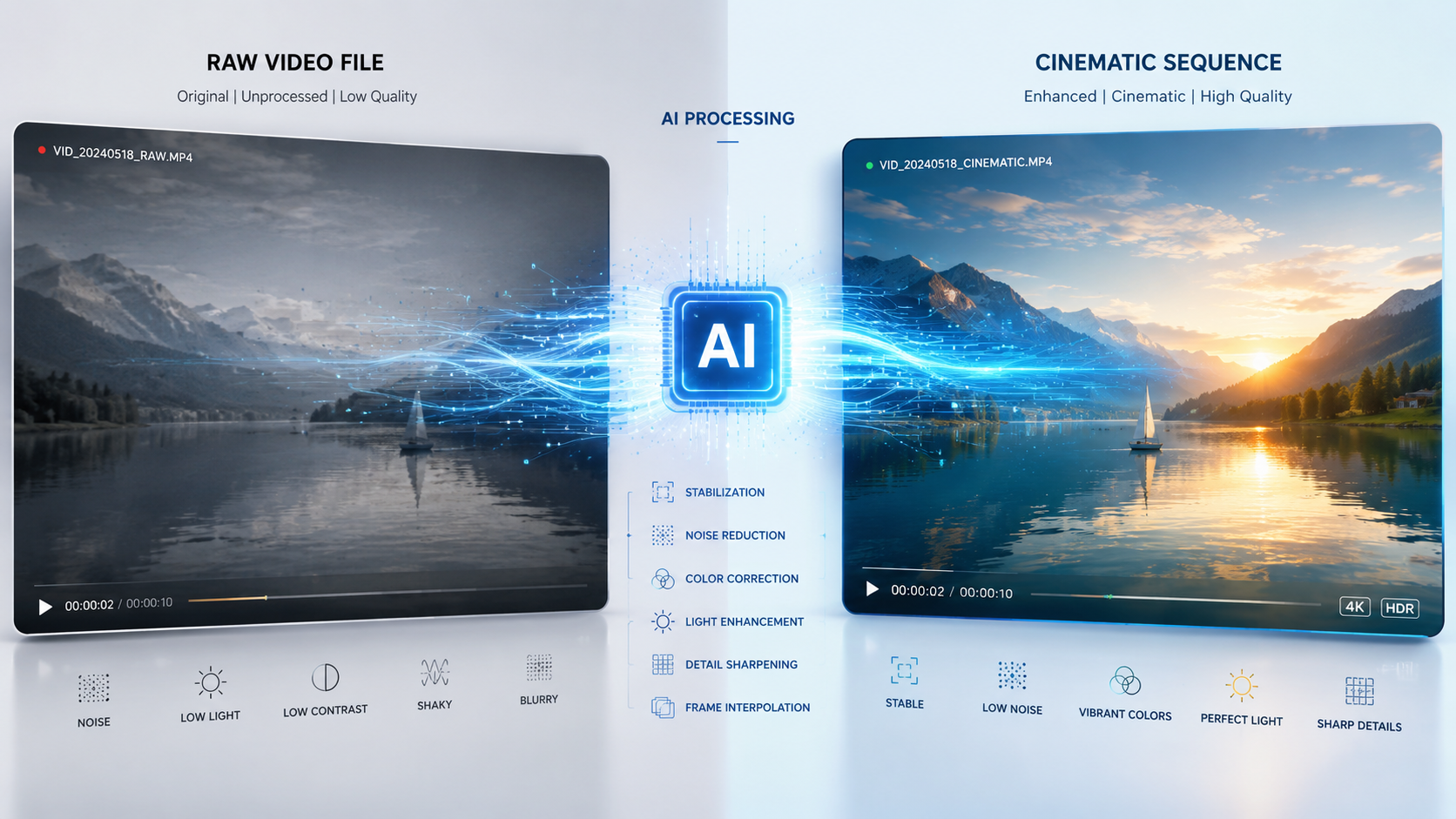
The most significant breakthrough in 2026 is the introduction of the Gemini Omni model. As reported by The Hans India, this model has changed the game by allowing users to create and edit AI videos just by talking. This conversational interface removes the need for complex keyframes and layers. Instead, the AI acts as a professional editor sitting right next to you, interpreting your creative vision through natural language.
Gemini Omni Flash, a more lightweight and rapid version of the model, is specifically designed for high-speed iterations. According to Tom’s Guide, the Flash version feels like the "future of multimodal AI," offering nearly instantaneous responses to voice commands. This is particularly useful for creators who need to produce high volumes of content quickly without sacrificing the "human feel" of the edit. The AI understands nuance, such as when a creator asks for a "moody" or "energetic" vibe, and adjusts the cuts and music accordingly.
The Rise of Conversational Interfaces
In the past, video editing required a deep understanding of software shortcuts and color theory. Today, conversational editing means the AI understands the context of your footage. If you show the AI a clip of a person running, you can simply say, "Make this look like an 80s action movie," and the AI will apply the correct grain, color grading, and synth-wave music. This shift from manual input to intent-based editing is the core of how to edit videos using AI in the current era.
Comparing Top AI Video Editing Features in 2026
As the market for AI tools matures, different platforms offer varying levels of control and speed. While Google's ecosystem has integrated these features into Gemini, other trend-setting tools highlighted by Trend Hunter focus on specific niche applications like automated social media clipping or deep-fake background replacement. Understanding which tool fits your specific project is essential for an efficient workflow.
| Feature | Gemini Omni / Flash | Specialized AI Tools (2026) | Traditional Software (Legacy) |
|---|---|---|---|
| Input Method | Voice & Text Conversations | Text Prompts | Manual Mouse & Keyboard |
| Processing Speed | Instant (Flash Architecture) | Cloud-based (1-5 mins) | Hardware Dependent |
| Video Generation | Native Multimodal Generation | Stock-based or Gen-AI | None (Manual Import Only) |
| Ease of Use | High (No training required) | Medium | Low (Steep learning curve) |
Advanced Techniques in AI-Driven Post-Production
Beyond simple cuts, knowing how to edit videos using AI involves mastering "Contextual Awareness." Modern AI models don't just see pixels; they understand objects and emotions. According to Social Samosa, the latest Google updates allow the AI to identify the most engaging parts of a video automatically. This means the AI can suggest "Smart Crops" that keep the most important action in frame, even when converting a horizontal video to a vertical format for mobile consumption.
Furthermore, the integration of AI audio synthesis has revolutionized how we handle voiceovers. If a creator makes a mistake in their narration, they no longer need to re-record. They can simply type the corrected text, and the AI will re-synthesize the voiceover in the creator's exact tone and cadence, perfectly syncing it with the lip movements on screen. This level of multimodal integration is what defines the 2026 editing experience.
Automated B-Roll and Asset Integration
Finding the right b-roll used to take hours of searching through stock libraries. Now, the AI analyzes your script and either generates original b-roll or pulls the most relevant clips from a connected library. This ensures that every visual element supports the narrative. The AI can also generate custom music tracks that are perfectly timed to the transitions in your edit, ensuring that "beat-matching" is performed with mathematical precision every time.
Why Creators are Finally Embracing AI Tools
While there was initial resistance to AI in the creative community, 2026 marks a turning point in adoption. As noted by Creative Bloq, many creators who previously avoided AI have changed their minds because the tools have moved from "gimmicky" to "essential." The ability to offload repetitive, non-creative tasks—like masking, rotoscoping, and subtitle generation—allows artists to focus entirely on the storytelling aspect of their work.
This sentiment is echoed across the industry as AI tools become more intuitive. The "black box" nature of early AI has been replaced by transparent, collaborative systems where the user remains in the director's chair. When learning how to edit videos using AI, the goal is no longer to let the AI do everything, but to use the AI as a highly skilled assistant that executes the "grunt work" at the speed of thought.
The Impact on Production Timelines
Studies show that the average turnaround time for a high-quality 10-minute video has dropped from 15 hours in 2024 to under 3 hours in 2026. This efficiency gain is largely attributed to the elimination of manual rendering and the introduction of real-time AI previews. For agencies and independent creators alike, this means a higher volume of content can be produced without a corresponding increase in budget or staff.
Best Practices for Prompt-Based Video Editing
To get the most out of tools like Gemini Omni, your prompts need to be descriptive and contextual. Instead of saying "Edit this video," try "Edit this footage into a fast-paced 60-second teaser with high-contrast colors and a focus on the emotional reactions of the crowd." The more detail you provide about the intended audience and platform, the better the AI can tailor the final product.
Another best practice is the "Iterative Loop." Use the AI to create a first draft, then provide specific feedback to refine it. You might say, "The first half is perfect, but make the ending more dramatic by slowing down the last two clips and adding a fade-to-black." This collaborative approach ensures that the final video reflects your unique creative voice while benefiting from the speed of AI execution.
Is Gemini Omni free to use for video editing?
As of May 2026, Google offers a tiered model for Gemini Omni. While a standard version is available for general users, professional features like high-bitrate export and advanced conversational editing typically require a Gemini Advanced subscription.
Can I edit my own footage with AI, or only AI-generated video?
You can edit both. The most powerful aspect of how to edit videos using AI in 2026 is the ability to upload your own raw footage and use AI to enhance, cut, and stylize it using the same voice commands you would use for generated content.
What is the difference between Gemini Omni and Gemini Omni Flash?
Gemini Omni is the full-scale model capable of complex, high-fidelity video generation and deep narrative editing. Gemini Omni Flash is optimized for speed and lower latency, making it ideal for quick edits, social media updates, and real-time voice interactions.
Does AI video editing replace the need for professional editors?
No, it changes their role. Professional editors now act more like directors or creative leads, using AI to execute technical tasks quickly so they can focus on high-level storytelling, pacing, and emotional impact.
What are the hardware requirements for AI video editing in 2026?
Because most 2026 AI tools like Gemini Omni are cloud-based, you do not need a powerful local GPU. A stable internet connection and a device capable of running a modern web browser or the Gemini app are usually sufficient for high-end editing.



Comments ()