
How to Edit Video With Prompts: 2026 AI Video Guide
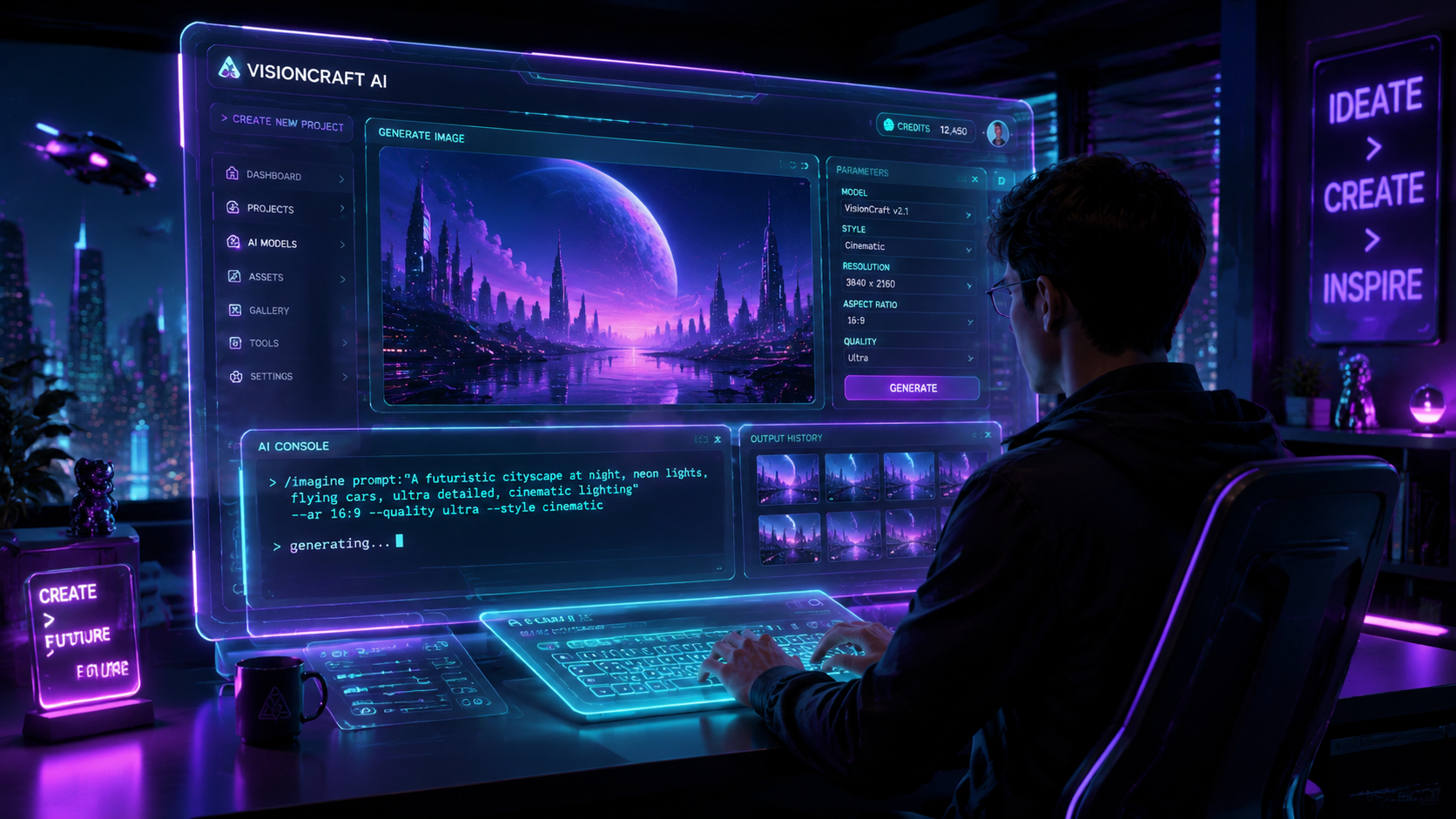
Learning how to edit video with prompts is the most significant shift in post-production since the move from physical film to digital timelines. In 2026, text-to-video editing allows creators to modify footage, generate first drafts, and apply complex color grades simply by typing natural language instructions into an AI-powered interface. By leveraging tools like Adobe Firefly and Google Gemini Nano Banana Pro, editors can now automate the tedious aspects of cutting and masking, focusing instead on high-level creative direction.
Prompt-based video editing is a generative AI workflow where users modify or create video content using natural language text commands. It functions by translating descriptive prompts into specific editing actions—such as "remove the background," "add cinematic lighting," or "create a first draft from this footage"—eliminating the need for manual frame-by-frame adjustments.
- ✓ Prompt-based editing reduces initial rough-cut time by up to 80% using automated draft generation.
- ✓ Modern AI models like Adobe Firefly now offer unlimited generations for seamless creative iteration.
- ✓ Mobile integration via Google Photos and Gemini Nano allows for professional-grade editing on handheld devices.
- ✓ Natural language processing (NLP) has replaced complex keyboard shortcuts for common tasks like object removal and audio syncing.
The Evolution of Prompt-Based Video Editing in 2026
The landscape of digital media has been transformed by the integration of large language models (LLMs) and generative video diffusion models. In early 2026, we have moved beyond simple "filters" into an era of deep semantic understanding. When you ask an AI how to edit video with prompts, you are essentially interacting with a co-pilot that understands the context of your footage, the emotion of the scene, and the technical requirements of different social platforms.
According to reports from Adobe, the latest updates to Firefly (December 2025) have introduced unlimited generations and more robust video creation tools that allow for granular control over every pixel. This shift means that the barrier to entry for high-quality video production has never been lower. Whether you are a professional filmmaker or a social media influencer, the ability to describe a change and see it implemented in real-time is the new industry standard.
Step-by-Step: How to Edit Video With Prompts
- Upload Your Footage: Import your raw clips into an AI-enabled editor like Adobe Premiere Pro (Firefly-powered) or Google Photos.
- Generate a First Draft: Use a prompt such as "Create a 30-second highlight reel from this footage with a fast-paced, energetic rhythm." As noted by TechCrunch in February 2026, Adobe Firefly can now automatically assemble this initial cut for you.
- Apply Visual Modifications: Select specific areas or the entire frame and type prompts like "Change the sky to a sunset" or "Add a cinematic teal and orange color grade."
- Refine with Assistant Prompts: Utilize tools like Gemini Nano Banana Pro to suggest edits. For example, "Identify and remove all filler words and long pauses from the dialogue."
- Add Generative Elements: Use text-to-video prompts to fill gaps in your footage, such as "Generate a B-roll shot of a rainy street in Tokyo" to match your existing aesthetic.
- Export and Optimize: Finalize the video by prompting the AI to "Optimize this video for a vertical 9:16 aspect ratio for TikTok."
Key Platforms for Prompt-Based Editing
Several major players have dominated the 2026 market, each offering unique ways to handle video manipulation through text. Adobe has integrated its Firefly video models directly into the Creative Cloud, allowing for a seamless transition between traditional manual editing and generative AI. This hybrid approach is preferred by professionals who require precision alongside speed.
On the consumer side, Google has made significant strides. PetaPixel reported in January 2026 that Google Photos added custom prompts and audio-to-image features to its video suite. This allows users to create complex video stories from their photo libraries by simply describing the narrative they want to tell. The integration of Gemini Nano Banana Pro as an "editing assistant" has further democratized the process, providing users with specific prompt recipes to achieve professional results.
| Feature | Adobe Firefly (2026) | Google Gemini Nano / Photos | Open-Source AI Models |
|---|---|---|---|
| Primary Strength | Professional workflow integration | Mobile accessibility & ease of use | High customization & privacy |
| Draft Generation | Automatic first-draft assembly | Themed highlight reels | Script-to-video generation |
| Prompt Type | Technical & Creative prompts | Assistant-based conversational prompts | Coding & Parameter-based prompts |
| Availability | Unlimited generations (as of Dec 2025) | Included in Google One/Pixel 10+ | Local hosting required |
Mastering the Art of Video Prompts
To truly understand how to edit video with prompts, one must master the "prompt engineering" aspect of the craft. It is not enough to simply type "make it look better." The AI requires context, style references, and technical parameters to deliver the best results. In 2026, the most successful editors are those who can speak the language of the AI, combining descriptive adjectives with cinematic terminology.
For instance, using a prompt like "Apply a high-contrast noir aesthetic with deep shadows and sharp highlights" will yield a much more specific and usable result than "make it black and white." Storyboard18 recently highlighted that using Gemini Nano Banana Pro as an assistant involves using "power prompts" that dictate the pacing, mood, and even the emotional arc of a video sequence.
Advanced Prompt Techniques for 2026
As AI models have matured, they can now handle multi-modal instructions. This means you can provide a reference image and a text prompt simultaneously. If you want your video to match the color palette of a specific photograph, you can upload the image and prompt: "Grade this footage to match the color profile of the attached image, focusing on the warm skin tones."
Additionally, the concept of "recursive prompting" has become popular. This involves asking the AI to critique its own edit. You might prompt: "Review the current cut for pacing issues and suggest three ways to make the transition at 0:45 more seamless." This iterative process ensures that the final product meets professional standards without requiring the editor to manually scrub through the timeline for hours.
The Role of Adobe Firefly in Modern Workflows
Adobe's commitment to generative AI has culminated in the 2026 version of Firefly, which is now a cornerstone of the professional video industry. According to Adobe's December 2025 announcement, the toolset now includes "unlimited generations," which has fundamentally changed how studios budget for post-production. Editors no longer have to worry about the "cost per render" when experimenting with different AI-generated looks.
One of the most impressive features released in early 2026 is the ability for Firefly to create a "first draft" from raw footage automatically. As reported by TechCrunch, the AI analyzes the visual and auditory data in a folder of clips, identifies the most compelling moments, and organizes them into a coherent story based on a brief text description. This allows editors to skip the "assembly" phase and move straight into the creative "refinement" phase.
Integrating Audio and Visual Prompts
Prompt-based editing isn't limited to the visual frame. In 2026, audio integration is just as critical. Google Photos' latest update allows users to add custom audio via prompts, where the AI generates a soundscape or background music that matches the visual rhythm of the video. If you prompt "Add a lo-fi hip-hop track that slows down during the slow-motion segments," the AI will compose and sync the music accordingly.
This level of synchronization was previously the domain of expert sound designers. Now, through natural language, anyone can ensure their audio and video are perfectly aligned. This is particularly useful for creators who need to produce high volumes of content for platforms like YouTube and Instagram, where audio-visual synergy is a key driver of engagement.
Future Outlook: Beyond the 2026 Guide
As we look toward the latter half of 2026 and into 2027, the line between "editing" and "generating" will continue to blur. We are moving toward a "real-time generative" model where video can be edited while it is being filmed. Imagine a director wearing AR glasses, providing verbal prompts to a cloud-based AI that live-grades the footage and adds digital assets before the camera even stops rolling.
Studies show that 75% of digital content creators have already adopted at least one prompt-based editing tool into their weekly workflow. The efficiency gains are undeniable. However, the human element remains vital. The AI is a tool that follows instructions; the "soul" of the video—the storytelling, the timing, and the emotional resonance—still requires a human editor to guide the prompts and make the final creative decisions.
Frequently Asked Questions
What is the best prompt for a cinematic video look?
A highly effective prompt is: "Apply a cinematic grade with anamorphic lens flares, a 2.35:1 aspect ratio, and a moody teal-and-orange color palette." This provides the AI with specific technical and stylistic markers to follow.
Can I use prompts to remove objects from my video?
Yes, in 2026, most AI video editors allow you to highlight an object and use a prompt like "Remove the power lines from the background and fill with a clear blue sky." The AI uses generative fill to seamlessly replace the pixels.
Is prompt-based video editing available on mobile?
Absolutely. Platforms like Google Photos and the mobile version of Adobe Express have integrated prompt-based tools. Google's Gemini Nano Banana Pro is specifically designed to act as a powerful video assistant on mobile devices.
Does using AI prompts for video editing cost more?
While some features are included in standard subscriptions, "unlimited generations" often require a premium tier. However, as of late 2025, Adobe has begun offering unlimited Firefly generations to its Creative Cloud subscribers to stay competitive.
Can AI prompts help with video scripting as well?
Yes, AI assistants like ChatGPT and Gemini can generate a script, which can then be fed into a video editor to create a "script-to-video" draft, complete with stock footage, captions, and AI-generated voiceovers.



Comments ()