
How to Edit Video with AI Tools in 2026: Ultimate Guide
Editing video with AI tools in 2026 has become faster, smarter, and more accessible than ever. Whether you are a professional editor or a beginner, AI-powered features now handle everything from scene detection and color grading to generative rewriting of footage. This ultimate guide walks you through the entire process of how to edit video with AI tools, using the latest software releases and proven techniques.
How to edit video with AI tools in 2026 involves selecting an AI-enhanced platform (e.g., Adobe Premiere Pro 2026, DaVinci Resolve 21), importing your footage, leveraging automated scene detection and transcription, applying AI-driven color grading and effects, and optionally using generative tools like Netflix VOID AI to rewrite scenes. The process reduces manual labor by up to 70% while maintaining creative control.
- ✓ Adobe Premiere Pro and After Effects received major AI updates in January 2026, including automatic motion design and AI-powered video editing tools.
- ✓ DaVinci Resolve 21, released June 3, 2026, adds new photo editing capabilities and expanded AI tools for video editing.
- ✓ Netflix’s VOID AI (launched April 2026) can rewrite video scenes after filming, a breakthrough in generative video editing.
- ✓ Mobile AI video editors tested by PCMag in 2026 offer near‑desktop quality for on‑the‑go editing.
- ✓ Gemini Omni (May 2026) provides a unified AI interface that can assist with video editing workflows across platforms.
1. Getting Started: The Core Tools You Need in 2026
To edit video with AI tools effectively, you need a modern editing suite that integrates machine learning directly into its workflow. The two leading professional options in 2026 are Adobe Premiere Pro (updated January 20, 2026) and DaVinci Resolve 21 (officially released June 3, 2026). Both now offer dedicated AI modules that automate repetitive tasks while preserving creative flexibility.
According to Adobe’s official announcement, the new AI‑powered video editing tools in Premiere Pro include “auto‑transcript editing,” “AI‑driven audio cleanup,” and “smart scene detection.” DaVinci Resolve 21, as reported by PetaPixel, adds “photo editing AI tools” in addition to its already‑powerful video color grading AI. For mobile users, PCMag’s May 2026 roundup of the best mobile video editing apps highlights tools like LumaFusion and CapCut Pro that now leverage on‑device AI for fast edits.
Essential AI Features to Look For
- Scene‑aware editing: AI that identifies cuts, camera angles, and dialogue pauses.
- Generative fill and re‑timing: Tools that intelligently extend or shorten clips.
- Voice‑controlled editing: Ask the AI to “remove dead air” or “add a slow‑motion effect here.”
2. Step‑by‑Step: How to Edit Video with AI Tools
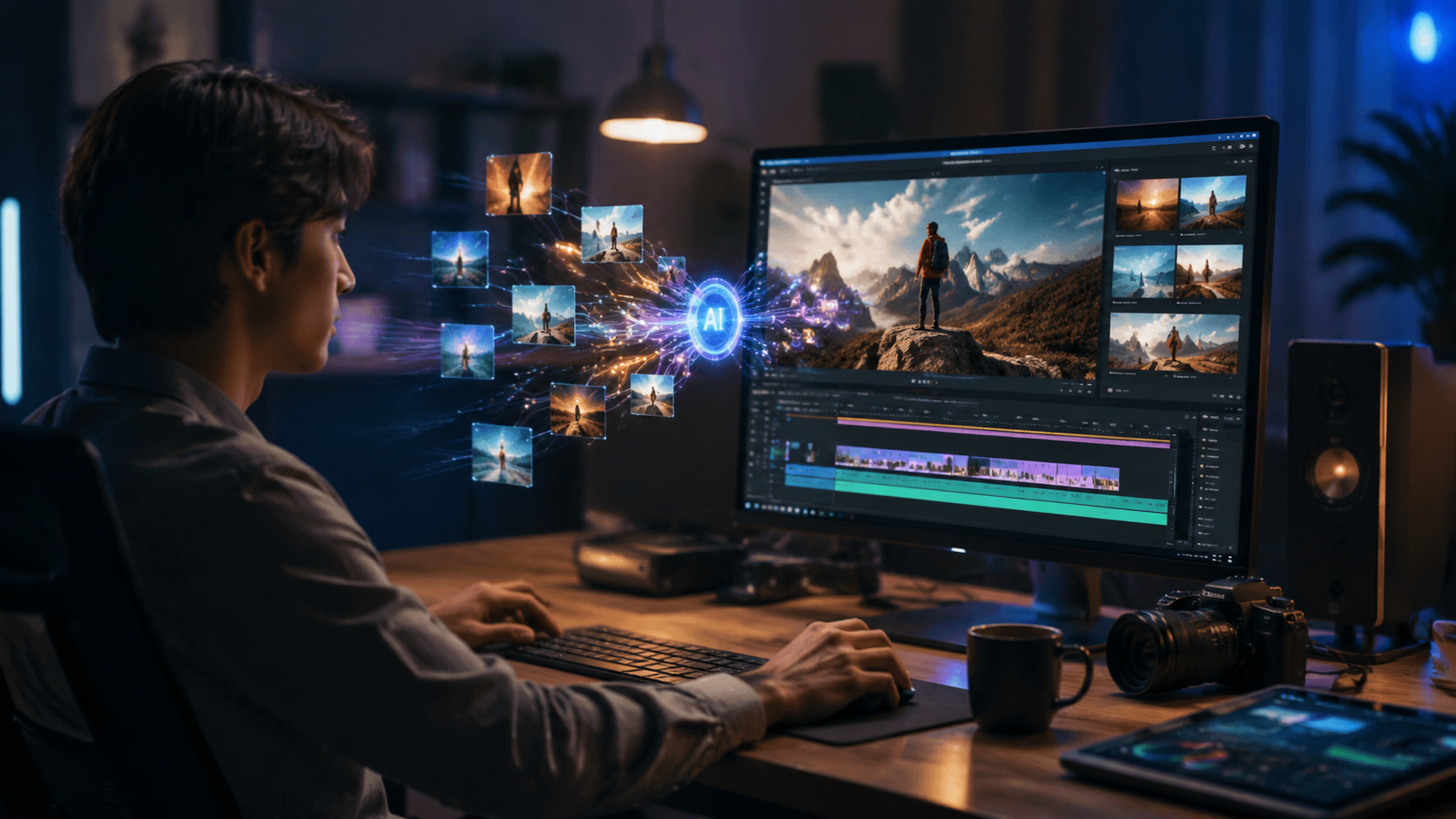
Here is a numbered, step‑by‑step guide that covers the entire workflow of how to edit video with AI tools in 2026. These steps apply to both desktop and mobile platforms.
- Import your footage into your chosen editor (e.g., Premiere Pro 2026 or DaVinci Resolve 21). Most modern AI tools will automatically scan the media and create a timeline project.
- Let AI analyze the video. Click the “AI Analyze” button. The tool will detect scenes, identify faces, transcribe speech, and flag potential issues like shaky footage or poor audio.
- Auto‑cut or refine a rough cut. Use the AI‑powered “Auto Edit” feature. For example, in Premiere Pro you can choose “Narrative Cut” (removes silences and umms) or “Highlight Reel” (picks the best moments based on facial expressions and action).
- Apply AI color grading. DaVinci Resolve 21’s new photo‑inspired AI color tools let you match shots with a single click. You can also use “AI Color Transfer” from a reference image.
- Add AI transitions and effects. Adobe After Effects (updated January 2026) introduces “Project Neo” for instant 3D motion design. For generative effects, Netflix’s VOID AI can rewrite scenes – for instance, change a character’s outfit or background after filming.
- Optimize audio with AI. Use “AI Audio Cleanup” to remove background noise, normalize levels, and even generate ADR (automated dialogue replacement) using the original voice.
- Export with AI presets. Both Premiere and Resolve now offer “Smart Export” that optimizes resolution and bitrate based on the target platform (YouTube, TikTok, Netflix).
3. Deep Dive into the Big Three: Adobe, DaVinci, and Netflix VOID AI
Understanding the unique strengths of each platform will help you choose the best tool for your project. Below is a comparison table based on the latest 2026 releases.
| Feature | Adobe Premiere Pro 2026 | DaVinci Resolve 21 | Netflix VOID AI (2026) |
|---|---|---|---|
| Release Date | January 20, 2026 (major AI tools update) | June 3, 2026 (official release) | April 7, 2026 (launched by Netflix) |
| Key AI Capability | AI‑powered video editing tools + motion design in After Effects | New photo editing AI + already‑strong color AI | Generative scene rewriting after filming |
| Best For | Professional narrative editing, motion graphics | Color grading, high‑end post‑production, photographers | Creative rewriting, story changes, VFX |
| Pricing | Subscription (Creative Cloud) – approx. $55/mo | Free version (limited AI); Studio $295 one‑time | Part of Netflix production pipeline; not consumer‑facing yet |
| Mobile Support | Premiere Rush with AI features | DaVinci Resolve for iPad (limited AI) | No mobile app as of June 2026 |
According to Engadget’s coverage, Adobe’s AI tools “significantly reduce the time needed for rough cuts and motion design.” Meanwhile, Forbes reported that Netflix’s VOID AI “can rewrite video scenes – changing dialogue, lighting, and even character positions – after principal photography is complete,” a breakthrough that could reshape post‑production.
Using Gemini Omni for Workflow Assistance
Google’s Gemini Omni, announced in May 2026, integrates with video editing environments as a conversational AI assistant. You can ask it, for example, “What AI tool in DaVinci Resolve 21 can fix this color cast?” and Gemini will pull the answer from its knowledge of the latest release. It doesn’t edit directly but accelerates learning and troubleshooting.
4. Mobile AI Video Editing in 2026: What PCMag Found
Not every project requires a desktop powerhouse. PCMag’s May 2026 test of the best mobile video editing apps reveals that AI has fundamentally changed smartphone editing. Their top picks include LumaFusion (now with “AI Scene Detection”), CapCut Pro (AI auto‑sync to music), and Adobe Premiere Rush (AI‑powered auto‑reframe).
“Mobile AI editors can now handle 4K footage, apply cinematic color grades, and even generate transitions that match the beat of the soundtrack – all in real time,” the PCMag report states. For anyone learning how to edit video with AI tools on the go, these apps reduce the learning curve dramatically.
One notable limitation: generative rewriting (like Netflix VOID AI) is not yet available on mobile. However, scene detection and audio cleanup are now standard.
5. Optimizing Your AI Workflow: Tips and Best Practices
Even with powerful AI, you still need a human eye for storytelling. Here are three best practices to get the most out of your AI‑assisted editing:
- Always review the AI’s auto‑cut. AI can create logical rough cuts, but it may miss emotional pacing. Spend a few minutes trimming the AI‑generated timeline.
- Use AI color grading as a starting point, not a final grade. DaVinci Resolve 21’s photo AI tools are excellent for base correction, but manual tweaks ensure consistency across scenes.
- Leverage transcription for subtitles and searchability. Most AI editors (including Premiere Pro 2026) generate a full transcript. You can then edit the video by deleting words in the transcript – the AI will cut the corresponding clips.
6. The Future: What’s Coming Next in AI Video Editing
The rapid pace of AI innovation in 2026 shows no signs of slowing. Based on the latest announcements, three trends are emerging: generative rewriting (Netflix VOID AI), unified assistants (Gemini Omni), and cross‑platform AI libraries (Adobe and DaVinci both allow AI models to be shared between photo and video tools).
According to Adobe, “AI‑powered video editing tools in Premiere will continue to evolve, with a focus on real‑time collaboration between human editors and AI agents.” Meanwhile, DaVinci Resolve 21’s inclusion of photo editing AI suggests a future where a single tool handles both stills and moving images seamlessly.
For creators, this means the barrier to professional‑quality video continues to lower. Knowing how to edit video with AI tools today positions you to take advantage of tomorrow’s breakthroughs.
Frequently Asked Questions
What is the best AI video editing software in 2026?
The best depends on your needs. Adobe Premiere Pro 2026 excels at narrative editing and motion design with its new AI tools. DaVinci Resolve 21 is unbeatable for color grading and now includes photo AI features. For generative scene rewriting, Netflix VOID AI is a unique option (currently for professional productions).
How do I edit video with AI tools on a mobile phone?
Use apps like LumaFusion, CapCut Pro, or Adobe Premiere Rush. Import your video, tap the “AI” or “Smart Edit” button, and follow the auto‑detection prompts. PCMag’s 2026 tests confirm these apps now handle 4K and complex transitions via on‑device AI.
Can AI completely replace human video editors in 2026?
No – AI is a powerful assistant but cannot yet replicate creative storytelling, artistic judgment, or client communication. It handles repetitive tasks (scene detection, color matching, audio cleanup) but you still need a human editor to craft narrative flow and emotional impact.
Does DaVinci Resolve 21 have free AI tools?
Yes, the free version of DaVinci Resolve 21 includes basic AI features like scene detection and smart reframing. The Studio version ($295 one‑time) unlocks advanced AI tools such as facial recognition‑based color grading and the new photo editing AI modules.
When will Netflix VOID AI be available for independent creators?
As of June 2026, Netflix has not announced a consumer version. VOID AI is currently used internally for Netflix productions. However, similar generative rewriting features may appear in Adobe or DaVinci in future updates, based on industry trends.
How do I use Gemini Omni for video editing?
Gemini Omni is a conversational AI assistant (launched May 2026) that can answer questions about editing tools. For example, ask “How do I use AI audio cleanup in Premiere?” and it will provide step‑by‑step instructions. It does not edit videos directly but accelerates learning.



Comments ()