
How to Edit Video With AI Prompts: 2026 Master Guide
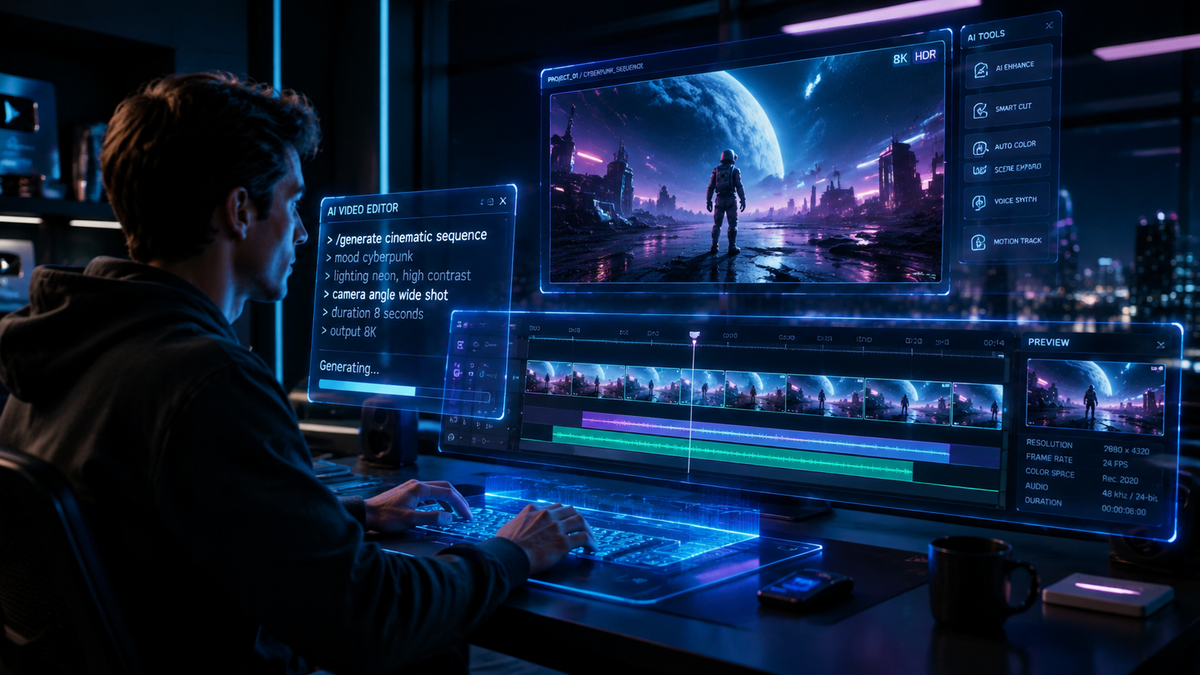
Learning how to edit video with ai prompts involves using natural language commands to instruct an artificial intelligence model to perform specific post-production tasks, such as color grading, object removal, or scene transitions. By describing your desired outcome in a text box, the AI interprets your intent and applies complex visual adjustments automatically, bypassing traditional manual timelines and keyframing. This evolution in 2026 has transformed video editing from a technical hurdle into a creative dialogue between the editor and the machine.
Prompt-based video editing is a generative AI workflow where users modify footage using text instructions rather than manual tools. By leveraging advanced models like Adobe Firefly and Gemini Nano, editors can perform tasks like "change the background to a sunset" or "remove the microphone from the frame" simply by typing the command, drastically reducing production time.
- ✓ Natural language processing now allows for precise, frame-accurate video manipulations.
- ✓ Integration of third-party models into major suites like Adobe Firefly provides unlimited creative generations.
- ✓ The "3-Part Formula" (Subject, Action, Context) is the industry standard for high-quality AI animations.
- ✓ Mobile AI, such as Gemini Nano Banana Pro, enables professional-grade prompt editing on handheld devices.
The Evolution of Prompt-Based Video Editing in 2026
As of early 2026, the landscape of digital media has shifted fundamentally toward generative workflows. We have moved past the era of simple filters and into a period where the software understands the semantic meaning of video content. According to recent updates from Adobe (December 16, 2025), the Firefly ecosystem now supports comprehensive prompt-based edits, allowing users to integrate various third-party models directly into their professional timelines. This means editors are no longer tethered to a single engine but can swap models based on the specific aesthetic or technical requirement of the project.
The rise of high-performance mobile chips has also democratized this technology. Mint (January 3, 2026) reports that tools like Gemini Nano Banana Pro have turned smartphones into powerful video editing assistants. These devices use on-device AI to process prompt-based commands without needing a constant cloud connection. This shift ensures that "how to edit video with ai prompts" is a question being asked not just by Hollywood professionals, but by social media creators and hobbyists alike who require rapid, high-quality output.
Step-by-Step Guide: How to Edit Video With AI Prompts
- Upload and Analyze: Import your raw footage into an AI-enabled editor (such as Adobe Premiere Pro with Firefly or Gemini Nano). Allow the AI to index the objects and lighting in your scene.
- Define the Selection: Use a brush tool or a text command like "Select the person in the blue shirt" to identify the area you wish to modify.
- Input Your Prompt: Type a specific instruction into the command bar. For example, "Replace the blue shirt with a red leather jacket while maintaining realistic fabric physics."
- Refine with the 3-Part Formula: If the result is not perfect, use the HackerNoon formula: Define the Subject (the jacket), the Action (moving with the wind), and the Context (under neon city lights).
- Review and Generate: Select from the generated variations. Since Adobe now offers unlimited generations as of late 2025, you can iterate until the visual matches your vision.
- Export: Finalize the render. The AI handles the rotoscoping and blending automatically to ensure a seamless look.
The 3-Part Formula for High-Quality AI Video Prompts
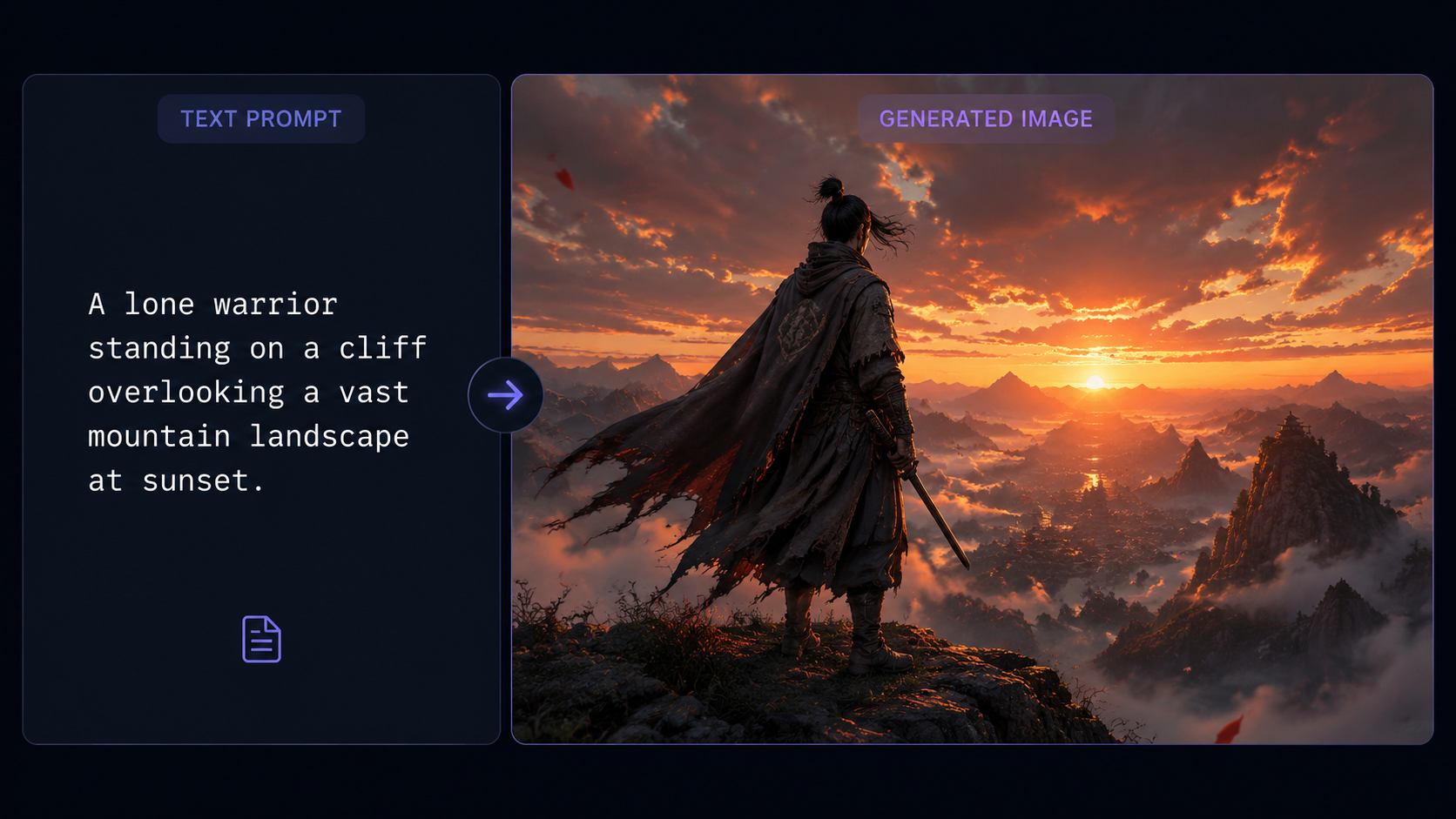
Writing effective prompts is the most critical skill for a modern editor. According to HackerNoon (November 19, 2025), the most successful AI animations and edits follow a strict 3-part formula to ensure the machine understands the nuances of motion and lighting. Without this structure, AI outputs can often appear "dreamy" or inconsistent across frames. By mastering this formula, you can ensure that your prompt-based edits look intentional and professional.
The first part of the formula is the Subject, which must be clearly defined to avoid the AI confusing the foreground with the background. The second part is the Action, describing exactly how the subject should move or change. Finally, the Context provides the environment, lighting, and style. For instance, instead of saying "make it look like night," a pro-level prompt would be: "Convert the daylight scene (Subject: Environment) to a midnight setting (Action) with heavy rain and streetlamp reflections on the pavement (Context)."
Comparison of Top AI Video Editing Platforms (2026)
| Feature | Adobe Firefly (Video Model) | Gemini Nano Banana Pro | OpenAI Sora (Pro Suite) |
|---|---|---|---|
| Primary Input | Text-to-Video / Prompt Edits | Mobile Prompt Assistant | Full Scene Generation |
| Third-Party Support | Yes (Multi-model integration) | Google Ecosystem Only | Proprietary |
| Key Strength | Professional Workflow Integration | On-device Mobile Speed | Cinematic Visual Fidelity |
| Latest Update | Dec 16, 2025 | Jan 03, 2026 | Feb 2026 |
| Pricing Model | Unlimited Generations (Subscription) | Included with Hardware | Pay-per-Compute |
Advanced Techniques: Using Gemini and Firefly Together
In 2026, the most effective editors are using a multi-tool approach. eWeek (February 3, 2026) highlighted that the latest Gemini prompts are specifically designed to bridge the gap between static image editing and dynamic video flow. By using Gemini to generate high-quality "style frames," editors can then feed those frames into Adobe Firefly to serve as a visual reference for prompt-based video edits. This "image-to-prompt" workflow ensures that the AI has a clear target for the final aesthetic.
Furthermore, the integration of third-party models into Adobe's ecosystem, as reported by TechCrunch (December 16, 2025), allows you to use specialized AI for different tasks. You might use one model for hyper-realistic skin retouching via prompts and another for expansive background extensions. This modularity means that "how to edit video with ai prompts" is no longer about using one single "magic button" but about orchestrating a series of specialized AI assistants to achieve a cinematic result.
The Best Prompts for Mobile Video Editing
For those working on the go, Mint suggests six powerful prompts for the Gemini Nano Banana Pro that can handle complex tasks. These include "Match the color grade of this clip to a 1970s film stock," and "Remove all background noise and sync the speaker's lips to the enhanced audio track." These prompts demonstrate that AI editing is moving beyond just visuals and into the realm of audio-visual synchronization and cleanup, all through natural language.
Overcoming Common Challenges in AI Video Editing
Despite the advancements in 2026, prompt-based editing still requires a human touch to manage "hallucinations" or visual artifacts. A common issue is "flicker," where the AI changes details slightly between frames. To combat this, professional editors use "anchor prompts." An anchor prompt explicitly defines elements that must remain static, such as "Keep the facial features of the subject identical to the original footage while changing only the background."
Another challenge is maintaining brand consistency. According to ContentGrip (December 23, 2025), Adobe's latest updates allow for "Custom Model Training," where you can feed the AI your previous videos so it learns your specific editing style. This ensures that when you use a prompt like "Apply my signature transition," the AI knows exactly what timing and color palette to use, rather than guessing based on general data. This level of personalization is what separates amateur AI usage from professional-grade production.
Mastering how to edit video with ai prompts for Social Media
Social media creators are the primary beneficiaries of these tools. The ability to generate "unlimited" variations, a feature Adobe introduced in late 2025, allows creators to A/B test different visual styles for their content. You can prompt the AI to create a "high-energy, fast-paced edit" for TikTok and a "calm, cinematic widescreen edit" for YouTube from the exact same raw footage. This versatility is essential for maintaining a presence across multiple platforms without spending dozens of hours in the edit suite.
The Future of Video Editing: Beyond 2026
Looking ahead, the line between "filming" and "editing" will continue to blur. We are already seeing "Real-time Prompting," where a director can type commands into a monitor while the camera is rolling, and the AI-augmented viewfinder shows a live preview of the edited result. This allows for immediate creative decisions that used to take weeks in post-production. The "Master Guide" for 2026 is just the beginning of a world where the only limit to video creation is the clarity of your instructions.
As AI models become more context-aware, they will start to suggest prompts to the editor. Imagine an interface that says, "The lighting in this shot is inconsistent with the previous one; would you like me to match them?" This proactive AI assistance, combined with the power of Firefly and Gemini, ensures that the technical barriers to entry for high-quality filmmaking are lower than ever before. To stay competitive, editors must focus on their storytelling and conceptual skills, as the technical execution is increasingly handled by prompt-based intelligence.
Is prompt-based video editing better than manual editing?
It is not necessarily "better," but it is significantly faster for specific tasks like object removal, color grading, and background replacement. Manual editing is still preferred for high-level narrative pacing and emotional nuance that requires a human perspective.
What is the best prompt formula for video AI?
The 3-Part Formula (Subject, Action, Context) is the most effective. By defining who is in the shot, what they are doing, and the environment they are in, you provide the AI with enough data to maintain consistency across frames.
Can I use AI prompts on my phone to edit video?
Yes, as of 2026, tools like Gemini Nano Banana Pro allow for professional-grade prompt editing directly on mobile devices, utilizing on-device AI for speed and privacy.
Does Adobe Firefly support third-party AI models?
Yes, as of the December 2025 update, Adobe Firefly allows users to integrate and use third-party models within the Premiere Pro and After Effects ecosystems for more diverse creative options.
How do I stop AI video from flickering?
Use "anchor prompts" to tell the AI which elements must remain unchanged. Additionally, using models that support "temporal consistency" (like the 2026 Firefly Video Model) helps ensure that the AI tracks objects accurately between frames.



Comments ()