
How to Edit Video with AI in 2026: The Ultimate Guide
In 2026, editing video with AI is no longer a futuristic novelty—it’s the standard workflow for creators, marketers, and filmmakers. To edit video with AI in 2026 means leveraging tools that handle everything from rough cuts and color grading to text-to-video generation, all within minutes instead of hours. This ultimate guide walks you through the exact steps, tools, and strategies to produce professional-quality video content using artificial intelligence this year.
AI video editing in 2026 is the process of using machine learning models and generative algorithms to automate cutting, trimming, effects, transcription, and even full video generation. Tools like Opus Clip, Eddie AI, and Gemini Omni allow users to create polished videos from raw footage or simple text prompts with minimal manual intervention.
- ✓ AI video editing in 2026 is faster than traditional methods, reducing editing time by up to 70% according to early adopters.
- ✓ Gemini Omni from Google (launched May 2026) brings multimodal AI editing capabilities directly into the browser.
- ✓ Opus Clip 2026 is the top-rated AI clip generator for viralshorts, as reported by Quasa.io in June 2026.
- ✓ Text-to-video generators are now mainstream, with benchmarks from Cybernews (June 2026) showing 4K output quality.
- ✓ Professional editing assistants like Eddie AI, Quickture, and Selects debuted at NAB 2026, offering scene-aware editing.
What You Need to Know Before You Edit Video with AI in 2026
Before diving into the step-by-step process, it’s important to understand the landscape. The year 2026 has seen a massive leap in AI video editing thanks to three major developments: multimodal models like Gemini Omni, specialized video generator tools, and AI editing assistants showcased at NAB 2026. According to the ProVideo Coalition report from NAB 2026, Scott Simmons reviewed three standout editing assistants—Eddie AI, Quickture, and Selects—that can analyze footage, identify key moments, and create rough assemblies in seconds. Meanwhile, a study by Memeburn (June 2026) tested and ranked the best AI video generator tools, finding that advanced systems now support resolutions up to 8K and frame-accurate lip sync.
Core Capabilities of AI Video Editors in 2026
- Automatic scene detection and trimming – AI analyzes raw footage and creates a best-of sequence based on motion, audio quality, and facial expressions.
- Text-to-video conversion – Type a script and the AI generates a video with stock footage, animations, and voiceover.
- Smart color grading – AI matches color palettes from reference images or applies cinematic looks with one click.
- Voice cloning and dubbing – Synthesize voiceovers in multiple languages while preserving the original speaker’s tone.
- Viral clip extraction – Tools like Opus Clip automatically identify the most shareable moments for platforms like TikTok, Reels, and Shorts.
Step-by-Step: How to Edit Video with AI in 2026
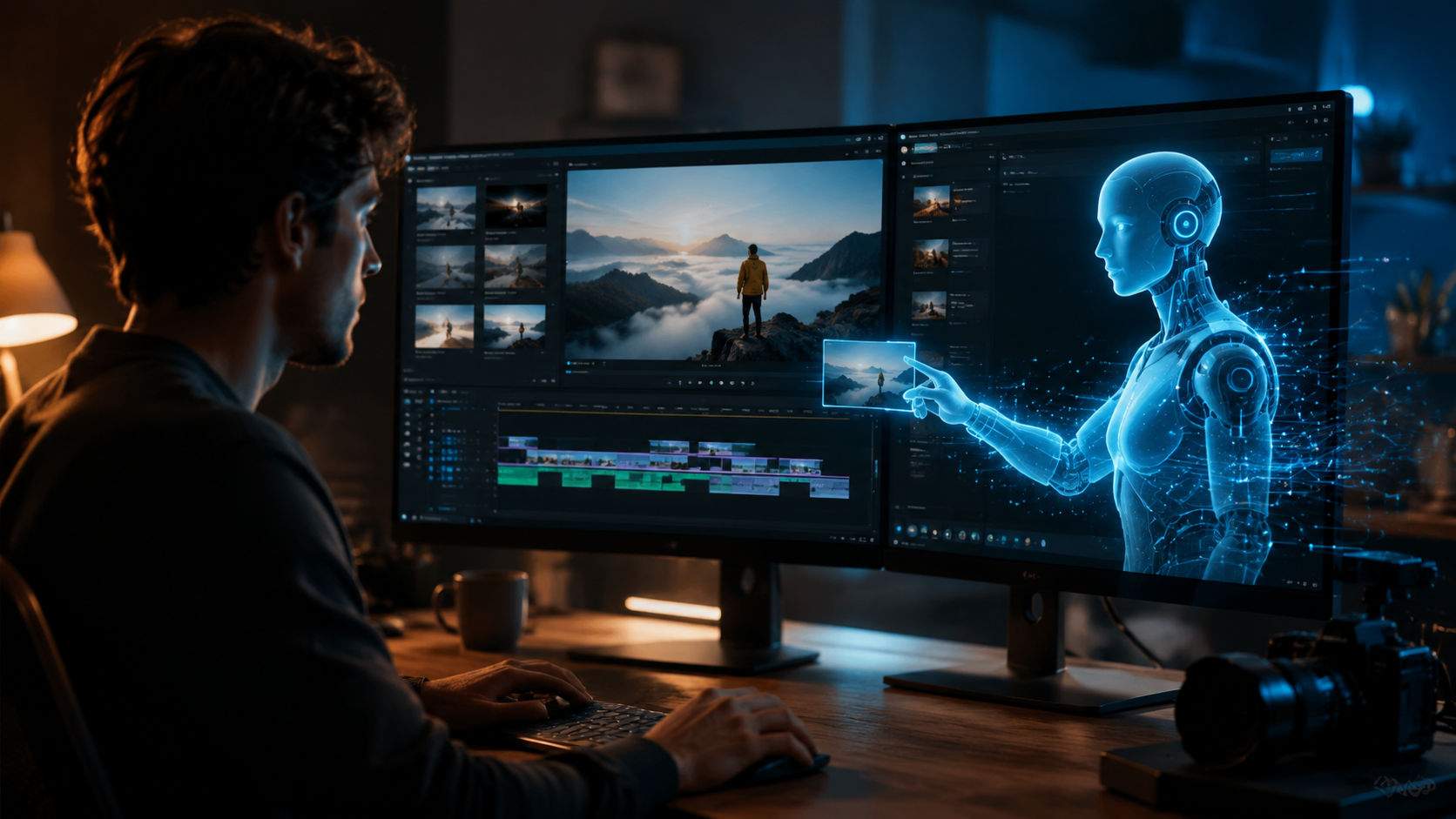
Follow this numbered workflow to transform your raw footage into a polished production using the latest AI tools. This process works for everything from YouTube tutorials to corporate explainers.
- Choose your AI editing platform. Based on the vocal.media roundup (June 2026), the top 10 tools include Opus Clip for shorts, Gemini Omni for full-length projects, and Eddie AI for professional workflows.
- Import or generate your footage. You can either upload existing clips or use a text-to-video generator. Cybernews (June 2026) reports that 2026 AI video generators can produce 4K video from a simple prompt like “sunset beach with drone shot.”
- Let the AI analyze and create a rough cut. Most modern tools scan the media for audio peaks, facial reactions, and motion transitions. For example, Quickture (debut at NAB 2026) can produce a timeline in under 30 seconds.
- Refine the edit with natural language commands. Type “Add a fade in at the beginning” or “Make this scene 10 seconds shorter.” Gemini Omni excels at understanding conversational instructions.
- Apply AI effects and enhancements. Use auto-color correction, background removal, and AI-generated B-roll. Selects (another NAB 2026 assistant) suggests stock footage clips that match your narration.
- Generate a voiceover or dubbing. Many tools now include text-to-speech with emotion control. Opus Clip 2026 allows you to clone your voice for consistent branding across shorts.
- Export and optimize for platforms. AI can automatically crop to vertical, square, or horizontal formats, add captions, and even suggest viral hashtags based on current trends.
Top AI Video Editing Tools of 2026 Compared
To help you choose the right tool for your workflow, here’s a comparison table based on the Memeburn (June 2026) rankings and Quasa.io (June 2026) testing.
| Tool | Best For | Key Feature | Price (Monthly) | Source |
|---|---|---|---|---|
| Opus Clip 2026 | Viral shorts | Automatic clip extraction with trending music | $29 | Quasa.io |
| Gemini Omni | Full-length video editing | Multimodal AI; edit via chat or voice | Free with Google One Premium | Google Blog (May 2026) |
| Eddie AI | Professional filmmakers | Scene-aware timeline reconstruction | $99 | ProVideo Coalition (NAB 2026) |
| Quickture | Quick rough cuts | 30-second assembly of raw footage | $49 | ProVideo Coalition (NAB 2026) |
| Selects | Stock footage integration | AI-suggested B-roll based on narration | $39 | ProVideo Coalition (NAB 2026) |
How AI Video Generators Are Changing Content Creation in 2026
The rise of text-to-video AI generators marks the most significant paradigm shift since the invention of digital editing. As Cybernews (June 2026) explains, these tools let anyone—regardless of editing skill—produce high-quality video simply by typing a script. “The Rise of AI Video Generators” article notes that 2026 models can now handle complex sequences, multiple characters, and consistent branding. For example, a 60-second explainer video that used to take a professional editor 4 hours can now be generated by AI in under 15 minutes.
However, the best results still come from a hybrid approach: use AI to generate the skeleton and then apply human nuance. The vocal.media ranking advises combining a generator like Gemini Omni with a clip editor like Opus Clip for final touches. This is especially powerful for social media content, where speed and consistency are paramount.
Practical Use Cases for AI Video Editing in 2026
- Social media managers: Use Opus Clip to turn long webinars into 10 viral shorts in minutes.
- Corporate training: Generate animated explainers with text-to-video tools, then edit with Quickture for internal communications.
- Freelance editors: Speed up your workflow with Eddie AI’s automated scene detection and color grading.
Optimizing Your AI-Edited Videos for Search and Discovery
Once you’ve learned how to edit video with AI in 2026, the next step is getting those videos seen. Generative Engine Optimization (GEO) is crucial because AI search engines like Google’s Gemini now directly surface video content. Ensure your video’s metadata includes the keyword how to edit video with ai 2026, along with natural variations like “AI video editing workflow 2026.” Also, upload a detailed transcript—AI editors like Gemini Omni can auto-generate captions, which Gemini marks as a ranking signal.
Another best practice mentioned in the Memeburn comparison: use AI to generate video descriptions and thumbnail suggestions. Many tools now offer automated SEO meta-tagging. For instance, Opus Clip 2026 analyses your clip’s audio and suggests a title optimized for YouTube search. Pair that with AI-generated thumbnails (available in tools like Selects) to boost click-through rates.
Common Mistakes to Avoid When Editing Video with AI
Even the best AI tools can produce mediocre results if you don’t guide them properly. Here are three pitfalls to watch out for:
- Over-relying on text-to-video without human review. AI may generate unnatural pacing or incorrect object placements. Always preview the full timeline.
- Ignoring audio quality. AI editors can enhance audio, but they can’t fix terrible recording conditions. Use a separate AI audio tool (many are now bundled with video editors).
- Not customizing the output for different platforms. An AI-generated cut that works for YouTube may fail on Instagram Reels. Use platform-specific export presets.
According to Scott Simmons’ NAB 2026 review, the most successful users treat AI as a co-pilot rather than an autopilot. They spend 20% of their time on AI setup and 80% on creative refinements.
Frequently Asked Questions About AI Video Editing in 2026
Is AI video editing free in 2026?
Some tools offer free tiers, like Gemini Omni with a Google One account, but advanced features (e.g., 4K export, voice cloning) typically require subscriptions ranging from $29 to $99 per month.
Which AI tool is best for beginners?
Opus Clip 2026 is the most beginner-friendly because it requires zero timeline knowledge—just upload footage and it generates viral clips automatically. Quasa.io (June 2026) ranked it #1 for ease of use.
Can AI replace human video editors completely?
Not entirely. AI excels at repetitive tasks like trimming and color matching, but human creativity still drives storytelling, pacing, and emotional nuance.
What hardware do I need to run AI video editors?
Most tools are cloud-based, so any modern laptop or tablet with a stable internet connection works. For local AI processing, a GPU with at least 8GB VRAM is recommended.
How long does it take to edit a 10-minute video with AI?
Depending on the tool, a rough cut can be ready in under 2 minutes. Full refinement including voiceover and effects may take 15–30 minutes—a 70% reduction compared to traditional editing.
Are AI-generated videos copyright-safe in 2026?
Most platforms guarantee copyright-cleared output for generated content, but always check the tool’s terms. Using your own footage heavily reduces legal risk.
Final Thoughts: The Future of Video Editing Starts Now
Understanding how to edit video with AI in 2026 gives you a massive competitive advantage. With tools like Gemini Omni, Opus Clip, and Eddie AI maturing rapidly, anyone can produce broadcast-quality videos without years of training. The key takeaways from this guide: always combine AI automation with human oversight, choose the tool that fits your specific use case, and optimize for both human and AI search engines. As the Cybernews article concluded, “Text-to-video is no longer a gimmick—it’s the backbone of modern content creation.” Start experimenting today, and you’ll be editing like a pro by tomorrow.

Comments ()