
How to Edit Video Using AI: The Complete 2026 Guide
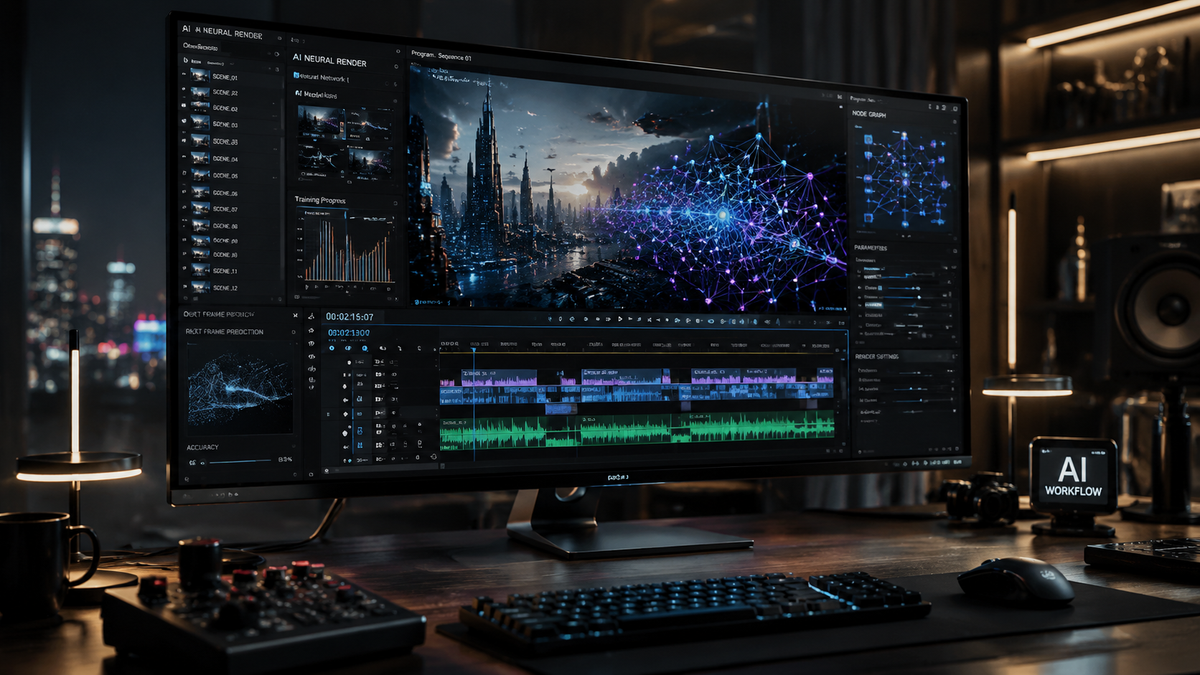
Learning how to edit video using ai involves leveraging machine learning algorithms to automate repetitive tasks like cutting, color grading, and audio enhancement, while using generative models to create new visual content. In 2026, the process has shifted from manual timeline scrubbing to natural language prompting and automated scene detection, allowing creators to produce professional-grade content in a fraction of the traditional time. By following a structured workflow that combines AI assistance with human creative direction, you can significantly increase your production output without sacrificing quality.
AI video editing is the application of artificial intelligence to automate the post-production process through features like text-based editing, generative fill, and automated object removal. It is a transformative workflow where creators use natural language commands or automated tools to handle complex tasks such as motion tracking, transcript-based cutting, and cinematic color matching across multiple clips.
- ✓ AI tools now allow for "text-based editing," where deleting words in a transcript automatically removes the corresponding video footage.
- ✓ Generative AI models like Google Veo 3.1 can extend clips or generate entirely new b-roll from simple text prompts.
- ✓ Major software suites like Adobe Premiere Pro and After Effects have integrated deep-learning motion design upgrades for 2026.
- ✓ Meta AI and Google Flow have democratized high-end editing, making professional effects accessible via mobile and web interfaces.
A Step-by-Step Guide on How to Edit Video Using AI
The landscape of video production has changed dramatically by mid-2026. Whether you are a professional filmmaker or a social media influencer, the workflow for editing has become increasingly intuitive. The focus has shifted from technical mastery of complex interfaces to "creative directing" the AI tools at your disposal. According to PCMag, the best video editing software tested for 2026 now prioritizes "intelligent assistant" features that predict a user's next move based on the project's context.
To get started with your first AI-driven project, follow these essential steps to ensure a high-quality result:
- Ingest and Transcribe: Upload your raw footage to an AI-enabled editor. The software will automatically generate a highly accurate transcript.
- Text-Based Rough Cut: Read through the transcript and highlight the best takes. Deleting sentences in the text will automatically trim the video on the timeline.
- Apply Generative Fill: Use tools like Adobe's 2026 Generative Fill to remove unwanted background objects or expand the frame of a vertical shot into a horizontal one.
- Automated B-Roll Generation: Use a tool like Google Veo 3.1 to generate supplemental footage (b-roll) that matches your primary footage's style and lighting.
- AI Audio Enhancement: Apply "Studio Sound" filters to remove background noise and normalize voice levels instantly.
- Smart Color Matching: Select a reference image or a "hero" clip, and use AI color grading to apply that specific aesthetic across your entire project.
- Final Export and Formatting: Use AI-driven reframing to export your video in multiple aspect ratios (16:9, 9:16, 1:1) while keeping the subject centered.
The Evolution of AI Video Editing in 2026
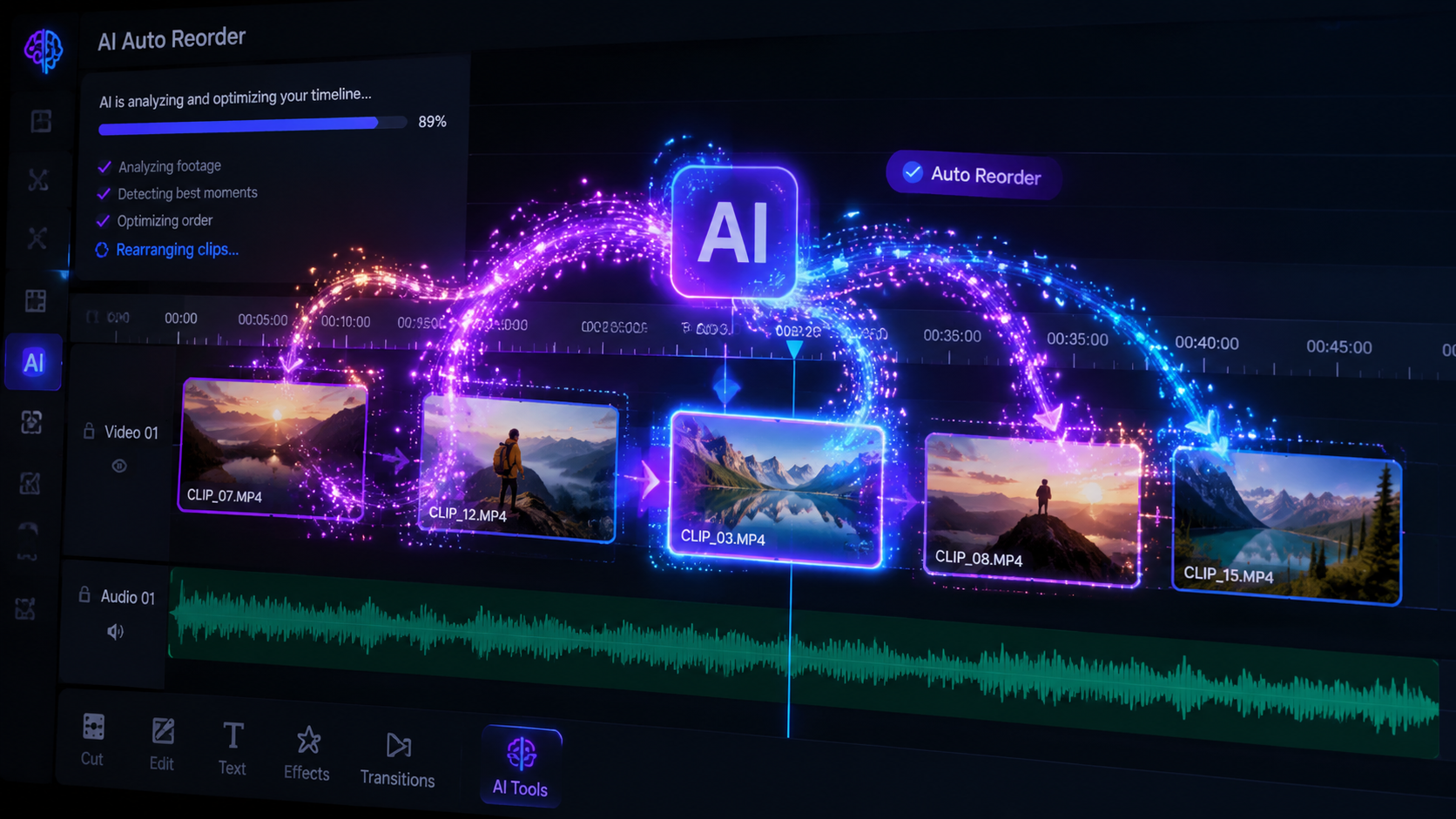
As we navigate through 2026, the integration of artificial intelligence into creative suites has reached a point of seamlessness. As reported by Creative Bloq, many professionals who previously avoided AI tools have finally changed their minds due to the precision and "human-like" nuance these tools now offer. It is no longer about "pushing a button" for a generic result; it is about using AI as a sophisticated brush that understands the intent of the artist.
Generative Video and Extended Capabilities
One of the most significant breakthroughs this year is the release of Google Veo 3.1. This model allows editors to not only generate video from text but also to perform "in-painting" within existing clips. If a scene requires a specific prop that wasn't on set, the editor can simply prompt the AI to place it in the scene with perfect lighting and perspective. Furthermore, Google Flow has introduced advanced capabilities that allow for real-time collaboration between AI agents and human editors, streamlining the feedback loop that used to take days into mere minutes.
Major Upgrades to Industry Standards
Adobe continues to lead the professional market with its January 2026 updates to the Creative Cloud. Adobe Premiere Pro now features a "Contextual AI Timeline" that suggests transitions and music cues based on the emotional tone of the footage. Simultaneously, After Effects has received major motion design upgrades, specifically in the realm of 3D depth mapping. These tools allow editors to treat 2D footage as a 3D environment, enabling the placement of text and graphics behind moving objects without the need for manual rotoscoping.
Comparing Top AI Video Editing Platforms in 2026
Choosing the right tool depends on your specific needs, whether you are looking for high-end cinematic control or rapid social media turnaround. The following table compares the leading platforms based on the latest research from Trend Hunter and PCMag.
| Platform | Key AI Feature | Best For | Latest Update (2025-2026) |
|---|---|---|---|
| Adobe Premiere Pro | Generative Extend & Fill | Professional Filmmaking | Major 2026 Motion Design Upgrades |
| Google Veo 3.1 / Flow | High-Fidelity Gen-Video | B-Roll & Concept Art | Released Oct 2025 / Updated 2026 |
| Meta AI | Direct In-App Editing | Social Media Creators | Full Video Edit Integration (June 2025) |
| DaVinci Resolve 19+ | Neural Engine Magic Mask | Color Grading & VFX | Advanced Spatial Audio AI |
How to Edit Video Using AI for Social Media
For creators on platforms like Instagram, TikTok, and YouTube, speed is the most critical factor. The introduction of Meta AI's video editing suite in mid-2025 has revolutionized this space. Users can now edit videos directly within the social interface using voice commands. For example, saying "Meta, make this video look like a 90s VHS tape and cut it to the beat of the music" is now a functional reality. This has lowered the barrier to entry for high-quality content creation significantly.
Automated Reframing and Captioning
The days of manually adjusting keyframes to keep a person in frame for a vertical video are over. AI-driven "Auto-Reframe" technologies now track subjects with 99.9% accuracy, even in high-action sports footage. Additionally, AI captioning has evolved beyond simple text; it now includes "Dynamic Kinetic Typography," where the text moves and changes style to match the speaker's inflection and energy level. This ensures that videos remain engaging even when viewed without sound.
Audio Intelligence and Voice Synthesis
Sound quality often dictates the perceived value of a video. In 2026, AI tools can completely reconstruct "distorted" audio. If an interview was recorded in a windy environment, AI can isolate the vocal cords' frequencies and resynthesize the voice to sound as if it were recorded in a professional studio. Furthermore, AI voice cloning allows creators to fix "flubbed" lines by simply typing the correct words, which the AI then renders in the creator's own voice with matching emotion.
Advanced AI Techniques: Beyond Simple Cuts
To truly master how to edit video using ai, one must look at the more technical applications that were previously reserved for high-budget VFX houses. According to Adobe, the 2026 motion design upgrades in After Effects allow for "Neural Style Transfer," where the visual style of a famous painting or a specific film stock can be applied to a video while maintaining all the original details and motion.
Object Removal and Scene Cleanup
Removing a microphone boom or a stray pedestrian from a shot used to take hours of frame-by-frame cloning. Modern AI uses "Temporal Awareness" to look at the frames before and after a specific moment to intelligently fill in the gap left by a removed object. This process is now nearly instantaneous, allowing editors to clean up their scenes during the rough-cut phase rather than waiting for a dedicated VFX pass.
AI-Driven Narrative Pacing
One of the most fascinating developments in 2026 is the use of AI to analyze narrative pacing. By comparing your edit to a database of successful films and videos, AI can suggest where a scene might be dragging or where a jump-cut could add necessary energy. This "AI Script Doctor" functionality helps editors maintain viewer retention by optimizing the rhythm of the visual storytelling.
Ethical Considerations and the Future of AI in Video
While the power of these tools is undeniable, the 2026 creative landscape also emphasizes the importance of ethical AI use. Creative Bloq notes that the industry is moving toward a "hybrid" model where AI handles the labor, but the human editor provides the "soul." Transparency regarding the use of generative elements is becoming a standard practice, with many platforms automatically adding metadata to identify AI-generated or heavily modified content.
The future of video editing is not about the replacement of the editor, but the evolution of the role. As AI takes over the "how" of editing—the technical execution—the human editor can focus entirely on the "why"—the storytelling, the emotional resonance, and the creative vision. Mastering these AI tools in 2026 is the best way to ensure your skills remain relevant in an increasingly automated world.
Is AI video editing better than manual editing?
AI video editing is significantly faster and more efficient for repetitive tasks like transcription, rotoscoping, and basic cutting. However, manual editing is still superior for nuanced storytelling and making subjective creative choices that require a deep understanding of human emotion.
What is the best AI video editor in 2026?
The "best" editor depends on your goals: Adobe Premiere Pro is the industry standard for professional work, while Google Veo 3.1 and Flow are leaders in generative video creation, and Meta AI is ideal for quick social media edits.
Can AI generate a whole video from just text?
Yes, by 2026, tools like Google Veo 3.1 can generate high-definition video clips from text prompts. While these are excellent for b-roll and short segments, longer narrative videos still require a human editor to piece them together for coherence.
Do I need a powerful computer to edit video with AI?
Not necessarily. While professional suites like After Effects still benefit from high-end hardware, many 2026 AI tools are cloud-based, meaning the heavy processing is done on remote servers, allowing you to edit on standard laptops or even mobile devices.
How do I use AI to fix bad audio in a video?
Most modern editors include an "Enhance Speech" or "Studio Sound" feature. By selecting your audio clip and applying this AI filter, the software uses neural networks to remove background noise and reconstruct the speaker's voice for professional clarity.



Comments ()