
How to Edit AI Video: The Ultimate 2026 Creative Guide
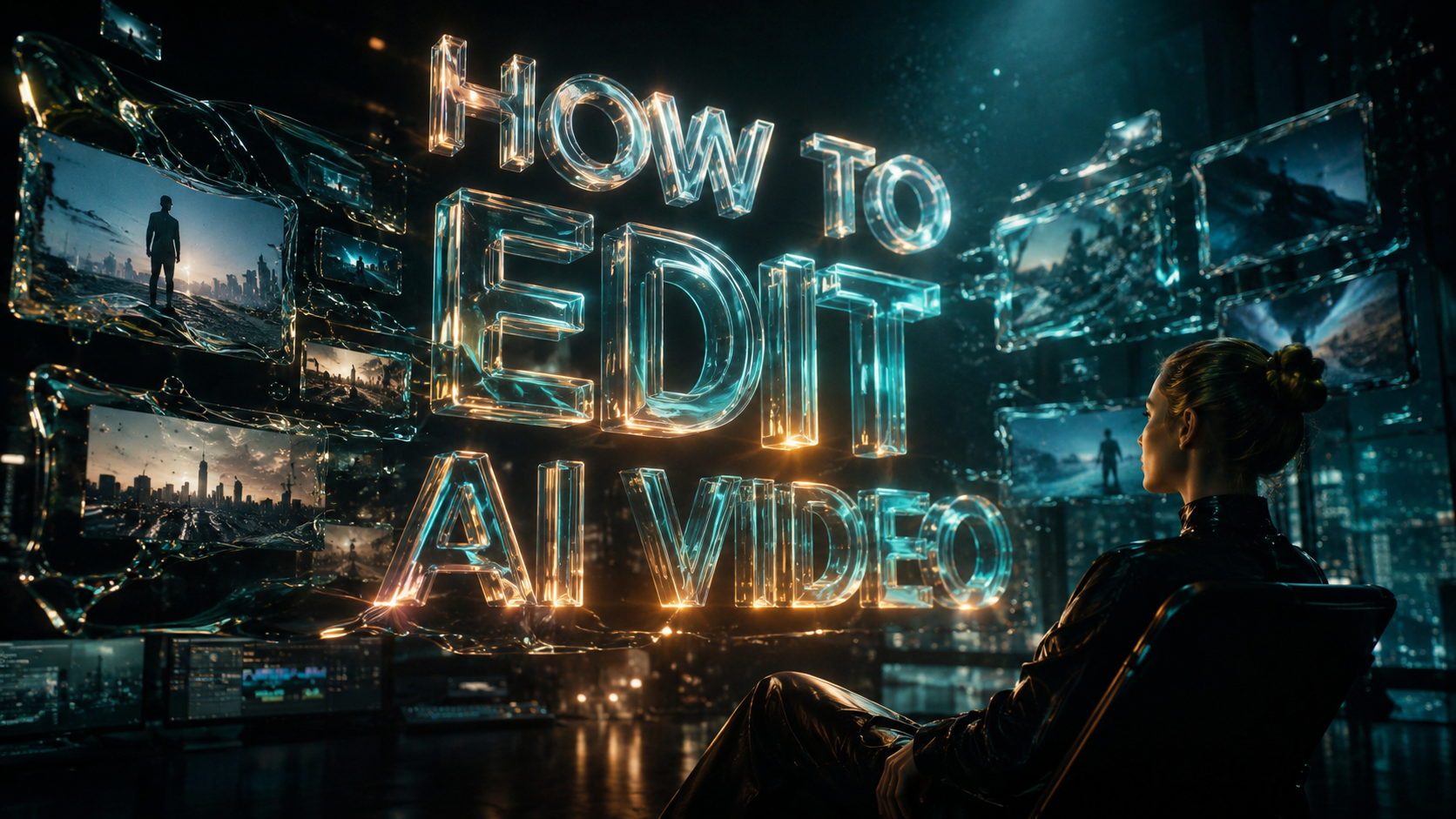
Learning how to edit ai video in 2026 involves leveraging multimodal models like Google Gemini Omni to manipulate footage through natural language commands and automated pre-edit workflows. To edit AI-generated or traditional video today, you simply input your media into an AI-integrated editor, use voice or text prompts to describe your desired cuts, and apply generative filters to enhance visual fidelity. This transition from manual timeline scrubbing to conversational editing has reduced post-production time by up to 80% for professional creators.
AI video editing is the process of using generative artificial intelligence and machine learning algorithms to automate color grading, scene detection, and object removal. By utilizing tools like Gemini Omni Flash and advanced pre-edit software, creators can now perform complex cinematic adjustments using voice-controlled interfaces and automated assembly workflows that were previously impossible in traditional NLEs.
- ✓ Voice-controlled editing via Gemini Omni Flash allows for hands-free timeline manipulation.
- ✓ AI pre-edit tools now automate the "rough cut" phase by identifying the best takes instantly.
- ✓ Multimodal AI models can generate, extend, and modify video pixels in real-time.
- ✓ Modern workflows focus on "conversational editing" rather than manual keyframing.
The Step-by-Step Guide on How to Edit AI Video
The landscape of digital media has shifted dramatically with the release of Gemini Omni in May 2026. Editing is no longer just about cutting clips; it is about directing an intelligent agent to assemble a narrative. Whether you are working with raw camera footage or fully synthetic clips, the workflow follows a specific sequence designed to maximize the efficiency of generative tools.
- Ingest and Analyze: Upload your footage into an AI-powered platform like Wondershare Filmora or Google’s Gemini Omni interface. The AI will perform a "Pre-Edit" analysis to tag metadata, identify speakers, and detect emotional beats.
- Apply Conversational Commands: Use voice or text prompts to execute the first cut. For example, say "Remove all filler words and create a 60-second highlight reel focusing on the product reveal."
- Generative Refinement: Utilize "Omni Flash" capabilities to fill in gaps. If a shot is too short, use generative expansion to add three seconds of matching video to the end of the clip.
- Stylistic Transfer: Apply AI-driven color grading or "style prompts" to ensure visual consistency across different lightings and sources.
- Final Export and Upscaling: Use AI super-resolution to export the final project in 8K, even if the source material was lower resolution.
The Rise of Gemini Omni and Voice-Controlled Editing
According to a recent report by blog.google, the introduction of Gemini Omni in May 2026 has fundamentally changed how creators interact with their workstations. This multimodal model understands video, audio, and text simultaneously, allowing for a "Omni Flash" experience where the editor responds to voice commands in real-time. This means you can sit back and verbally instruct your computer to "make the lighting more cinematic" or "sync the cuts to the beat of the background music."
Conversational UI in Post-Production
The primary advantage of Gemini Omni Flash is its ability to act as a creative partner. As noted by Tech Times, the voice-controlled AI video editing features allow for a conversational flow. Instead of navigating through nested menus for a specific transition, you simply describe the vibe you want. The AI interprets the context of your footage and suggests the most effective transitions based on the current trends in social media and cinematography.
Real-Time Processing with Omni Flash
Speed is the hallmark of 2026 video tech. PetaPixel reports that the Gemini Omni AI video model can perform "crazy things" like changing the weather in a scene or swapping an actor's wardrobe instantly. This real-time processing removes the "rendering" wait time that plagued editors for decades. When you ask how to edit ai video effectively, the answer now lies in how well you can communicate your vision to these high-speed models.
Comparing 2026 AI Video Editing Tools
With so many new tools entering the market, choosing the right software depends on your specific workflow—whether you are a social media influencer or a high-end film professional. The following table compares the leading technologies available as of mid-2026.
| Feature | Google Gemini Omni | AI Pre-Edit Tools (No Film School) | Wondershare Filmora (2026 Edition) |
|---|---|---|---|
| Primary Strength | Voice-controlled multimodal editing | Automated "Rough Cut" assembly | User-friendly AI templates |
| Best For | Professional high-end production | Documentary and long-form editors | Content creators and Reels |
| Key Innovation | Real-time pixel generation | Metadata-based scene selection | AI-powered workflow automation |
| Input Type | Voice, Text, and Video | Massive Raw Data Sets | Drag-and-Drop + Prompts |
How AI Pre-Edit Tools Speed Up Workflows
As reported by No Film School in late May 2026, a new category of "Pre-Edit" tools has emerged to handle the most tedious part of the creative process. These tools are designed to scan hours of raw footage and select the highest-quality takes based on focus, lighting, and performance. This allows the human editor to start their day with a "best of" sequence rather than a mountain of unorganized files.
Automated Scene Detection
The modern pre-edit tool uses semantic understanding to categorize footage. According to No Film School, these tools can distinguish between a "close-up of a smiling child" and a "wide shot of a sunset" instantly. This means when you search your library for a specific moment, the AI finds it in milliseconds, effectively eliminating the need for manual logging and tagging.
Reducing Post-Production Latency
By automating the organization and initial assembly, these tools have reduced the "time to first draft" by nearly 70%. In an industry where speed is currency, being able to generate a rough cut within minutes of finishing a shoot is a competitive necessity. This is a core component of how to edit ai video in a professional environment today.
Transforming Modern Workflows with Wondershare Filmora
While Google focuses on the high-end multimodal market, The Chronicle-Journal highlights how Wondershare Filmora is democratizing these features for the average creator. The 2026 updates to Filmora have integrated AI-powered tools that transform standard workflows into streamlined, automated processes. This includes everything from AI smart cutout to automated audio ducking that uses neural networks to ensure voice clarity.
AI-Powered Visual Effects
The latest Filmora highlights show that AI isn't just for cutting; it’s for creating. Features like "AI Sky Replacement" and "Generative Fill" allow users to modify the environment of their videos with a single click. According to The Chronicle-Journal, these tools are no longer "gimmicks" but are essential for modern video editing workflows that demand high production value on a budget.
The Social Media Playbook
As noted by Geek Vibes Nation, next-gen AI is rewriting the playbook for Fandoms and Reels. The ability to quickly remix content using AI allows creators to stay on top of viral trends. The AI can analyze a trending song and automatically suggest edit points in your footage that match the viral rhythm, making the process of how to edit ai video for social media almost entirely automated.
Advanced Techniques: Generative Pixel Manipulation
In 2026, the definition of "editing" has expanded to include the creation of new visual data. Gemini Omni and similar models allow editors to perform "outpainting" on video frames. If you shot a video in a vertical format but need it for a widescreen cinematic presentation, the AI can generate the missing sides of the frame with perfect temporal consistency.
Temporal Consistency in AI Editing
One of the biggest hurdles in earlier years was "flicker" in AI video. However, with the 2026 Gemini Omni AI video model, PetaPixel notes that the crazy things it can do include maintaining perfect consistency across frames. This means you can change an actor’s hair color in the first frame, and the AI will track that change through 3D space across the entire scene without any manual rotoscoping.
The Role of the Prompt Engineer in Video
The role of the video editor is evolving into that of a "Creative Director/Prompt Engineer." Knowing how to edit ai video now requires a deep understanding of how to phrase requests to the AI. A prompt like "increase the emotional weight of this scene" might result in a slower pace, warmer color grading, and a slight zoom-in on the subject—all handled by the AI in one go.
What is the best tool for AI video editing in 2026?
Google Gemini Omni is currently considered the most advanced tool due to its multimodal capabilities and voice-controlled "Omni Flash" interface. For everyday creators, Wondershare Filmora remains a top choice for its balance of AI automation and ease of use.
Can I edit video using only my voice?
Yes, with the release of Gemini Omni Flash in May 2026, editors can now use natural language voice commands to cut clips, add transitions, and adjust color grading without using a mouse or keyboard.
What are AI pre-edit tools?
AI pre-edit tools are software applications that automatically organize raw footage, select the best takes, and assemble a rough cut. According to No Film School, these tools are essential for speeding up modern post-production workflows.
Is AI video editing faster than traditional editing?
AI video editing is significantly faster, often reducing the time spent on repetitive tasks like masking, transcription, and rough cutting by over 80%. This allows editors to focus more on the creative narrative rather than technical execution.
How do I ensure my AI-edited video looks professional?
To ensure a professional look, use AI for the heavy lifting (like rotoscoping and color matching) but maintain human oversight on the final narrative flow. Leveraging high-end models like Gemini Omni ensures that generative additions remain consistent and high-resolution.



Comments ()