
How to Edit AI Generated Videos: Best Tools 2026
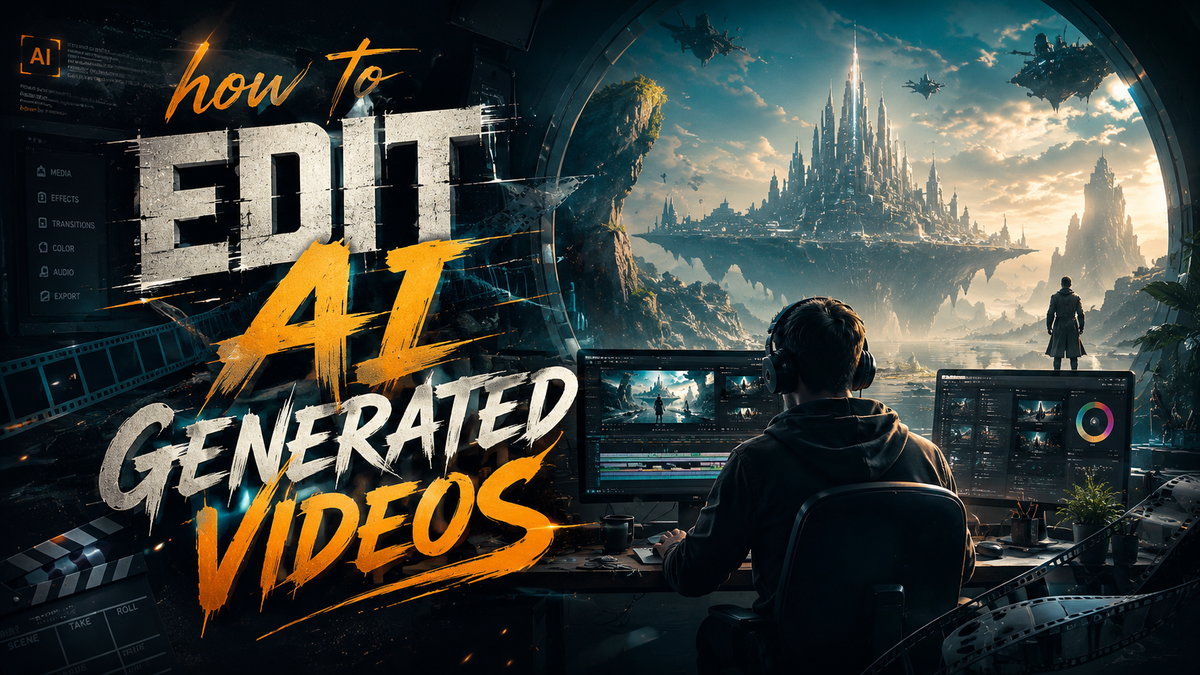
To edit AI-generated videos effectively in 2026, you need to combine specialized AI video editing software with traditional post-production techniques, focusing on fixing temporal inconsistencies, refining AI artifacts, and enhancing narrative flow. The process typically involves importing the raw AI output, trimming and rearranging scenes, adjusting pacing, adding human-quality voiceovers, and applying color grading to create a polished final product that feels natural and engaging.
Editing AI-generated videos in 2026 is the process of refining raw text-to-video output using dedicated tools like Utopai Studios 2.0, Gemini Omni, and traditional NLE software to correct artifacts, improve pacing, add voiceovers, and ensure narrative coherence. The best approach combines automated AI polish with human creative oversight for professional-quality results.
- ✓ AI-generated video editing in 2026 relies on hybrid workflows that combine generative tools with traditional post-production for maximum quality
- ✓ Utopai Studios 2.0 (launched June 2026) and Google's Gemini Omni (May 2026) represent the latest advances in AI video editing capabilities
- ✓ Removing AI artifacts and fixing temporal inconsistencies remain the top challenges when editing AI-generated footage
- ✓ YouTube's new AI insertion feature (announced May 2026) enables creators to seamlessly place themselves into AI-generated scenes
- ✓ A structured six-step workflow — review, trim, fix, enhance, voiceover, export — delivers consistent results for editing AI videos
Why Editing AI-Generated Videos Requires a Different Approach in 2026
AI video generators have advanced rapidly, with the rise of AI video generators changing content creation dramatically according to Cybernews (June 2026). However, even the best AI-generated footage still requires human editing to achieve broadcast-quality results. Unlike traditional video editing — where you work with clean source footage — editing AI-generated videos means dealing with unique challenges such as morphing objects, inconsistent lighting across frames, and unnatural movement patterns.
According to a Creative Bloq feature from February 2026, many creators who initially avoided AI tools have changed their minds after seeing how new platforms streamline the editing process. The key insight is that AI-generated video is not a replacement for human creativity — it is a starting point that requires thoughtful refinement. In 2026, the most successful content creators treat AI output as raw material that they shape and polish using dedicated editing workflows.
The Unique Challenges of AI-Generated Footage
AI-generated videos often exhibit what industry experts call "temporal drift" — objects that subtly change appearance from frame to frame, characters whose facial features shift, and backgrounds that warp inconsistently. These issues are invisible to AI generators but immediately noticeable to human viewers. Editing AI-generated videos therefore demands tools that can detect and correct these temporal artifacts while preserving the creative vision of the content.
Additionally, AI-generated audio frequently lacks the emotional nuance of human voiceovers. Platforms like Gemini Omni, introduced by Google on May 19, 2026, are beginning to address this with multimodal AI that understands context better than previous generations. Nevertheless, most professional editors still prefer to replace AI-generated audio with human-recorded voiceovers for narrative content.
Best Tools for Editing AI-Generated Videos in 2026
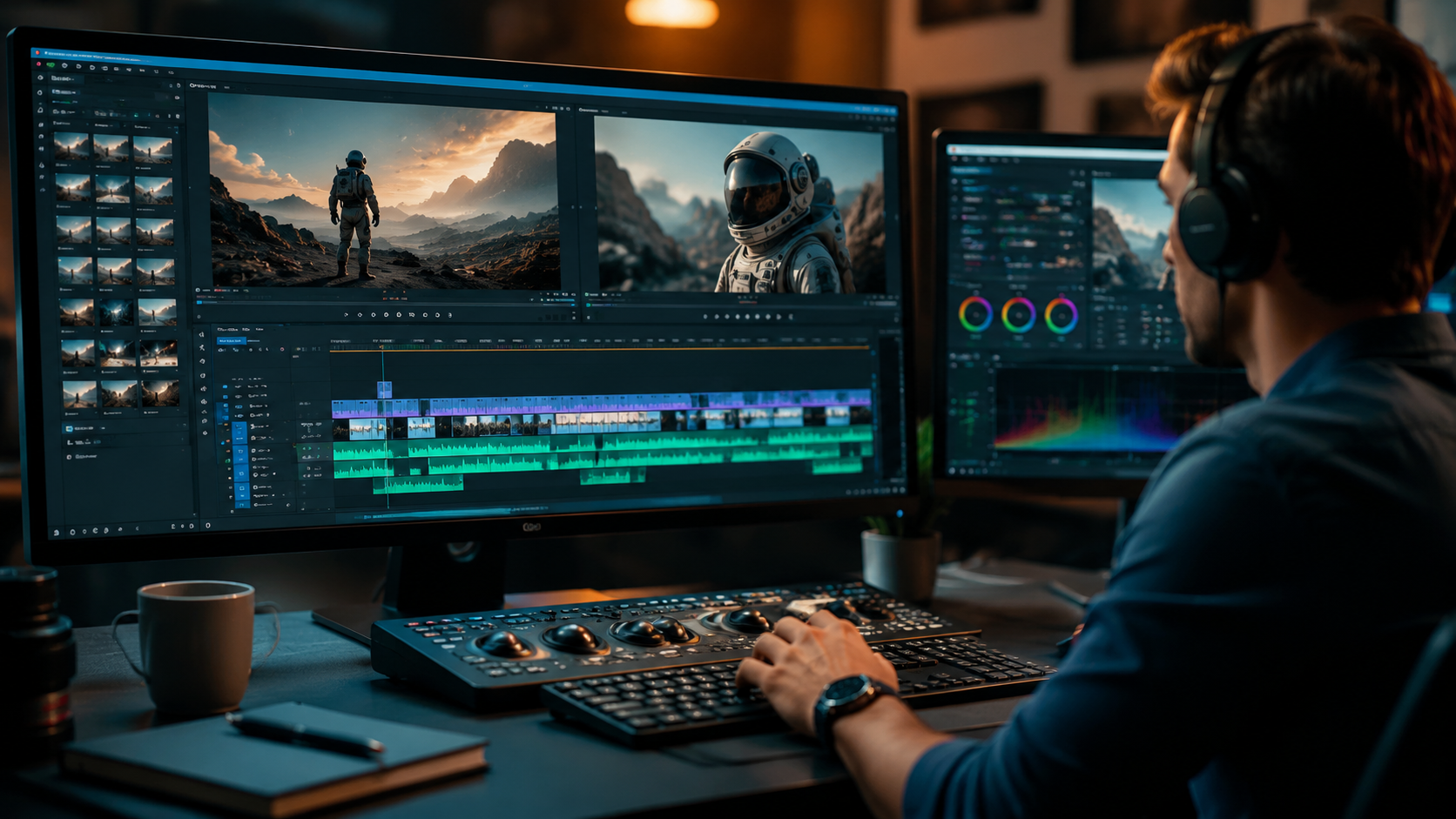
The landscape of tools for editing AI-generated videos has expanded significantly in 2026. From dedicated AI video platforms to traditional non-linear editors with AI plugins, creators now have more options than ever. Below is a comparison of the leading tools currently shaping the industry.
| Tool / Platform | Best For | Key Feature | Release / Update | Pricing Model |
|---|---|---|---|---|
| Utopai Studios 2.0 | End-to-end AI video creation & editing | Enhanced temporal stability & scene refinement | June 2, 2026 (2.0 launch) | Subscription tiers |
| Gemini Omni | Multimodal AI video understanding & editing | Context-aware video editing assistant | May 19, 2026 | Integration with Google Workspace |
| YouTube AI Insertion Tool | Inserting creators into AI-generated scenes | AI-powered subject placement into any video | May 24, 2026 | Part of YouTube Studio |
| Traditional NLE + AI Plugins | Professional post-production polish | Frame-by-frame artifact correction | Ongoing updates throughout 2026 | Monthly / annual subscriptions |
| Cloud-based AI Video Editors | Collaborative team editing | Real-time AI artifact detection & removal | Multiple releases in 2026 | Usage-based pricing |
Utopai Studios 2.0: A Major Leap Forward
Variety reported on June 2, 2026, that Utopai Studios launched its enhanced 2.0 version with significant improvements to generative video editing capabilities. The platform now offers scene-level refinement tools that allow editors to adjust individual shots within AI-generated sequences without regenerating the entire clip. This granular control is a game-changer for anyone learning how to edit AI generated videos professionally.
Gemini Omni: Google's Multimodal Editing Assistant
Google's introduction of Gemini Omni on May 19, 2026, represents a paradigm shift in how AI can assist with video editing. Unlike standalone generators, Gemini Omni understands the context of your footage and can suggest edits based on narrative coherence, emotional pacing, and visual consistency. For creators looking to edit AI-generated videos more efficiently, Gemini Omni acts as an intelligent co-editor that handles routine tasks while the human focuses on creative decisions.
YouTube's AI Insertion Feature
According to Spherical Insights (May 24, 2026), YouTube now lets creators use AI to insert themselves into other people's videos. This feature has profound implications for how to edit AI generated videos for social media — creators can place themselves into AI-generated environments and scenes, combining real human presence with synthetic backgrounds. This hybrid approach is becoming the standard for YouTube content in 2026.
Step-by-Step Workflow: How to Edit AI Generated Videos Like a Pro
Based on industry best practices and the latest tool capabilities, here is a proven six-step workflow for editing AI-generated videos in 2026.
- Review and audit the raw AI footage. Play through the entire AI-generated video at full speed, noting any obvious artifacts, temporal inconsistencies, or narrative gaps. Flag sections where characters morph, backgrounds flicker, or lighting changes unnaturally. This review step sets the agenda for your editing session.
- Trim and restructure the narrative. AI generators often produce footage that is longer than needed or that lacks logical flow. Use your editing software to trim unnecessary frames, rearrange scenes into a coherent sequence, and establish proper pacing. Aim for a rhythm that matches the emotional tone of your content.
- Fix temporal artifacts and AI glitches. This is the most technically demanding step. Use tools like Utopai Studios 2.0's scene refinement or AI-powered artifact removal plugins to correct frame-level issues. For persistent problems, consider regenerating specific segments with modified prompts or using frame interpolation to smooth transitions.
- Enhance visual quality and consistency. Apply color grading to ensure consistent lighting and tone across all scenes. AI-generated footage often suffers from flat or uneven color profiles, so a uniform grade significantly improves perceived quality. Add grain, sharpening, or other effects to match the visual style you are targeting.
- Add or replace audio and voiceover. Replace AI-generated audio with professionally recorded voiceovers whenever possible. If that is not practical, use audio AI tools to clean up and enhance the synthetic audio. Layer in background music and sound effects to build atmosphere and cover any remaining audio artifacts.
- Export at the right settings for your platform. Different platforms have different technical requirements. Export your edited AI video at the resolution, frame rate, and bitrate that match your target distribution channel — whether that is YouTube, TikTok, Instagram, or a professional portfolio.
This workflow applies whether you are editing a 15-second social media clip or a 10-minute narrative piece. The tools may vary, but the principles remain the same: start with a thorough review, fix what is broken, enhance what is good, and export for the intended audience.
Overcoming Common Challenges When You Edit AI Generated Videos
Even with the best tools, editing AI-generated videos presents recurring challenges that every creator must learn to handle. The most common issues in 2026 include facial inconsistency, background drift, and audio-visual sync problems.
Facial Inconsistency and Character Morphing
AI video generators frequently struggle to maintain consistent facial features across multiple shots of the same character. This is especially problematic in narrative content where viewers expect characters to look the same from scene to scene. To overcome this, use Utopai Studios 2.0's character consistency features or manually keyframe facial landmarks across affected scenes. Some editors are now using Gemini Omni's multimodal understanding to automatically detect and flag facial inconsistencies during the review phase.
Background Drift and Environmental Changes
Background drift occurs when the AI alters the environment from frame to frame — a chair that changes color, a window that shifts position, or lighting that fluctuates without reason. Fixing this requires frame-by-frame attention. The best approach is to use generative fill tools within your NLE to lock down background elements, or to regenerate the affected segments with more specific prompts that include environmental constraints.
Audio-Visual Sync and Lip Movement
AI-generated videos of people speaking often have subtle desynchronization between audio and lip movements. While this has improved dramatically with tools like Gemini Omni, many creators still prefer to replace AI dialogue with human-recorded audio and use manual lipsyncing tools to match the new audio to the video. This extra step significantly improves viewer engagement and trust.
The Future of AI Video Editing: Trends Shaping 2026 and Beyond
The rapid evolution of AI video technology shows no signs of slowing down. The Cybernews report from June 3, 2026, highlights that how to edit AI generated videos will continue to evolve as generators become more sophisticated. Several key trends are already visible.
First, the line between generation and editing is blurring. Platforms like Utopai Studios 2.0 now offer editing capabilities that were once the exclusive domain of traditional NLE software. Second, multimodal AI assistants like Gemini Omni are making it possible for novice editors to achieve professional results by guiding them through complex editing decisions. Third, platform-specific tools — such as YouTube's AI insertion feature — are embedding editing capabilities directly into distribution channels, reducing the need for separate editing software.
Interestingly, the Divine app, reported by NBC 6 South Florida on May 20, 2026, takes a different approach by banning AI-generated content entirely, aiming to revive authentic Vine-like short-form video. This counter-trend suggests that as AI video becomes more prevalent, there will also be demand for purely human-created content. For editors, this means that being skilled at how to edit AI generated videos is valuable, but so is knowing when to use AI and when to rely on traditional techniques.
Studies show that viewers can detect AI-generated content within seconds if it is not properly edited — one 2026 survey found that 78% of viewers lose trust in content that exhibits obvious AI artifacts. This underscores why editing is not optional but essential for anyone using AI video generators professionally.
Frequently Asked Questions About Editing AI-Generated Videos
What is the most important step when editing AI-generated videos?
The most important step is the initial review and audit of the raw AI footage. Identifying all artifacts, inconsistencies, and narrative gaps before you begin editing ensures that you address every issue systematically and don't miss critical problems that could undermine the final video's quality.
Do I need special software to edit AI-generated videos?
While you can use traditional NLE software like Premiere Pro or DaVinci Resolve for basic editing, dedicated tools like Utopai Studios 2.0 and Gemini Omni offer features specifically designed to handle AI artifacts and temporal inconsistencies. For professional results, a combination of dedicated AI tools and traditional editing software works best.
Can I edit AI-generated videos on my phone in 2026?
Yes, several mobile apps now offer AI video editing capabilities, including artifact removal and scene refinement. However, for complex edits and professional-quality output, desktop software still provides more control and better performance, especially when working with high-resolution AI-generated footage.
How long does it take to edit an AI-generated video?
Editing time depends on the length and quality of the AI-generated footage. A 60-second social media clip typically takes 30–60 minutes to edit properly, while a 10-minute narrative piece can take 4–8 hours. The learning curve for how to edit AI generated videos efficiently is approximately 2–4 weeks for most editors transitioning from traditional workflows.
Is it worth editing AI-generated videos or should I start from scratch?
Editing AI-generated videos is almost always worth the effort because it saves the time and cost of traditional production while allowing you to correct the AI's mistakes. According to the Cybernews report from June 2026, creators who edit AI-generated footage save 40–60% of production time compared to traditional video creation, while achieving comparable or better engagement metrics.
Will AI editing tools replace human video editors?
No, AI editing tools in 2026 are designed to augment human creativity, not replace it. While AI can handle repetitive tasks like artifact detection and basic trimming, creative decisions about pacing, narrative structure, emotional impact, and visual style still require human judgment. The most successful editors are those who learn to collaborate effectively with AI tools.
What should I do if the AI-generated video has major inconsistencies?
For major inconsistencies, the best approach is to regenerate the problematic segments with more specific prompts, then edit the new segments into the existing footage. Tools like Utopai Studios 2.0 allow you to regenerate individual scenes while maintaining consistent character appearances and environmental settings across the entire video.



Comments ()