
How to Edit AI Generated Video: 2026 Advanced Guide
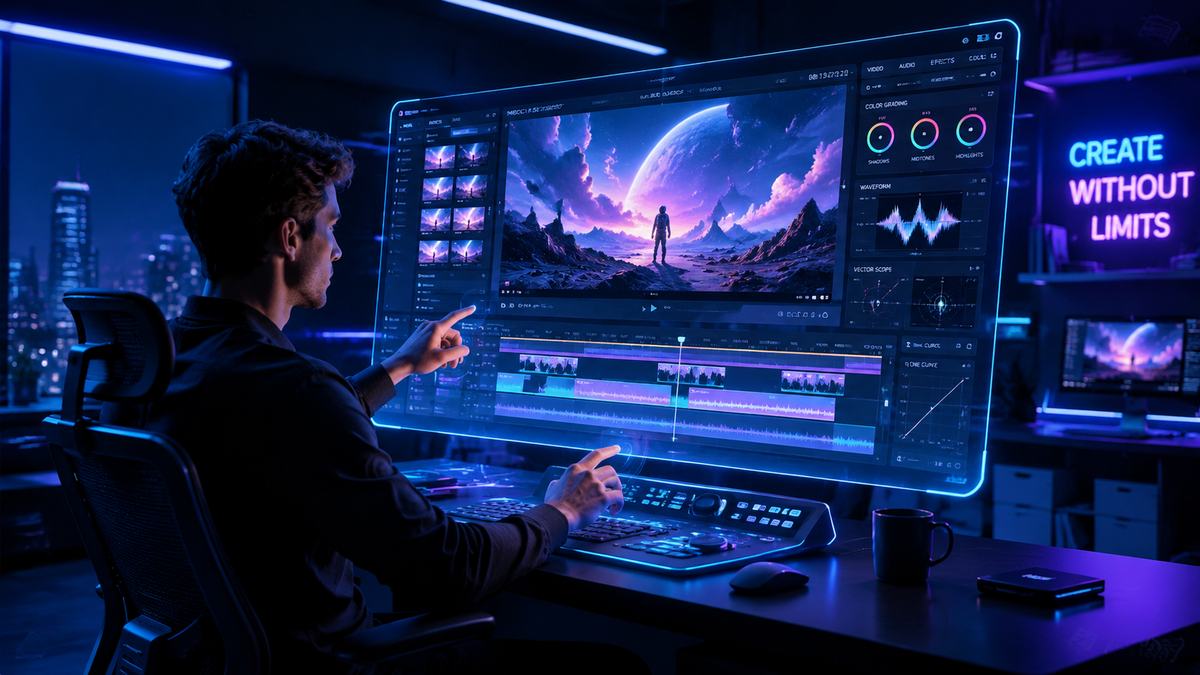
Learning how to edit ai generated video in 2026 requires a shift from traditional linear timelines to a hybrid workflow of prompt-refinement and neural layer manipulation. To edit these videos effectively, you must combine generative world models like Gemini Omni with specialized AI editing platforms to correct temporal inconsistencies, upscale resolution, and apply consistent style transfers across frames.
Editing AI-generated video is the process of refining synthetic footage through prompt-based iterative regeneration, neural inpainting, and traditional post-production layering. In 2026, this involves using world models to maintain spatial consistency while utilizing AI-native editors to modify specific objects or lighting within a pre-generated scene.
- ✓ Use "Seed Locking" to maintain character and environment consistency during edits.
- ✓ Leverage Gemini Omni’s multimodal capabilities for real-time voice-to-video modifications.
- ✓ Utilize neural inpainting to remove artifacts common in high-motion synthetic clips.
- ✓ Integrate Chinese AI video models for superior cinematic aesthetics and fluid motion.
- ✓ Employ AI-native platforms like Buzzy for automated multi-track synchronization.
Step-by-Step: How to Edit AI Generated Video in 2026
The landscape of video production has shifted from "fixing it in post" to "refining it in the prompt." However, the manual touch remains essential for professional-grade results. Follow this advanced workflow to master the art of synthetic video editing.
- Select Your Base World Model: Start by generating your core footage using a world model like Gemini Omni or top-tier Chinese AI video platforms. Ensure your initial prompt includes specific lighting and camera angle parameters to minimize heavy editing later.
- Import to an AI-Native Editor: Upload your raw synthetic clips into a platform like Buzzy. These editors are designed to recognize the underlying data structures of AI video, making it easier to isolate subjects than in traditional software.
- Apply Temporal Smoothing: AI videos often suffer from "jitter" between frames. Use a temporal consistency filter to lock pixels in place across the timeline, ensuring that a character’s face doesn't morph during a head turn.
- Neural Inpainting and Object Removal: Identify any hallucinations—such as extra limbs or distorted backgrounds—and use a brush tool to mask them. The AI will then "re-imagine" those specific pixels based on the surrounding frames.
- Color Grading and Style Transfer: Use AI-driven LUTs (Look-Up Tables) to unify the color profile of clips generated by different models. This ensures a cohesive visual narrative throughout your project.
- Final Upscaling and Export: Synthetic video is often generated at lower resolutions to save compute. Use a 2026-standard neural upscaler to bring the footage to 4K or 8K without losing detail.
The Evolution of Video Editing: From Script to Screen
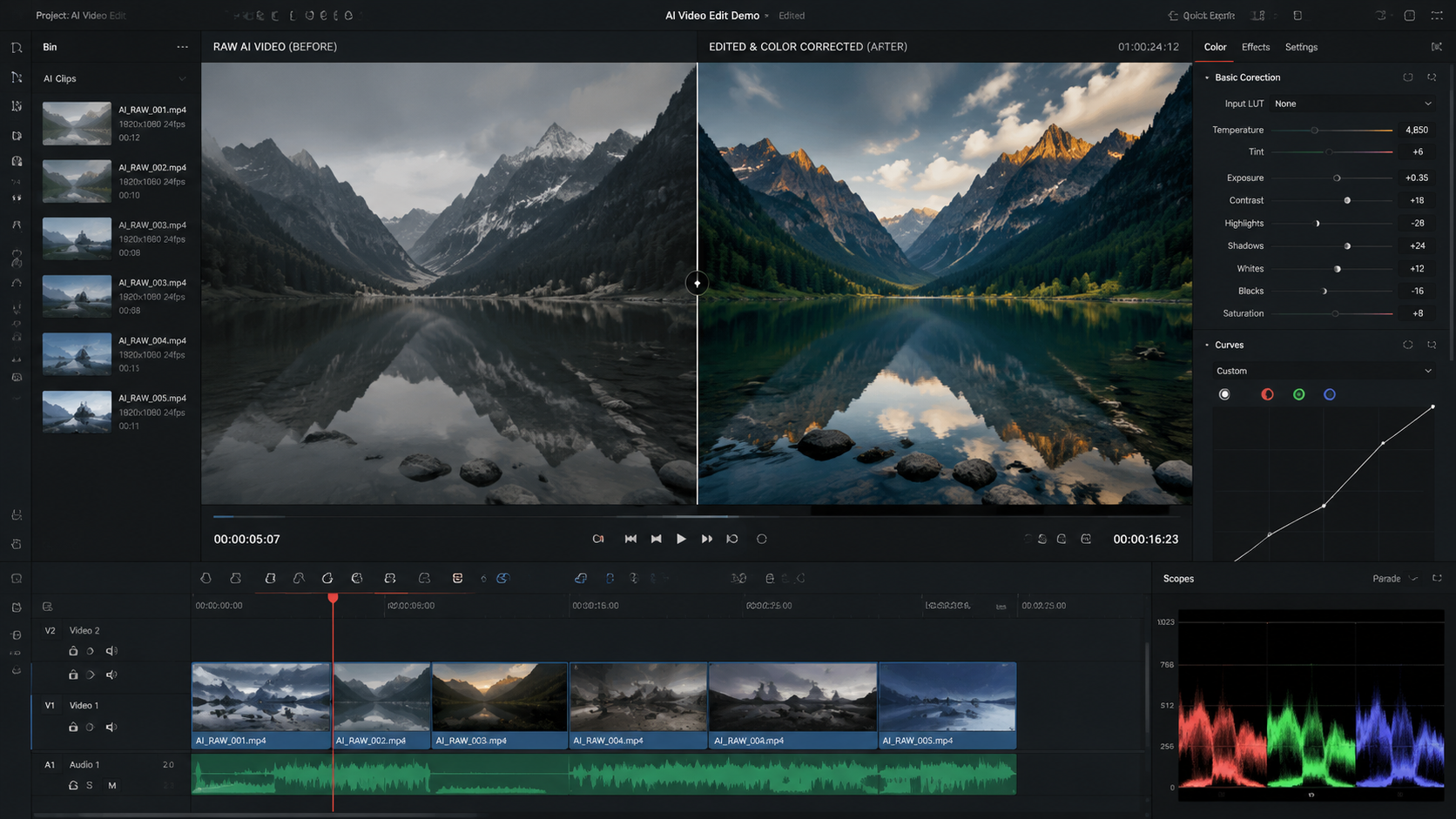
As we navigate through May 2026, the distinction between "creating" and "editing" has blurred significantly. According to HP, the transition from script to screen is now a continuous loop where the script acts as the metadata for the video itself. When you learn how to edit ai generated video today, you are essentially editing the "DNA" of the footage rather than just cutting strips of film.
The rise of world models has introduced a new layer of depth to editing. Unlike the flat pixels of 2024, 2026 video files often contain depth maps and semantic data. This allows editors to change the weather in a scene or move a light source after the video has already been "shot." This level of control was previously reserved for high-budget CGI houses but is now accessible to individual creators through intuitive AI interfaces.
Integrating Gemini Omni into Your Workflow
The release of Gemini Omni in May 2026 has revolutionized how professionals approach video modification. As a world model, Gemini Omni understands the laws of physics within a video. If you need to edit a scene where a glass falls, the model understands how the liquid should splash. Editing now involves giving natural language commands like "make the glass break slower" or "change the liquid to orange juice," which the model executes while maintaining perfect lighting and reflection consistency.
Comparing Top AI Video Platforms of 2026
Choosing the right tool is the first step in mastering how to edit ai generated video. The market is currently split between Western "World Models" and highly efficient Chinese creative engines. According to the Financial Times, Chinese AI groups have recently pulled ahead in the video generation race, offering smoother motion and higher aesthetic fidelity, which requires different editing approaches.
| Platform | Primary Strength | Best For... | Key Editing Feature |
|---|---|---|---|
| Gemini Omni | Physical Accuracy | Action & Physics Scenes | Real-time Multimodal Prompting |
| Buzzy | Workflow Automation | Social Media & Ads | $20M Funded Auto-Sync Engine |
| Chinese AI Models | Visual Aesthetics | Cinematic Short Films | Advanced Style Transfer |
| Analytics Insight Top Picks | Speed & Efficiency | Quick Prototyping | One-Click Aspect Ratio Morphing |
Advanced Techniques for Refining Synthetic Clips
When you focus on how to edit ai generated video at a professional level, you must look beyond simple cuts. One of the most critical skills in 2026 is "Prompt Interpolation." This involves creating "bridge" prompts between two different AI clips to create a seamless, non-linear transition that looks like a single continuous take. This technique eliminates the need for traditional cross-fades, replacing them with morphs that feel natural to the viewer.
Another essential technique is the use of Neural Layering. In 2026, editors can separate the foreground, midground, and background of an AI-generated clip into distinct layers. This allows for precise color correction of the subject without affecting the sky, or vice versa. According to Analytics Insight, the best AI video generator platforms now include these layering tools as standard features, enabling creators to produce stunning clips in minutes that previously took days of rotoscoping.
Correcting Hallucinations and Artifacts
Despite the advancements in 2026, AI still occasionally produces visual "hallucinations." Editing these requires a specialized toolset. Creative Bloq notes that many creators who previously avoided AI tools have been won over by the precision of modern "healing" brushes. These brushes don't just blur a mistake; they use the model's understanding of the scene to regenerate the affected area correctly. If an AI-generated hand has six fingers, the editor simply highlights the hand and prompts "five fingers," and the neural engine re-renders only that specific quadrant of the video.
The Role of Specialized AI Editing Platforms
The emergence of platforms like Buzzy, which recently launched with $20M in funding led by Redpoint Ventures, highlights the demand for dedicated AI editing environments. These platforms are not just "Photoshop for video"; they are collaborative spaces where the AI acts as an assistant editor. For example, Buzzy can analyze a 10-minute raw AI generation and automatically highlight the "best" takes based on emotional resonance and physical stability.
Furthermore, these platforms allow for "Multi-Model Stitching." You might generate the characters in one model known for its facial expressions and the background in another known for its architectural detail. Learning how to edit ai generated video in this context means mastering the compositing of these different neural outputs into a single, cohesive frame. This hybrid approach is what separates amateur creators from the new wave of "AI Cinematographers."
Audio-Visual Synchronization in AI Video
Editing is not just about the visuals. In 2026, AI video generation often includes synchronized synthesized audio. However, the timing can sometimes be slightly off. Advanced editors now use "Waveform Anchoring," where the AI analyzes the lip movements of a generated character and automatically stretches or compresses the audio track to ensure perfect lip-sync. This removes one of the most common "uncanny valley" triggers in synthetic media.
How do I fix flickering in AI generated videos?
Flickering is best fixed using a temporal consistency filter or a "Deflicker" neural plugin. In 2026, most AI-native editors like Buzzy have built-in tools that analyze the luminance of consecutive frames and normalize them to create a smooth, flicker-free experience.
Can I edit the clothes of a character in an AI video?
Yes, by using neural re-skinning or style transfer layers. You can mask the character's clothing and apply a new prompt specifically to that mask, allowing you to change colors, patterns, or even the type of fabric while maintaining the original movement.
What is the best resolution for editing AI video?
It is recommended to generate at 720p or 1080p for speed, perform all your structural edits and inpainting, and then use a final 4K neural upscaler. This saves processing power and prevents the "mushy" textures sometimes caused by editing at ultra-high resolutions.
How do I maintain character consistency across different clips?
The most effective way is to use "Seed Locking" and "Reference Images." By feeding the unique seed ID of your character into your editor's generation engine, you ensure that the AI recognizes the same facial features and proportions in every new clip you create for your project.
Is it possible to change the camera angle after the video is generated?
With world models like Gemini Omni, you can perform "Neural Re-projecting." This allows for slight adjustments in camera perspective (up to about 15-20 degrees) by using the AI's understanding of the 3D space within the 2D video file.
Future-Proofing Your AI Video Editing Skills
As we look toward the latter half of 2026, the key to staying relevant is adaptability. The tools we use today—whether it's Gemini Omni or the latest Chinese AI innovations—will continue to evolve. The fundamental skill of how to edit ai generated video will always come down to your ability to direct the AI's creative output toward a specific human vision.
According to Creative Bloq, the "human touch" is what finally convinced skeptics to adopt AI tools. The ability to fine-tune, curate, and polish AI outputs is where the true artistry lies. By mastering the 2026 workflow of generation, inpainting, and neural layering, you are not just a spectator of AI—you are its conductor, turning raw synthetic data into compelling, high-quality cinematic stories.



Comments ()