
How to Customize AI Video Templates: 2026 Tutorial
Customizing AI video templates is the process of taking a pre-built video framework generated by artificial intelligence and tailoring it to your brand, message, or creative vision. In 2026, this typically involves swapping out text, adjusting visuals, changing avatars, modifying voiceovers, and applying custom color schemes—all within a few clicks, without needing any video editing experience.
Customizing AI video templates is the fastest way to create professional, branded content in 2026. By using platforms like HeyGen, Viyou.ai, or Grok’s new Imagine templates, you can replace placeholder text, upload your own media, tweak animations, and generate a unique video that reflects your identity—all without touching a timeline.
- ✓ AI video templates now support deep customization, including custom avatars, voice cloning, and brand kits.
- ✓ The latest tools, such as xAI’s Grok Imagine templates and Viyou.ai, offer unlimited creative freedom with shareable template libraries.
- ✓ A step-by-step approach—choose a template, edit text, swap media, adjust voice, and export—ensures consistent, high-quality results.
- ✓ Leading platforms like HeyGen and Perfect Corp’s AI product video generator allow you to create studio-quality videos without a physical studio.
- ✓ By 2026, over 17 popular AI video generators are available, each with unique customization features for different use cases.
Why Customizing AI Video Templates Matters in 2026
AI video generation has exploded in popularity. According to Cybernews’ roundup of the 16 best AI video generation tools for 2026, the market now offers everything from hyper-realistic avatars to cinematic scene generation. Customizing templates is no longer just about changing text—it’s about making the video feel uniquely yours. Whether you’re a marketer creating product demos, a content creator posting on social media, or a business owner building training videos, the ability to tailor a template saves hours of manual editing while maintaining professional quality.
TestingCatalog AI News recently reported that xAI is rolling out custom, shareable Imagine templates for Grok. This means users can now create a branded template once and share it across teams, ensuring consistency. Similarly, Viyou.ai promises “unlimited freedom” for generating AI videos and images, allowing creators to customize every element. The trend is clear: in 2026, customization is the core feature that separates basic AI video tools from powerful creative platforms.
Step-by-Step Guide: How to Customize AI Video Templates
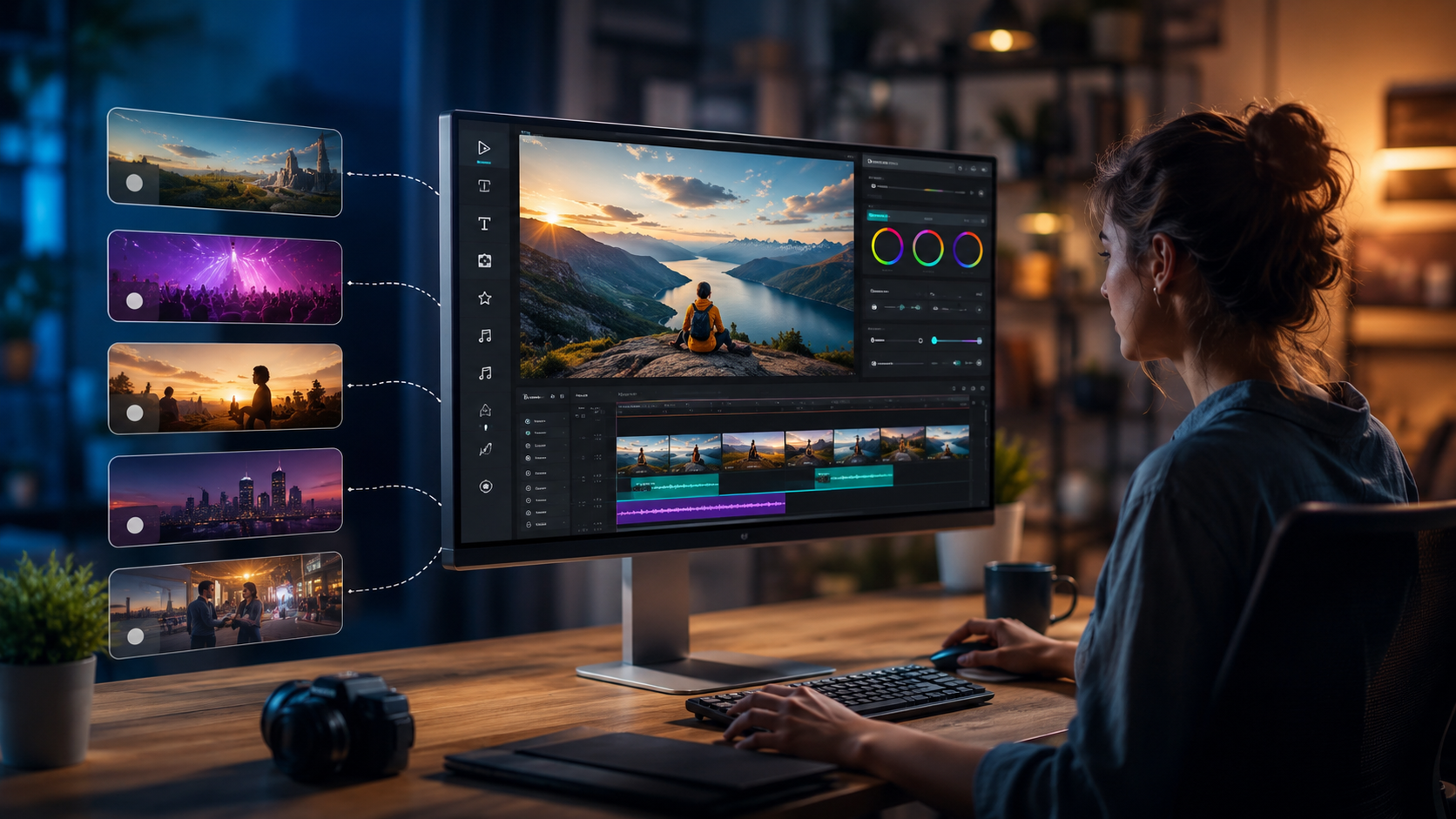
Follow this numbered process to customize any AI video template. These steps work across leading platforms like HeyGen, Viyou.ai, and Perfect Corp’s AI product video generator.
- Choose the right template. Browse the platform’s library and select a template that matches your video’s purpose—explainer, product showcase, social clip, or presentation. Look for templates with editable text, media placeholders, and voiceover slots.
- Replace placeholder text. Click on each text block and type your own headlines, subtitles, and call-to-action. Most tools allow you to change font, size, color, and alignment. For example, in HeyGen you can directly edit the script and the AI will adjust the avatar’s lip-sync automatically.
- Swap visuals and media. Upload your own images, logos, video clips, or background footage. Many templates support drag-and-drop. Viyou.ai, for instance, lets you generate new visuals on the fly using its AI image generator, then insert them into the template.
- Customize the avatar or presenter. If the template uses an AI avatar, you can often change the person’s appearance, clothing, background, and even voice. HeyGen’s 2026 review on Unite.AI highlighted how you can clone yourself into a “scary real” AI avatar—perfect for personalized videos. Select a different avatar or upload a photo to generate a custom one.
- Adjust voiceover and music. Most tools let you record a new voiceover, type text for AI text-to-speech, or upload an audio file. You can also change the background music track, adjust volume levels, and set the pacing. Perfect Corp’s AI product video generator specializes in voiceover customization for product demos.
- Tweak animations and transitions. Some advanced templates let you modify how elements appear—fade in, slide, zoom—and the duration of each scene. This is where you can add your brand’s motion style.
- Preview and export. Play the video to check timing, lip-sync, and visual consistency. Make any final adjustments, then export in your desired resolution (1080p, 4K) and format (MP4, GIF, social-optimized).
Top AI Video Template Platforms in 2026: A Comparison
To help you choose the best tool for customizing AI video templates, we’ve compared three leading platforms based on the latest research. The table below highlights their key customization features.
| Platform | Key Customization Features | Best For | Unique 2026 Update |
|---|---|---|---|
| HeyGen | Avatar cloning, voice cloning, script editing with auto lip-sync, custom backgrounds, multi-language support | Personalized video messages, sales outreach, training videos | Hyper-realistic avatar cloning reviewed by Unite.AI (Apr 2026) |
| Viyou.ai | Unlimited template customization, AI image generation within video, viral content presets, brand kits | Social media creators, marketers needing rapid iteration | “Unlimited freedom” with AI video and image generation (The AI Journal, Feb 2026) |
| Grok Imagine Templates (xAI) | Custom shareable templates, text and visual editing, collaborative sharing, integration with Grok chatbot | Teams and enterprises needing consistent branded templates | Rolling out custom, shareable Imagine templates (TestingCatalog, Apr 2026) |
According to Built In’s list of 17 popular AI video generators (April 2026), many other tools like Synthesia, Pictory, and Runway also offer robust customization. The key is to pick a platform that aligns with your primary use case—whether that’s avatar realism, speed, or collaborative template sharing.
Advanced Customization Techniques for AI Video Templates
Leveraging Brand Kits and Style Guides
Most modern AI video generators allow you to upload a brand kit—your logo, color palette, fonts, and even tone of voice. Once applied, the template automatically adjusts all visual elements to match your brand. For instance, Viyou.ai lets you save multiple brand kits and switch between them for different campaigns. This is a huge time-saver when you need to produce a series of videos that all look cohesive.
Creating Custom Avatars from Your Own Photos
HeyGen’s 2026 review highlighted how you can clone yourself into a “scary real” AI avatar. To do this, upload a few seconds of video or a set of photos. The AI learns your facial movements and voice, then lets you generate new videos where the avatar speaks your script. This is perfect for personalizing tutorials or customer communications without filming again.
Using AI to Generate Custom Backgrounds and Scenes
Instead of relying on stock backgrounds, you can now describe a scene and have the AI generate it. For example, in Viyou.ai, you can type “modern office with plants and natural light” and the tool creates a custom background that fits your template. This level of customization ensures your video stands out from generic templates.
Best Practices for Customizing AI Video Templates
To get the most out of your customization efforts, follow these expert tips:
- Keep your script concise. AI templates are designed for short attention spans. Aim for 30–90 seconds for social videos, and up to 3 minutes for tutorials.
- Test different avatars. If your platform offers multiple avatar styles (realistic, cartoon, professional), test which one resonates with your audience. According to Perfect Corp’s AI product video generator, product demos often perform better with a friendly, approachable avatar.
- Use the platform’s sharing features. xAI’s new shareable Imagine templates allow your whole team to use the same branded template. This ensures consistency across departments.
- Optimize for each platform. Many AI video generators let you export in formats optimized for YouTube, TikTok, Instagram Reels, or LinkedIn. Choose the right aspect ratio and length for your target channel.
- Iterate based on analytics. Some tools, like Viyou.ai, offer performance insights after publishing. Use that data to refine your templates—change the call-to-action, adjust the pacing, or swap visuals.
Frequently Asked Questions About Customizing AI Video Templates
What does it mean to customize an AI video template?
Customizing an AI video template means modifying the pre-designed elements—text, images, avatars, voiceover, music, colors, and animations—to match your brand or message, all within the AI tool’s interface.
Do I need any video editing skills to customize AI video templates?
No. Most AI video generators are designed for non-editors. You simply click on elements and change them using menus and text fields. The AI handles the technical aspects like lip-sync and rendering.
Can I use my own voice in an AI video template?
Yes. Many platforms, including HeyGen and Perfect Corp’s generator, allow you to upload a voice recording or use AI voice cloning to replicate your own voice. You can also type text and choose from dozens of AI voice styles.
How long does it take to customize an AI video template?
Depending on the complexity, customization can take anywhere from 5 minutes (simple text and logo swap) to 30 minutes (creating a custom avatar and adjusting every scene). Most users finish in under 15 minutes.
Are there any limitations to customizing AI video templates in 2026?
The main limitations are platform-specific: some templates restrict certain elements (e.g., you cannot change the background music in a free plan). Also, very advanced customizations like 3D scene editing may require a premium subscription. However, the top tools now offer extensive flexibility.
Can I save my customized template to reuse later?
Yes. Most platforms let you save your customized template as a project or a custom template. With xAI’s Grok Imagine templates, you can even share your custom template with your team for collaborative use.
Customizing AI video templates in 2026 is easier and more powerful than ever. With the right platform—whether it’s HeyGen for avatar realism, Viyou.ai for creative freedom, or Grok’s shareable templates—you can turn a generic starting point into a polished, branded video in minutes. By following the step-by-step guide and applying best practices, you’ll be able to produce high-quality content that engages your audience and reinforces your brand identity. Start experimenting with one of the 17 popular AI video generators highlighted in the latest research, and see how far a little customization can go.



Comments ()