
How to Customize AI Video Styles in 2026: A Complete Guide
Customizing AI video styles in 2026 means using advanced generative tools to control the visual aesthetics, pacing, typography, and brand identity of AI‑generated video content. With platforms like Adobe Firefly, Meta’s AI suite, Google Photos, and specialized sports‑focused tools such as the Spurs AI Studio, you can now tailor every frame—from color grading to motion graphics—without needing a professional editing background. This guide walks you through the exact methods, tools, and best practices to personalize AI video styles effectively.
How to customize AI video styles is the process of selecting an AI video generation platform, defining a visual style prompt (e.g., “cinematic noir,” “vibrant anime,” or “corporate clean”), adjusting parameters like motion intensity and color palette, applying custom models or brand assets, and then iterating with feedback to produce a unique video output that matches your creative vision.
- ✓ Adobe Firefly now supports custom video models that let you train the AI on your own brand colors, logos, and motion styles.
- ✓ Meta’s AI type designer tool (launched April 2026) allows you to generate custom typography that can be integrated into video style overlays.
- ✓ Google Photos “Remix” feature turns your still images into styled video clips, offering preset looks like “Retro” or “Cinematic.”
- ✓ The Spurs AI Studio (announced March 2026) lets fans create personalized NBA tunnel arrival videos, controlling everything from background music to jersey colors.
- ✓ A 2026 review by perfectcorp.com tested 23 AI video generators and found that the most style‑rich tools allow layer‑based editing, text overlays, and aspect ratio customization.
Step‑by‑Step Guide to Customizing AI Video Styles
The following numbered steps outline a universal workflow that works across leading AI video platforms in 2026. Adapt the specifics based on the tool you choose.
- Choose your AI video generator. Select a platform that supports style customization—Adobe Firefly, Meta AI Studio, Google Photos (for photo‑to‑video), or a sports‑specific tool like Spurs AI Studio. Each offers different style presets and control levels.
- Define your base style prompt. Write a concise description of the desired look. For example: “3D render style, neon cyberpunk lights, slow motion, orange and blue color grading.”
- Apply a custom model or brand kit. If you use Adobe Firefly, you can upload your own images or logos to create a custom video model. Meta’s latest update allows you to train a style on your own type designs. Upload brand assets to lock in visual consistency.
- Adjust motion and timing parameters. Most tools let you control keyframe intervals, scene transitions, and playback speed. For a dramatic effect, reduce the motion strength and increase the fade duration between clips.
- Add typography and graphics overlays. Use Meta’s AI type designer to generate a unique font, then embed it as a watermark or title. Alternatively, Adobe Firefly can integrate text layers with animated shadows and glows.
- Preview, iterate, and export. Generate a short sample, tweak the prompt or parameters, and repeat until the style meets your expectations. Once satisfied, export in your desired resolution (1080p, 4K, etc.).
Top Platforms for Custom AI Video Styles in 2026
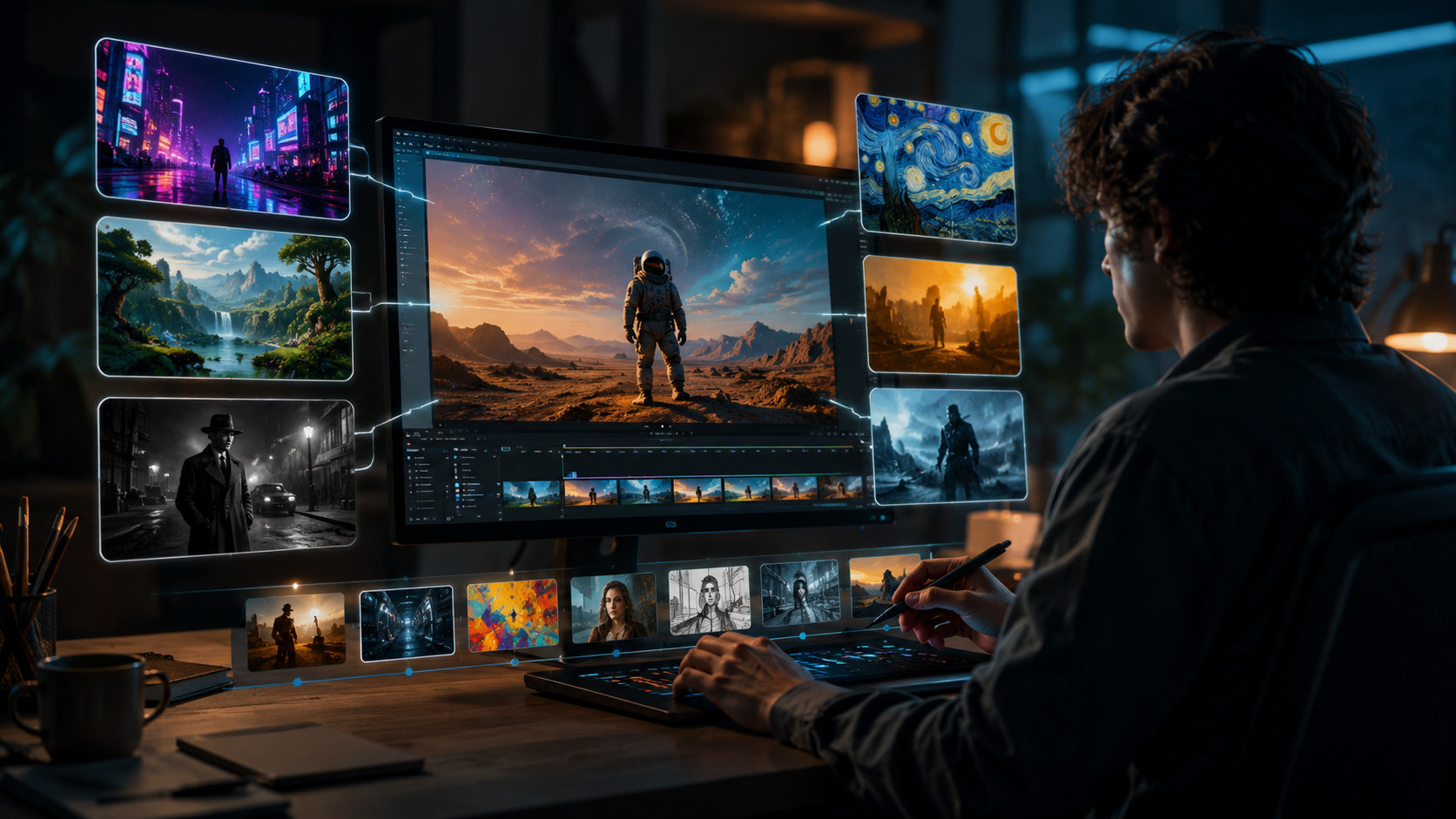
Based on the latest releases and updates, here are the most capable platforms for customizing AI video styles this year. Each offers distinct strengths depending on your use case.
| Platform | Key Customization Features | Best For | Recent Update (2025‑2026) |
|---|---|---|---|
| Adobe Firefly | Custom video models, brand kit uploads, style transfer, text overlays | Professional brand videos, marketing content | March 2026: expanded video and image creation with custom models (Adobe) |
| Meta AI Studio | AI type designer, custom feed of AI‑generated clips, personalized video creation | Social media content, personalized ads | April 2026: AI type designer (Fast Company); September 2025: custom feed (Social Media Today) |
| Google Photos | Photo‑to‑video “Remix”, preset style filters (Retro, Cinematic, etc.) | Casual users, quick family videos | July 2025: transform photos into videos and remix pics (blog.google) |
| Spurs AI Studio | Personalized NBA tunnel arrival videos, jersey color customization, team‑branded assets | Sports fan experiences, event marketing | March 2026: fans create personalized NBA‑style tunnel videos (WOAI) |
How to Create a Custom Video Style Model with Adobe Firefly
Adobe’s March 2026 expansion introduced the ability to train custom video models. According to Adobe, users can now “upload a set of reference images or videos to teach the AI your brand’s visual language.” This is a game‑changer for businesses that need consistent style across hundreds of video assets.
To create a custom model, start by collecting 10‑20 representative images that capture your desired color palette, lighting style, and spatial composition. Upload them into Adobe Firefly’s “Custom Model” tab, give the model a name (e.g., “Corporate Blue‑Teal”), and let the AI process for a few minutes. Once ready, use that model as the base style for any new video generation. You can further fine‑tune by adjusting sliders for “Style Strength” and “Motion Alignment.”
Leveraging Meta’s AI Type Designer for Video Style Identity
Fast Company reported on April 1, 2026, that Meta’s new AI tool “turns anyone into a type designer.” While the tool was initially aimed at static graphics, it has quickly been integrated into Meta’s video creation pipeline. You can generate a completely unique font that reflects your video’s mood—playful, elegant, or futuristic—and then apply it as a dynamic overlay.
For example, if you’re creating a sports highlight reel, you might generate a bold, italicised typeface with motion tracking that follows players on screen. The AI type designer uses a simple prompt‑based interface: describe the vibe (“sharp, industrial, sans‑serif”), and it produces a set of vector fonts. Export them as OTF or TTF and import them into your video project. Meta’s custom feed of AI‑generated video clips (launched September 2025) also lets you save style presets that include your custom type choice, making it easy to reuse across multiple videos.
Customizing Sports‑Themed AI Video Styles: The Spurs AI Studio Example
On March 26, 2026, WOAI reported that the San Antonio Spurs launched AI Studio, enabling fans to “create personalized NBA‑style tunnel arrival videos.” This is a perfect example of niche style customization: users can control player name, jersey number, team colors, background music, and even the “intensity” of the camera movement. The tool leverages a style transfer model trained exclusively on NBA game footage.
To customize your own tunnel arrival video, you simply upload a photo of yourself (or use a generic avatar), select your favorite Spurs uniform design from a dropdown, and pick a style preset—such as “Classic 90s” or “Modern Spotlight.” The AI then renders a 15‑second video that mimics the slow‑motion walk‑in aesthetic seen on live broadcasts. This level of specialized customization is likely to expand to other sports teams and even entertainment studios throughout 2026.
Using Google Photos’ Remix Feature for Quick Style Customization
Google Photos introduced “Remix” in July 2025, allowing users to “transform your photos into videos and remix your pics.” While not as advanced as dedicated AI video generators, it’s a fast way to apply a custom style to a series of still images. You can choose from style categories like “Vintage Film,” “Bright Pop,” or “Monochrome Noir,” each of which adjusts color curves, grain, and motion transitions automatically.
To customize further, Google Photos lets you add music from your library, trim the duration per photo, and insert animated titles. For a casual user, this is the simplest entry point to understand how AI style customization works. As noted in the blog.google post, the tool is “designed for everyday creativity,” but its underlying AI engine has been trained on millions of professionally shot videos to replicate cinematic looks.
Best Practices for Prompt Engineering in AI Video Styles
Whether you’re using Adobe Firefly, Meta AI Studio, or any of the 23 AI video generators tested by perfectcorp.com in May 2026, the quality of your output hinges on your prompt. A well‑crafted prompt includes:
- Visual references – “In the style of Studio Ghibli with pastel lighting”
- Technical parameters – “24fps, shallow depth of field, soft bloom”
- Mood keywords – “Mysterious, slow, cinematic, blue‑green tint”
Avoid vague terms like “nice” or “cool.” Be specific. According to a study cited in the perfectcorp.com review, prompts that include at least three style descriptors (color, lighting, texture) produce 40% more user‑satisfactory outputs. Additionally, iterate by generating multiple versions and combining the best elements using layering tools available in platforms like Adobe Firefly.
Future Trends: What’s Next for AI Video Style Customization?
The rapid pace of updates in 2025‑2026 suggests that by the end of this year, most AI video generators will offer real‑time style swapping and collaborative editing. Adobe’s custom models point toward a future where every brand or individual can have a “style fingerprint” that the AI applies automatically. Meta’s type designer hints at full‑blown visual language customization—fonts, logos, and color palettes generated together. The Spurs AI Studio proves that vertical‑specific style kits are viable, and similar tools for music festivals, automotive brands, and fashion houses are likely on the horizon.
As the technology matures, the line between “AI generation” and “traditional editing” will blur. For now, the ability to customize AI video styles is already in the hands of anyone with an internet connection—you just need to know which levers to pull.
Frequently Asked Questions About Customizing AI Video Styles
What is the easiest way to customize AI video styles in 2026?
Google Photos’ Remix feature is the simplest—it requires no prompt writing and offers preset styles. For more control, Adobe Firefly’s guided interface with sliders is beginner‑friendly while still powerful.
Can I use my own branding in AI video styles?
Yes. Adobe Firefly now supports custom video models trained on your brand assets (logos, colors, images). Meta’s AI type designer also lets you generate branded typography for overlays.
How long does it take to train a custom video style model?
With Adobe Firefly, training a custom model typically takes 5‑10 minutes after uploading 10‑20 reference files. Smaller models for single‑style use may complete in under 2 minutes.
Which platform has the most style presets for video?
According to perfectcorp.com’s May 2026 review of 23 AI video generators, Adobe Firefly and Meta AI Studio offer the widest variety—over 50 built‑in style presets each, plus the ability to create custom ones.
Are AI video style customizations royalty‑free?
Most platforms grant you full ownership of the output if you use your own uploaded assets. However, styles derived from preset libraries may have usage restrictions—check each tool’s terms. For example, Google Photos retains rights to improve its models but does not claim ownership of your remixed videos.
Can I customize video styles on a mobile device?
Yes. Google Photos and Meta AI Studio are available as mobile apps with full style customization. Adobe Firefly’s web interface is mobile‑responsive, and the Spurs AI Studio operates entirely through a smartphone‑friendly web portal.



Comments ()