
Ultimate Guide: How to Create Videos with Text to AI in 2026
Creating professional, engaging videos from a simple text prompt is no longer science fiction — it’s a practical, everyday reality in 2026. Thanks to leaps in generative AI, you can now transform a few sentences into a full-length video with realistic visuals, voiceovers, and even complex scene transitions. This ultimate guide shows you how to create videos with text to AI 2026 tools, covering everything from choosing the right platform to optimizing your final output for maximum impact.
Text-to-video AI in 2026 is a class of generative models that convert written descriptions (prompts) into short or long-form video clips, complete with motion, audio, and sometimes interactive elements. The technology has matured significantly this year, with tools like Google’s Gemini Omni (launched May 29, 2026) and dozens of specialized generators offering cinematic quality, real-time editing, and seamless integration with other content creation workflows.
- ✓ Text-to-video AI now delivers 1080p to 4K resolution with coherent motion and object consistency.
- ✓ Google’s Gemini Omni, released in May 2026, sets a new benchmark for multimodal generation — text, image, audio, and video from one prompt.
- ✓ The best AI video generators of 2026 are ranked and compared by trusted outlets like PCMag, Memeburn, and Ventureburn.
- ✓ Free text-to-video tools exist, but premium versions unlock longer durations, higher resolution, and commercial rights.
- ✓ Optimizing prompts and post-generating editing remain critical for professional-grade results.
What Is Text‑to‑Video AI in 2026?
Text‑to‑video AI refers to generative models that produce video content directly from natural language descriptions. Unlike earlier tools that produced jerky, low-resolution clips, 2026’s systems can generate entire scenes with consistent characters, physics-aware motion, and synchronized audio (dialogue, sound effects, background music). According to a Cybernews report from June 3, 2026, “The Rise of AI Video Generators: How Text-to-Video Technology Is Changing Content Creation” highlights that these tools have slashed production time from days to minutes, making professional video accessible to bloggers, marketers, and small businesses.
Google’s Gemini Omni, introduced on May 29, 2026, is a standout example. Described in Google’s own blog as a “unified AI that understands and generates text, images, audio, and video,” it enables users to type a single prompt and receive a polished video — no separate editing software required. Other major players include Runway Gen-3, Pika Labs 2.0, and a wave of free tools reviewed by Ventureburn (May 31, 2026). The landscape is evolving fast, but the core question remains the same: how to create videos with text to ai 2026 in a way that yields high-quality, engaging content.
Step‑by‑Step: How to Create Videos with Text to AI in 2026
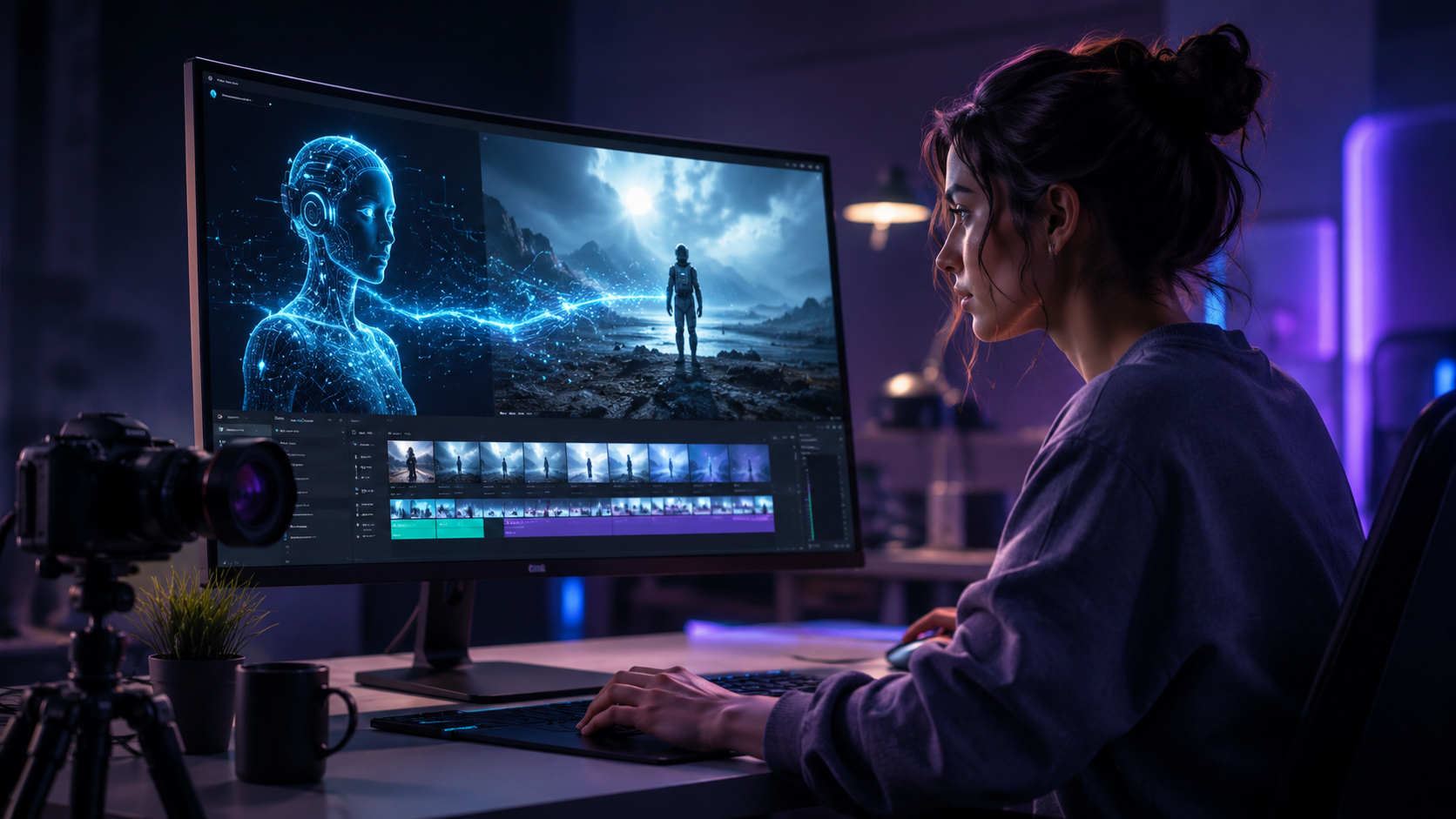
Follow this numbered process to get consistent, professional results from any text‑to‑video generator. These steps apply broadly to tools like Gemini Omni, Runway, Pika, and others tested by PCMag and Memeburn.
- Define your video’s purpose and target length. Decide whether you need a 15‑second social clip, a 1‑minute explainer, or a 3‑minute story. Most AI tools limit free generations to 10–30 seconds; premium plans allow up to 2–3 minutes.
- Write a detailed, structured prompt. Avoid vague phrases. Instead of “cat playing,” use “A tabby cat with green eyes batting at a red laser pointer in a sunlit living room, shallow depth of field.” Include style cues (e.g., “cinematic lighting, 4K, slow motion”).
- Choose your AI generator based on output quality, resolution, and budget. Refer to the comparison table below. For best results in 2026, Gemini Omni offers the broadest multimodal capability, while Runway Gen-3 excels in realistic human motion.
- Generate a preview and iterate. Most platforms generate a draft in 30–90 seconds. Review it for motion smoothness, object consistency, and alignment with your prompt. Adjust wording, add negative prompts (e.g., “no blurry faces”), or change aspect ratio.
- Refine in an integrated editor (if available). Tools like Pika Labs 2.0 let you extend clips, change color grading, or add text overlays. Gemini Omni allows real‑time editing with voice commands. This step is essential for polishing the final output.
- Export and enhance with third‑party tools. Export in MP4 or MOV format. For longer projects, piece multiple AI clips together using traditional video editors (CapCut, DaVinci Resolve). Add background music from royalty‑free libraries (e.g., Epidemic Sound, YouTube Audio Library).
- Optimize for platform delivery. Resize to vertical (9:16) for TikTok/Reels, horizontal (16:9) for YouTube, or square (1:1) for Instagram. Apply subtitles automatically — many AI tools now generate captions alongside video.
Best AI Video Generators of 2026 Compared
Multiple independent testing sites — Memeburn (June 5, 2026), Ventureburn (May 31, 2026), and PCMag (May 24, 2026) — have ranked and reviewed the top tools. The table below summarises key features for common use cases.
| Tool | Key Strength | Max Duration (Free) | Max Resolution | Starting Price (Monthly) |
|---|---|---|---|---|
| Google Gemini Omni | Multimodal (text/image/audio/video), best for all-in-one | 60 seconds | 1080p | $29.99 (Pro) |
| Runway Gen‑3 | Realistic human motion and cinematography | 15 seconds | 4K | $19.99 |
| Pika Labs 2.0 | Fast iteration, strong style control | 30 seconds | 1080p | $15 (Starter) |
| Synthesia 2026 | AI avatars with lip‑sync for corporate videos | 5 minutes (trial) | 1080p | $49 (Enterprise) |
| InVideo AI 2026 | Template‑based, easiest for beginners | 10 minutes | 4K | $25 (Plus) |
Note: Prices and features are accurate as of June 2026, per Ventureburn’s “10 Best Free AI Video Generators in 2026” and Memeburn’s “Best AI Video Generator Tools 2026: Tested, Ranked & Compared”.
Tips for Optimizing Your AI‑Generated Videos
Write Prompts That “Speak” to the Model
The quality of your output depends heavily on prompt engineering. Use adjectives that describe mood (“nostalgic,” “dramatic”), lighting (“golden hour,” “studio softbox”), and camera movement (“slow pan right,” “zoom in”). According to PCMag’s testing of NSFW and general AI generators, the most successful creators include both a positive prompt and a negative prompt to avoid unwanted artifacts.
Leverage Iterative Generation
Rarely does the first generation match your vision perfectly. Most platforms (including Gemini Omni and Runway) allow you to “remix” or “extend” the video with follow‑up text. For example, after generating a base clip, you can add “make the background a neon city at night” without restarting from scratch.
Combine AI Tools for Complex Scenes
For longer narratives, generate individual scenes separately, then stitch them together. Use AI audio generators (e.g., ElevenLabs 2026) for voiceover, and AI music composers (e.g., Soundraw) for background tracks. This modular approach gives you full editorial control.
Keep Up with Licensing
Free tiers often restrict commercial use. Always check the terms. Google’s Gemini Omni Pro grants commercial rights, as do premium plans for Runway and Pika Labs. If you’re creating videos for a client or monetised channel, pay for the appropriate license.
The Future of Text‑to‑Video AI: What 2026 Holds
The pace of innovation is accelerating. Google’s Gemini Omni represents a shift from separate tools to unified multimodal models — one prompt can generate an entire video with custom voiceover, animated text, and even embedded music. As Cybernews noted on June 3, 2026, “We are witnessing the democratization of video production.” Small businesses that previously hired animators or videographers can now produce branded content in minutes.
Looking ahead, expect longer generation times to shrink, better physics simulation (especially for object interactions like bouncing or splashing), and real‑time collaborative editing inside the AI interface. By the end of 2026, the line between AI‑generated and traditionally filmed video will continue to blur — but the human role as creative director and prompt engineer will remain indispensable.
Frequently Asked Questions
How do I start creating videos with text to AI in 2026?
Begin by choosing a tool like Google Gemini Omni, Runway Gen‑3, or Pika Labs 2.0. Write a descriptive prompt (character, setting, lighting, motion), generate a preview, and iterate until the output matches your goal. Most platforms offer free trials to test quality.
Are free AI video generators any good in 2026?
Yes, according to Ventureburn’s ranking of the “10 Best Free AI Video Generators in 2026,” many free tools now deliver 720p to 1080p resolution with reasonable motion coherence. However, free versions typically limit duration to 10–30 seconds and add watermarks. For commercial use, a paid plan is recommended.
Can I use AI‑generated videos for YouTube or TikTok?
Absolutely. In 2026, most major platforms accept AI‑generated content. Optimize aspect ratio, add captions (many AI tools auto‑generate them), and ensure you have the proper commercial license if monetising. The AI landscape is still evolving regarding copyright, so always keep records of your prompts and generation logs.
What is the best text‑to‑video AI tool for realistic humans?
Runway Gen‑3 is widely regarded by PCMag and Memeburn as the leader for realistic human motion and facial expressions. Google’s Gemini Omni also produces strong results but is more of a general‑purpose multimodal generator. For corporate avatars with lip‑sync, Synthesia 2026 remains the top choice.
How long does it take to generate a 60‑second AI video in 2026?
With modern tools like Gemini Omni, generating a 60‑second clip typically takes 1–3 minutes, depending on resolution and complexity. Runway Gen‑3 at 4K may take 5–8 minutes. Free tiers are slower due to queue priority. Plan your workflow accordingly.
Can I edit the AI‑generated video after it’s created?
Yes. Many platforms include built‑in editors (Pika Labs 2.0’s “Extend” feature, Gemini Omni’s text‑based modifications). You can also export the video and edit it in any traditional software (CapCut, Adobe Premiere Pro, DaVinci Resolve) to add transitions, overlays, and music.
By following the steps and insights in this guide, you now know exactly how to create videos with text to ai 2026 tools — from prompt writing to final export. The technology is only getting better, so experiment, iterate, and turn your ideas into compelling visual stories.



Comments ()