
How to Create Videos with AI: 2026 Ultimate Guide
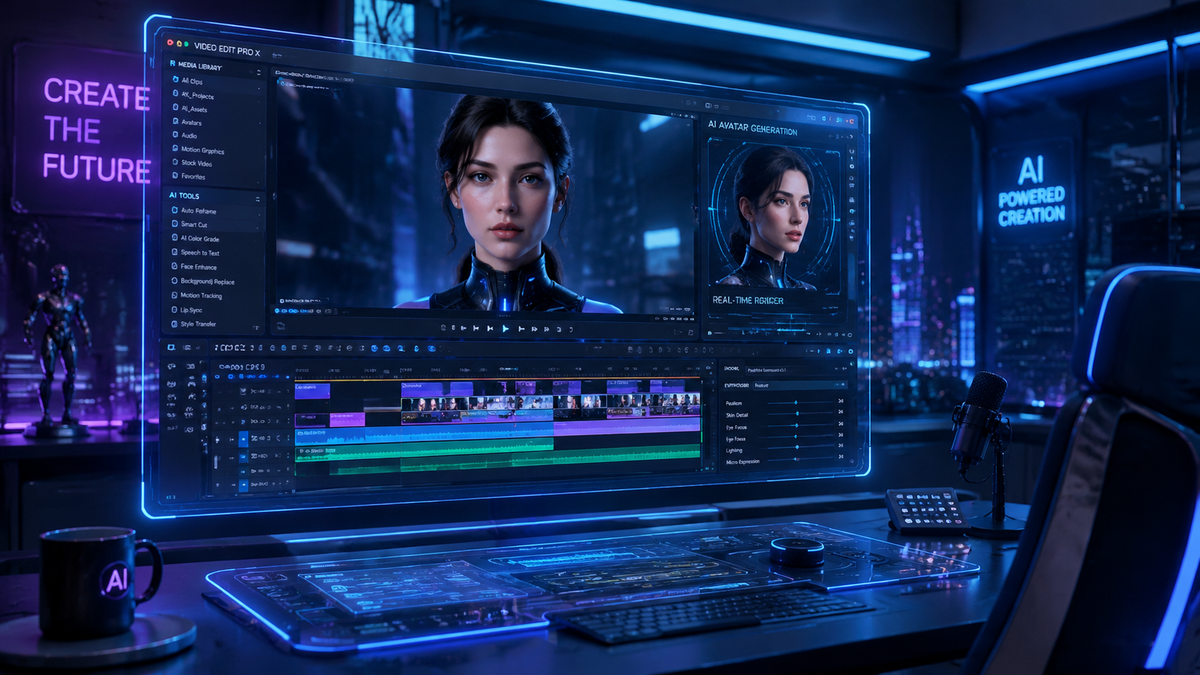
Learning how to create videos with ai in 2026 involves using advanced multimodal models like Gemini Omni and Sora to transform text prompts, voice commands, or static images into high-definition cinematic content. By leveraging generative artificial intelligence, creators can now automate scriptwriting, scene generation, and real-time editing, reducing production timelines from weeks to mere seconds. Whether you are a marketer using Google Ads' new AI video beta or a filmmaker experimenting with multimodal synthesis, the process is now more accessible than ever before.
AI video creation is the process of using generative machine learning models to synthesize moving images, sound, and transitions from digital inputs. In 2026, this is primarily achieved through multimodal "Omni" models that process text, audio, and visual data simultaneously to produce hyper-realistic video content without traditional filming equipment.
- ✓ Use Gemini Omni Flash for real-time, voice-activated video editing and rapid iteration.
- ✓ Leverage OpenAI Sora for high-fidelity text-to-video generation up to several minutes in length.
- ✓ Implement the Google Ads AI Video Beta to automatically generate high-converting marketing assets.
- ✓ Focus on "multimodal prompting" where you combine voice, text, and reference images for the best results.
Step-by-Step: How to Create Videos with AI in 2026
The landscape of content creation has shifted significantly with the release of the Gemini Omni family of models on May 19, 2026. Creating a video no longer requires complex timeline management; instead, it requires clear communication with the AI. The following steps outline the modern workflow for professional-grade AI video production.
- Define Your Concept and Toolset: Choose a platform based on your needs. For cinematic narrative content, OpenAI Sora remains a leading choice. For interactive or marketing-focused content, Google’s Gemini Omni Flash offers unprecedented speed and voice-command capabilities.
- Input Your Multimodal Prompt: Unlike older systems that only accepted text, 2026 models allow you to upload a script, record a voice description, or provide a "style reference" image. According to The Verge, Gemini Omni is designed to "create anything" by understanding these diverse inputs simultaneously.
- Refine via Real-Time Interaction: Use voice commands to edit. You can tell the AI, "Make the lighting warmer" or "Change the camera angle to a wide shot," and the model will update the video instantly.
- Upscale and Export: Once the generative process is complete, select your desired resolution (up to 8K in most pro versions) and export the file in your preferred format.
The Evolution of Multimodal AI: Gemini Omni and Sora
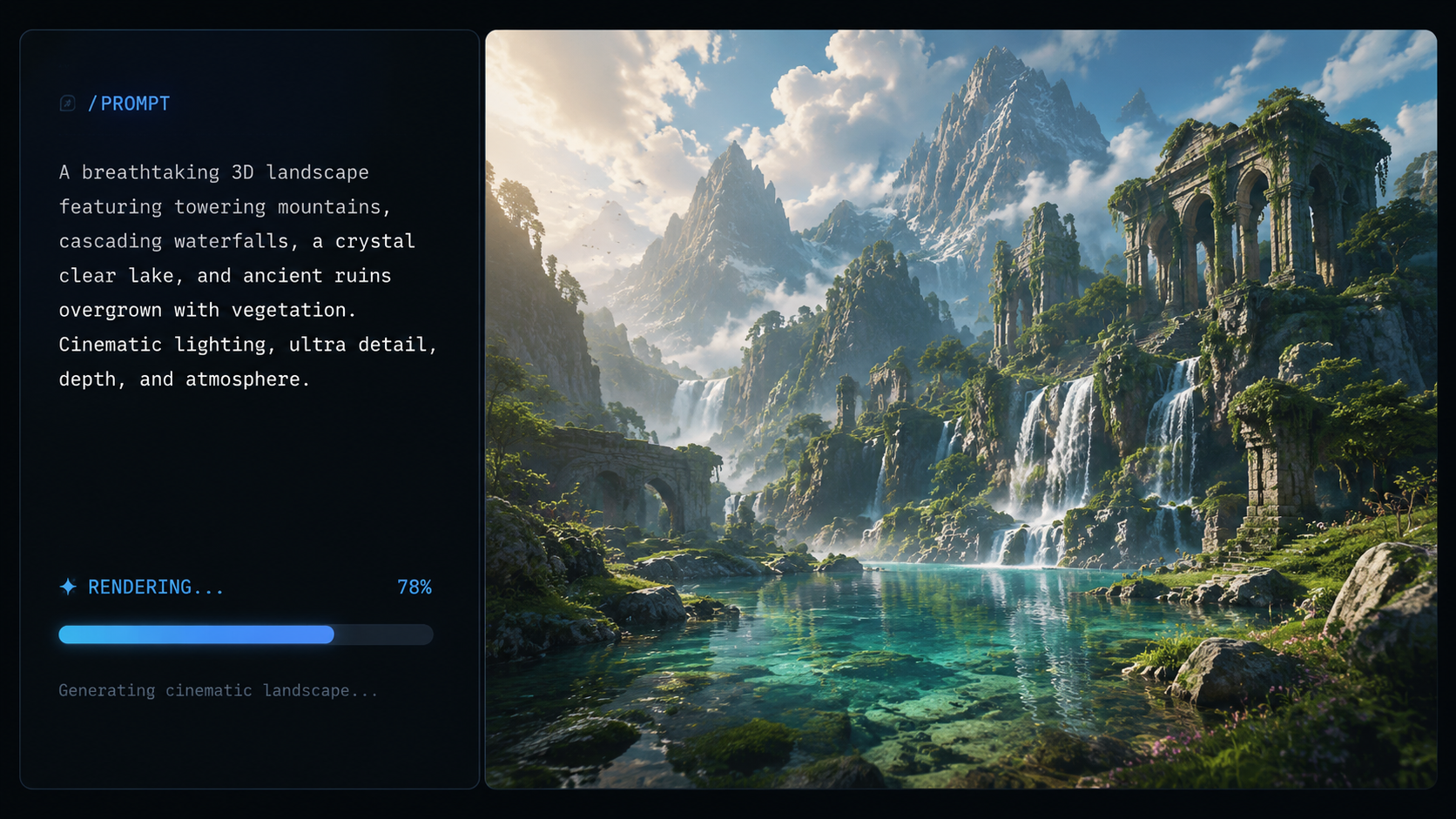
As of May 2026, the industry has moved beyond simple "text-to-video" into the era of "anything-to-video." The introduction of Gemini Omni by Google has set a new benchmark for how creators interact with technology. This new family of models is built to be natively multimodal, meaning it doesn't just "translate" text into images; it understands the physics of motion, the nuances of human emotion, and the complexities of lighting in a single unified architecture.
According to Tom's Guide, Gemini Omni Flash is particularly revolutionary because it allows users to create and edit videos using their voice in a way that "feels like the future of multimodal AI." This removes the barrier of technical software knowledge, allowing anyone with a creative vision to act as a director. Meanwhile, OpenAI Sora continues to push the boundaries of visual fidelity, providing the consistency needed for long-form storytelling that was previously impossible for AI.
The Power of Gemini Omni Flash
Gemini Omni Flash is optimized for speed and efficiency. It is the go-to tool for social media managers and "prosumers" who need to react to trends in real-time. By using a "Flash" architecture, the model can generate 60-second clips in under ten seconds. This speed allows for iterative prompting—where a creator can see a draft, give a verbal critique, and see the revised version almost immediately.
OpenAI Sora: Cinematic Excellence
While Gemini focuses on speed and integration, Sora (originally teased in early 2024 and fully matured by 2026) remains the gold standard for visual complexity. Sora excels at maintaining "temporal consistency," which means characters and environments don't "hallucinate" or change unexpectedly between frames. This makes it the preferred tool for high-end commercial work and indie filmmaking.
Comparing Top AI Video Generation Platforms (2026)
Choosing the right tool is essential for mastering how to create videos with ai. The market is currently divided between high-speed assistants and high-fidelity generators. The following table compares the leading technologies available as of mid-2026.
| Feature | Gemini Omni Flash | OpenAI Sora | Google Ads AI (Beta) |
|---|---|---|---|
| Primary Strength | Speed & Voice Interaction | Visual Fidelity & Length | Marketing Optimization |
| Max Video Length | 3 Minutes | 10+ Minutes | 30-60 Seconds |
| Input Methods | Voice, Text, Image, Video | Text, Image | Product URL, Assets |
| Ideal For | Social Media, Daily Content | Films, High-end Ads | E-commerce, Lead Gen |
AI in Advertising: The Google Ads Video Beta
For businesses, the most practical application of these technologies is found in the Google Ads Create Video With AI Beta, which launched in May 2026. This tool simplifies the production of promotional content by pulling data directly from a company's website or product feed. According to Search Engine Roundtable, this beta allows advertisers to generate multiple versions of a video ad tailored to different audience segments automatically.
The AI analyzes which visual elements perform best for specific demographics and adjusts the pacing, music, and call-to-action overlays accordingly. This level of automation ensures that even small businesses with limited budgets can compete with major brands in terms of production value. By integrating directly with the Google Ads ecosystem, the AI can also A/B test different video styles in real-time, doubling down on the versions that drive the most conversions.
Automated Storyboarding
The Google Ads AI doesn't just generate a random sequence of images. It uses a sophisticated storyboarding engine to ensure the video follows a logical marketing funnel: Hook, Value Proposition, and Call to Action. This structured approach ensures that the output is not just "pretty," but effective at driving business results.
Best Practices for Prompting AI Video Models
To truly understand how to create videos with ai, one must master the art of the multimodal prompt. In 2026, prompts are no longer just strings of adjectives; they are detailed instructions that cover cinematography, lighting, and emotional resonance. According to a guide by INQUIRER.net USA, "stunning videos" are the result of specific, layered instructions rather than vague requests.
Cinematic Prompting Techniques
When using tools like Sora or Gemini Omni, include technical camera terms. Instead of saying "a man walking," try "A low-angle tracking shot of a man walking through a neon-lit Tokyo street, 35mm lens, cinematic grain, rainy atmosphere." This gives the AI the necessary parameters to simulate a specific aesthetic. The more "contextual anchors" you provide—such as specific time periods, lighting styles (e.g., "Golden Hour"), or artistic influences—the more predictable the output becomes.
Using Voice and Audio as Inputs
With the rise of Gemini Omni Flash, your voice is now a primary brush. You can hum a melody to set the background track or describe a scene's mood using your tone of voice. The AI interprets the emotional cadence of your speech to influence the "vibe" of the video. This creates a much more intuitive connection between the creator's vision and the final product.
Ethics and Authenticity in the AI Video Era
As AI video becomes indistinguishable from reality, the importance of ethical creation has grown. In 2026, most major platforms have implemented "Content Credentials" or digital watermarks that identify a video as AI-generated. This is crucial for maintaining trust in journalism and social media. When learning how to create videos with ai, it is vital to remain transparent with your audience about the tools used in your production process.
Furthermore, the industry has shifted toward "Ethical Datasets." Models like Gemini Omni are trained on licensed content to ensure that human artists and creators are compensated for their influence on the AI's learning process. As a creator, choosing platforms that prioritize these ethical standards helps sustain the creative ecosystem for the long term.
Frequently Asked Questions
What is the best AI tool for video creation in 2026?
The "best" tool depends on your goals: Gemini Omni Flash is superior for rapid, voice-controlled editing, while OpenAI Sora is the leader for high-fidelity, cinematic long-form content. For advertisers, the Google Ads AI Video Beta is the most effective for conversion-driven assets.
Can I create full-length movies with AI?
Yes, by 2026, models like Sora have evolved to support much longer durations and consistent character modeling. While you still need to generate scenes individually or in chapters, the "stitching" and narrative flow are now managed by AI orchestrators that maintain story continuity.
Is AI-generated video legal for commercial use?
Generally, yes, provided you use professional platforms that offer commercial licensing. Tools like Gemini Omni and Sora incorporate rights-cleared training data, but you should always check the specific terms of service for the model you are using to ensure you own the final output.
Do I need a powerful computer to run these AI models?
No, most 2026 AI video tools are cloud-based. The heavy processing is handled on servers owned by Google or OpenAI, meaning you can create high-definition 8K videos from a standard laptop or even a mobile device with a stable internet connection.
How do I make my AI videos look more realistic?
To achieve realism, use specific "multimodal" prompts that include details about lens type (e.g., "f/1.8 aperture"), lighting conditions, and physical textures. Providing a high-quality reference image alongside your text prompt also helps the AI understand the exact aesthetic you desire.



Comments ()